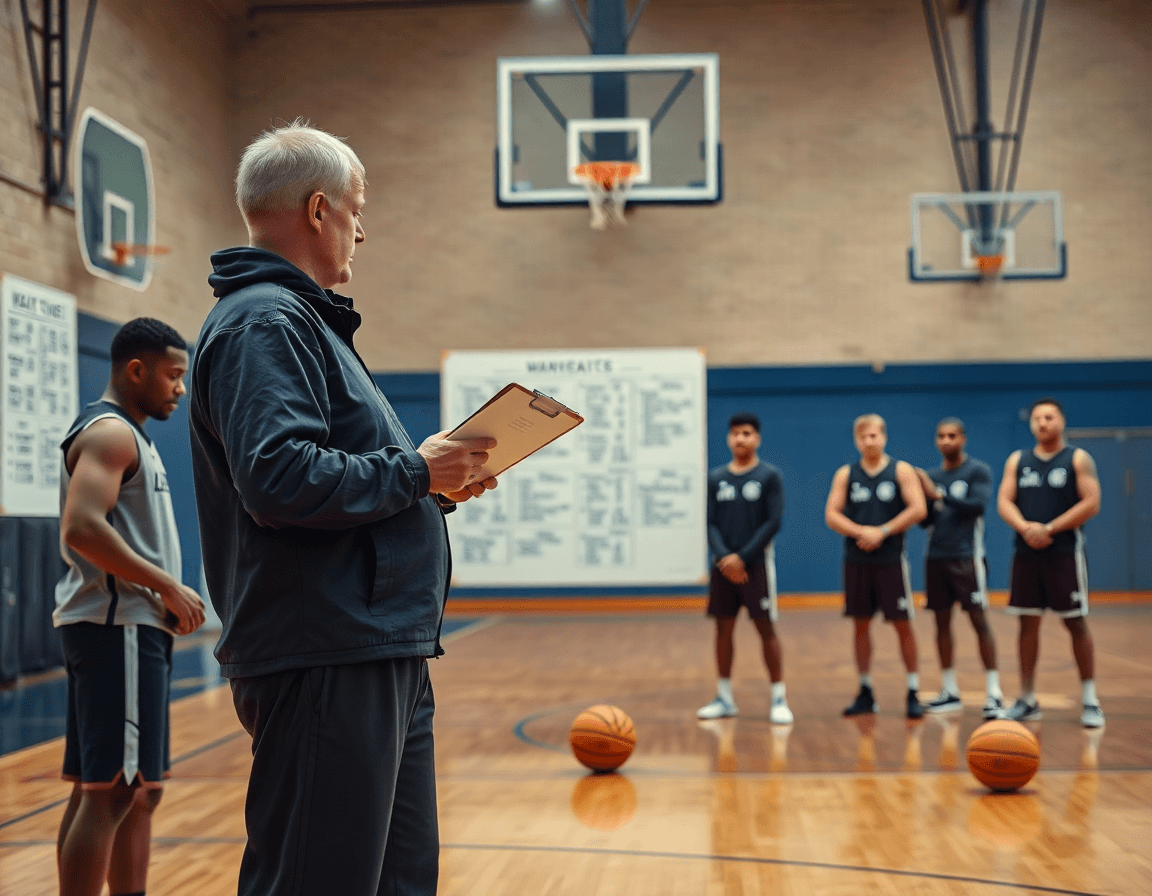
Best Basketball Drills App for Coaches
Looking for the best basketball drills app? Learn a coach-focused workflow to plan weekly sessions, curate a drills library, and organize video playbooks.

Key takeaways
- Plan the Week with a weekly plan and time-structured sessions to give every practice a purpose.
- Block practice times and assemble drills from the drills library into each session for balance.
- Attach video tutorials to drills and build a concise video playlist to guide on-court flow.
- Link plays to weekly plan and export an exportable workbook for assistants and staff.
- Capture scouting notes and coaching cues within the plan, so everyone reviews the same language.
Plan the Week in One Structured Schedule
To start the week, define your goals: offense, defense, and conditioning. Make sure these goals line up with your schedule so every practice has a purpose. Your aim is a clean weekly plan that keeps the work flowing. Use time-structured training plans to sequence sessions from Monday through Saturday, so you know what comes first and what comes next.
Block practice times and drag drills from the drills library into each session. Organize drills by category—shooting drills, ball handling drills, defense drills—so you can quickly assemble a balanced menu. For each drill, you can attach a video tutorials to show the exact setup and technique.
Map your plays and transition sequences to the week-long plan, linking them to the relevant sessions. Build out a concise playbook within the plan and drop in a short video playlist that demonstrates the action. This keeps on-court concepts aligned with your session goals.
When it’s time to share, export the plan as a exportable workbook you can hand to assistants or staff. You can also attach ongoing scouting notes to the weekly plan, so anyone reviewing knows what to anticipate from the opponent.
From a coaching workflow perspective, this approach lets you build the week around structured blocks, enrich practice blocks with a linked library of drills, and keep video resources and scouting intel in one place. The result is a coherent routine that supports planning, play development, and game prep across the week.
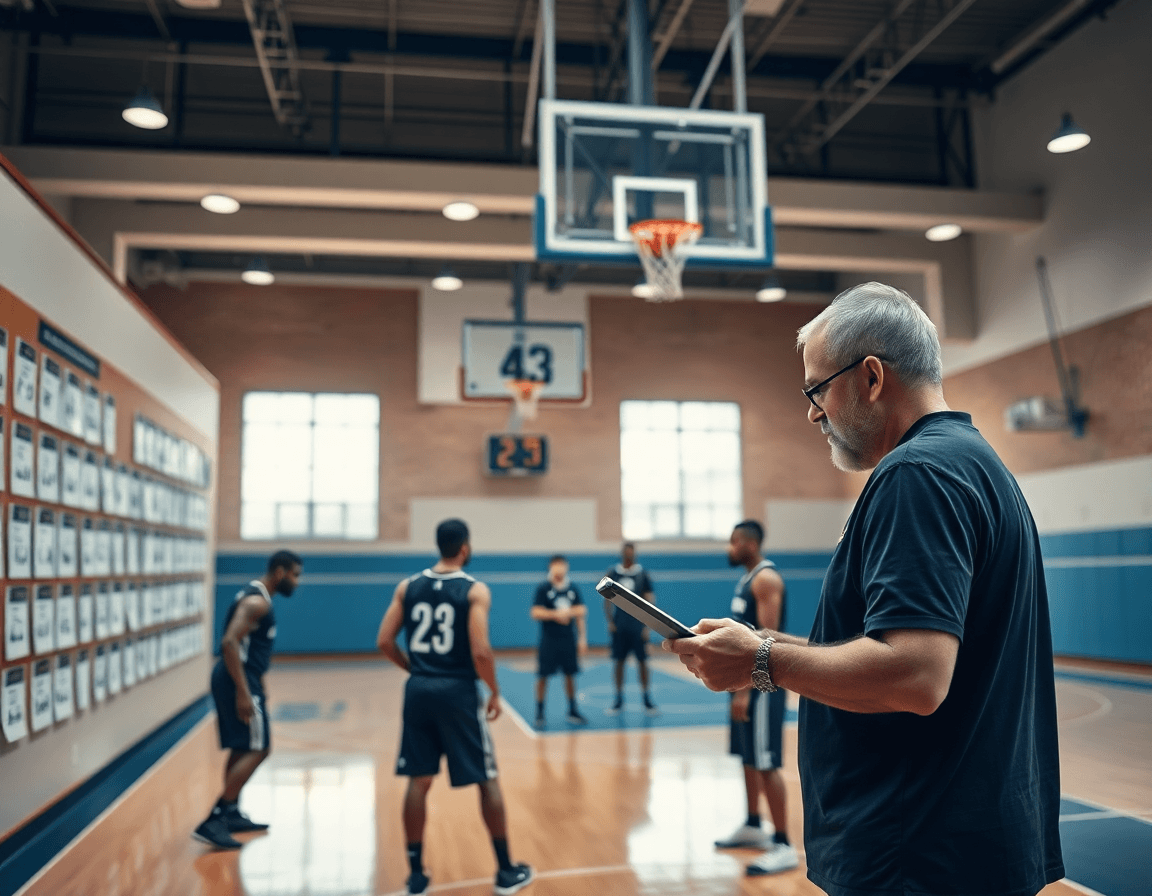
Curate a Drills Library That Fits Your System
Your drills library should mirror your system. In CourtSensei, you can create skill-based categories—shooting, ball-handling, finishing, defense—and build a library that grows with your program. Each drill links to a clear drill demonstration video, so a young guard sees the exact footwork and spacing. This central resource supports your weekly workouts and keeps practice from drifting. drills library, drill demonstrations
Add progression levels and variant drills for different lineups. Start with basic progressions and advance to situational variants—like a ball-screen sequence for a two-guard lineup or a wing-cut option for a bigger group. This keeps players at the right challenge and helps you map out a complete ladder of drills within the library. Use notes to tag the intended coaching cues for each step. progression levels, variant drills
Link each drill to your weekly plan for quick access during practice. When you pull up the plan, you’ll see the exact drill you need next, with the associated video playlist ready to play. The ability to assemble video playlists from your library lets you pace the session and move smoothly from warm-up shooting to team defense without hunting for clips. weekly plan, video playlists
Use the library to standardize teaching points across sessions. A consistent set of cues and demonstrations reduces confusion and helps every coach deliver the same fundamentals. Rely on drill demonstrations and the accompanying coaching points to ensure your team hears the same language week to week. drill demonstrations
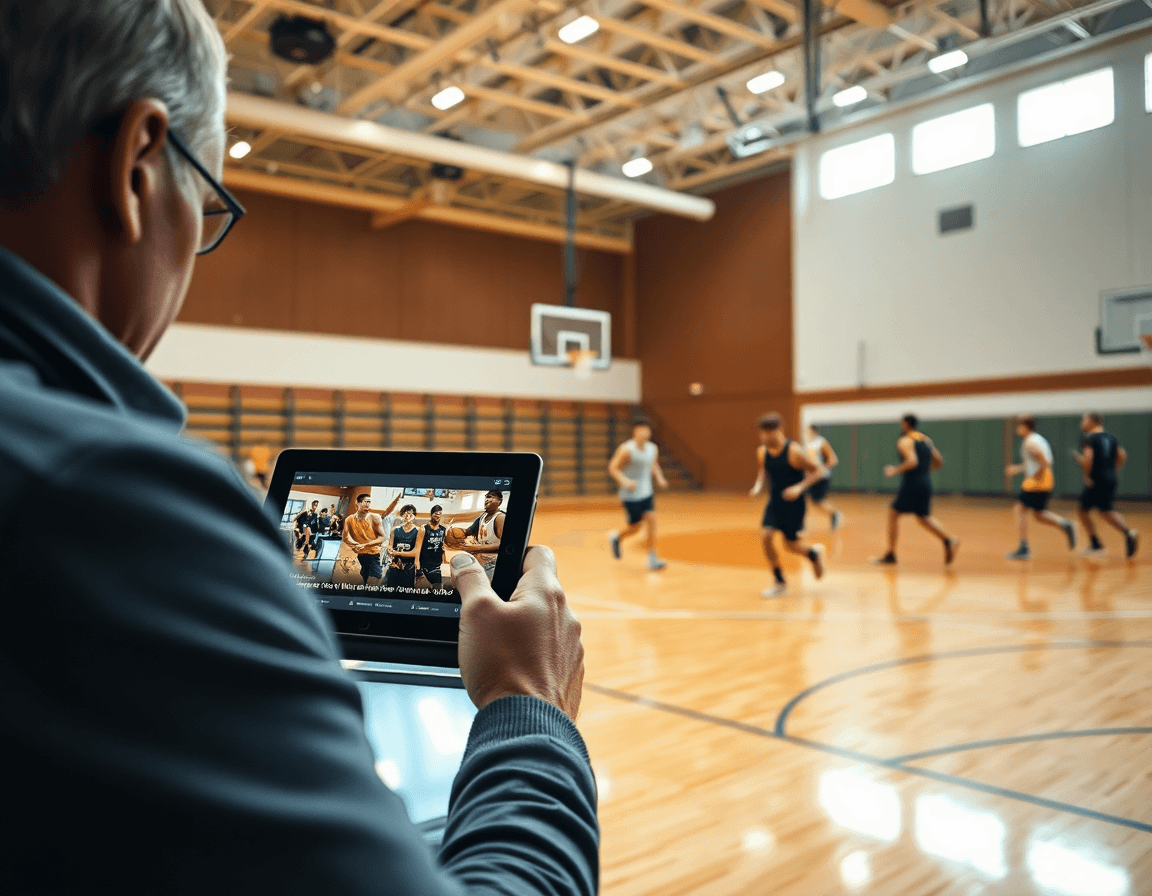
Build Playlists and Clips for Quick Sessions
Think of the best basketball drills app as a way to map your weekly sessions into repeatable blocks. You build playlists for warm-ups, skill blocks, and transition drills, then pull from a curated drills library of demonstrations. With CourtSensei, your plan becomes a living workflow: a set of ready-to-run playlists that keep every practice aligned with your weekly workouts and teaching priorities.
Capture the moment: upload video clips, trim to the teaching essentials, and organize into topic-based playlists spanning shooting drills, ball handling, and defense drills. This creates a compact catalog of drill demonstrations you can show on the board or in quick clips during practice. When you need a quick refresher, lean on the built-in video tutorials to reinforce the exact technique shown in each clip.
Share read-only links with staff or intern coaches to review the session flow without altering your setup. Attach scouting notes or game prep references, and keep everyone on the same page before you step onto the court. The result is a streamlined workflow where you assemble the blocks in your coaching workspace, and others study the clips and demonstrations at their own pace.
During your weekly workouts, you can cycle through warm-ups, a ball-handling block, a shooting session, and a defensive shell—each as a playlist you can reuse every week. That makes sessions fast to set up and consistent for players, with a reliable path from drill demonstrations to in-game execution. The outcome is fewer decisions mid-practice and more time coaching fundamentals.
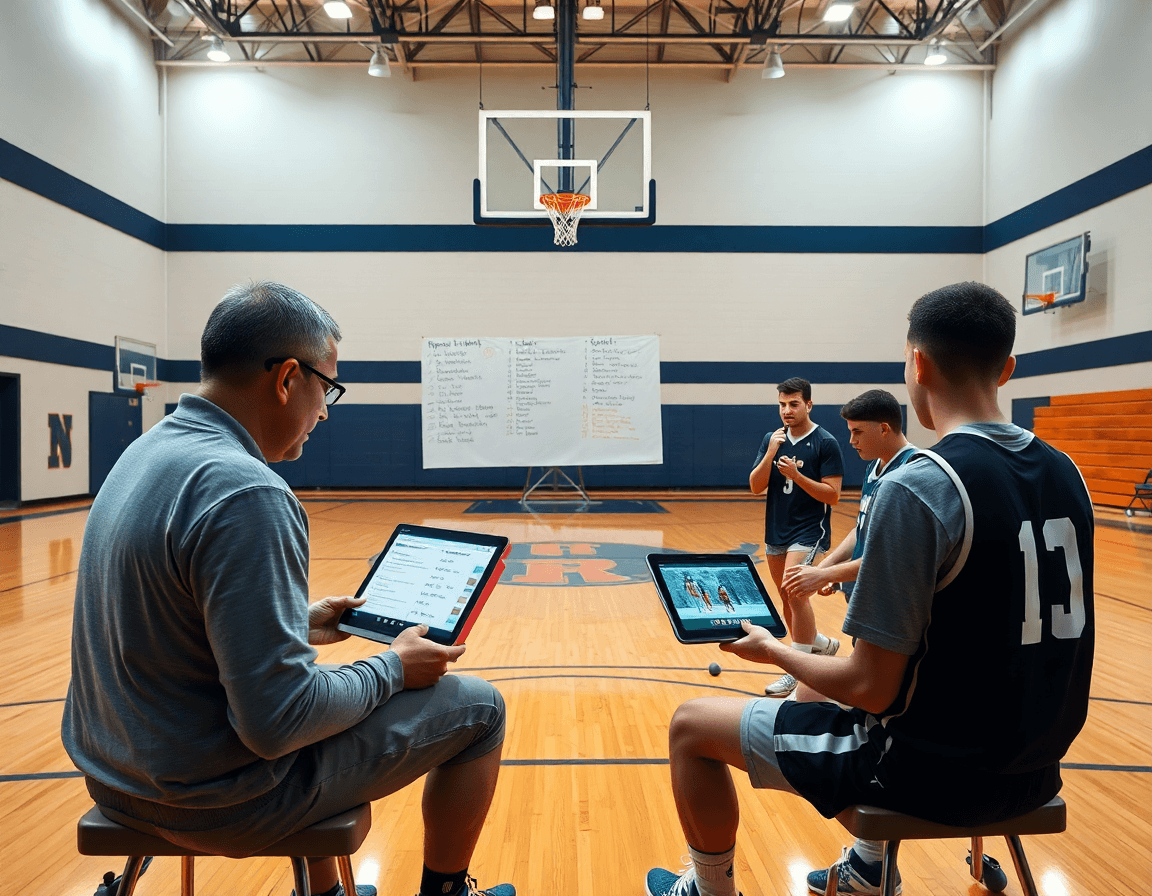
Video as a Teaching Tool (Manual, No AI)
Video is a core teaching tool in your weekly coaching routine. As part of the best basketball drills app, you can curate clear video tutorials and crisp drill demonstrations that line up with each block of your weekly workouts. This keeps teaching points consistent from one practice to the next and makes it easier to track progress across the team.
Use manual video uploads and clip cutting to spotlight technique. When a player works on a shooting drill, you can drop in a clip, trim to the exact footwork sequence, and label it with a quick timestamp. These clips live in your drills library and pair with the progression you’ve planned for the week, so you always have a visual reference for the exact technique you want emphasized.
Pair clips with your notes and coaching cues. Attach concise reminders—think “hips square,” “feet under shoulders,” or “pace off the catch”—so when you revisit the clip, the instruction is front and center. Your notes amplify the video, turning a demonstration into a teachable moment that sits alongside each drill in your weekly plan.
Organize and share clips to reinforce teaching points. Build playlists for shooting, ball handling, or defense and share them as read-only links to your coaching staff or assistants. This keeps everyone on the same page and helps you reinforce concepts during film review or pre-practice huddles.
Rely on your observations and notes rather than automated feedback. This human-centered approach grounds your teaching in real-time context, letting the video support your eye, not replace it.
Scouting and Opponent Prep in Your Coaching Workspace
Your weekly plan starts in the CourtSensei coaching workspace: you can create scouting reports and game-prep notes within the same space you assemble weekly sessions, build out your drills library, and curate video tutorials. This keeps your planning flow intact—from initial scouting to on-court decisions—without bouncing between tools. Outline objectives, pick drills for the week, and attach relevant clips to support your game plan.
Record opponent tendencies and map them to practice adjustments. As you study an upcoming opponent, log their tendencies in a dedicated scouting section and translate each trend into a concrete practice adjustment. If they pressure the ball on the perimeter or overload the strong side in transition, tie that finding to targeted work in your weekly workouts—defense drills, ball handling drills, shooting drills—so players see the connection between film and on-court decisions.
Attach scouting observations to relevant drills and playbooks. This ensures the why travels with the action, so the coaching staff can reference notes when running a drill or drawing up a sequence. When you pull a drill for a particular matchup, linked notes provide context for assistants and players, keeping a consistent thread from film to practice.
Keep everything searchable for game-day prep. A unified search lets you locate notes, drills, and video clips in seconds, then assemble a focused game plan on the fly. Attach observations to clips or to a short video playlist that mirrors the opponent’s patterns, so you’re ready to start the week with a clear, practical plan.
Practical Weekly Workflow Checklist
Monday: you finalize weekly goals and update your drills library with new or refreshed drills. When you consider the best basketball drills app, this step anchors your plan to a living catalog of shooting, ball handling, and defense drills. This becomes a practical checklist for X in week training that underpins your weekly coaching workflow, with the drills library fueling your decisions.
Tuesday: assemble a plan for practice blocks and add it to playlists. Map warm-ups, skill blocks, and competitive reps into a logical sequence, then attach them to playlists for quick access during drills. This creates cohesive practice plans you can carry into scrimmages and game weeks, and it supports your weekly workouts.
Wednesday: film a practice clip and tag key teaching points. Upload the clip, trim to moments that illustrate technique, and label teaching cues—footwork, balance, ball security. Short clips and their video tutorials live in your video playlists and give you a ready reference for players and staff.
Thursday: review opponent scouting and map adjustments to drills. Pull scouting notes into a tight plan, then map adjustments to drills, routes, and situational reps. Keeping this linkage in your coaching workspace helps you turn insights into actionable practice blocks that feed your weekly rhythm.
Friday: finalize playbooks and share with staff; prep for game weekend. Lock in day-by-day plays, finalize rotations, and push read-only links to the staff so everyone is aligned. A clean end to the week means you’re ready for game weekend and the next round of sessions.
FAQ
What makes a great basketball drills app for coaches?
For coaches, the right app supports weekly planning and a solid drills library. CourtSensei shines with time-structured training plans and a centralized drills library. It also offers video playlists and scouting notes. Note: CourtSensei doesn't offer AI coaching or automated analytics.
Does CourtSensei offer a drill library and weekly workouts?
Yes. CourtSensei lets you build a drills library organized by category and map drills to a weekly plan, with linked video tutorials.
Can I create custom drills or challenges?
Yes. Create custom drills within your drills library, add progression levels and variant drills, and attach coaching cues.
Do you provide video demonstrations of drills?
Yes. Expect clear video tutorials and drill demonstrations that align with your weekly blocks.
Can I export plans or share them with staff?
Yes. Export the weekly plan as an exportable workbook and share via read-only links. You can also attach scouting notes for game prep.
Is CourtSensei suitable for youth programs?
Yes. The platform supports youth programs and school teams, helping coaches structure weeks and teach fundamentals consistently.
