Basketball coaching app: streamline planning, video, and scouting
Learn how a basketball coaching app can connect practice planning, play design, manual video clips, scouting and shareable player-ready resources.

Key takeaways
- A basketball coaching app should support the decisions you make each week, not add another layer of administration.
- Timed practice plans and a reusable drill library make session priorities visible.
- Drawing, animation, playbooks, and PDF export help turn tactical ideas into teachable references.
- Manual clips and focused playlists keep video review connected to a specific coaching point.
- Scouting and game-prep material becomes more actionable when it links to the relevant plays, drills, and clips.
What should a basketball coaching app help you do?
A useful basketball coaching app creates a clear path from observation to action. You notice a problem in a game, define the adjustment, teach it through a diagram or drill, and reinforce it with video. When each step lives in a separate file or service, preparation becomes a search exercise. When the resources can be connected, the reason behind each item remains clear.
Start by identifying the work you repeat every week. Most programs need some combination of practice planning, play design, video review, and opponent preparation. A youth coach may prioritize simple plans and clear diagrams, while a competitive program may spend more time connecting film and scouting to practice.
Plan practices around time and purpose
Good practice planning begins with constraints. How much court time do you have? Which concepts matter most this week? How much teaching can the group absorb before it needs competitive repetition?
Create timed blocks with concise objectives. A plan may move from warm-up and skill preparation into concept teaching, guided competition, live play, and review. Each segment should answer two questions: why is this in today’s practice, and how long should it take?
A drill library makes recurring work easier to reuse. Instead of rewriting the same drill, select it for the current plan and adjust the duration to fit the session. Reuse should save setup time while still leaving room to change the emphasis or coaching points from week to week.
CourtSensei combines timed sessions and reusable drills in its basketball practice planner. When testing any planner, build a complete session and see whether you can understand it at a glance. A crowded plan that is difficult to follow in the gym is not improved merely because it is digital.
Turn tactical ideas into a teachable sequence
Play design is most effective when it communicates more than the final shape. Begin with alignment, then show the order of movements and the decisions available at each stage. Animation can clarify when a screen arrives, when a cut begins, and how the next option develops.
Organize finished plays into playbooks that reflect the way you retrieve them. Categories may be based on game situation, action family, or phase of play. A PDF export provides a stable version for printing, presenting, or keeping as a reference outside the editor.
You can try the basic workflow with the free basketball play designer. It is a practical way to judge whether digital diagramming fits your process before building a larger playbook.
Make video review shorter and more specific
Video becomes useful when it supports a decision. Rather than starting with a long film session, decide what the review should teach. Then manually trim the possessions that best illustrate that point.
A good clip preserves enough of the setup to understand the situation and ends after the consequence is clear. It does not need every second before or after the action. Descriptive names also help you recognize the material later without replaying every file.
Combine related clips into a playlist with one purpose. For example, a playlist might show three versions of an opponent’s ball-screen entry or several examples of your team’s weak-side spacing. Keeping the selection focused makes it easier to move from review to a concrete practice objective.
CourtSensei provides manual video clipping, playlists, and read-only share links. The read-only format lets someone view the selected material without changing it. Its basketball video analysis software page describes the workflow in more detail.
Build scouting material that leads to preparation
A scouting report should help the team prepare for likely decisions, not simply record everything an opponent has done. Start with the tendencies that affect your plan: preferred actions, common entries, important personnel habits, transition patterns, or late-clock choices.
Then identify the response you want to teach. A tendency may call for a diagrammed coverage, a specific drill, a short video playlist, or a reminder in the game-prep material. Linking the scouting point to those resources turns information into an organized preparation path.
The basketball scouting report software page shows how CourtSensei brings scouting and game prep into the same resource network as practices, plays, and clips. The connection is the important part: every linked item should help explain or rehearse the plan.
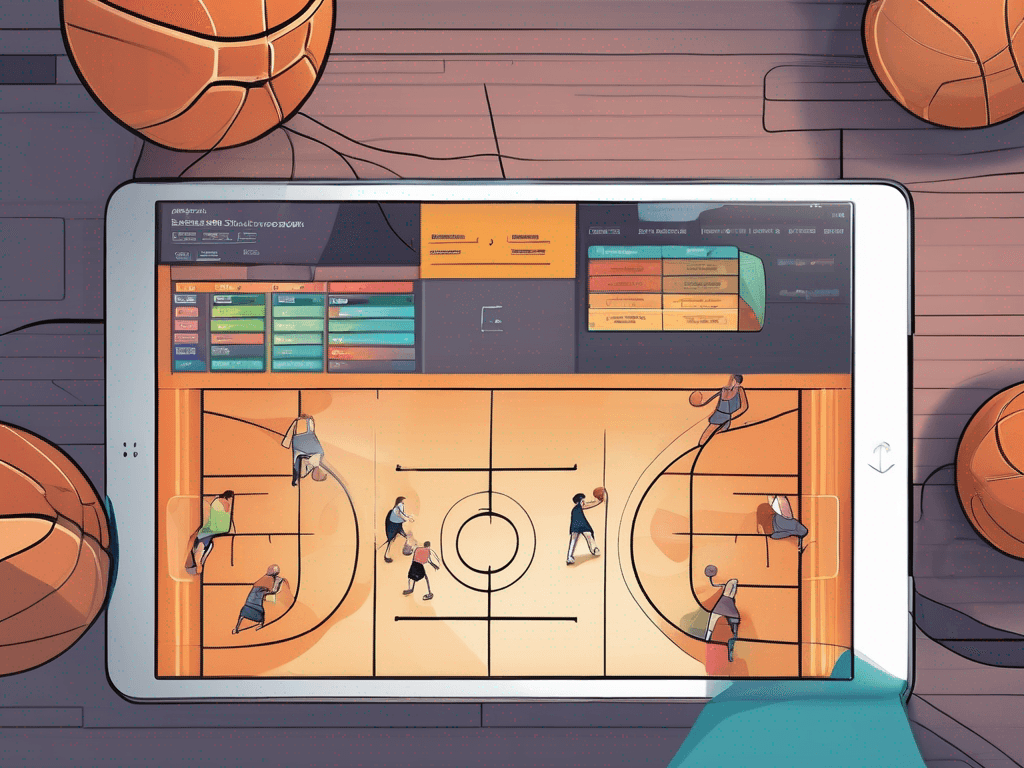
A simple weekly app workflow
You can test a connected workflow with one upcoming game:
- Create the scouting or game-prep material and identify two priorities.
- Draw and animate any response that needs a visual explanation.
- Save the action in the relevant playbook.
- Add timed practice segments and drills for those priorities.
- Manually trim a few supporting video clips and build one focused playlist.
- Link the resources where the connection adds context.
- After the game, keep what remains reusable and revise what changed.
This is deliberately small. A platform should prove its value on one real coaching problem before you move an entire library into it.
How to compare basketball coaching apps
Use realistic tasks during a trial. Marketing pages can describe a long feature list, but the daily experience depends on speed, clarity, and retrieval. Check whether you can create a complete practice without excessive setup, understand an animation without extra explanation, find a play quickly, and turn raw video into a short playlist.
Also inspect the outputs. Is the exported playbook PDF easy to read? Does a shared video link open in a view-only format? Do linked resources retain enough context to make sense a month later? These details affect whether the app becomes part of the weekly routine.
Finally, compare the cost with the parts you expect to use. The current CourtSensei pricing provides a direct reference after you have tested the relevant workflow.
FAQ
What is a basketball coaching app?
It is software for organizing parts of coaching preparation such as practice plans, drills, play diagrams, playbooks, video clips, scouting, and game prep. Capabilities vary, so evaluate the actual workflow rather than assuming every app includes the same functions.
Can you use an app for both practices and games?
Yes, when the preparation is connected. A practice plan can rehearse a play or scouting response, while a clip can illustrate the same situation. The app organizes the resources; the coach decides how they should influence the session and game plan.
How should you organize game film?
Keep original video available, but create short manual clips for teaching. Name clips clearly and place related examples into a focused playlist. Link them to scouting or practice material only when the connection makes the next action easier to understand.
What is the benefit of animated plays?
Animation shows order and timing more clearly than a single static diagram. It can reveal how one movement triggers the next while a PDF provides a stable reference for the complete playbook.
What should you test before choosing an app?
Build one timed practice, reuse a drill, animate a play, export a playbook PDF, trim a clip, create a playlist, and prepare one scouting item. If those tasks feel clear and the results are easy to retrieve, the app is more likely to support your weekly routine.
