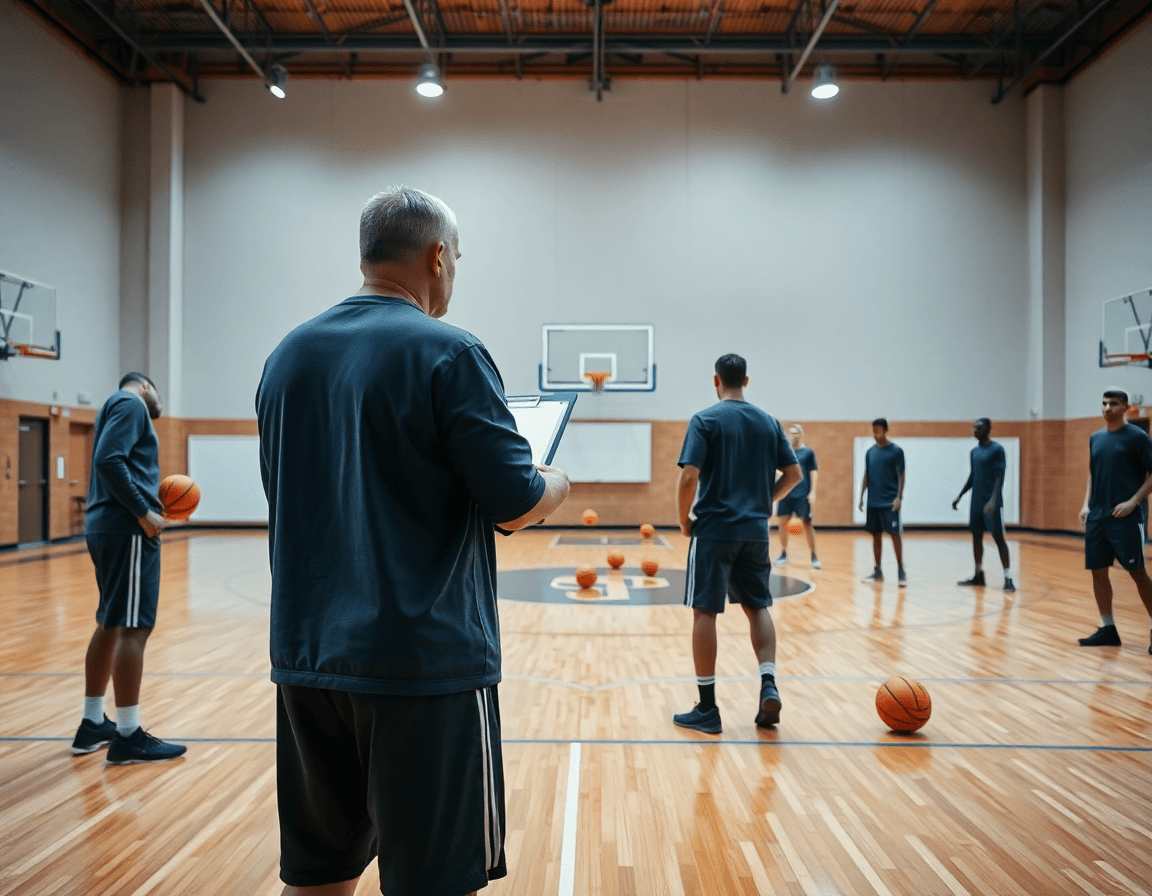
Free basketball practice plan template for weekly coaching
Free basketball practice plan template: learn how to structure your coaching with planning, video clips, scouting reports, and shareable resources for players.

Key takeaways
- Use a free basketball practice plan template as your weekly backbone to ensure consistent structure.
- Keep core blocks visible and repeatable: warm-up, skill, team concepts, scrimmage every week.
- Editable templates (Word/Google) and exportable PDFs save time and improve staff sharing.
- Scale from youth to college by adjusting minutes, complexity, and context without changing rhythm.
- Attach clips and diagrams to the plan for quick reviews and stronger on-floor implementation.
What a free basketball practice plan template includes for coaches
As a head coach, starting with a free basketball practice plan template gives you a reliable baseline for the week. A solid template outlines the core blocks you run every time: warm-up, skill blocks, drills, transitions, and scrimmage time. When you walk into the gym, you can trust the structure, and your assistants can follow along without chasing notes.
Beyond structure, a good template saves time during weekly planning. You can duplicate it for multiple days or groups, keep the same rhythm, and adjust only the pieces that matter for that roster. That consistency helps players set expectations and makes practice feel repeatable across our program.
It should be editable for your team level. A Word or Google Docs version that can be saved as a PDF lets you customize drills and timings and still share a clean, printable plan with staff and players. The same template scales from youth leagues through high school and into college.
As you grow, you can migrate this template into a weekly workflow using planning features, a tactical whiteboard for diagramming plays (BLOB/SLOB/ATO/PnR), and brief video clips to illustrate setups. The plan can export as a PDF, and you can share playlists for players to review on their own screens. This approach keeps your weekly planning tight and easy to onboard for new assistants.

Choosing the right level: youth, high school, and college templates
Templates exist for different age groups and competition levels. For youth teams, the plan centers on fundamentals, short blocks, and multiple skill stations. High school squads gain more structure—more reps, more read-and-react concepts, and a clear weekly arc. College programs lean into game context: scouting notes, play diagrams, and tighter rotations. If you start with a free basketball practice plan and migrate it into a weekly workflow, you’ll see how the level shifts without losing the core rhythm.
In planning for the week, pay attention to spacing and how you present drills. For younger players, keep spacing generous and the drills simple so attention stays on the ball. In high school, you can stack more information into diagrams and keep your plan concise with clear bullets. In college, rely on detailed play diagrams and action labels to move quickly through reps. These choices shape how you run the plan on the floor, on the tactical whiteboard, and in the quick video reviews that follow.
How you adapt a template as your team moves from youth to varsity is where the real value shows. Start with a free basketball practice plan, then evolve to a youth-to-varsity flow by expanding minutes, increasing complexity, and layering in context. As you reach varsity, bring in scouting notes and play diagrams on the whiteboard, and build a short video playlist to reinforce concepts. The weekly cycle—planning, diagramming, reviewing clips—stays the same; the content simply scales to suit your team.
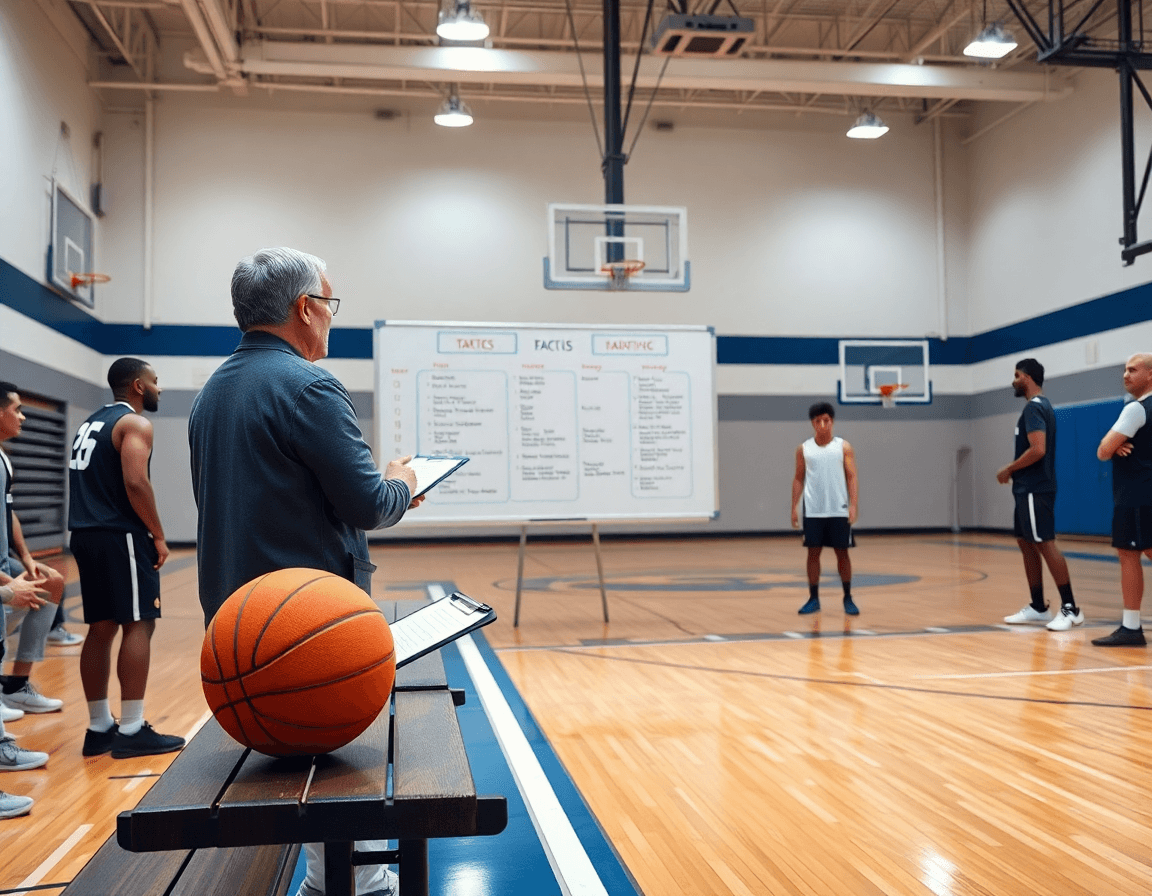
Practical workflow step: turn a template into a complete weekly plan
Start with the bold idea that you can turn a simple plan into a steady weekly routine. The free basketball practice plan template is your backbone, and in CourtSensei you import that template into your planning view, map drills to days, assign time blocks, and tag components so you can build a robust weekly planning checklist. The goal is a repeatable workflow that your assistants and players can follow without guesswork.
Step one is translating that template into a real week. Copy the template, drag drills from your library into each day, and mark them under blocks like Warm-up, Skill, and Team Concepts. This creates a clear path and a concrete checklist for weekly training, helping you answer how to plan a week of practice with precision.
Then convert that plan into a sharable workflow. In the plan view, draft a 60-minute session with a 15-minute warm-up, a 25-minute skill block, and a 15-minute team concepts window. Attach the relevant notes and clips so you can export a PDF basketball practice plan for staff and players. If you want digital access, generate a free basketball practice plan link that your team can open anywhere.
On the tactical whiteboard, diagram BLOB/SLOB/ATO/PnR right alongside your drill map. That keeps plays clear during the team concepts block and makes exporting PDFs simple for assistants. Add your scouting notes and build a small set of shareable playlists for players—clips tied to the plan so they can study the concepts at home. All of this stays in one platform, from planning to playback.
Example: a 60-minute plan with 15-min warm-up, 25-min skill block, and 15-min team concepts.
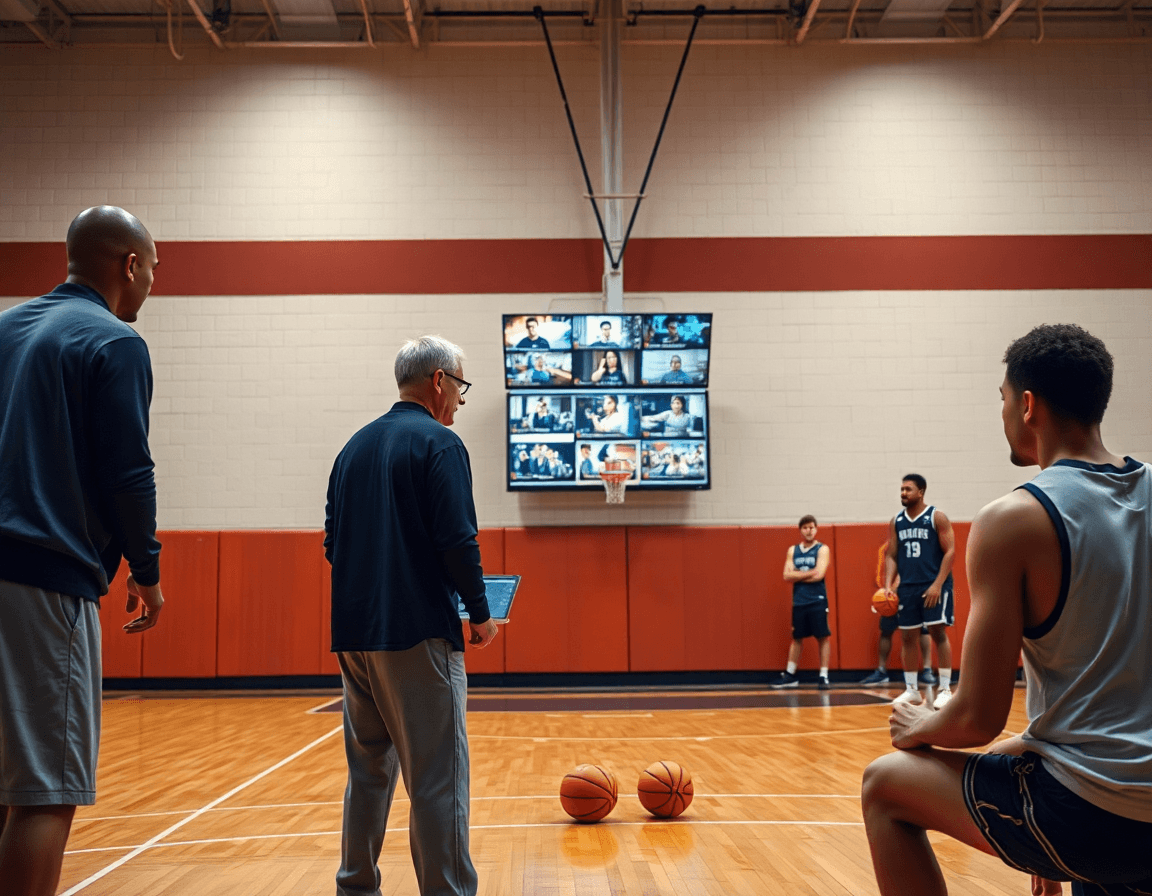
Diagrams and tactics: translating the plan on the whiteboard
Turning plays into on-board diagrams is where theory meets practice. In the weekly workflow, I translate each set into clear BLOB/SLOB/ATO/PnR diagrams on the whiteboard. The ball handler’s entry, the cutter’s trail, and the big’s screen are drawn with solid arrows, spacing with dotted lines, and color-coded bubbles for every role. This isn’t art class—it’s a working map coaches and assistants can execute in drills and in the huddle. The board becomes the focal point for tactical diagrams for plays, letting the staff see timing, options, and the read—before a single drill begins.
Annotations matter. I label actions, responsibilities, and read-and-react options right on the diagram: who calls the screen, who slides into help, and what the read looks like if the defense overhelps. By adding tiny notes and decision trees, we reduce interpretation errors during practice. Players glance at the board and instantly know not just what to do, but why—how the read-and-react choices fit into our weekly plan and how to adjust if a defender changes coverage. Even when you’re starting with a free basketball practice plan template, these visuals keep the plan actionable.
Export the board as PDF for sharing with staff and players. The PnR diagram export is clean and printable, ideal for prepractice handouts and post-practice critiques. With a single click, your tactical whiteboard turns into a PDF basketball practice plan that travels with the team—whether in a document folder, a shared drive, or a chat thread. This keeps the weekly plan cohesive from planning to performance, bridging the plan, board, and video.
Video workflow: clip, organize, and share with players
In a typical week, I start with clipping game film to highlight teaching points. A quick trim pulls out a defensive breakdown, a spacing issue in a drive-and-kick, or a decisive transition moment. Clipped moments become teaching seeds—easily referenced when I’m layering the plan for the week. I label each clip by concept (for example, BLOB, SLOB, ATO, PnR) and drop them into the library of video clips for basketball practice. The goal is to turn raw footage into concrete visuals that line up with our weekly objectives.
Next, I organize clips into playlists linked to drills or concepts. A “transition defense” playlist lines up with our fast-break defense drill; an “ATO sets” playlist ties directly to the diagrammed plays on the whiteboard. These playlists act like a mapped syllabus for the week, so when I’m on the plan, I can reference a specific clip to illustrate a point during the drill sequence. The workflow here is seamless: clip, tag, and slot into a playlist that mirrors the practice plan and the on-court work.
Finally, I distribute clips via shareable links for players and assistants. A quick send lets teammates pull up the exact moment, watch it, and then jump to the linked drill or concept in the PDFs or the play concepts on the board. This simple distribution—shareable video links that accompany our weekly plan—keeps everyone aligned: players see the exact teaching point, coaches stay synced, and the whole group moves through the same learning arc.
Scouting-driven planning: using opponent data to shape weekly practice
As a head coach, I shape the week around scouting reports from the last game and video of the next opponent. With CourtSensei, I keep this data in one place and rely on a free basketball practice plan template to lock in what matters. The trick is turning opponent tendencies into drills my staff can execute: where they pressure, how they guard ball screens, and what they concede in late clock. I drop concise scouting notes into the plan and on the tactical whiteboard, so assistants see the rationale immediately. I export a PDF to share with the staff and to archive in the video library. I keep everything clean and accessible.
From there, I tailor practice blocks to exploit weaknesses and cover threats we’ve identified. If they struggle with switching on ball screens, we add spacing and decision drills at game tempo. If their perimeter defense cheats toward the drive, we script reads and passes that force movement and quick decision-making on the whiteboard. I keep the video clips short, tagging the exact sequences we want players to study. The result is a sharper, more confident group by midweek.
Throughout the week I weave scouting insights into the weekly plan and the film review. In the plan, I link each block to a scouting note; on the whiteboard, I diagram counter-plays; in the video clips I cut and tag sequences that illustrate the tendencies we’re targeting. The workflow creates a clean loop: scout-informed practice, short video clips for players, and a shareable PDF for the staff. This approach keeps the team aligned for opponents and helps with preparing scouting for X in upcoming games.
If you build plans like this every week, CourtSensei keeps your drill library, whiteboard, and video clips in one place — try it free.
FAQ
What exactly is a free basketball practice plan template and why should I use one?
Think of it as your weekly backbone. A free basketball practice plan template gives you a ready-made outline—warm-up, skill blocks, drills, transitions, and scrimmage time—so you’re not reinventing the wheel every day. It keeps your staff aligned, helps players predict the flow, and supports consistency across practices. You can copy it for different groups and still tweak the pieces that matter for your roster.
Where can I download a free basketball practice plan template?
You can grab a free template from coaching blogs or download editable Word or Google Docs versions you can tailor. Save your final plan as a printable PDF so staff and players get a clean, shareable document. If you use a planning platform, you can import the template, map drills to days, and export a ready-to-print file for the gym.
What elements should be included in a basketball practice plan?
A solid plan includes a few non-negotiables: a short, dynamic warm-up to prep bodies and minds; a clear block for skill work with specific drills; transitions to keep tempo; a dedicated team concepts window for plays and spacing; and a controlled scrimmage to apply concepts. Add notes on equipment, timing, and goals. Keeping these blocks consistent helps players focus and lets you track progress week to week.
How long should a basketball practice last?
Most programs run 60 to 90 minutes, depending on age and goals. Start with a tight 60-minute framework: 10–15 minutes warm-up, 25–30 minutes skill work, and 15–20 minutes team concepts or scrimmage. The key is consistent time blocks and a clear end point. If you’re working with younger players, trim the blocks; for older teams, you can lengthen skill and game-rep time.
Are there templates specifically for U12 players?
Yes. For U12 players, look for templates that emphasize the fundamentals, short practice blocks, and multiple skill stations. Youth plans keep spacing generous and keep drills simple, so attention stays on the ball. The goal is repeatable routines that build confidence and habit. You can start with a free youth template and scale complexity as players mature.
Can I customize a basketball practice plan template?
Absolutely. Most free templates are editable in Word or Google Docs, so you can swap in your drills, adjust times, and tailor terminology for your team. After edits, export to a clean PDF to print or share. The real value is building a workflow you can repeat weekly, which scales from small youth groups to varsity programs.