
Hybrid Flex Offense PDF: Weekly Coach Plan
Coaching guide to a Hybrid Flex Offense Basketball PDF plan for weekly practices, drills, and scouting—organized entries, video clips, and playbooks and guides.

Key takeaways
- Clarify the weekly cycle: Base Flex mastery, entry variations, and option reads for consistency.
- Design time-structured days with clear daily objectives and expected outcomes for each drill in CourtSensei, objective-driven.
- Couple eight alternate entries to the base rhythm, pairing each with a progression drill.
- Capture short video clips of key sequences and attach scouting notes to guide adjustments against opponents.
- Store plans, videos, and PDFs in a centralized playbook for quick updates and consistent coaching.
Design a weekly Hybrid Flex practice plan
Start with a Hybrid Flex offense PDF as your baseline and convert it into a repeatable weekly workflow inside CourtSensei. The aim is a 5- to 6-day cycle that centers on base pattern mastery, entry variations, and option reads. In your coaching space, design a time-structured training plan that clearly states daily objectives and expected outcomes for each drill, then keep everything in one centralized place for quick updates.
Day 1 focuses on concept introduction: spacing, timing, and the rhythm of the base flex pattern. Use two foundational drills to lock in the read and footwork. Outcomes: players recognize the screens, cuts, and spacing and hold the pattern under tempo.
Day 2–3 move into progression and alternate entries. Add variations (entry reads, handoffs, or screening angles) and drill the adjustments. Include a flex options segment to practice reads that trigger the give-and-go or a quick flare. Outcomes: players execute the base with at least one credible entry variation and show readiness to adjust on defense.
Day 4–5 bring option reads under live reps. Simulate defenses that force different reads, then move to a controlled scrimmage to test decision-making. Capture a short video clip of the key sequence and assemble a playlist. Attach scouting notes for the upcoming opponent to guide adjustments.
Day 6 wraps with review and refinements. Store the plan, plays, video clips, and scouting notes in the personal coaching workspace for quick reference. When ready, export the weekly plan as a PDF or share read-only links for assistants. If you’re studying the hybrid flex offense literature, you’ll see terms like base flex offense and references such as Don Kelbick—use CourtSensei to put those ideas into a practical workflow.
Teach base entries, options, and counters
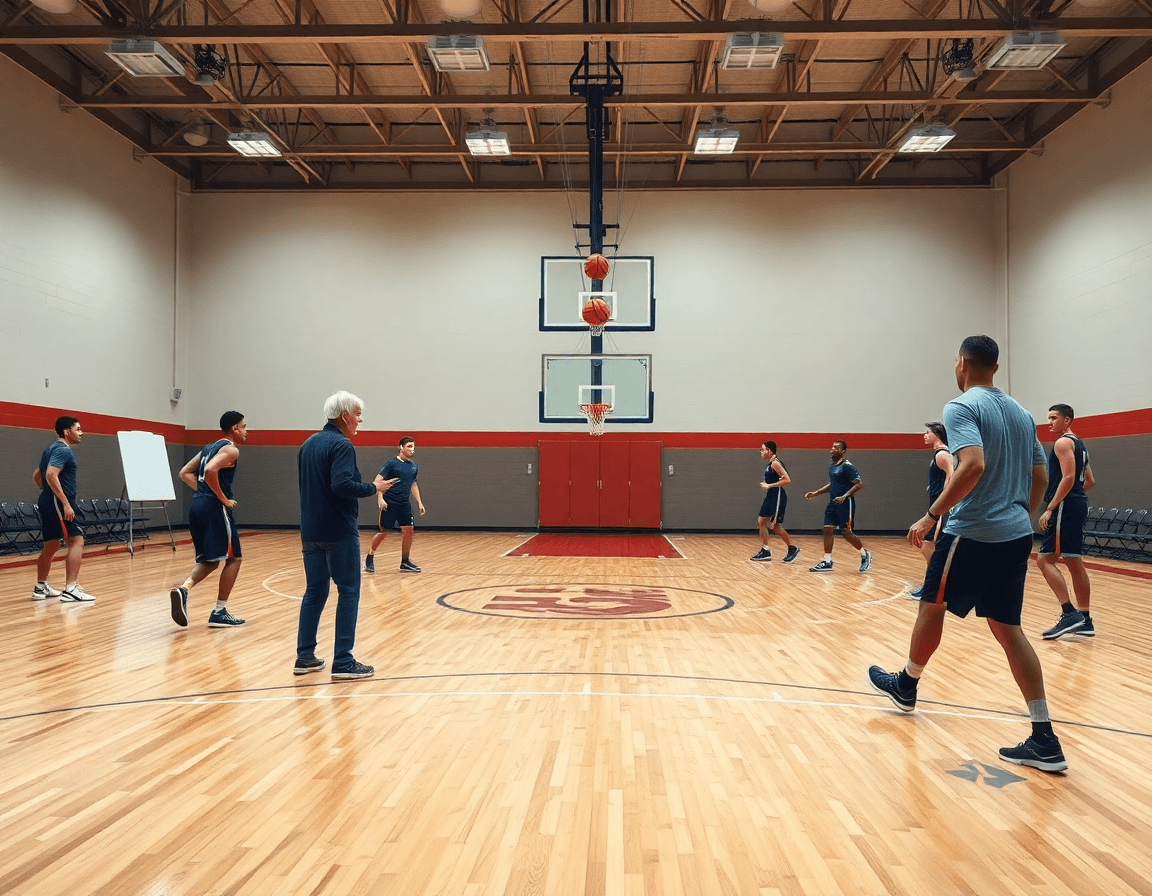
To teach the base continuity of the base flex offense, map the core sequence: ball movement from top to wing, the screen-the-screener action, and the first reads on the weak side. Now introduce eight alternate entries and key options that fit into the same rhythm. For each entry, pair it with a progression drill that reinforces timing, spacing, and reads. Document coaching cues and progressions in the playbook for consistency.
Eight alternate entries knit into the same rhythm: ball reversal into a wing entry; backdoor read off a flex screen; give-and-go after screen-the-screener; dribble handoff into the weak-side action; pin-down into cross-screen; flare screen into the flex action; misdirection entry; read-and-react post entry. For each, run a progression drill that starts with static spacing, then adds timing cues, then live defenders. Pair every entry with targeted coaching cues to reinforce reads and spacing. Document these cues and progressions in the playbook so any assistant coach can run the same sequence in a weekly plan. In many flex-offense discussions, this set sits within the hybrid flex offense framework found in coaching clinics; some references credit Don Kelbick with early articulation of these options.
In practice, a simple on-court scene helps: begin with the base sequence at half-speed, then drop in two entries per session, emphasizing timing and reads over speed. Use a short clip to highlight how a wing entry leads into the next action and how the defense must react. The goal is consistency across all entries—the same cues, the same spacing, the same reads—so the team can fluidly switch between options without losing the rhythm of the offense. This focus on base entries, options, and counters makes the weekly plan tangible for the coaching staff.
Build a digital playbook: drills, plays, and PDFs
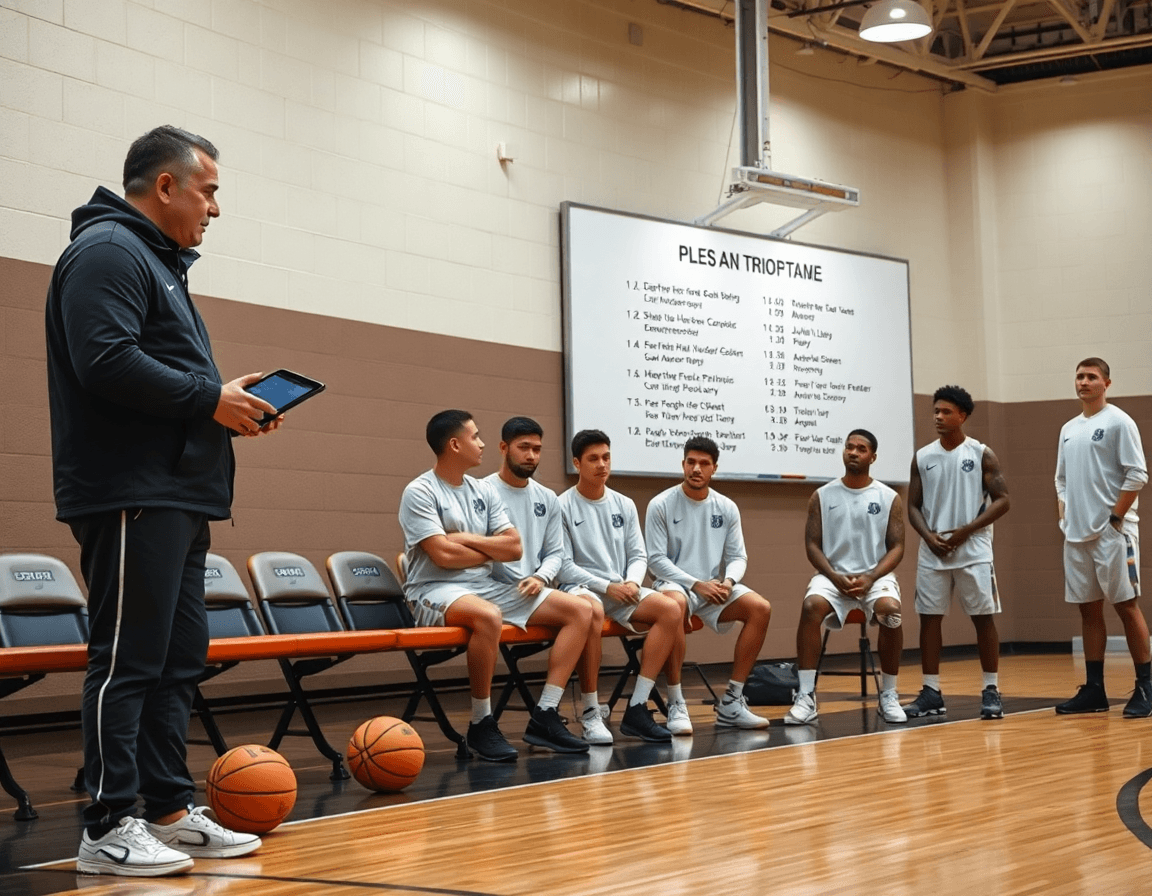
A centralized digital playbook keeps all flex-related plays, PDFs, and diagrams in one place, ready for quick reference during a busy week. The playbook layout organizes core actions—base flex offense, flex continuity, and screen the screener—along with alternate entries and flex options. In a single click, a coach can move from a base sequence to a variation, then pull the matching PDF diagram for a concise chalk talk on the whiteboard or on tablet screens between drills.
Link entries, options, and drills to specific plays so, during practice, a call immediately reveals the exact drill and outcome you want. Each play entry can host a short video clip, a diagram, and linked drills that reinforce the read—give and go, screening actions, and decision trees from different angles. This creates a repeatable, week-by-week flow that keeps the hybrid flex offense PDF concept actionable on the court.
Exports and shares are simple: export the whole playbook as a PDF, or provide read-only links to assistants and staff. A coach can distribute a week’s plan without exposing editable content, ensuring everyone works from the same foundation. Centralizing plays and PDFs reduces chaos and preserves a clean, consistent playbook that scales with the team.
On the floor, pull up a flex offense PDF play and immediately navigate to its related drills and options. Start with a base flex continuity, switch to an alternate entry, then call a linked drill—screen the screener into a give-and-go—before moving to the next sequence. The workflow stays tight, and the playbook grows naturally with the season.
Incorporate video: clips and playback to reinforce concepts
Upload video clips into CourtSensei and organize them alongside your drills to reinforce the Hybrid Flex offense concepts. Start by pulling clips that show base flex actions, flex continuity, and alternate entries. Tag each clip with the concept it reinforces, then build a short playback loop for quick review during plan development. Everything remains manual—no AI tagging or dashboards.
Next, manually clip sequences to isolate teaching moments: the screen the screener, the give-and-go options, and the read of the defense. Trim each clip to 6–12 seconds and label it by their descriptor (e.g., "base screen," "continuity option 1"). This keeps the workflow focused on clear, coach-driven cues rather than automated tagging.
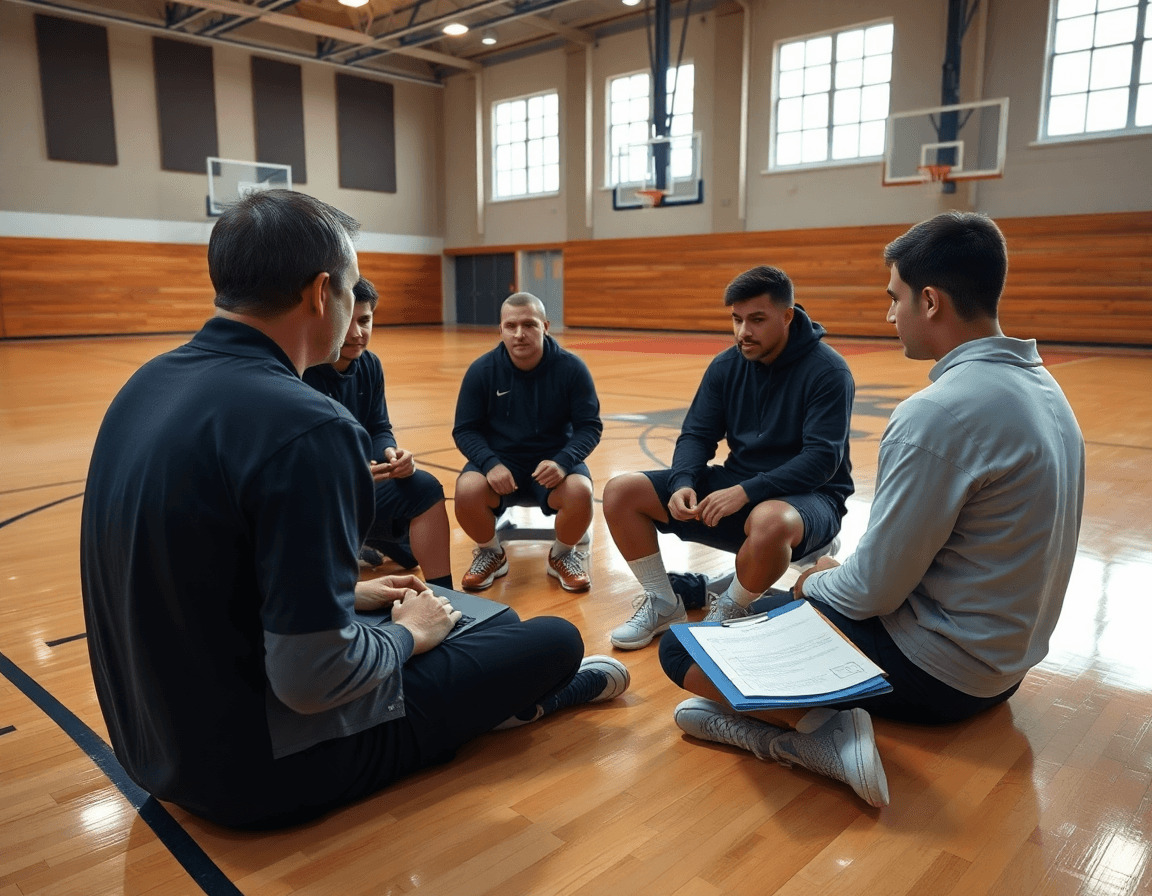
Annotate clips with coaching notes and attach them to specific entries or options. In each note, call out spacing, timing, and decision points—what to look for when the ball moves from the slot to the wing, or when to pivot into a secondary action. These notes travel with the clip, so you can link concepts directly to the corresponding playbook entry and preserve context for assistants or video sessions.
Use playlists to create a video-backed progression for the hybrid flex system. Build a weekly sequence: Day 1 base flex clips with notes, Day 2 add continuity sequences, Day 3 add options, Day 4 live drill reps with playback cues. Link each playlist to drills and plays in your plan, so the video drives practice flow without relying on automation.
Scout and game prep: adapt hybrid flex to opponents
Starting from the hybrid flex offense basketball pdf, you can build a scouting-and-game-prep loop that lives in your personal coaching workspace. Attach scouting reports and game-prep tips to the hybrid flex framework so each week has a clear, executable focus. In the weekly plan, drop in an opponent tendencies block and tag entries by defense you expect to see—man, zone, pressure—so the playbook stays adaptive. The result is a centralized flow where entries, clips, and notes feed into a clean PDF export for staff review, keeping everyone on the same page before the first drill.
When you adapt the entries and options, tailor them to opponent tendencies and defensive schemes. If the upcoming foe uses a stubborn 2-3 zone, add an alternate entry that exploits the gaps and a couple of flex options designed to pull the defense away from its shell. Bring in specific actions like screen the screener or give and go sequences to create openings for shooters. Link these adjustments to existing drills and clips, so your plan remains cohesive across the plan-for-week, the on-court walkthrough, and the video review. Use the space to note counters—how the defense changes when pressure ramps up, or when a trap triggers in the corner.
Finally, share the read-only scouting links with staff to ensure aligned game plans. Attach scouting notes and game-prep tips to the hybrid flex framework so assistants and coordinators can review, comment, and build toward one clear approach. This keeps the team prepared to attack both man-to-man and zone looks with confidence, backed by organized scouting reports and concrete game prep notes.
Progression drills and testing: from basics to advanced options
In a Hybrid Flex Offense, the core of progression drills is to raise timing, decision-making, and spacing in a steady ladder. Start with the basics—entry options and post touches—then layer in reads off the strong-side screen and the give-and-go. By design, the drills should feel like a natural build from simple actions to more complex reads, so players gain confidence before adding pressure or opponent look-ins. Use clear markers for when each layer is mastered, so the pacing stays repeatable across weeks.
Structure the weeks so the sequence moves from fundamentals to game-like decisions. Week 1 centers on base flex reads and timing—discipline in setting screens, cutting on time, and securing clean post touches. Week 2 introduces entry options and alternate entries, with emphasis on spacing and ball reversals. Week 3 adds continuity actions and the screener reads, including the give-and-go variation and the screen-the-screener option. Week 4 ramps up decision-making under defensive pressure and rotation changes, using quick clips to reinforce correct reads. The progression should remain modular so the same plan can scale to different teams or seasons, while keeping post touches and option choices consistent across age groups.
In the plan, curate a digital playbook with entries and options, then pair each drill with short video clips and a playlist for quick reference. Attach scouting notes and outcomes from each week to the coaching workspace, so progress isn't lost in a folder: you can see which timing windows were tight, which entries produced the best spacing, and where the decision-making lag showed up. This approach—documenting practice outcomes in coaching notes—helps track development over weeks without reinventing the wheel, and it stays adaptable for future seasons.
The result is a modular, scalable framework for Flex drills progression that keeps emphasis on timing, decision-making, and spacing, while ensuring the plan remains practical for weekly execution through game-ready entries and post touches.
FAQ
What is hybrid flex offense in basketball?
Hybrid flex offense is a modern take on the classic base flex offense. It preserves the core rhythm—ball reversal, screen-the-screener, and early reads—while adding multiple entries and option reads. This keeps the offense adaptable to different defenses and helps coaches introduce variety without losing continuity.
How does hybrid flex differ from the traditional flex offense?
Compared to traditional flex, hybrid flex expands the toolkit with eight alternate entries, more reads, and optional actions like handoffs and misdirection. It also emphasizes a practical workflow for planning, drills, and video review, producing greater spacing, decision-making, and counter options without abandoning the original spacing.
Who uses the hybrid flex offense and why is it effective?
Coaches at high school through semi-pro levels use hybrid flex because it blends predictability with reads and counters. It creates space, pressures help rotations, and adapts to opponent tendencies via variations and option reads. The approach pays off when teams master the base pattern and layer in purposeful modifications.
What are the main entries to the flex offense?
Eight alternate entries knit into the same rhythm include: wing entry, backdoor read off a flex screen, give-and-go after screen-the-screener, dribble handoff into weak-side action, pin-down into cross-screen, flare screen into the flex action, misdirection entry, and read-and-react post entry. Each is paired with a progression drill to reinforce timing and spacing.
How do you implement flex offense in practice with a new team?
Start with the baseline concept, then map a 5–6 day weekly plan inside CourtSensei. Day 1 introduces spacing and rhythm; Day 2–3 add entry variations; Day 4–5 practice option reads under live reps; Day 6 reviews. Store plans, clips, and scouting notes in the personal coaching workspace and export as PDF or share read-only links.
Can the flex offense be effective against zone defenses, and how would you adjust it?
Yes, with adjustments that emphasize quick ball reversals, spacing, and attacking gaps. Use entry reads and option reads to force mismatches and rotations, then cue quick decisions in the moment. Emphasize movement off the ball and ensure players stay connected to the baseline pattern to maintain rhythm against zones.
What is the Power Triangle in flex offense?
The Power Triangle is a conceptual read/react framework within flex that involves three players on the weak side forming a triangle to create space and multiple timing options. It supports decisions like backdoor cuts, reads on the slip, and kick-out passes, helping players diagnose defensive shifts without breaking the sequence.