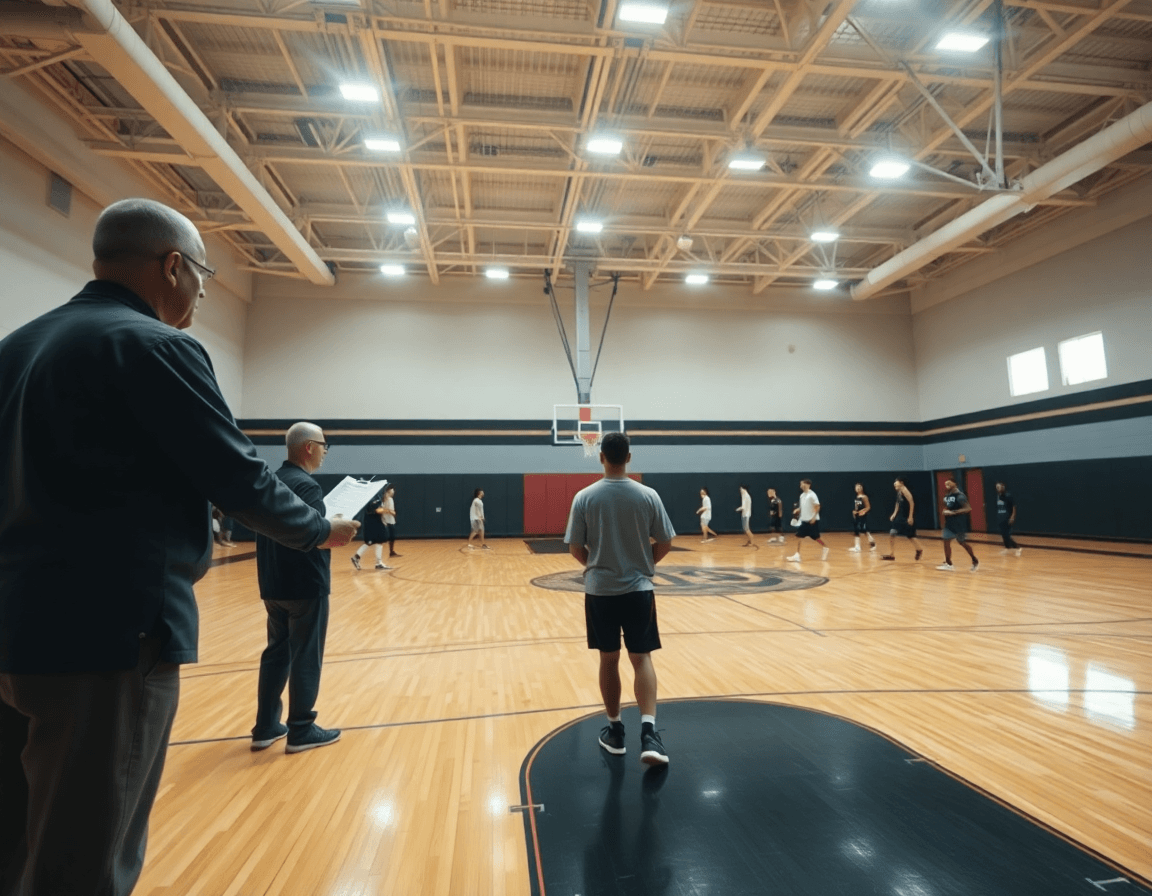
How to Build Individual Basketball Drills PDF
Coaches can craft a printable individual basketball drills pdf to guide weekly solo practice, with clear progressions, layouts, and links to example videos.

Key takeaways
- Create a weekly solo drills PDF with time-structured plans, goals, and progression to ensure consistency.
- Build a robust drill library and attach short video demonstrations to reinforce correct technique.
- Structure the PDF for printability with clear visuals, diagrams, equipment lists, and page breaks.
- Use a time-structured weekly plan that allocates 15–30 minutes daily across warm-up, handling, shooting, and conditioning.
- Tie video playlists to each drill so players preview form before reps and stay coachable.
Why every coach should build a solo drills PDF for the week
A weekly cadence for players between team sessions hinges on a clear, repeatable plan. A well-crafted solo drills PDF creates a consistent, coach-approved routine that players can trust. It scales across ages and skill levels, laying out objectives and progressions so those practicing alone stay focused on the right skills. When the plan is printable and aligned with your team goals, you reduce guesswork and keep the skill work sharp.
To make it work in your routine, build with time-structured training plans, a drill library, and a tidy PDF export. Tie in video playlists for quick demonstrations, so players can see the technique in action before they start their reps. A weekly plan PDF travels well—print it or share it—so players can bring it to the gym, court-side, or home. The goal is a portable, plug-in to your weekly coaching routine that preserves the emphasis on technique and control. Consider including a mix of shooting, ball-handling, and finishing drills to cover the core skill set.
Inside the PDF, components like a robust drills library and a short video clip can anchor each segment. For example, you might include shooting drills pdf and dribbling drills pdf, along with finishing drills and vertical jump drills pdf, all with objectives and progression. A few concrete sequences—Mikan drill or zig zag dribbling—keep the practice engaging while preserving structure. The result is a ready-to-distribute, printable basketball drills resource that slots neatly into your week, keeping players progressing even when the team isn’t on the floor.

Checklist: what to include in your solo drills PDF
To build a solid solo drills PDF, frame the week around core categories: warm-up, ball-handling, shooting, finishing, footwork/plyos, and conditioning. Each section should mirror the quarterbacking of your weekly plan, so a player can walk through a complete routine without input. In your plan, keep the warm-up compact, the ball-handling sequences tight, and the shooting block after to build rhythm. This structure makes it easy to export as a printable PDF and use as a plug-in to your coaching workflow.
For every drill, include: drill name, objective, recommended reps/sets, and progression (easy → hard). The progression keeps growth visible across weeks; start with simple two-ball handling before advancing to more complex sequences. Use plain language so the player can execute without cues. This is where an individual drills checklist shines: it keeps practice outcomes aligned with your technical goals. You can also include variations like the Mikan drill or zig zag dribbling as optional branches to address different skill threads.
Add clear visuals or diagrams, the equipment needed, and a page layout designed for printability. A simple sketch of space and lines helps a solo athlete stay on target, while a clean layout prevents crowding on the page. Include page breaks or spreads that fit a standard printer, and annotate diagrams with cues such as foot placement or ball position. For each drill block, attach a link or reference to video demonstrations so the athlete can verify form before attempting reps.
When you assemble this as a library, it slots into your weekly routine: the solo drills PDF becomes a plug-in to your practice schedule, with video playlists attached to each drill. It can cover shooting drills pdf, ball-handling drills pdf, finishing drills, and vertical jump drills pdf references. Think of it as the printable basketball drills toolkit a coach uses to foster autonomous practice.

Drafting a time-structured weekly plan
Drafting a time-structured weekly plan
A time-structured weekly plan keeps solo work focused and repeatable. The coach should allocate 15–30 minutes per day, 4–5 days a week, following a logical drill sequence: warm-up → ball-handling → shooting/finishing → footwork/conditioning. Each block gets a clear progression and a brief note on intent to guide players during solo work. This approach lets the printable individual drills pdf become a plug-in to the weekly coaching routine, rather than a standalone chore. The cadence also helps you align guard-focused work with more general skill development, so players build habits that translate to game speed.
In the plan, link each day to a curated set of drills from your library and format it so you can export a printable pdf for players and guardians as needed. Think in terms of modular blocks you can swap in and out without reshaping the whole week. Include a short entry for the intent of each drill, plus quick cues for execution. When appropriate, attach a video playlist to a block (for example, a shooting drills pdf or ball-handling drills pdf) so players can preview the sequence before practice starts. This keeps the flow intuitive on the court and clear on paper.
A practical daily example: start with dynamic warm-ups, then a ball-handling progression (think zig zag dribbling with a finish at the rim), move into shooting/finishing drills (starting with catch-and-shoot and advancing to off-the-dribble finishes), and close with short footwork or conditioning work. Include progressions like a Mikan drill or a guarded finishing progression to challenge timing. When drafted as a printable export, the weekly plan pdf fits neatly into the coach’s workflow and keeps solo practice purposeful.
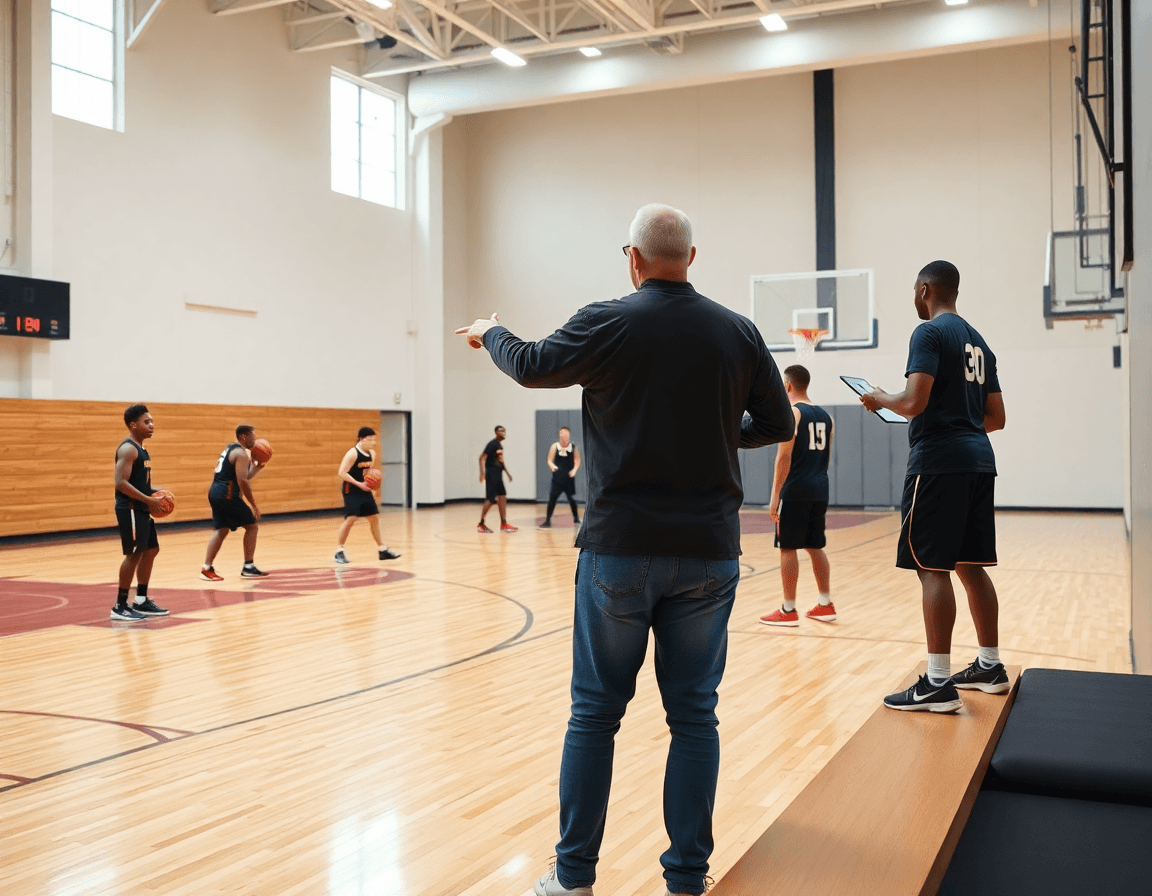
How to integrate video with your PDF bundle
Attach or link short video demonstrations to each drill for clarity. This keeps your printable PDF bundle lightweight while giving you a clear visual cue for fundamentals. Label files with terms like video for basketball drills pdf and drill video demonstrations to keep the library searchable. For example, pair a shooting drill from your printable shooting drills pdf with a 15- to 20-second clip showing stance, feet set, and release to reinforce proper mechanics without cluttering the page.
Organize videos into playlists aligned with the PDF sections for quick reference. Group clips by theme—ball-handling, finishing, or shooting—and mirror the PDF structure so you can flip to "dribbling drills pdf" and pull up the corresponding playlist instantly. A single dashboard view lets you see drill categories like the Mikan drill or zig zag dribbling together, helping you plan sequences across tempo and pressure.
Use clips to illustrate technique, tempo, and progression without overloading the PDF. A 10- to 15-second video can demonstrate the finish in finishing drills, or the rhythm of zig zag dribbling, helping an assistant coach reinforce concepts on the fly. Keep clips tight and purposeful, so the PDF remains your primary plan while the video layer clarifies details without redundancy.
Keep video references concise and accessible via mobile devices during practice. Link or embed brief clips in a mobile-friendly playlist, and consider adding QR codes next to each drill so you can scan and open the video on the gym floor. This keeps the workflow efficient and makes it easy to navigate from a shooting drills pdf or ball-handling drills section to the exact clip you need.
Practical workflow: 7-day example for a high school squad
Think of the individual basketball drills pdf as the backbone of a weekly coaching workflow. This weekly drill plan example shows how to map time-structured training plans, curate a drill library, export a printable PDF, and attach video playlists so a solo-practice PDF plugs neatly into the weekly routine. The goal is a repeatable cadence: skill work, game reads, and measurable progress, without sacrificing clarity on the court.
Day-by-day, the week balances four focus areas. Day 1 centers on ball-handling with zig zag dribbling and the Mikan drill as a finishing progression—start with control, then add speed. Day 2 is shooting-centric: form shooting, catch-and-shoot, and a progression that moves into a quick pull-up off the catch. Day 3 targets finishing at the rim, using two finishes with each hand and a touch of contact work for balance. Day 4 ties in a small conditioning block within a ball-handling + finishing sequence to build endurance without draining touch. Day 5 doubles down on shooting variations and on-ball movement, weaving in off-ball reads. Day 6 leverages the attached video playlists for quick tempo reviews and drill refinements, and Day 7 closes with an end-of-week review and space for notes on improvements and next-week tweaks.
Export the weekly plan as a PDF and distribute to the team, so the session ideas become a repeatable part of the practice week. This approach supports a clear, printable, solo drills pdf example that complements the coaching workflow and keeps every drill aligned with the weekly objectives.
Common mistakes and quick fixes
When you build an individual drills PDF, a few common missteps can dilute its effectiveness as a plug-in to your weekly coaching routine. If the file feels more like a catalog than a plan, players won’t lock into a practice rhythm. Here are quick fixes you can apply as you assemble the PDF.
Too many drills in one PDF. If a PDF lists 12+ drills, it risks overwhelming solo practice time. Trim to a focused 4–6 core drills that align with the week’s theme (shooting, ball-handling, finishing, and a controlled finishing drill). Pair each with a simple progression and a clear purpose. For instance, a zig zag dribbling sequence or a Mikan drill can anchor your dribble-and-finish work without turning the PDF into an encyclopedia. This is where the term drills pdf mistakes often shows up.
Unclear objectives or missing progressions. Each drill should have explicit targets and scaling. State the goal (e.g., “2–3 finish attempts per rep under pressure”) and provide beginner, intermediate, and advanced levels. A concise progression ladder helps a coach or player know how to advance in future cycles without rewriting the plan.
Poor print readability. Optimize font size, spacing, and diagrams so printed pages remain legible. Favor high-contrast colors and clean diagrams of drill paths, especially for ball-handling or zig-zag routes. A printable basketball drills page should invite quick glance-and-execute actions, not require a magnifying glass.
No linkage to videos or notes. Include multimedia references so players can review form and tempo. Add clear references to video playlists or short clips, and consider QR codes or short URLs that point to the same drills—this keeps the PDF a gateway, not a dead end.
Not updating the PDF over time. Establish a simple revision cycle after each cycle. Version the document (v1.0, v1.1) and note what changed. Regular updates keep the printable drills guidelines relevant and aligned with ongoing scouting notes and weekly plan changes.
FAQ
What are the best solo basketball drills to include in a weekly PDF plan?
Structure around warm-up, ball-handling, shooting, finishing, footwork/plyos, and conditioning. Each drill should have a clear objective and a progression that a player can follow alone. Include impactful sequences like the Mikan drill or zig-zag dribbling to keep reps engaging. Tie the plan to a printable solo drills PDF that links to video playlists for quick demonstrations and ensures players stay on task when they train solo.
Where can I download free PDF basketball drills for solo practice?
There isn’t a universal free repository; instead, build your own from a drills library in CourtSensei and export a PDF. This keeps you aligned with your team goals and avoids generic templates. You can assemble shooting drills pdf, ball-handling drills pdf, finishing drills, and more, then share a printable bundle with your players.
How should I structure an individual drill session for solo practice?
Plan for 15–30 minutes per day, 4–5 days a week. Use blocks: warm-up, ball-handling, shooting/finishing, and conditioning, with a brief intent note for each drill. Each drill should include objective, reps, and progression (easy to hard). Attach a video playlist so players can preview form before reps and stay on track as they train solo.
What is the Mikan Drill and how can I include it in a solo drills PDF?
The Mikan Drill is a finishing sequence around the rim using the weak hand to finish from close range. Include it as a branch in your PDF with objective, reps, and progression (two-ball to single-ball variations). It helps players develop timing around the rim and can be a featured progression in a finishing block.
Which essential defensive drills should a player work on alone?
Even solo work can sharpen defense with drills focused on stance, footwork, and timing. Include defensive stance and lateral slides, closeouts, and reaction drills. Add a sprint-to-recovery sequence to simulate game pace. Clip each drill in the PDF with cues and ensure the library supports a defender’s perspective.
How many drills should I include in a weekly solo practice PDF?
Aim for a compact library of 6–12 drills total, spread across categories (warm-up, ball-handling, shooting, finishing, footwork, conditioning). Each drill should have a clear objective and progression. A reasonable size keeps players focused, allows quick export to print, and fits into the weekly cadence.
Are there online resources for basketball drills and how can I organize them in a PDF bundle?
Yes, there are online resources, but your PDF bundle should stay as your coach-made framework. Link or embed video demonstrations to each drill, keep the PDF lightweight, and keep it aligned with your weekly plan. In CourtSensei, you can attach video demonstrations to each drill and export a complete PDF bundle that travels with the player.