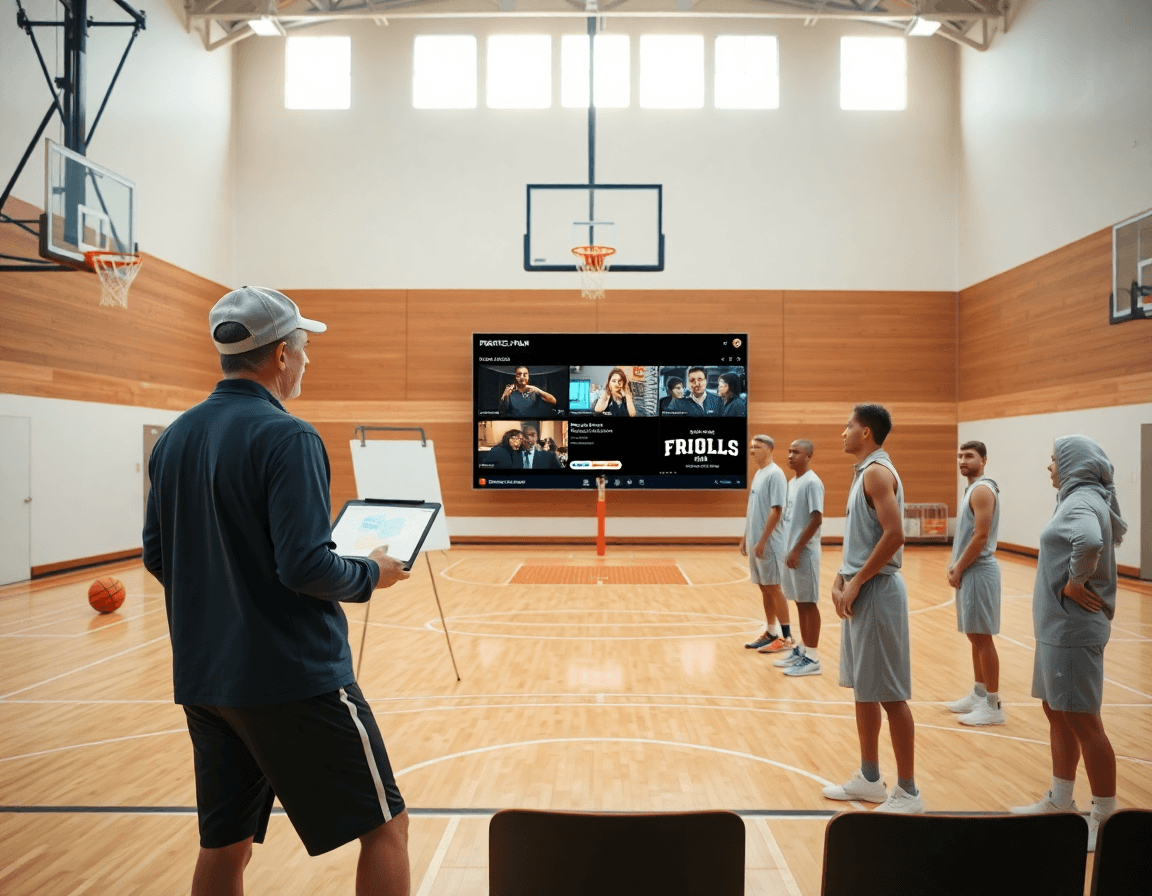
Player Profile Template Basketball: A Weekly Coach Guide
Coach-focused guide to building a player profile template basketball for weekly scouting, blending stats, video highlights, and scouting notes into a packet.

Key takeaways
- Start with a structured profile to anchor weekly scouting; consistency saves time.
- Standardize core sections: personal info, physical attributes, season stats, video links, and development notes.
- Use a clean headshot, a quick baseline stat, and clip-tagging to connect visuals to data.
- Exportable profiles with shareable links or PDFs keeps staff aligned and tracks weekly progress.
- Tag and annotate video clips by context; tie clips to strengths and weekly drills for coaching.
- Include privacy guidelines and consent considerations to keep sharing compliant across staff.
Why a structured player profile matters in weekly scouting
A solid weekly scouting workflow starts with a structured player profile. If you’re asking how to create a player profile, this format gives you a consistent starting point. When you have a consistent format to lean on, assistants and you aren’t digging through random notes or PDFs from last season. Instead you pull decisions from a single source that aligns with your practice goals and your season plan. It’s the backbone for evaluating development and for planning next steps.
Core components of a reliable basketball player profile template include a clean headshot and a highlight video collection, plus a library of clips that capture reads and decisions from games and drills. You also want the standard numbers: points per game, field goal percentage, three-point percentage, rebounds, and assists.
When you build the workflow, you pull data from your practice plans and jot notes on the whiteboard about strengths and weaknesses. Then you clip key moments from the session into short video clips and attach them to the profile for quick review. This keeps your scouting notes aligned with on-court habits.
With an exportable profile, you can generate clean packets for staff and recruiters and share them via a simple link or printable PDF. The consistency lets you track development trends across weeks and seasons, making it easy to see improvements in points per game, shooting splits, and other markers. It also ensures everyone collects the same data every week, so your weekly scouting workflow stays tight.

Core sections to standardize in a basketball player profile
In my weekly workflow, I lean on a consistent core set of sections to build a clean, coach-friendly player profile. Think of it as a living checklist that feeds the plan in the plan, the notes on the whiteboard, and the clips in the library—the backbone of a true player profile template basketball.
Personal info goes first: name, graduation year, and a concise contact method, plus a current headshot. This is the quick intro staff use when they pull up a report during film sessions. Keep it separate from performance data so privacy stays intact, and make the headshot easy to replace as rosters change.
Next up, physical attributes: height, weight, and position are non-negotiables, with room for additional details like wingspan or handedness if you track them. They’re the visual shorthand for matchup decisions and practice planning.
Academic and eligibility details fit here where relevant. If you’re in a setting where academics impact playing time or eligibility, include class standing, GPA band, and any pertinent suspension or transfer notes—again, kept lean but accessible.
Season statistics and playing history anchor the narrative: points per game, rebounds, assists, and shooting percentages, plus a concise history of roles or positions played. Use a consistent format so a recruiter or staffer can scan for trends in a single glance.
Skills, strengths, and development needs form the next panel. Call out concrete traits (e.g., decision-making, varje-execution under pressure) and tie them to weekly drills from the practice plan. Pair this with a goal for the coming week.
Video links and a concise highlights section live here, with a few high-impact clips that illustrate current ceiling and baseline ability. The highlights should map to the strengths you just listed, plus a note on how the player uses those moments in games.
Experience, leadership, and team roles summarize how the player fits into a unit: leadership transitions, captaincy, or primary roles in sets or rotations. Finish with privacy guidelines and consent considerations to ensure sharing stays compliant across staff and recruiters.
This structure keeps the weekly profile tight, searchable, and directly actionable for game prep and player development.
Leveraging video clips and highlights to boost the profile
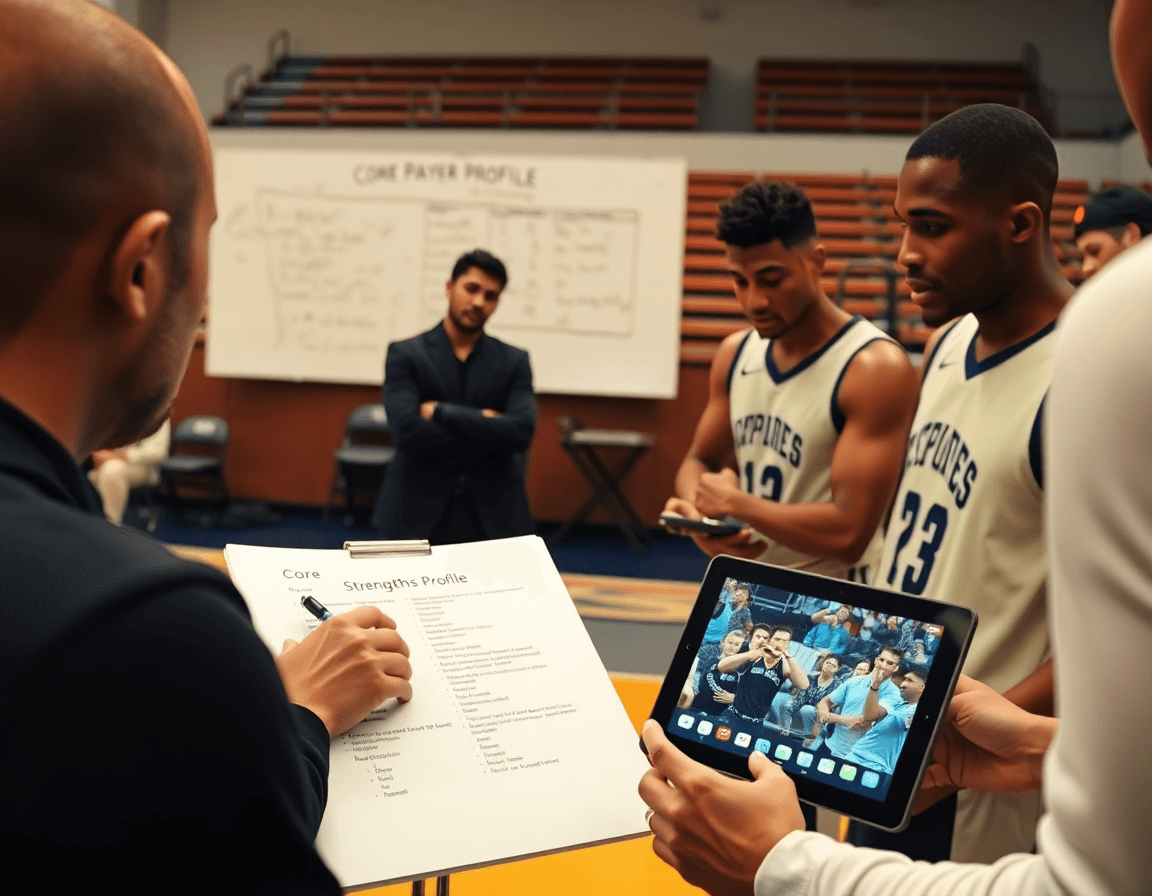
Weekly, I start the player profile in my plan for the week by pulling a few clean video clips from practice that illustrate a player's reads, pocket passes, and off-ball movement. The video integration in CourtSensei lets me tag each clip to the same player profile, so when I pull up the file for the meeting I’m not hunting through folders. I also drop in a simple headshot and a quick baseline stat like points per game, giving staff a quick face and metric to start with.
Label footage with context—opponent, date, competition level. In the notes I annotate what the clip shows: a drive-and-kick against a man-to-man, a pick-and-roll decision, or a closing-out rotation. Those labels turn raw footage into actionable insight and help staff quickly interpret the numbers we track in the profile, like points per game and field goal percentage. This is how a single clip becomes part of the game footage archive and a teaching moment.
Build both a highlights reel and a game footage archive. I assemble a short highlights reel that captures the player's clear strengths and roles—spot-up shooting, drive-and-kick decisions, and secondary scoring. At the same time, I curate a game footage archive with longer sequences organized by opponent or tournament. Keeping both ensures we can show quick evidence to recruiters and have a deeper library for film sessions with the team. The highlights reel is what recruiters want, while the archive supports development.
Export settings matter for file sizes—the compact mp4s and clips are easy to share. CourtSensei playlists or shareable links make it easy to circulate to coaches and scouts without chasing files. The profile package includes a clean headshot, a short highlights reel, and a link to the longer game footage archive.

Incorporating scouting notes and opponent data
Adding scouting reports and opponent data to a weekly player profile starts with clear, concise entries on tendencies and decision-making. After film sessions and a live practice, I jot quick scouting notes about how the player handles timing on a pick-and-roll or reacts to trap defense in late-shot-clock situations. These notes live in the standardized scouting reports section of the profile, paired with opponent data from the upcoming week. Pair that with metrics like points per game, field goal percentage, three-point percentage, and rebounds to give a quick snapshot of context.
Implementation is simple: In CourtSensei you attach opponent data to the profile for quick context before games—defensive schemes, switch tendencies, and pressure points. I use the whiteboard to diagram how we attack their defense, then link those diagrams to the scouting notes. The opponent data is linked so a coach can click into the profile and review the relevant file or a brief cheat sheet before warmups. The notes should connect to recruiting notes and potential role-fit, so recruiters see how the player projects for needs, even in a single export.
Standardized template for quick reviews: a one-page layout with sections for strengths/weaknesses, opponent data highlights, and a short narrative linking scouting notes to the weekly plan. Include links to a headshot and a highlight video or game footage that illustrate the tendencies. The profile becomes an exportable packet that staff or recruiters can skim in 3 minutes, then drill into the clips for deeper review.
Practical workflow: Create and share a weekly player profile packet
To run a clean weekly cycle, I start with a focused player profile that feeds the entire staff room. Step 1: Select focus player and identify weekly data needs. For this week, I pick a guard and decide to track shot selection, finishing at the rim, decision-making in the pick-and-roll, plus on-ball defense rotations. Defining the target keeps the rest of the workflow tight and measurable.
Step 2: Gather practice data (stats, notes) from the past week. I pull from the practice plan and scouting notes to capture drill outcomes and scrimmage results. I jot quick observations on when a player passes up a good shot, or when they lock in defensively. This is where the practice-to-profile flow starts to pay off.
Step 3: Clip and tag recent performances with clear labels. I trim meaningful sequences from game footage and practice clips, tagging them by skill—like “finishing at rim,” “catch-and-shoot 3P,” or “defensive rotation.” Clear labeling makes the subsequent profile feel actionable rather than a dump of video.
Step 4: Fill in the profile template with updated stats, notes, and video links. The profile template basketball field set should include a clean headshot, points per game, field goal percentage, three-point percentage, rebounds, assists, plus the notes from the whiteboard. I paste in the links to the clips and attach short highlight videos so staff can skim quickly.
Step 5: Export to PDF or create a shareable link/playlist. I generate a polished PDF for formal meetings, or a shareable link/playlist for faster review on mobile devices. Either way, the content stays organized and accessible.
Step 6: Share with assistants, players, and recruiters; review in staff meeting. I circulate the packet ahead of the weekly staff meeting so everyone comes prepared to discuss strengths, weaknesses, and action steps. The goal is a cohesive plan, not a pile of files.
Step 7: Archive the packet for trend analyses in the next cycle. Each week’s packet becomes part of a growing timeline, fueling trend checks like changes in points per game, field goal percentage, three-point attempts, or rebounding and assists patterns.
Tip: Use one platform to integrate practice plans, video, and notes for a seamless workflow. This keeps the weekly workflow tight and makes the player profile template basketball easy to reproduce week after week.
Tips for tailoring profiles for HS, club, or junior college
Tailoring a weekly player profile for HS, club, or junior college isn’t about a one-size-fits-all template. It starts with profile customization to emphasize what recruiters at each destination value. For HS programs, you highlight development timelines, practice habits, and growth projections. For clubs, you showcase consistency, versatility, and game-sense with a focus on decision-making in real-time. For junior colleges, you lean into demonstrable statistics and a path to the next level, making the data digestible for college coaches. The goal is to build a destination-specific export from a single source of truth.
Privacy and consent are non-negotiable when you pull from practice and game data. If a player is under 18, you secure parental consent and document who can view the profile. Use redacting or limited sharing options where appropriate to protect sensitive info. Treat every data point as something you’d present to a staff, and keep the player’s rights in front of your workflow.
Make the profile mobile-friendly and easy to share. Include a clean headshot and a concise highlight video that pairs with a few game footage clips. Core stats like points per game, field goal percentage, three-point percentage, rebounds, and assists should be front and center, with context from scouting notes. Destination-specific exports are the goal: PDFs for coaches and shareable playlists for recruiters.
Finally, lean on a single-source workflow: pull data from practice plans, attach comments on strengths/weaknesses on the whiteboard, and slot in clips from game footage into the profile. Use the playlists to give recruiters quick access to the most relevant clips. The profile becomes a living document, easy to refresh weekly and export in multiple formats.
If you build plans like this every week, CourtSensei keeps your drill library, whiteboard, and video clips in one place — try it free.
FAQ
What is a basketball player profile template?
A basketball player profile template is a standardized format for capturing a player's bio, season stats, and development notes. It pairs a clean headshot with a curated video library and a consistent stat block (points, rebounds, assists, shooting splits). The goal is one reliable source staff can pull from during film sessions and weekly planning.
How can I use the Basketball Player Profile Template in my organization?
Use it as the core tool in your weekly scouting workflow. Collect data from practice and games, attach clips, and flag progress week by week. Keep one exportable profile per player and circulate it with coaches and recruiters via a shareable link or PDF. The standardized format reduces hunting through old notes and aligns staff around common development goals.
Is the Basketball Player Profile Template available for free?
Availability varies by source. Some templates are free or open-source, while others come with a license or platform-specific access. If you’re starting out, look for a free starter version and plan upgrades as your scouting needs grow. The key is to pick a format you can scale without breaking consistency.
What features does the Basketball Player Profile Template include?
Core features include a concise headshot, video links, and a clean stat block like season statistics, plus development notes, experience, and privacy guidelines. The layout keeps sections scannable so staff can map clips to strengths, track improvements, and prepare quick packets for game prep or recruiter meetings.
How do I customize the Basketball Player Profile Template?
Yes—customize it to fit your program. Add or remove fields, tailor the skill matrix to your drills, and adjust note sections to capture what matters for your staff. Ensure changes stay consistent week to week so data remains comparable across players and seasons.
How often should I update my profile?
Update every week as part of your routine. Add fresh stats, replace older clips with newer reads, and note progress toward weekly goals. This weekly cadence keeps players accountable, staff aligned, and your scouting insights actionable across practice, film sessions, and recruiter conversations.
