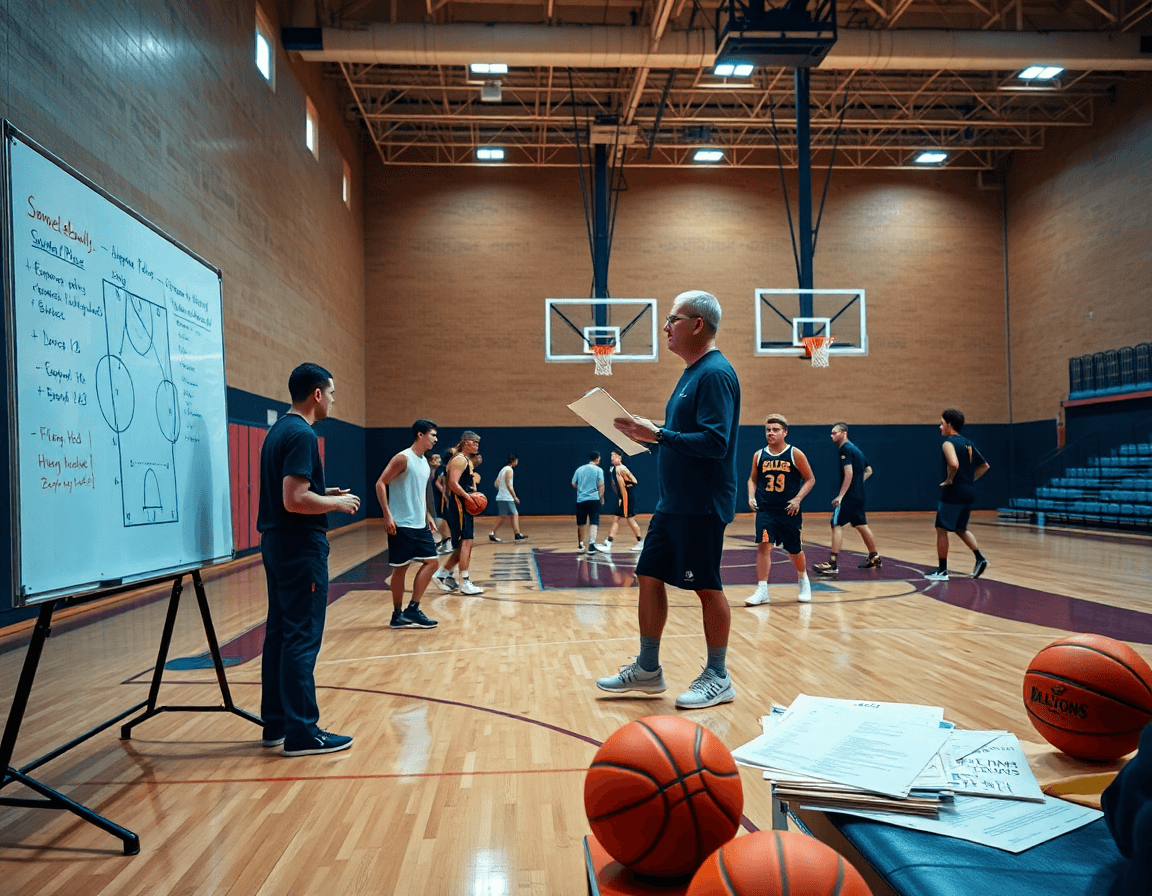
Plan Weekly Practices with a Basketball Planner for Coaches
Learn how a basketball planner streamlines weekly practice planning, drills, scouting notes, and video workflows for coaches, boosting efficiency and consistency.

Key takeaways
- Leverage the basketball planner to translate game objectives into a weekly, staff-ready plan.
- Use the drag-and-drop timeline to sequence blocks and preserve your core methodology week to week.
- Reuse templates and scouting notes to create a repeatable rhythm that adapts to opponents.
- Attach short video clips to plan items and circle back with whiteboard diagrams later.
- Share gym-ready PDFs and playlists to keep assistants and players aligned across sessions.
Plan weekly practices with a structured planner
As a head coach, the weekly cadence starts with the basketball planner. This is where you translate game objectives into a plan your staff can execute. Set weekly objectives aligned to upcoming games and scouting notes, and map them to your game plan. Use plan templates to outline targets for offense, defense, and transition, so you have a clear route from scouting to practice. That structure sits at the center of CourtSensei’s coaching ecosystem.
Within the planner, outline practice blocks (warm-up, skill work, team reps, conditioning) in a logical sequence. Use a drag-and-drop timeline to rearrange blocks on the fly, keeping the flow from warm-up to full-court reps intact and efficient. The day’s blocks become the backbone you reuse week after week, trimming planning time while preserving your core methodology.
Reuse templates from prior weeks to save time and maintain consistency across teams. Pair those templates with your scouting notes from the latest opponents, so the weekly plan already reflects tendencies and game-day adjustments. The result is a repeatable rhythm that still adapts to the current scouting picture.
Map drills to positions and players’ development goals, so every drill has a purpose for a specific player or unit. Use the in-built play library to pull relevant actions, and the substitution manager to plan rotations. When you see the lineups, you can dial up a drill progression that reinforces concepts while developing individual skills.
Finally, generate a shareable plan that assistants can access before each session. Attach a quick video clips playlist for the core drills, and print a gym-ready version if needed. The whole workflow—from plan to whiteboard diagrams to scouting notes to playlists—fits into a single coaching ecosystem, helping you execute a professional weekly practice plan with confidence.
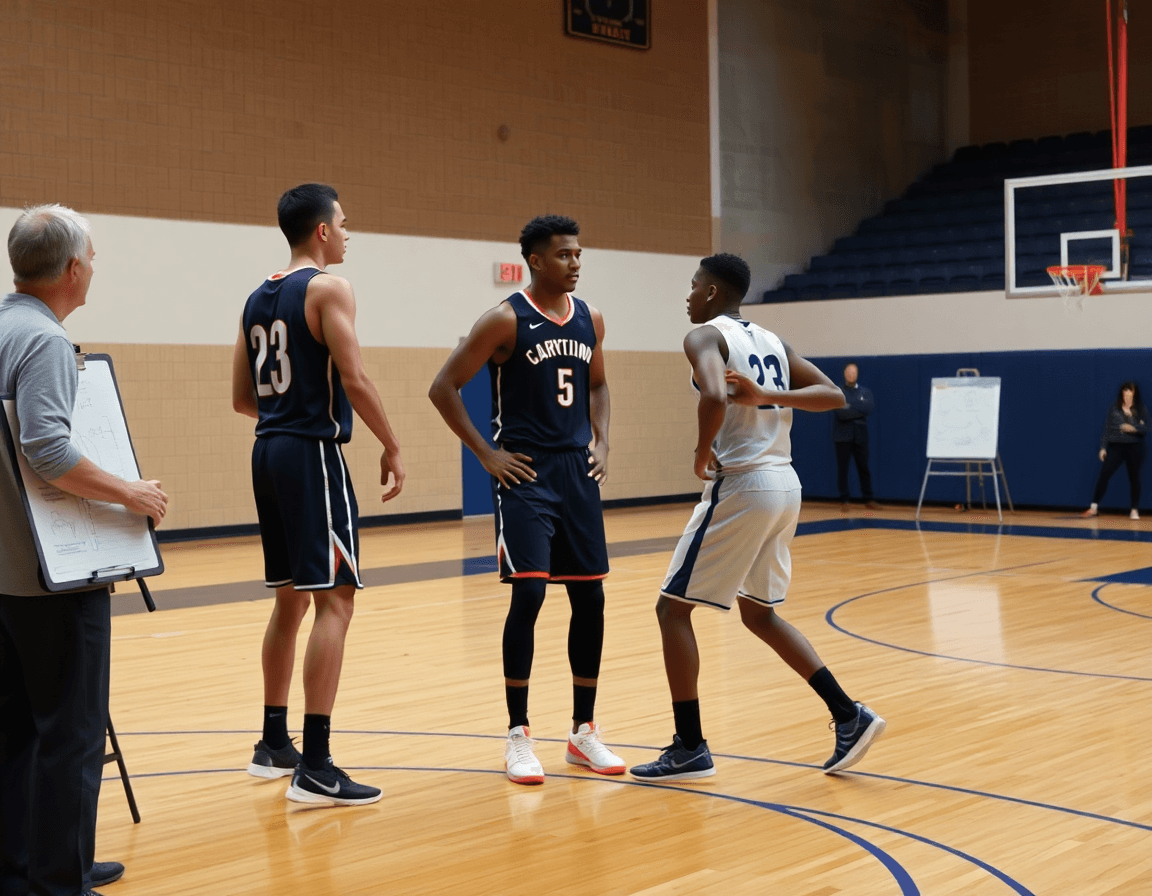
Use a drag-and-drop timeline to organize drills and goals
Start your week by building the weekly planning timeline. The drag-and-drop timeline gives you clean time boxes for each segment—warm-ups, ball-handling blocks, shell work, and team reps—so you can see the flow at a glance. Use plan templates to lock in a proven structure, then tweak it for this opponent or this group. This is a core part of the basketball practice planner features that keep you from guessing.
Next, pull drills from the play library and drop them into the timeline. Drills can be moved around as needed, and you can drag reps and goals alongside each drill to shape the session on the fly. Linking timeline items to your drill library means a quick insert next time you need the same sequence, a real time-saver among the planning features that matter in-season. If a shift is needed, you can regroup without losing the original structure.
Allocate blocks for scouting notes or video clips when the moment calls for it. Attach short video clips to specific timeline items so the team can see a concept, then circle back in the whiteboard to diagram the counter move. This is where scouting notes and video clips become a practical part of the workflow, integrated with the weekly plan and the update cycle.
When you’re final, export a gym-ready PDF for on-court use and shareable playlists for your players. The gym-ready printing makes it easy to post a printed timeline in the locker room, while the shareable playlists let players review the plan during warm-ups. All of this fits together in the single coaching ecosystem of CourtSensei, supporting your weekly planning timeline and overall workflow.
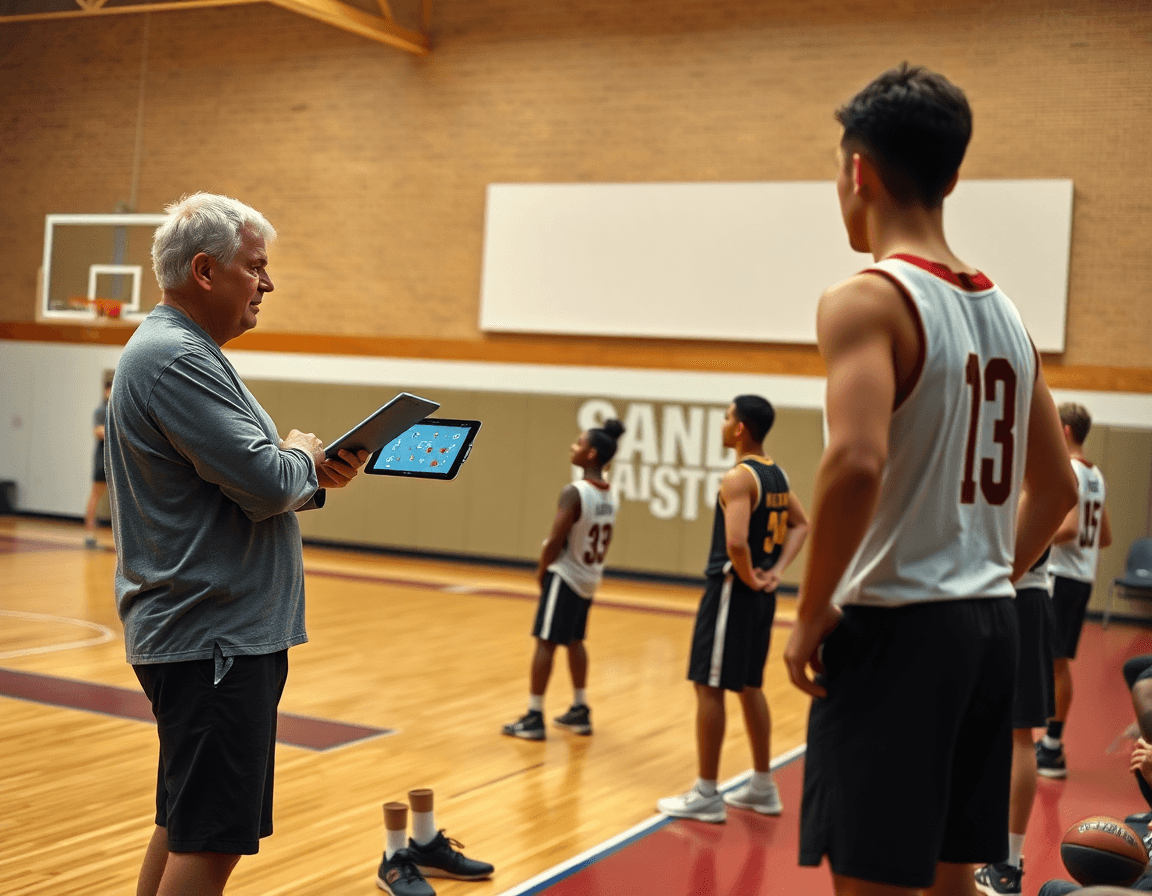
Create and reuse a play library to save time
As a head coach, you need a fast, repeatable process to build and reuse actions. Start with a centralized play library and drill library. Tag each entry by tempo, position, and opponent tendencies, then pull from the libraries into your weekly plan using CourtSensei’s plan templates. In the plan phase, you assign drills to days and export gym-ready worksheets for the gym. When assistants open the same libraries, everyone works from the same source of truth, no guessing, no last-minute scramble.
Use the drag-and-drop timeline to map a progression across the week: Monday walkthroughs, Tuesday run-throughs, and Friday installs. The play designer lets you assemble a few reusable plays to fit different matchups. Attach diagrams from the whiteboard to each play for quick reference during meetings or on the floor, so the flow stays clear as tempo shifts. Tag ideas by tempo, position, and opponent tendencies so you can swap in a counter without rebuilding from scratch.
At week’s end, share a single link to the entire library with your assistants, so they can pull the exact plays into scouting notes and game prep. Each entry can have attached whiteboard diagrams from the whiteboard plus linked video clips showing the rhythm in practice. This keeps X’s and O’s aligned across planning, scouting, and video review, creating a cohesive ecosystem where the basketball planner, the whiteboard, and the video clips all pull from the same library.
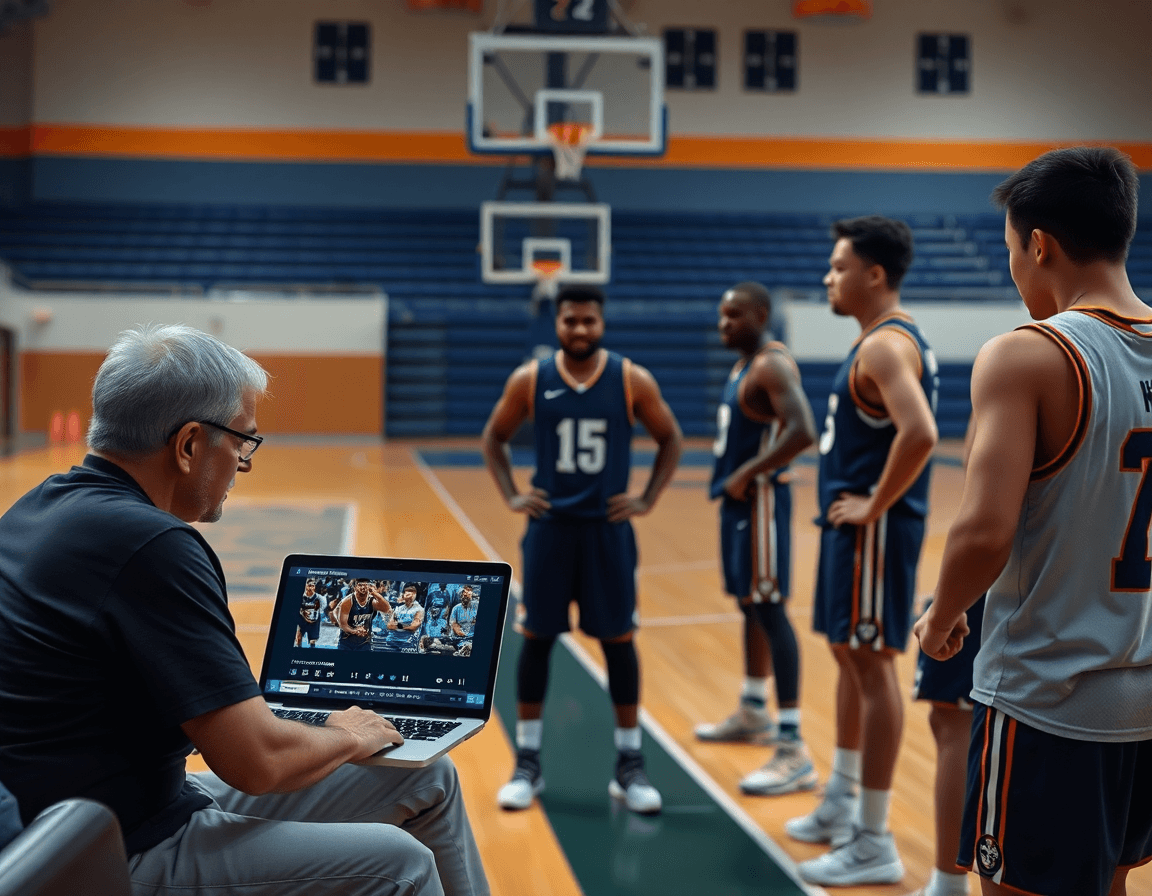
Share plans with assistants and build a collaborative coaching workflow
During a Monday planning session, I pull up the basketball planner and lay out the week’s practices. I distribute the plan via shareable links and assign access levels so assistants can view, comment, or edit as needed. We also share practice plans with staff by generating those links, keeping everyone in sync from the jump.
Coaches adjust on the fly without chaos. Comments, revisions, and a clear version history let the staff track changes and stay aligned. When a drill is moved or a session shifts to focus on scouting, the updates show up for everyone, maintaining transparency across the staff and simplifying post-practice notes.
Scouting notes stay attached to the weekly plan, so game prep remains cohesive. If we notice a trend from the opponent, I attach a scouting note to the Monday walkthrough and reference it during court execution. The linkage between scouting and plan keeps our game plan actionable, not orphaned in a separate folder.
Substitutions and lineup notes tend to clutter a whiteboard and stall momentum. The substitution manager lets me lock in rotations, flag defensive packages, and annotate directly on the plan without piling on the chalk. When we break huddle, the assistants know exactly who is in and why, with minutes and roles clear across the board.
Adopting a coaching app mindset keeps everyone aligned. This is more than tech; it’s a workflow that ties plan, whiteboard diagrams, video clips, scouting notes, and shareable playlists into one ecosystem. For the staff, it’s a simple, reliable way to stay sharp and gym-ready, no matter who’s handling what in the weekly rhythm.
Incorporate video clips and playlists to reinforce concepts
As I map out the week in my basketball planner, I pull game footage into the clip library and tag clips by opponent setup or drill focus. This quick pull shows exact moments we’re targeting and keeps them in reach with our plan templates. The integration means the video clips and the clip library sit beside our plans.
Then I build position- or concept-based playlists for every group. A guard sequence emphasizes ball-handling reads; a wing works spacing with drive-and-kick. These playlists live in the same system and can be shared as shareable video clips for pre- or post-practice review.
Attach notes from your whiteboard drawings to the clips so the tactics stick. If your diagram shows a drive-after-pick sequence, drop in the matching clip and jot the cue. Notes travel with the clip in the clip library, reinforcing the action and guiding substitutions.
Share playlists with players for pre-practice review or post-practice feedback, and print gym-ready versions if needed. The workflow stays tight: drag-and-drop timeline for sequencing, a play library for quick access, and easy sharing of practice plans.
During drills, use video to anchor adjustments. You pause on a clip that demonstrates timing, then flip to the whiteboard to lock in the tweak. This loop—clip, note, drill—keeps concepts crisp and coaching feedback tangible.
Practical workflow: a step-by-step weekly routine from plan to practice
Step 1 – set weekly objectives and collect scouting notes. In the planning phase, our basketball planner becomes the cockpit for a clean start: pull scouting notes from opponent reports and translate them into measurable weekly objectives. I map priorities on the whiteboard diagrams (BLOB/SLOB/ATO/PnR) and share the direction with the staff. This is how you turn film into a plan you can execute.
Step 2 – assemble the plan using templates and the drill/play libraries. With plan templates, you drag-and-drop to assemble drills from the library, then tailor them to your personnel. The drag-and-drop timeline shows how each session builds toward the week’s goals, keeping your bench aligned and ready for action.
Step 3 – finalize with assistants; export as PDF and share before practice. After a quick review, export the finalized plan as a PDF for gym-ready printing and share it with assistants and players via a shareable link. It lets you lock in the practice flow before warmups begin and gives everyone a common reference.
Step 4 – execute the practice; capture clips and add notes in real-time. On the floor, run the plan and capture short video clips from the session. I drop quick notes on the whiteboard or in the clip library, so players get feedback as soon as the drill finishes. The video clips become your instant teaching tool and a reference you can pull up during stations or walkthroughs.
Step 5 – review outcomes and adjust next week’s plan accordingly. After practice, review performance against objectives, update scouting notes, and capture takeaways. Your weekly workflow feeds back into the planning workflow, so the next week starts sharper: tweak drills, re-prioritize the play library, and refine substitutions with the substitution manager as needed.
If you build plans like this every week, CourtSensei keeps your drill library, whiteboard, and video clips in one place — try it free.
FAQ
What is a basketball practice planner and why use it?
A basketball practice planner is your central system for turning game objectives into a practical weekly plan. It links scouting notes, templates, and drill blocks into a repeatable rhythm. With it, you map targets for offense, defense, and transition, keeping your staff aligned and your sessions purposeful.
How do you plan a basketball practice for a week?
Start with weekly objectives that tie to the next opponent. Map them to your game plan and scouting notes, then outline blocks: warm-up, skill work, team reps, and conditioning. Use plan templates to lock in structure, then customize for this group. Reuse proven sequences to save time without sacrificing quality.
What features should a basketball coaching app have?
A solid coaching app should offer a drag-and-drop timeline to sequence drills, a rich play library for drills and actions, and tagging by tempo, position, and opponent tendencies. It should include scouting notes, attachable video clips, a rotation manager, and easy sharing with assistants, plus the ability to export gym-ready PDFs.
Is there a drag-and-drop timeline for planning practices?
Yes. The drag-and-drop timeline lets you reorder prep blocks—warm-up, ball handling, shell drills, and team reps—without losing overall flow. You can copy a full week, tweak for an opponent, and reuse it later. Integrating drills from the play library keeps steps consistent across weeks.
Can you share basketball practice plans with assistants?
Absolutely. Use shareable links with configurable access levels (view, comment, or edit) and maintain a clear version history. Attach scouting notes and video clips so staff stays aligned, and enable comments for quick feedback. This collaborative workflow prevents chaos and keeps practice plans transparent from planning to execution.
What is a play library in basketball coaching apps, and how do I use it?
A play library is a centralized repository of actions and drills. It is tagged by tempo, position, and opponent tendencies, so you can pull relevant plays into your weekly plan. Attach diagrams and video clips, then drop favorite sequences into the drag-and-drop timeline for quick, repeatable use.