
Weekly planning with a basketball coach app: workflow
Discover how a basketball coach app streamlines weekly practice planning, video review, and scouting reports to boost your team’s development.

Key takeaways
- Use a single source of truth via a basketball coach app to align weekly goals.
- Leverage the practice planner to sequence drills, live-work periods, and weekly data checks.
- Maintain a centralized drill library and templates to drive cohesive playbooks and on-the-fly rotations.
- Use the whiteboard to diagram plays and export PDFs for staff review.
- Build video playlists from clips and shareable links to keep players engaged.
Weekly coaching workflow with a basketball coach app
Starting the week with our basketball coach app gives us a single source of truth for the weekly workflow. I kick off by setting concrete goals—offense, defense, and special situations—and map them to practice blocks in the plan. On the floor, I brief the staff and confirm priorities so we’re aligned for the week.
Next, I lean on the practice planner to sequence drills, live-work periods, and data checks for the week. We set a five-day arc: shooting blocks, transition crunches, and defense rotations, with quick notes on tempo and substitutions. The plan becomes a living guide you can tweak as we go.
On the tactical whiteboard, we diagram sets and action runs—draw plays for BLOB/SLOB/ATO/PnR—and export a PDF for scouting notes. I drop the diagrams into the team library and share the plan with assistants and players via simple links so everyone’s pulling from the same page.
Midweek, use video clips to measure progress and adjust. We tag clips for each position and drop them into playlists that players can watch on the move, keeping the pace fast and the feedback focused.
End the week by re-evaluating objectives and refining the plan for the next cycle. We pull scouting reports to identify opponent tendencies and set new targets for next week. The playlists of clips built for players help turn scouting into action—no guesswork, just clear priorities.
Plan practices with a centralized drill library and templates
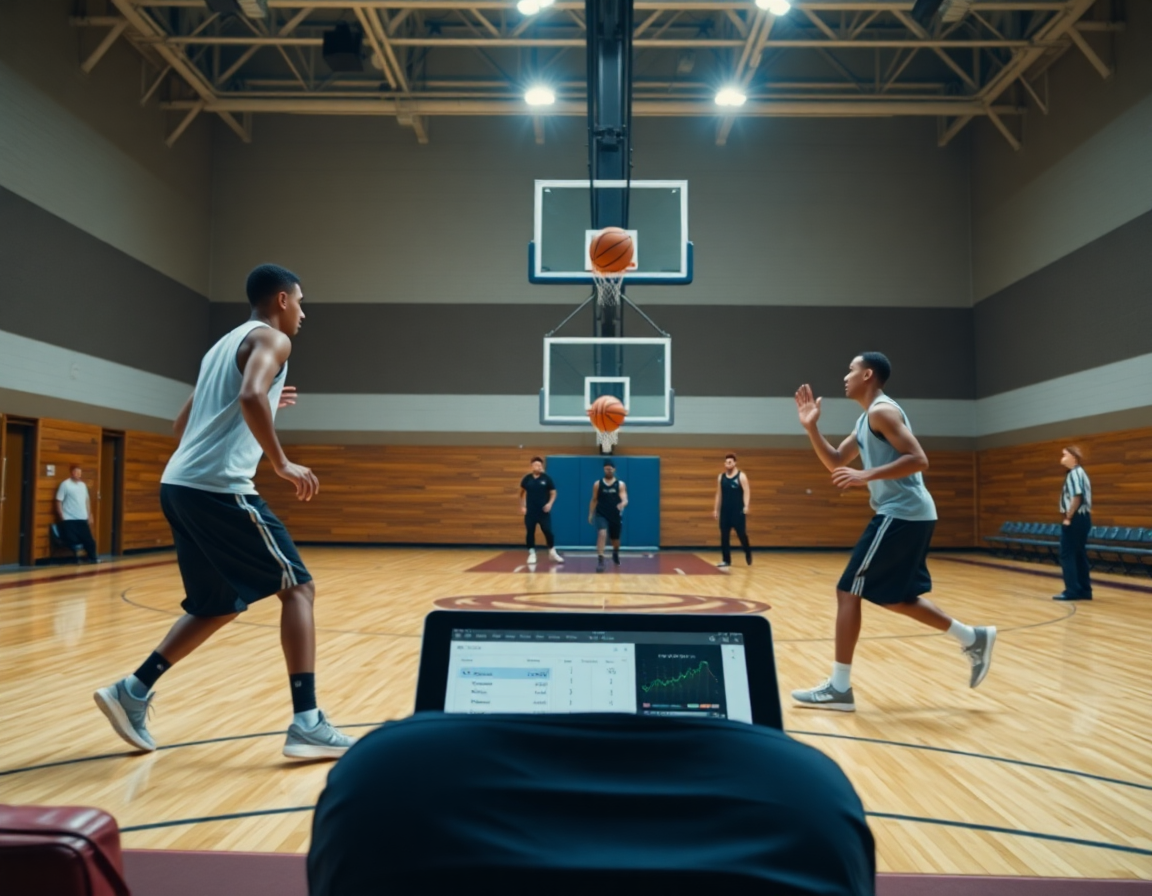
Think of the week as a plan-heavy workflow, powered by a centralized drill library and templates. The drill library is indexed by skill, position, and tempo, so you can pull the right reps for your guards, wings, and post players in seconds. Attach drills to weekly practice blocks; reuse templates across weeks and seasons to keep fundamentals consistent. Bundle drills into playbooks for cohesive, repeatable sequences—so a freshman can learn the flow as quickly as a veteran.
During planning, open the plan and drag drills from the library into the session. The practice planner helps you map reps, volumes, and progression, while templates ensure you’re not reinventing the wheel each week. You can group related drills into playbooks for a clear, repeatable sequence. If you need to adjust on the fly, the rotation maker and substitution manager let you visualize who’s in, when, and for how long—without losing your thread.
By midweek, the weekly practice plan is ready to share with assistants and players. A quick export or print as PDF makes staff meetings and pre-practice briefings smooth. With a centralized drill library and templates, you’ll spend less time hunting for drills and more time coaching. The workflow is simple: plan in the app, assign to blocks, and keep the team library updated.
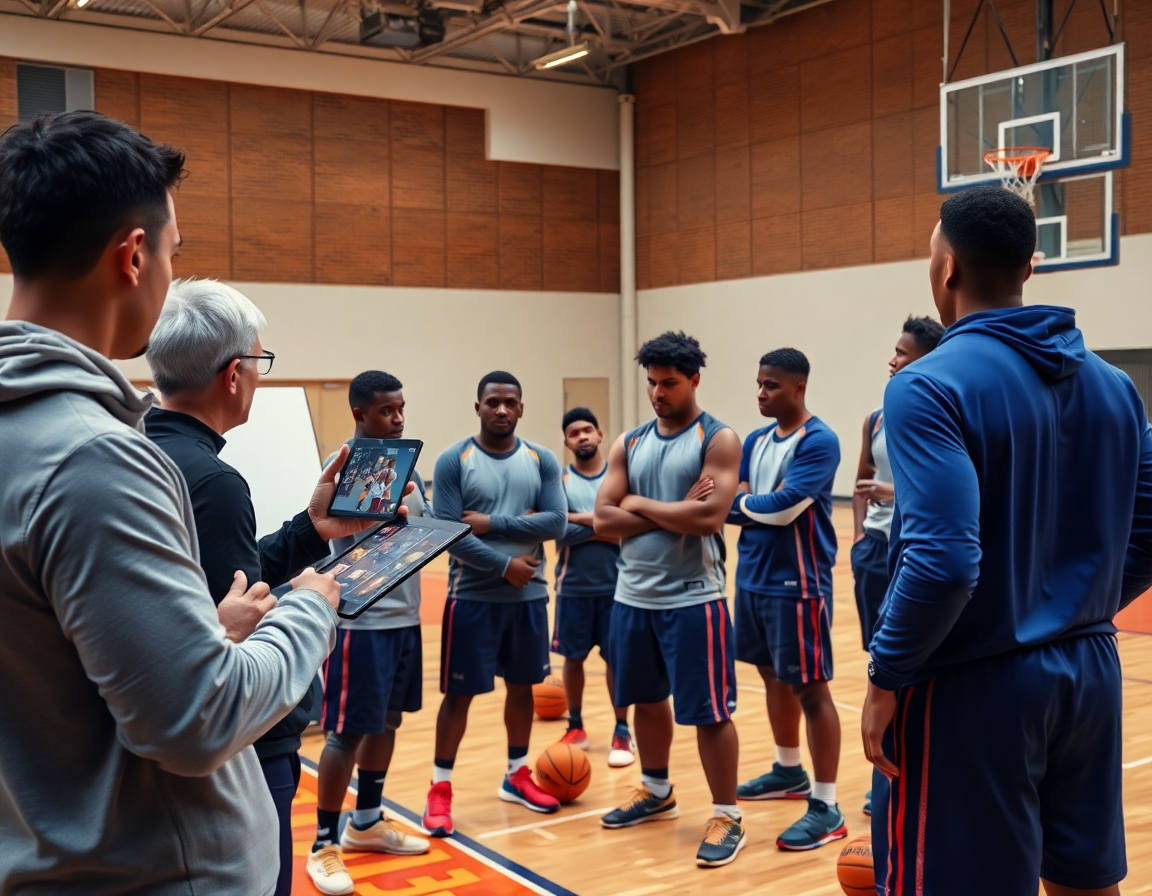
Diagram plays on the whiteboard and export for staff
As a head coach using a basketball coach app, I treat the whiteboard as the command center for our weekly play language. On the whiteboard, I draw play diagrams with built-in diagramming tools—PnR (pick-and-roll), BLOB/SLOB, and ATO—so I can sketch routes, reads, and personnel in real time. I annotate decisions like who slips to the rim, who hits the corner, and when to pop back for a shooter. The diagram is linked to the relevant drill in the practice plan, so assistants see exactly which action we’re emphasizing when we run the session.
Once the diagrams are in place, I link them to the corresponding activity in the practice plan. Coaches can annotate routes and decisions right on the diagram, and we can tag players or rotations to the action. This makes it easy for assistants to run the drill exactly as drawn, and for scouting notes to reflect what we’ll be teaching. When we’re finished, I can draw plays quickly, and I can export to PDF or generate a shareable link for staff review and scouting reports.
That workflow keeps everyone aligned when we rotate players. I drop in a quick note on rotations after the diagram and link it back to the rotation maker in the staff view. If the staff needs to review on game night, they grab the shareable link or print the PDF and pass it along to the subs who’ll be stepping into action. In practice, this is how we move from concept to on-court execution with clear, repeatable plays in our team library.
Clip, organize, and share video segments with players via playlists
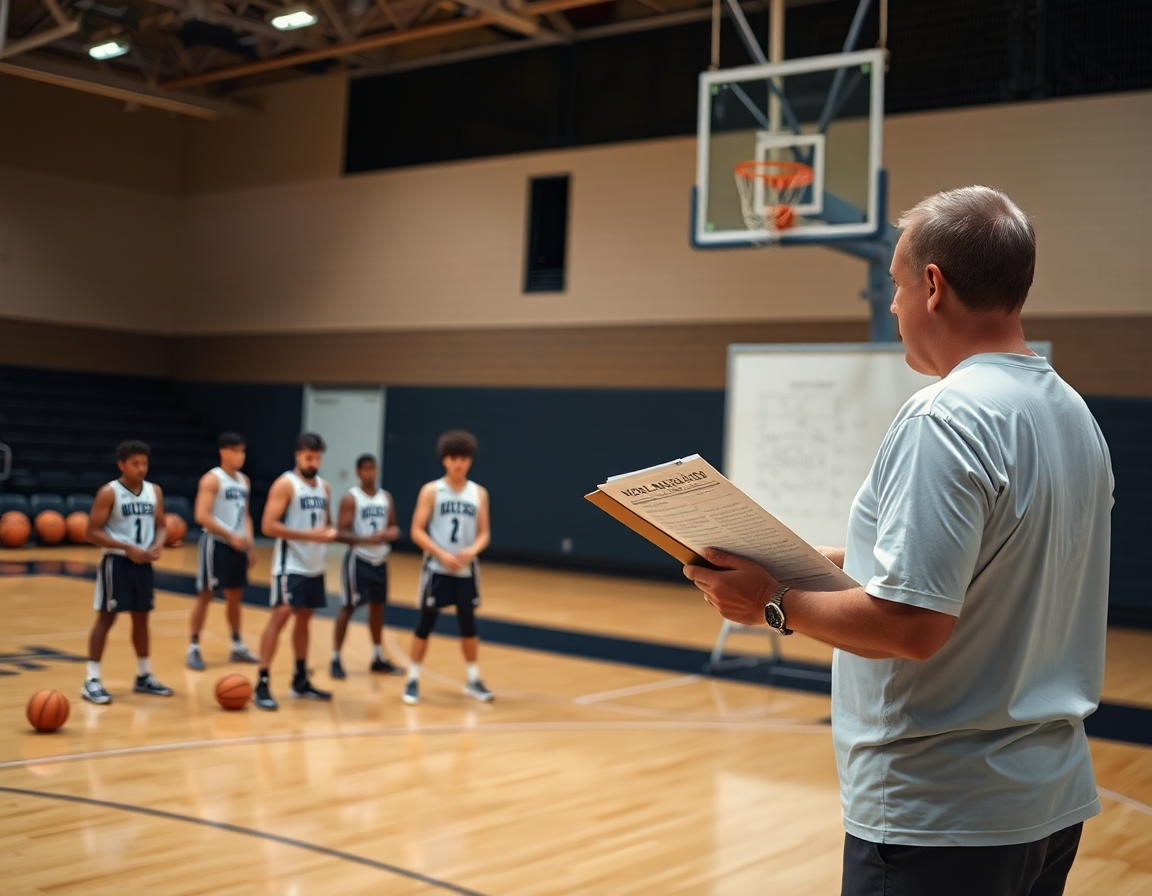
By Sunday afternoon, I’m ready to cut and label the week’s footage. I pull the best moments from games and practices—transition stops, ball reversals, and rotations that broke down. I cut, tag, and file those segments as part of our video clips library so I can quickly pull them when we’re teaching a concept. A single clip—labeled by drill and situation—tells the story without a long explain-the-play sidetrack. That clarity is what lets assistants and I stay aligned through the week.
Next, I build playlists for the week’s emphasis: a guards’ progression, a scouting task, or a development track for post players. Each playlist is stitched from the corresponding video clips, organized by concept—spacing, screening angles, read-and-react. I lean on our drill library and the rotation logic we use in the plan to map clips to specific plays, so the staff can reference the same visuals as the practice schedule.
Sharing is the payoff. I send players a set of shareable links to their playlists before film sessions or pregame, and I can see who has viewed and engaged. If a player needs a quick refresher on a sequence, I export MP4 and push it to an AirPlay-enabled display in the gym. The team library stays in sync, and everyone—coaches, assistants, and players—can revisit the material on their own time.
Scouting reports and scout plays to prep for opponents
To prep for opponents, I stick to a consistent scouting template. It lives in the plan for the week and travels with every assistant coach. We map opponent tendencies, set counters, and note situational habits: how they attack the paint, their late-clock spacing, and which players create mismatches. The template ties into our team library so anyone can add notes, preserving a living document that grows as we collect video and feedback. This template becomes the backbone of opponent prep.
When we spot a recurring action, we build scout plays and attach them to the game plan. If a ball-handler loves a side-pick, we diagram the counter and run it in a film session so players see the read and the option. In CourtSensei, you keep these plays tight with the draw plays and align your rotation decisions through the drill library. We reference the scout plays during timeouts and on the sideline so the team stays in sync.
Export or share scouting reports with staff and players for alignment. We generate a concise summary and export it as a shareable file, then attach it to the plan and link a related set of scout plays for quick reference. The goal is a single source of truth that every coach and player can access—whether the scout arrives early or a student-manager pulls clips for a quick review. This keeps opponent prep tight and actionable, from playbooks to rotations.
Practical 7-day workflow checklist
Day 1 (Mon): define weekly objectives and reset the plan in the practice planner. I start with the team’s top goals for the week—defensive stance, rebounding effort, and tempo in transition. With our basketball coach app, the weekly plan centers on the practice planner, so I can share updates with assistants and keep players aligned.
Day 2 (Tue): build and refine drills in the drill library; attach to sessions. I pull progressions, add reps, and tag objectives for the Tuesday session. Then I map each drill to the rotation maker and to the practice plan so substitutions and minutes are clear for the staff.
Day 3 (Wed): diagram plays on the whiteboard; export PDFs for staff. On the tactical whiteboard, I sketch sets—BLOBs, SLOBs, PnR—then export PDFs to share with the coaching staff and assistants who aren’t on the floor. It’s quick, and the staff can walk through the diagrams during film review.
Day 4 (Thu): clip key moments from prior games and practices and organize into playlists. I grab the right clips, add quick notes, and drop them into playlists that players can access with a shareable link. The team library becomes a living repository of learnings for the week.
Day 5 (Fri): finalize opponent scouting and attach scout plays to the plan. I compile scouting reports, tag opponent tendencies, and attach scout plays to the weekly plan so film and practice reflect what we’ll see. Playbooks come alive when the staff can reference them during prep.
Day 6 (Sat): review learnings with assistants; adjust for Sunday prep. We walk through 1-2 clips and tighten the plan, ensuring every player knows what to expect.
Day 7 (Sun): prep for next week; publish updated plans and share with the team. I push the updated weekly plan, publish changes, and give the team access to the latest materials in the team library. This is the backbone of a true weekly workflow.
If you build plans like this every week, CourtSensei keeps your drill library, whiteboard, and video clips in one place — try it free.
FAQ
What happens to my plays if I cancel my subscription?
Canceling won’t wipe your plays. Your existing content stays in your library and you can still view it, but you won’t be able to edit, share, or run new planning sessions until you re-subscribe. If you want a local copy, use the built‑in export options before canceling (PDF, MP4, CSV).
Will my plays stay safe if I upgrade to the Team plan, or is there data loss during upgrade?
Upgrading to the Team plan preserves all your content; there’s no data loss and you unlock more seats and features. Access levels and permissions can be adjusted, but your plays remain intact. If you’re unsure, check with your account owner before switching to confirm any plan-specific changes.
Is there a way to import my old plays from FastDraw?
Yes. We support FastDraw imports. In the app, open Import & Migrate, choose FastDraw, upload your file, map fields, and start the migration. Your plays will appear in the library and be ready to assign to weekly blocks. If you hit snags, our onboarding team can assist.
My school needs a purchase order. Can you help with invoicing?
Absolutely. We offer PO-friendly invoicing and official quotes you can attach to your school’s procurement process. Our sales team can include a PO number, provide a formal invoice, and work with you on terms. If you need additional documentation, just ask and we’ll tailor the paperwork.
Do you offer an affiliate program?
Yes. We run an affiliate program with simple referral tracking. Share your link, and you’ll earn credit when coaches sign up or upgrade. It’s free to join, and your dashboard shows clicks, signups, and rewards. If you want details, we’ll connect you with the partnerships team.
Can I password-protect my shared plays?
Yes. You can password‑protect share links, set expiration dates, and require login for access. This keeps your plans secure while still letting trusted staff view what they need. You can also revoke access at any time.
Can I export plays as MP4 videos?
Yes. You can export plays as MP4 videos for on-court coaching, player review, or film sessions. Pick the clip or playlist, choose MP4, and export. Then push to a display or share via links. MP4 exports keep your weekly plan and messaging consistent.