
How to Use Animated Basketball Plays in Your Weekly Plan
Weekly coaching workflow using animated basketball plays to teach timing, spacing, and reads; integrate drills, video clips, and shareable playbooks for practice.

Key takeaways
- Place animated basketball plays at the center of the weekly cycle to accelerate understanding of timing and spacing.
- Adopt a 60-minute weekly cycle: draft concept, map timing on the whiteboard, export PDFs, and build playlists.
- Use video clips to teach timing and spacing, linking them to diagrams in the library for quick reference.
- Treat diagrams as a living playbook; export to PDF, share playlists, and update weekly with film feedback.
- Leverage the weekly plan to align timing, spacing, and reads; keep staff aligned with reminders and progress.
Animated plays in the weekly coaching cycle
In my weekly coaching cycle, animated basketball plays sit at the center of the learning arc. Visuals accelerate understanding of timing and spacing. A quick loop lets players replay the action from different angles, so reads click faster. The result is a shared vocabulary that translates onto the floor—more confident cuts, faster ball movement, and cleaner spacing off every screen.
These animated plays slot neatly into the weekly plan; they aren't a stand-alone demo, but the teaching spine of the week. I pull new sequences from the planning library, then map the action on the whiteboard so the staff sees the intent, spacing, and reads in one clear flow. That spine keeps the week cohesive, from install to review, and makes it easy to hand off to an assistant or a substitute coach.
During the midweek install, we run a 4-out animated play and watch a short loop on the big screen. The movement is broken into timing cues and reads, so players see how a pass angle creates space at the right moment. After the session, I drop a scouting note and build a library of video clips that match the on-court emphasis. Then I publish a shareable playlists link that players can open on desktop or mobile to review anytime. We also export notes and clips to a PDF for quick reference in a staff huddle or while traveling.
Practical workflow step: 60-minute cycle to create and prep plays
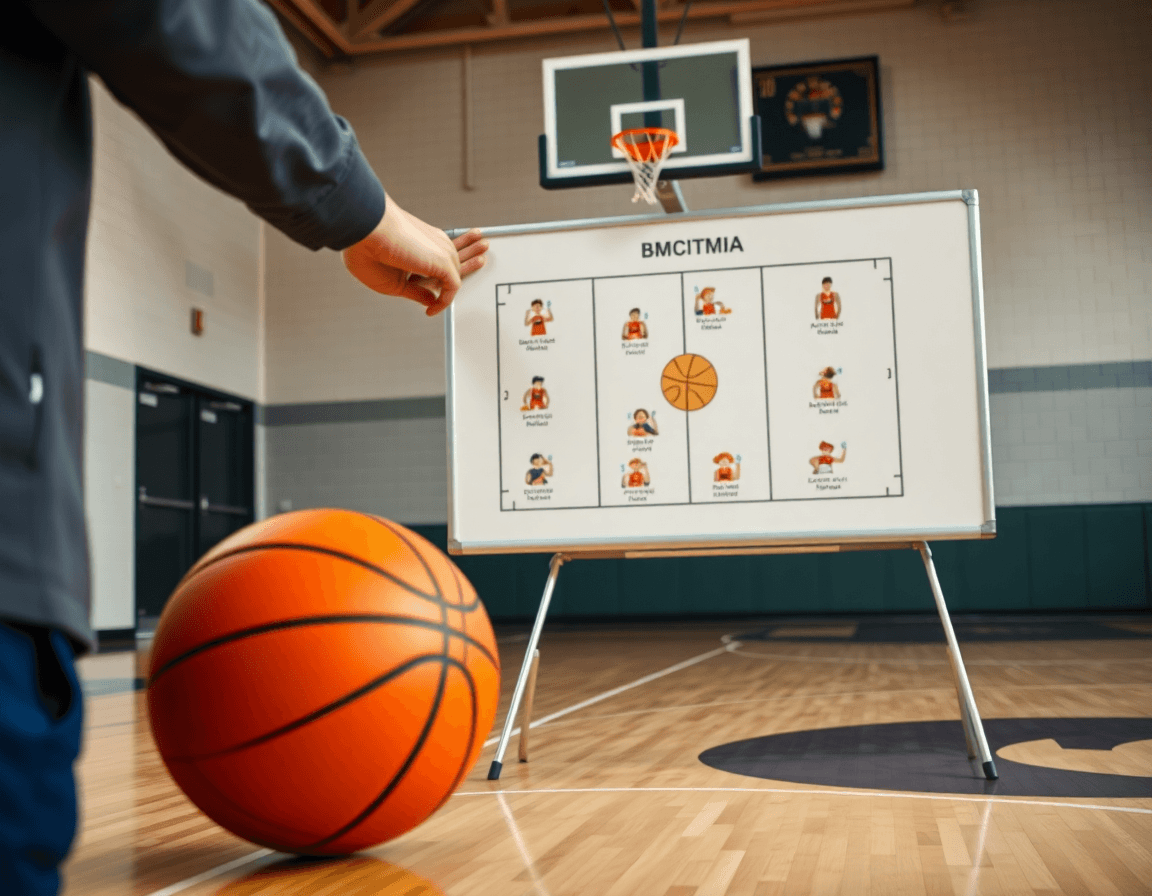
Animated basketball plays are most useful when they become part of a weekly routine. I block a 60-minute window to turn a concept into a teachable, animated play. Draft concept in your planning tool—spacing, options, and initial motion. This is the core workflow I run each week. This is where you establish the objective, the reads, and the rhythm for the week.
Then I switch to the whiteboard to map the action sequence (BLOB/SLOB/ATO/PnR), refining movement, timing, and reads. I label who triggers, who spaces, and how the ball enters the action. A quick check on edge cases keeps the play robust.
Export to PDF or shareable diagram for staff, so assistants can prep responsibilities before practice on desktop or mobile. The PDF includes a legend, player boxes, and a clean sequence diagram; teammates can annotate with notes for adjustments.
Next I compile relevant video clips and build a player playlist that matches the diagram: a sequence of animation with clips for each read. I pull clips from recent sessions, trim to the moment of decision, and tag them by play name so it’s easy to find in the library.
Finally, I schedule the practice and assign clips for review—this locks in the timing and gives players a clear path for the week. I set a reminder for the staff, assign clips to players, and track who has watched what. A quick desktop/mobile check-in keeps everyone aligned.
Using video clips to teach timing and spacing
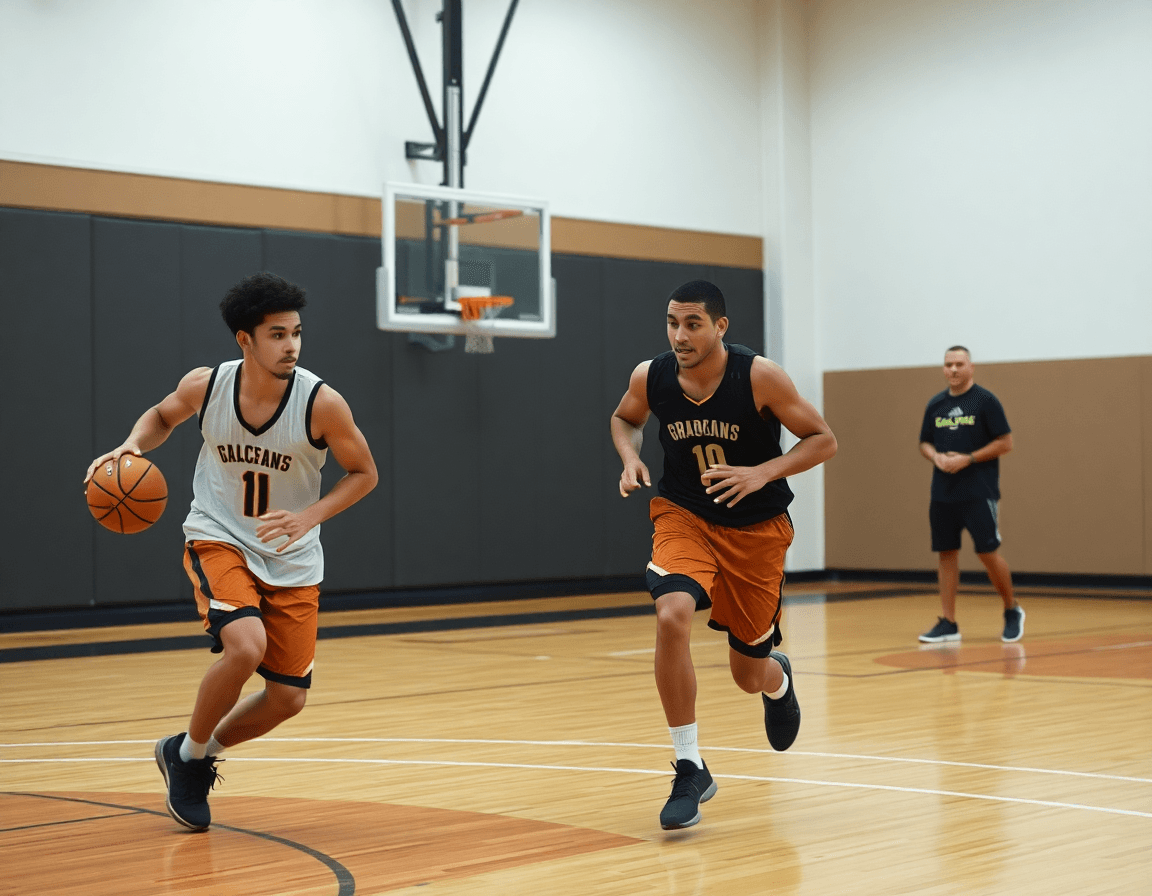
To anchor a weekly plan, I start with a small set of video clips that illustrate timing and spacing in live action. I want clips where players space out correctly, cuts are clean, and reads trigger decisive passes. The goal isn’t flashy moves, but reliable progression—timing the pass with the moving target, then sprinting into the next option as the defense shifts. Even when the clips come from animated plays, the visuals make the concept tangible for coaches and players alike.
Next, I link each clip to the corresponding play diagrams in the library so players see the diagram while watching the clip. This alignment helps them quickly connect the motion with movement cues on the court and the reads the offense relies on. When the diagrams sync with the clip, the coaching tips tucked in the library become a quick reference during practice sessions.
Then I assign clips to players via shareable playlists for pre- and post-practice review. Players load a short clip on their desktop or mobile devices, review the timing and spacing, and come ready with questions for the drill. This workflow keeps everyone on the same page and makes it easy to track progress across the week.
During drills, we pull a few clips—an on-ball sequence, a spacing read, a quick swing pass—and watch them on the screen while the players move to mirror the flow. Then we annotate on the tactical whiteboard to lock in the spacing and timing, linking back to the original clip in the library. We review on each device—desktop for the film block, mobile for post-practice bite-sized reviews—so the team can stay aligned on every pass.
Tactical diagrams as living playbooks
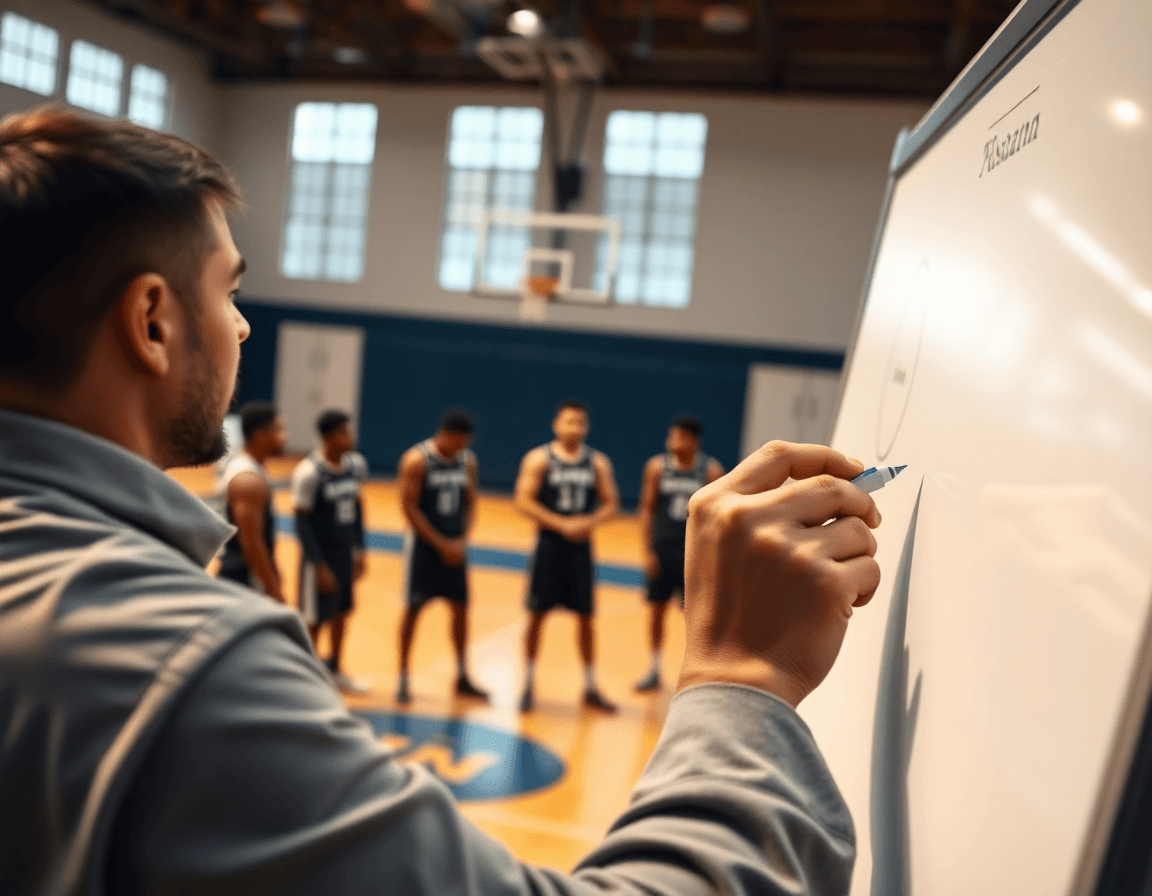
On the tactical whiteboard, diagrams become a living playbook. I sketch actions like BLOB, SLOB, ATO, and PnR, then choreograph timing and movement so passes and cuts thread the defense the way we want. With every rep, the diagram gains nuance—spacing tightens, screens pop, and reads sharpen. This isn't a one-off doodle; it's a dynamic playbook I return to every week.
From there, I convert the diagrams into something the staff can carry into meetings: an export to PDF that sits alongside scouting notes. The whole package travels with the team, desktop or mobile, so treatment plans, matchups, and action keys stay aligned. The PDFs capture movement, timing, and the passes we want to emphasize, making scouting reports crystal clear.
I pair the diagrams with player-facing clips through shareable media: playlists that spotlight the animation of the action. A quick sequence shows where the guard reads help, where the bigs slip, and how the wing fits into the spacing. Players study the sequence on desktop or mobile, then come to practice ready to execute.
In my workflow, the living diagrams get updated after film, PDFs get pushed to the staff drive, and the playlists link up with the next session—all aligned to the weekly plan. Players watch the clips, coaches compare timing and movement, and we tighten the callouts on the whiteboard. The loop—from whiteboard to PDF to clip playlist—keeps our diagrams fresh and practical for the week ahead.
Scouting integration: turning opponent tendencies into visuals
In my weekly prep, I start by pulling the latest scouting into the planning library. I tag opponent tendencies—how a wing uses screens, where the primary ball handler attacks, and how the defense reacts to ball reversals—and drop in representative video clips. On the tactical whiteboard, I map these actions with arrows and callouts, turning raw scouting into a clear, actionable plan for the week. This is where scouting becomes a living part of practice design, not just notes on paper.
Then I translate those tendencies into an animated sequence on the playbook. The movement, timing, and passes are choreographed frame by frame so my coaching staff and players can see the rhythm before the drill begins. The animation takes a static diagram and makes the sequence feel real—showing where the defense will slide, where the ball should move, and where the timing breaks down if a defender leaks out. It’s a quick, repeatable teaching tool that fits neatly into our workflow.
Finally, I assemble opponent-focused playlists for game prep. Clips are organized by action, labeled for quick teaching moments, and shared with the staff and players. The playlists live on desktop and mobile, so I can walk through a clip during pregame or drop a key sequence into a quick team huddle. This is where scouting data becomes a ready-to-teach resource—an always-accessible library that speeds up teaching moments and helps players lock in on the right reads and reactions.
Weekly prep checklist for staff and players
As a head coach using CourtSensei, I rely on a practical weekly prep checklist to keep staff and players aligned. Plan by Monday, diagram by Tuesday, clip by Wednesday, practice by Thursday. It maps to our core workflows: a planning library to map plays, a tactical whiteboard to diagram actions, video clips to illustrate movement, scouting notes for opponent tendencies, and shareable playlists to keep everyone on the same page. Keeping the rhythm clear days ahead minimizes chaos on game night.
On Monday, the staff finalizes the plan in the planning library, tagging objectives for each session and assigning responsibilities. Tuesday is for the diagram: we translate movement and passes into clear routes on the whiteboard and export PDFs that travel with the scouting notes. Wednesday is clip day: short video clips are trimmed for timing, labeled by movement cues, and dropped into a shareable playlists you can pull up on desktop or mobile, easy to share with players. Thursday is practice, running the plays with pace and adjusting timing as needed.
Keep an up-to-date assets checklist: play diagrams, PDFs, video playlists, scouting notes. If any piece is missing, you slow the pipeline. The weekly prep gains momentum when diagrams and PDFs are ready ahead of time, and players know where to find the clips for pre-practice review—whether on desktop or on mobile.
Finally, track progress and adjust for Friday practice. A quick read of the log shows which animations landed, which movement sequences need tightening, and where timing gaps exist in the passes. Use these insights to tune next week’s plan, update the diagrams, and refresh the video clips so staff and players start the cycle again ready to execute.
If you build plans like this every week, CourtSensei keeps your drill library, whiteboard, and video clips in one place — try it free.
FAQ
How do animated basketball plays fit into my weekly coaching cycle?
Animated basketball plays sit at the center of the weekly coaching cycle. They accelerate understanding of timing and spacing, and a quick loop lets players review from different angles. This builds a shared vocabulary that translates to the floor—confident cuts, faster ball movement, cleaner spacing off every screen.
Can players view plays on mobile?
Yes. The teaching flow uses playlists that players can open on desktop or mobile. We publish a shareable link with the animated action, and teammates can review timing and reads anytime. Keep the diagrams in the library handy for on-the-spot context.
What tools help create and organize animated plays?
Use the workflow around the planning library to draft concepts, then switch to the whiteboard to map sequences and timing. Export diagrams to PDF or shareable formats, and build a library of video clips that match each read. This connective chain keeps the team aligned from install to review.
Can I share animated plays with my players?
Yes. Create shareable playlists and send them to players who can open the clips on desktop or mobile. You can export notes as a PDF and attach scouting or practice guidance. This makes it easy for players to review before and after practice and for staff to stay aligned.
Is DiagramTheGame’s basketball play creator free?
DiagramTheGame provides a workflow to craft and export animated plays, but pricing depends on your plan. The tool supports creating, annotating, and sharing plays, plus exporting PDFs and video clips for staff and players. Check current plans for any free trial options.
How do I integrate animated plays into the weekly plan and track progress?
Make them the spine of your weekly plan: schedule a 60-minute cycle to draft concepts, map with the whiteboard, export PDFs, assemble video clips, and assign clips to players via playlists. Track who watched, set reminders, and review timing to keep the offense on rhythm all week.
