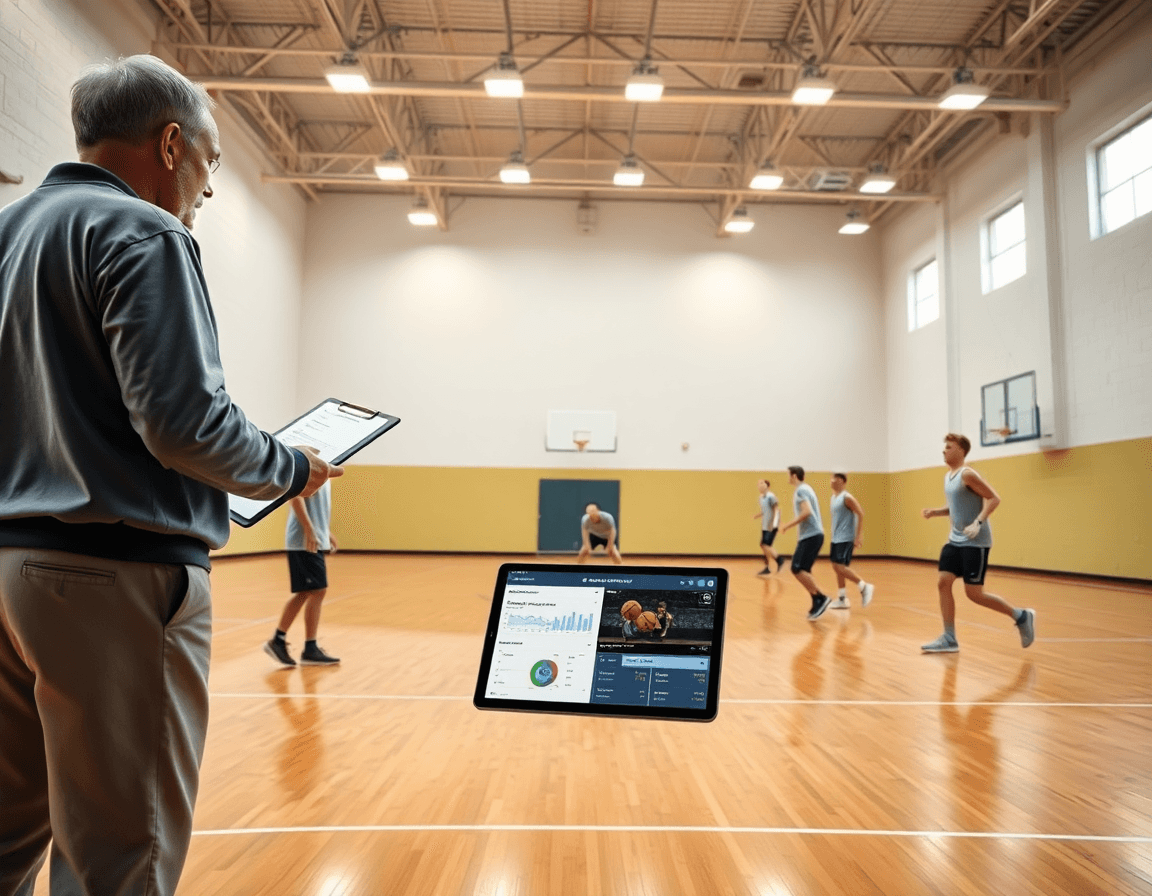
Apps for basketball stats: A coach’s weekly workflow
Coach-focused guide on using apps for basketball stats to power weekly planning, in-game decisions, and video-driven scouting for HS and club teams.

Key takeaways
- Choose 2-4 KPIs aligned to your game plan and embed them in weekly planning.
- Leverage real-time stats from apps to turn rotations into targeted decisions and sharpen practice objectives.
- Export data for reports and recruitment materials; clean, shareable stats boost credibility with administrators.
- Tag events to video clips so plan and film stay connected for quick analysis.
- Translate stats into on-court decisions with the tactical board and export diagrams for team alignment.
Why stat apps belong in a coach’s weekly kit
Real-time logs of points, rebounds, assists, and turnovers reduce reliance on handwritten notes. In our weekly plan, I pull from the apps for basketball stats and feed the numbers into our system to track who’s carrying us and where possessions break down. With live data streaming into the planning notes, rotations become decisions, not guesses, and our practice targets are sharper from the opening drill.
Analytics dashboards give us a quick weekly report for staff and administration. They summarize minutes, efficiency, and lineup impact at a glance, so assistants can prep materials for meetings without chasing numbers. The dashboards pair with AI coaching insights to help us validate what we’re teaching and where to push the emphasis in practice, without losing the feel of live competition.
Export options matter more than most coaches admit. We use export data to feed league reports and slide data into staff memos, then pull a subset for website updates and recruitment materials. Clean, shareable stats make film sessions more credible and give administrators, recruiters, and parents a clear read on our program’s trajectory.
From plan to play, the workflow stays connected. In the planning phase we tag stats to drills; on the tactical board we diagram shot charts and heat maps tied to the numbers; a short video clip highlights the sequence; scouting notes reference opponent tendencies backed by data; and shareable playlists link players to the clips. The cycle repeats each week, keeping the coaching staff aligned and the team accountable.
Define your stat priorities for the week
Kick off your weekly stat work by choosing 2–4 KPIs that map to your game plan. This is where apps for basketball stats meet your weekly planning. Start with the essentials: shooting, turnovers, rebounding, and pace. These targets aren’t abstract—they guide practice emphasis and rotation decisions. In CourtSensei, you drop these KPIs into the planning module, so every drill has a reason. A shooting block, a ball-security circuit, and a rebounding rotation all align with the KPI targets you set.
Link KPI targets to what you emphasize on the floor. Tie targets to practice planning and rotation decisions. If shot quality needs improvement, schedule a focused shooting block and rotate in players who meet the threshold. Use real-time stats to adjust possessions and lineups during the session. The data you collect—shots, turnovers, heat maps—feeds your game film and scouting notes, and you can export a KPI summary for the next meeting or share via a playlist.
Decide data sources and devices, and plan for offline scorekeeping if needed. Pick a primary stat app and device, and note where data lives—cloud or local. If wifi is spotty, assign one assistant to log on paper and sync later. In your plan, connect the data to the whiteboard diagrams and the video clips library, so KPI progress is visible to staff and players. When scouting cycles hit, you’ll have a clean export data set and ready clips to illustrate trends.
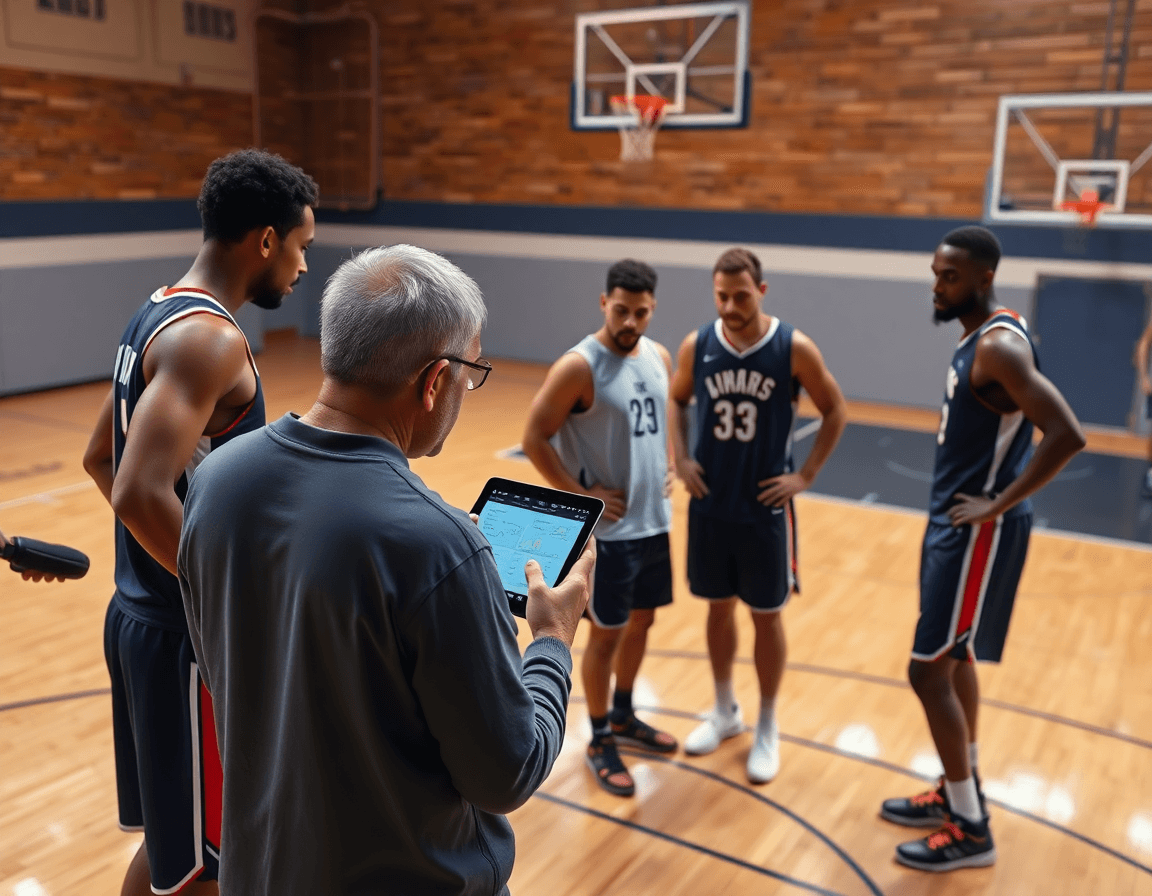
Set up data capture that feeds your plan and film
Set up data capture that feeds your plan and film. Start by configuring the apps for basketball stats to collect a focused slate of KPIs aligned with your weekly goals. Assign duties to assistants so someone tracks shooting efficiency, another handles live turnovers, and a third manages defensive stops. This turns data into a living element of your plan rather than an afterthought.
Enable syncing with video assets for event tagging and link events to footage. When you tag events in practice and games, those timestamps show up in your video clips library as concrete references for your game film and video analysis. A drive-by drill becomes a tagged sequence you can pull up in seconds, and you can annotate the tag with notes for the next scout or the next session. The goal is to keep every play connected to a concrete clip, not a memory.
Ensure exports feed your practice plans, scouting reports, and cloud storage. Build export templates that push summarized stats, shot charts, and player tracking notes directly into your weekly plan and your scouting notes. Automatically save and share these exports to your cloud storage so the team can access them from the court to the office. Create shareable playlists from the tagged clips, so players can study specific sequences when they’re reviewing film at home.
Example workflow in a week: you set target KPIs in the plan, assign assistants to collect the data, and enable event tagging as you drill into every rep. After the weekend game, exports populate your scouting report and update heat maps and shot charts. The data travels from plan to film, then back into cloud storage for easy access by coaches and analysts.
Turn stats into on-court decisions with the tactical board
When you turn stats into on-court decisions, the tactical board becomes your coaching compass. In the weekly plan, you pull basketball analytics from stat apps and map them to rotations, PnR targets, and defensive schemes. On the tactical board, you translate the data into tangible actions—who defends the ball, where help comes from, and which lineups unlock our best spacing. Then you share clean diagrams with the staff and players via the shareable playlists and quick video clips, keeping everyone aligned.
Use stat-driven diagrams (BLOB/SLOB/ATO/PnR) to illustrate adjustments. A scouting note from the weekend gets drawn onto the board as a new play diagram to show how we respond to a opponent’s out-of-bounds look or a pressure sequence. When you annotate a rotation change, you’re not guessing—you’re showing a path for live coaching decisions. Exporting these diagrams to PDF keeps the staff on the same page, while a short video clip highlights the exact footwork or spacing you want to see on the floor. The drill you design around the diagram then becomes part of the next practice plan, a loop you can review with players in the film room.
Create drills and rotation changes driven by weekly KPI trends. If the analytics show a rise in opponent transition scores, you craft a transition defense drill and tweak the rotation to keep our rim protection tighter. If shot charts reveal trouble in a side pick-and-roll, you adjust the defensive angle and rehearse the swap and hedge in a dedicated session. This is where the five modules feed one workflow: plan the week, map it on the whiteboard, cue the clips, brief the scouting notes, and hand players a tight, shareable video package to study.

Link stats to scouting and opponent prep
During the planning phase, I pull stats from our basketball analytics apps to translate trend data into scouting reports and opponent tendencies. I export the data into a clean scouting note and drop it onto the whiteboard alongside clip-backed visuals. The last game's real-time stats feed the initial read, but this week we’re chasing patterns: where the opponent pressures, where they concede corner threes, and how shot charts cluster late in clocks.
From there, I translate those insights into scout plays and a crisp pregame game plan. If the numbers show the defense overplays passes to the corner, we script a scout play that pins the rotation and creates a wing jumper. On the board I annotate diagrams with BLOB/SLOB actions and the expected routes, so coaches and assistants read the plan at a glance. This is where numbers convert into action and align with our on-court habits.
Finally, I share the findings with the staff and players through playlists and shareable links. I assemble a short video clip and a few snippets from game film that illustrate the opponent's tendencies, then pair them with the scouting notes. Players can watch the clips in their own time, while staff sees the same visuals alongside the weekly game plan. The export data from the stats app becomes a clean scouting packet for the week, keeping player tracking insights accessible without clutter.
Practical workflow: a 60-minute weekly routine using stat apps with your coaching suite
0–10 min: I kick off my 60-minute routine by pulling the latest data from apps for basketball stats, then review last game numbers to set targets for the upcoming opponent. I scan real-time stats for pace and look closely at shot charts to identify where we attacked and where we stalled, while heat maps flag our strongest zones.
10–25 min: In the planning module, I draft the practice plan informed by KPI trends and player roles. We adjust rotations, emphasize the actions that moved the needle last game, and map drills to each player's role, exporting data to share with assistants and managers.
25–40 min: Compile opponent scouting notes and tendencies. I pull game film and annotate on the scouting board, linking tendencies to counters we can drill in the week. The notes land as a concise game plan on the whiteboard for Saturday’s walkthrough.
40–50 min: Assemble video clips aligned to stat insights for quick coaching cues. I pull clips that illustrate decision points in PnR attacks, closeouts, and transition reads, then tag them for the playlist used in film sessions.
50–60 min: Publish playlists, share with staff and players, and save a one-page stats summary. The playlists become shareable links, while the stats summary keeps a crisp export data recap accessible for the whole week.

Pitfalls to avoid and quick wins with stat apps
One common pitfall with apps for basketball stats is duplicate data entry. You pull box scores, then re-enter the same numbers into your plan templates, scouting notes, and the whiteboard diagrams. The cure is to automate where possible and delegate routine work to assistants. When the stat app feeds directly into your planning and scouting sheets, you cut errors and free up time for coaching.
Another trap is data inconsistency across devices. On a sideline iPad, a laptop in the film room, and a desktop at the gym office, numbers drift if you don't lock down the workflow. Define a simple protocol: one source of truth, consistent naming for shot charts, and a fixed path for syncing results. Train assistants to follow it and do a quick weekly audit to catch drift before it affects scouting notes or game plans.
Leverage cloud storage so everyone can access the latest stats and short video clips from any device. This keeps game film, shot charts, and player tracking in sync and makes it easy to share with coaches and assistants. Pair the data with quick video analysis, so your player meetings are focused and actionable. Train your team on access rights to keep scouting notes secure while still being easy to reference.
Quick wins lie in templates that save time and look sharp. Create templated exports that automatically export data into your reports, so the weekly scouting packet is ready to distribute. Build ready-made scouting sheets for common opponents and use a library of shareable video playlists you can push to players after practice. When you pair these with the plan and the whiteboard, you gain speed without sacrificing insight.
If you build plans like this every week, CourtSensei keeps your drill library, whiteboard, and video clips in one place — try it free.
FAQ
Which basketball stats apps are best for coaches?
In my weekly workflow, I look for apps that cover core KPIs, offer clean real-time logging, and play nicely with practice plans. The best options give you quick dashboards for minutes, shooting, turnovers, and lineups, plus easy export to your scouting notes and game film. A good app should feel like an extra staff member, not another gadget to manage.
Can I log real-time stats from a smartphone?
Yes. Most modern stat apps support a smartphone-based entry, letting assistants log events during drills and games. If wifi is spotty, pick apps with offline mode that syncs when you're back online. Tag events with timestamps to keep plan and film aligned.
Do basketball analytics apps require expensive camera systems?
No. You can run meaningful analytics with a smartphone and standard practice footage. You’ll log basics, view simple charts, and export reports without a premium setup. More advanced motion tracking or multi-camera systems improve accuracy, but they aren’t required for a functional weekly coaching workflow.
Can I export stats to MaxPreps or team websites?
Yes. Most stat apps offer export options to common formats (CSV, Excel) and direct integrations or shareable links. You can feed your KPI summaries into MaxPreps or your site by exporting and attaching clips or notes. Set up templates in your planning phase to push new data into reports automatically.
How does AI coaching work in basketball stat apps?
AI coaching in these apps analyzes patterns: possessions, shot selection, defense, and lineups. It surfaces actionable insights, suggests rotations, and aligns with your practice plan. Use it to validate what you teach and spotlight targets in meetings, but don’t rely on AI alone; balance with human judgment.
Can I record video and stats at the same time?
Yes. Most workflows couple stat capture with video tagging and link events to clips, so you can review exact sequences. This saves time during film sessions and makes scouting notes sharper.
Are there free basketball stats apps for youth teams?
Yes, there are free or low-cost options that cover basics like points, rebounds, and turnovers. Look for apps with offline capture, simple dashboards, and export basics. Free plans are a great way to pilot a weekly workflow before upgrading.
