Basketball Coaching Accessories for Weekly Planning
Explore basketball coaching accessories that streamline weekly planning, diagramming plays, video clips, and scouting for coaches at HS, club, and college levels.

Key takeaways
- Adopt a physical-to-digital toolkit: plan on dry erase boards, export PDFs, and align staff with CourtSensei.
- Build a library of diagrams you reuse weekly, exporting PDFs and linking to weekly objectives for coherence.
- Create focused video playlists and attach clips to scouting notes, so players study concepts between sessions.
- Use a repeatable template for opponent cards, generating actionable scouting reports, and link plays via the plays selector to practice plans.
- Store all opponent data as a living library you reuse across seasons, with secure links to player playlists.
Essential basketball coaching accessories for a structured weekly plan
Essential basketball coaching accessories for a structured weekly plan
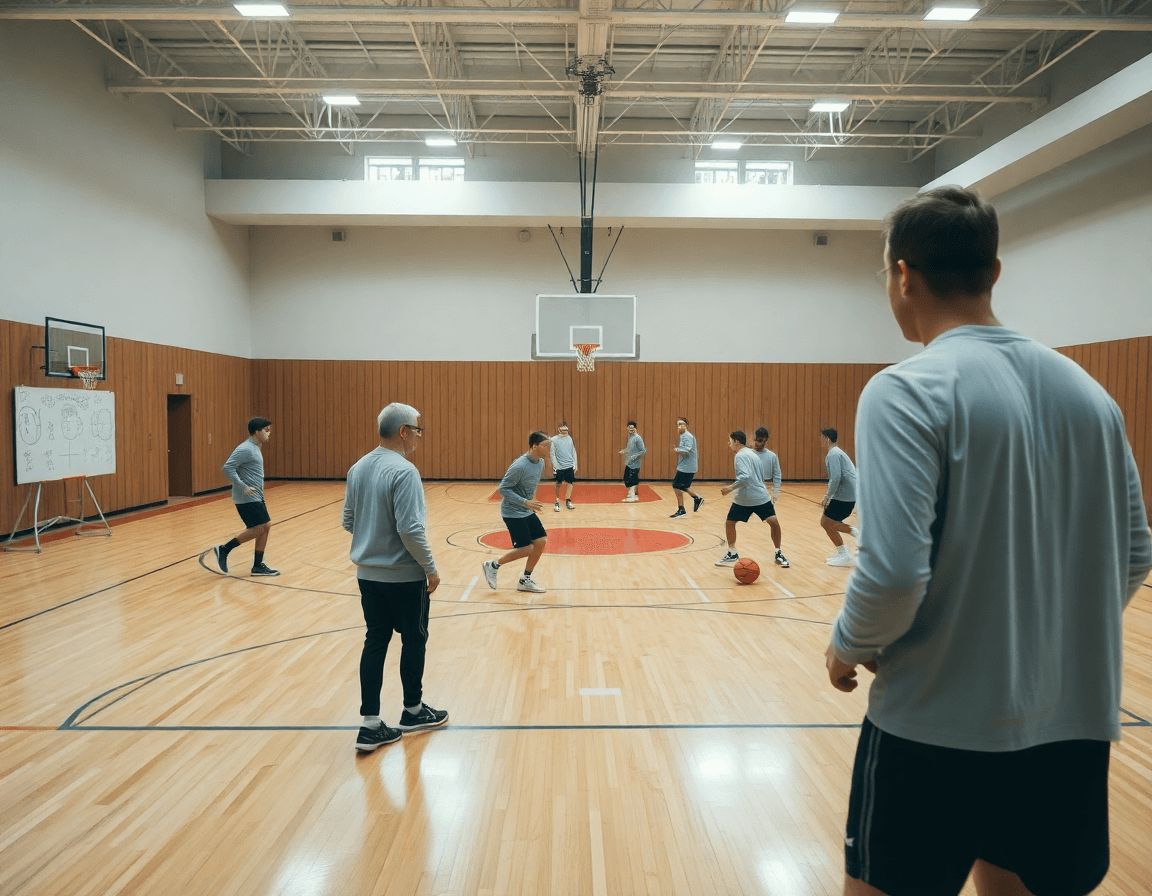
Your weekly plan starts with the physical toolkit that travels from the gym floor to the digital backbone of CourtSensei. Coaching boards and whiteboards become the backbone of your week, letting you sketch diagrams, jot drill notes, and iterate on ideas before practice begins. In the practice plan, you can map each drill to a specific station, then export the diagram to your assistants as a quick PDF. This is where the bridge between the tangible and the digital happens, keeping everyone on the same page as you tighten up reads, rotations, and timing.
Dry erase boards with magnetic pieces simplify visualization on full-court and half-court diagrams. You line up breakouts like 1-4 high, 2-3 zone, or a quick PN-R action, then snap a photo to attach to your scouting notes in CourtSensei. The magnets let you move players around live, and later you store the same setup in your drill library or clip a short video clip to show the exact position and spacing for your players.
Durable timers and whistles keep practices on schedule and signals consistent. You run your weekly plan with blocks for warm-up, skill work, and controlled scrimmage, and the timer becomes a shared cue you and your assistants trust. When a segment ends, you save a quick note in the scouting or drill finder, so the next session starts with a clear baseline. Think of these accessories as your physical planning toolkit that integrates with digital planning in CourtSensei.
In the end, the workflow is simple: plan in the plan, diagram on the board, clip the key moments, and pull up the scouting notes and shareable playlists for players.
Diagramming plays: from full-court to half-court with boards
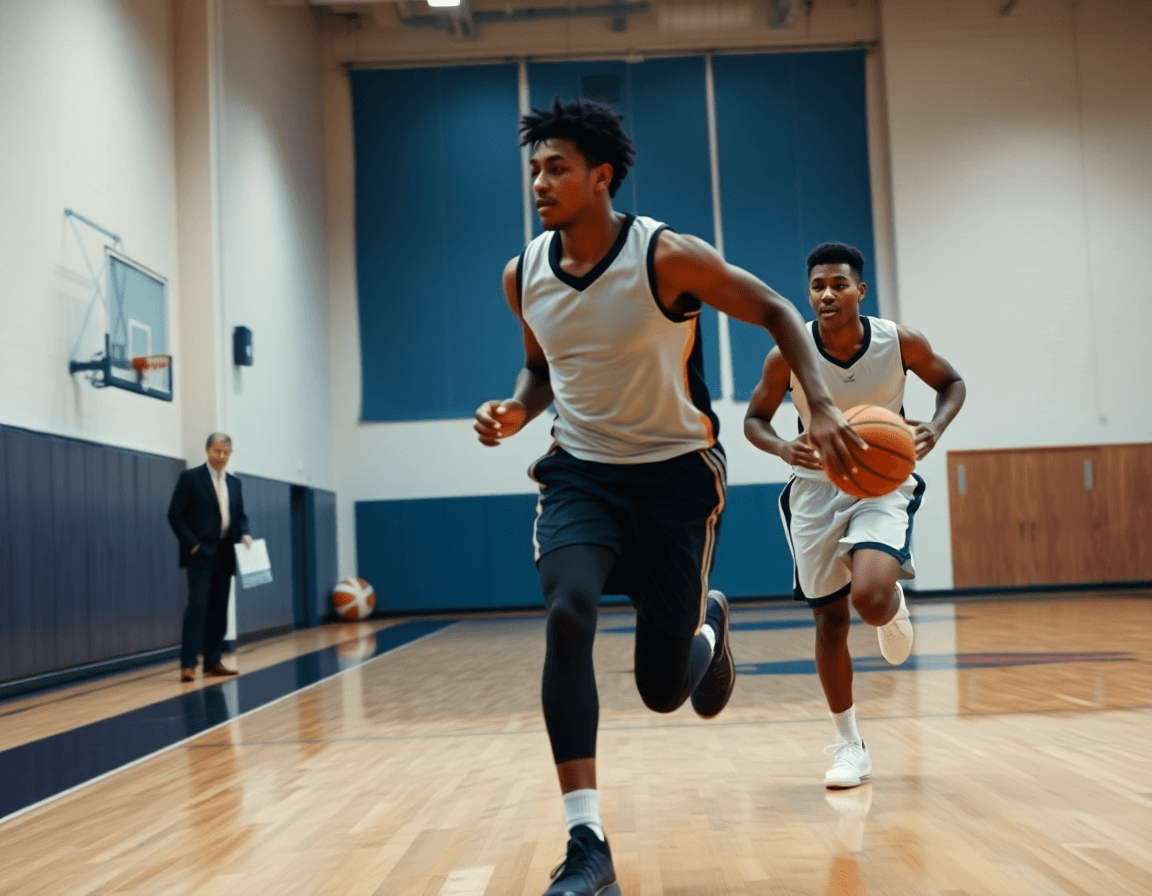
Diagramming plays is where the weekly planning lives—on the floor, in the film room, and on the dry erase boards. I start with full court diagrams, outlining BLOBs and SLOBs, then tighten into ATOs and the pick-and-roll look for half-court sets. The boards turn complex movements into readable routes and responsibilities, letting assistants and players lock in during walkthroughs.
I keep a library of diagrams that I reuse across practices and opponents. This is where coaching boards and whiteboards pay off, giving me a quick pull-up during a day of walkthroughs with assistants and the next opponent scout. The library lives in CourtSensei, so I can tailor diagrams to each game plan without starting from scratch.
Export diagrams as PDFs for staff decks or prepractice briefings, so the whole staff is on the same page. Pair with planning tools to keep diagrams aligned with weekly objectives, which helps each drill feed into the practice planner.
On the court, a quick walk-through with a half-court diagram makes a difference. I call out angles, pass lanes, and timing on the board, then the team runs it live. If it clicks, I drop a short video clip and drop the sequence into a shareable playlist for players to study later.
Video clips and playlists: organizing game footage for players
Video clips and playlists: organizing game footage for players
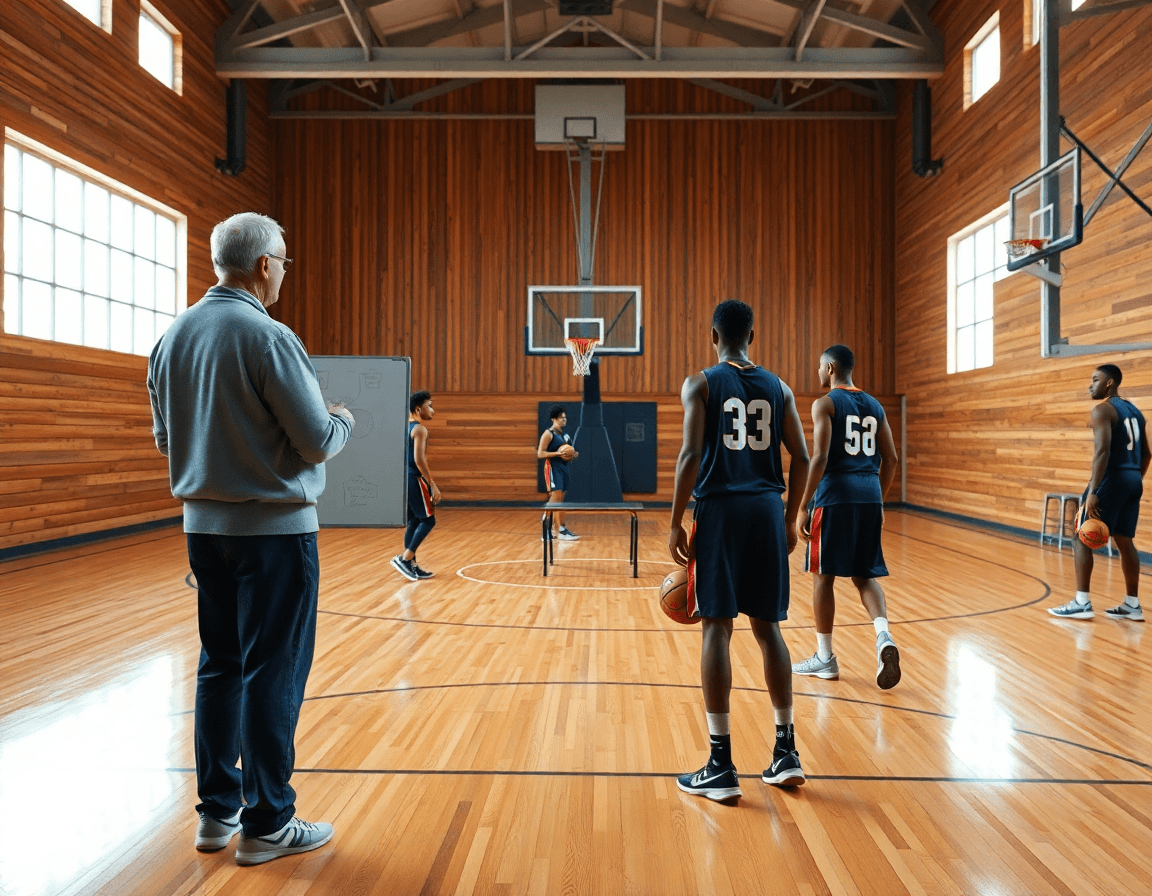
In my weekly workflow, the backbone is a well-maintained clip library. I pull from game film and practice footage, tagging each clip with terms like transition, defense rotation, or PnR read. The goal is to turn raw footage into actionable lessons—something a player can reference without re-watching entire games. When we walk through the board in the plan, I pull a representative video clip to illustrate the exact defensible stop or decision, so the concept lands more quickly.
I build focused playlists that players can view on demand. Think short, 3–5 clip sequences tied to a single concept—ball-screen reads, footwork in motion, or outlet passes after a rebound. These playlists are easy for players to access on their own time, reinforcing ideas shown during the plan and on the whiteboard. The power is in repetition: a quick clip, a quick drill, and back to the next segment in the practice plan. In practice, I’ll link a short video clip to a drill finder entry so the group can see the action, then immediately try it in a drill.
Linking highlights to scouting notes and the plan creates a seamless cycle. I attach scouting notes to the relevant clips—opponent tendencies, pressure points, matchup advantages—and connect the same clips to the corresponding practice plans. That way, the coaching cycle flows from scouting to drills to film review, all within one system. Sharing is simple: players get a secure link to their playlists, so they reinforce concepts even when they aren’t on the court. This approach turns video into an active coaching aid rather than a passive recap.

Scouting and opponent prep with coaching tools
As a head coach, I treat scouting as a repeatable workflow, not a one-off note. I build every opponent card in CourtSensei using a coach-focused template that keeps the data consistent across games. The template captures opponent tendencies, go-to offensive sets, defensive schemes, and transition patterns, plus a quick read on late-game decisions and favored counters. Our staff can generate clear, actionable scouting reports before every weekly prep, and we annotate changes after each game to inform the next plan.
On the tactical whiteboard, I map scout plays to the diagrams we’ll run in practice, so assistants can walk through the plan quickly. Each scout play links directly to the relevant diagram, and with the plays selector we pull the right option in seconds, then drop it into the current practice plans for a quick walkthrough with the team. During film sessions, we pair a short clip with the diagram to illustrate spacing, timing, and reads, and save a few go-to sequences in the drills finder for reuse.
All opponent data becomes a living library you can reuse across seasons. We store scouting data in a central space, so week-to-week prep is faster and more confident. When the next game rolls around, that season data informs our plan without starting from scratch, keeping the defensive calls and scripts aligned with our coaching boards and clip library. The workflow pays off in sharper game plans, smoother assistant collaborations, and a more targeted weekly prep.
Choosing the right coaching equipment for your program
Choosing the right coaching equipment for your program comes down to a few steady principles: budget, durability, and ease of use. Start with reliable coaching equipment you can trust week in and week out. If you work with assistants, consider custom coaching boards that match your playbook and stay legible under gym lights. Think of your tools as an extension of your Practice Planner: a sturdy surface for quick notes, simple markers that don’t smear, and training pads, timers, and whistles you can grab in a hurry. When you map these into CourtSensei, you’re not just buying gear—you’re building a scalable workflow: planning, diagrams on the whiteboard, and clip-ready video links for later review.
Durability matters more than novelty. Gym life tests equipment every season. Gym floors, sweat, and frequent setup changes demand boards and aids that wipe clean and resist ghosting. Choose surfaces that survive a week of chalk, sweat, and careless passes: sturdy dry erase boards and reliable clipboards for notes. A few training pads that grip the floor and lightweight markers let you run drills without chasing markers across the bench. The goal is equipment that travels between locker rooms and gymnasiums and doesn’t slow you down when you switch from a plan to the whiteboard to a quick video pull in CourtSensei.
Finally, plan for how you integrate hardware with digital workflows and video analysis to maximize impact. The days of flip charts alone are fading; the right mix makes it easy to go from a plan in your Practice Planner to diagrams on the whiteboard, then drop a short video clip into a view for your players. In scouting, map opponent tendencies using a few coaching aids and pull relevant drills from your Drill Finder or Plays Selector to build a focused practice. When the tools talk to CourtSensei—planning, whiteboard diagrams, video clipping, scouting, and shareable playlists—you unlock a tighter feedback loop and faster progress.
A practical 60-minute weekly workflow
Here's a practical 60-minute weekly workflow that keeps a program moving and aligned. With basketball coaching accessories in your toolkit, planning feels cohesive rather than scattered. In CourtSensei, the Practice Planner is where you draft drills and assign them to assistants using a coaching board and clipboards. Step 1: Plan and assign drills in a practice plan using boards and clipboards. This sets the tempo for the week and clarifies roles on the floor.
Step 2: Diagram the week’s primary sets (full court and half court) and export PDFs for staff. On the tactical board, sketch the week’s primary sets and transitions, then export PDFs for staff sharing. Those diagrams become your go-to reference during meetings and warmups, and they map neatly to play diagrams in the library.
Step 3: Clip and organize key moments from last week, then build playlists for player review. Use Video Clips to cut and label moments, organize them by drill or opponent action, and assemble playlists for players. A short video clip after practice helps players see corrections in real time and keeps the team moving toward the same adjustments.
Step 4: Update scouting notes and prep opponent focused plays for the coming week. Update scouting notes with crisp observations and pull together opponent-focused plays as a starter kit for your game plan. These notes feed the Plays Selector and Drill Finder, so you’re ready to adjust tactics on the fly.
Step 5: Run a quick staff review leveraging shareable links to plans, diagrams, and clips. Finish with a 10-minute huddle using shareable links to plans, diagrams, and clips. Quick access keeps assistants aligned, players accountable, and the week’s plan rolling smoothly into Friday’s shootaround.
If you build plans like this every week, CourtSensei keeps your drill library, whiteboard, and video clips in one place — try it free.
FAQ
What are the most common basketball coaching accessories?
Common basketball coaching accessories include a sturdy coaching board (or clipboard), a dry erase board with magnets, reliable timers, whistles, and a pocket plan book. You’ll use these to map your weekly plan, diagram plays, and track drills across stations. Keep it mobile so you can move between court and classroom, then export quick PDFs for staff.
What is a basketball coaching clipboard or board used for?
Your coaching clipboard (or board) is the visual hub for practice. Use it to diagram plays across the floor, jot drill notes, and assign player roles. It keeps assistants, players, and you aligned during walkthroughs and helps you lock timing and spacing before you start, so practice runs smoothly.
What are the best coaching aids for youth basketball?
For youth programs, prioritize simple, durable tools that minimize confusion. A lightweight dry erase board with magnets, color-coded diagrams, and a compact plays library work well. Pair boards with a reliable timer and a straightforward practice plan, so coaches teach fundamentals, build confidence, and progress drills without overload.
How can I plan effective basketball practices using coaching tools?
Begin with clear weekly objectives and a connected practice plan. Diagram plays on the board, assign drill stations, and export PDFs for staff. Tie in video clips to illustrate key reads, then run drills with precise timing from a digital planning tool. The cycle is plan, diagram, drill, review, and repeat.
What equipment do basketball coaches typically use?
Typical gear includes a clipboard or board, a dry erase board with magnets, timers, whistles, cones for stations, and a drill library. This setup helps you visualize spacing, pace practice, and reuse sequences. Invest in durable, easy-to-clean tools so you can use them across teams and seasons.
Where can I buy basketball coaching equipment?
Shop at online retailers or major sporting goods stores that stock coaching boards, dry erase boards, magnets, timers, and whistles. Look for durable construction, magnetic pieces that hold, and compatible clipboards. If you are outfitting a staff, ask about bulk orders, warranties, and shipping timelines to keep your weekly plan on track.
