Basketball Coaching Software for Weekly Practice Planning
Streamline weekly practice planning with basketball coaching software: build drills, diagram plays, clip video, scout opponents, and share playlists with your team.

Key takeaways
- Align weekly goals from plan to execution using a centralized practice planner and real-time staff access.
- Attach drills, plays, and clips to weekly plans using the built-in drill library and playbooks for consistency.
- Use drag-and-drop sequencing to balance workload across days and keep staff aligned with the scout report.
- Export PDF exports and shareable links streamline staff handouts and player progress tracking during meetings.
- Leverage video clips and analytics to reinforce learning and guide weekly drill progression.
Weekly practice planning workflow: from goals to execution
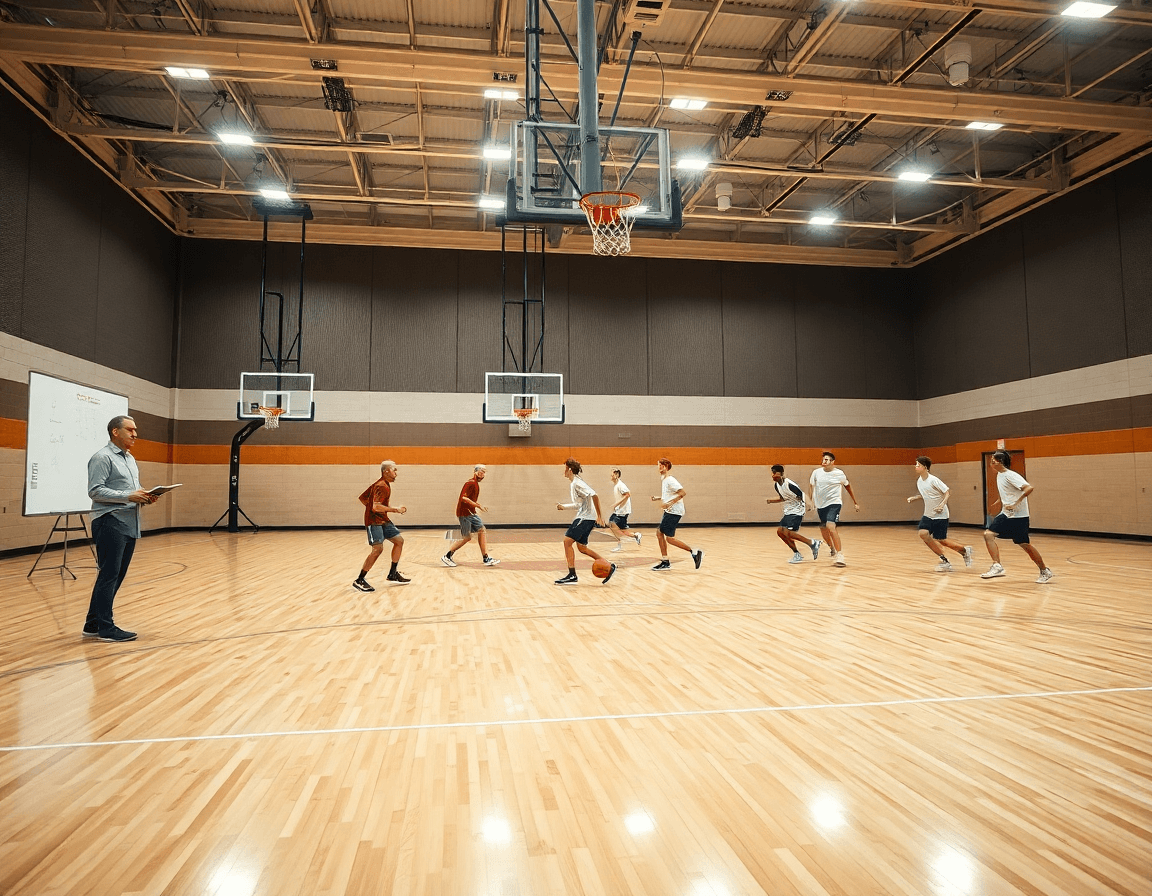
Week by week, I start with the end in mind. In my basketball coaching software, the practice planner is the hub where goals for each session take shape: a primary drill focus, a spacing objective, and a quick note on how we’ll attack the opponent’s tendencies. I tie those aims to a single plan, so the line from what we want to accomplish to what we run stays intact. I map the days: Monday’s emphasis on tempo and ball movement, Tuesday’s focus on defense rotations, Thursday’s late-game decisions. The plan remains accessible to the whole staff, keeping our session planning tight and practical.
From goals to execution, the next step is building the weekly practice plan by attaching relevant drills, plays, and clips. The built-in drill library makes it easy to pull in a proven routine, while the playbooks feature lets you diagram BLOB/SLOB/ATO/PnR on the fly. Drag-and-drop lets you rearrange sequences as the scout report evolves, and a quick link to short video clips keeps demonstrations sharp. All of this stays in one place, so the staff can stay aligned and the players see a clear path from drill to game plan.
Finally, this centralized workflow lets me assign tasks to assistants and prep for staff meetings. I export a clean PDF export for the staff room, and I generate a player-friendly version to share with players via a secure link. The result is a steady cadence: every session aligns with the goals, every drill and video ties to the opponent adjustment, and the team moves from plan to execution with clarity.
Build and manage drill library for fast practice design
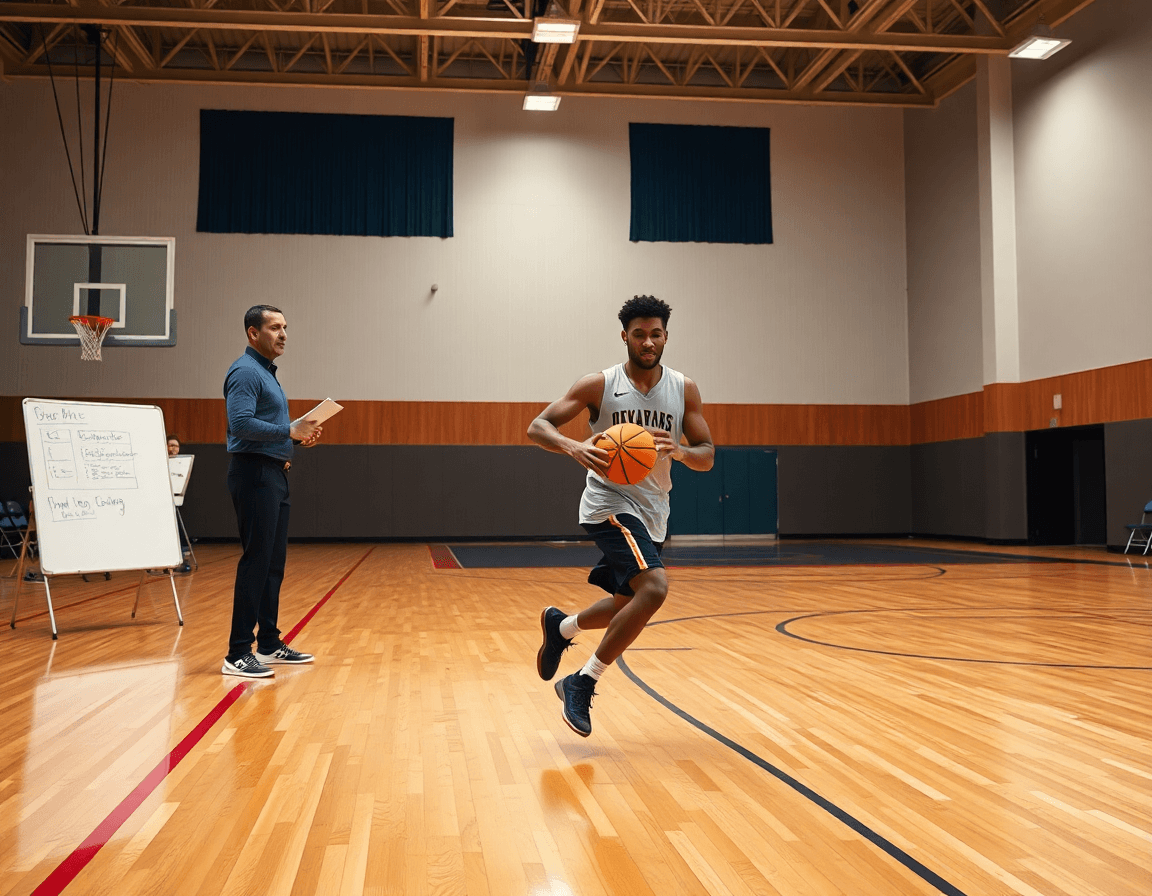
As a coach using basketball coaching software, the drill library is the heartbeat of my weekly prep. I curate a growing set of drills that map to our schemes and player development goals. Each drill is tagged with objectives and positions, so in the plan I can mix and match with confidence. The library sits in my practice planner, always a click away when the week shifts.
Using drag-and-drop, I assemble practice segments: warm-up, skill work, defensive rotations, and scrimmage, labeling each chunk by objective. The visual flow helps me see gaps and balance workload across days. When I lock in a sequence, it lives in the playbooks for the assistants to pull up and run on the floor.
Reuse proven sequences to save prep time and ensure consistency across games. A favorite six-drill warm-up gets copied into next week with small tweaks. It’s all about reliability: players know the drill, coaches can focus on coaching. The drill library becomes a shared scaffold across practice plans and PDFs, keeping us aligned week after week.
Smart features like AI coaching and analytics help refine the library: we track which drills drive shot quality, which drill sequences boost transition pace, and how players progress over the season. You can export PDFs of the plan for staff and printables for players, and keep a tight record of player progress tracking to guide future sessions.

Diagram plays and tactics with a whiteboard, export-ready
As I map the week in the plan, the whiteboard is where diagrams come to life. I sketch BLOB, SLOB, ATO, and PnR with quick strokes, using drag-and-drop to reposition players in real time. The board links to our drill library so I can pull in spacing patterns or movement options on the fly. Those diagrams become the backbone of our Tuesday session, turning ideas into visual cues that players can read without a whisper.
Once a diagram is dialed in, I link it to the master playbook and export it as a reference document for scouting reports and handouts. The playbooks stay organized, so I can pull a diagram into a quick PDF export that coaches the scouting staff and gives us a neat, portable reference for the locker room. When we circulate the PDF export to assistants, everyone stays on the same page.
Sharing diagrams with assistants and players gives us quick on-court reference. I push the latest diagrams into a shareable link so our playbooks stay accessible during warmups. On the floor, the diagrams guide defensive rotations, spacing, and ball actions, all visible at a glance. It’s practical, fast, and it keeps the weekly workflow cohesive—from the plan, through the whiteboard, to the court.

Video clips: trim, organize, and share game footage
After a weekend of games, I jump into the video clips tool to trim and label key possessions. I pull a 12-second sequence where our guard breaks the press, finds the wing, and we hit a timely shot. I name it "late clock read + kick" and drop it into the clip library. With video clips and a clean clip library, that moment becomes a teachable staple for the week, not a scavenger hunt through hours of footage.
Next, I tag clips by drill or scenario and attach them to practice plans or plays. A clip tagged "ball screen" lands with the offensive set in the plan, and I can drag-and-drop it into the sequence on the tactical whiteboard. The drill library keeps proven clips ready for reuse, and a quick PDF export gives the staff a clean handout for scouting or a pre-practice review.
Distribute clips to players with notes and check for comprehension in team meetings. During Tuesday's film session, I share a playlist of clips with short notes, and players watch, pause, and answer a couple questions on the screen. I track who watched and who understood—this is where player progress tracking and analytics come alive and influence how we adjust drills next week.
All of this feeds my weekly workflow: moving from the practice planner to the video clips to the whiteboard, with short clips and playlists guiding our drills. The PDF export of clip notes travels with scouting reports, while your team stays aligned through shareable playlists that map directly to the week's plan.
Scouting reports and opponent prep: scout plays and share insights
In the weekly grind, the scouting reports live in a centralized scouting sheet. I document opponent tendencies and counter-plays, log favorable looks to defend or exploit, and tag actions we know we’ll see. The built-in analytics let me spot trends across the season—pace, PnR frequency, preferred mismatch targets—without chasing files. With this single source of truth, our staff stops guessing and starts executing.
From there, I attach scouting insights to game plans and practice priorities. When I build the weekly plan in the practice planner, I diagram counter-plays on the tactical whiteboard and use drag-and-drop to reorder sequences. Those insights live in our playbooks, and a PDF export gives us a printable packet for film sessions.
Distributing reports to staff and players is where the system earns its keep. We share with players with clear takeaways and watch lists built around opponent tendencies. Each player can click through linked scouting clips and notes, while I attach field notes for quick reference during practice and games.
The weekly loop is reinforced by AI coaching and clear player progress tracking. As the scouting sheet evolves, I align the drill library with counter-plays and mark new watch lists for upcoming opponents.
Playlists and shareable video clips: keep players accountable and engaged
In basketball coaching software, playlists are the heartbeat of your weekly workflow. You can assemble clips and drills into focused sequences for individuals or small groups. For example, the varsity guards get a playlist that blends 2 game clips showing ball-screen decisions with 3 drills from the library that sharpen footwork and angles. With drag-and-drop, you can reorder, replace, and tailor the sequence to your current plan. One playlist can steer station work, film review, and a quick on-court reset between reps.
After you lock it in, sharing is simple and secure. Generate a link that's accessible on mobile, or export a mobile-ready version so players review clips at the gym or at home. You can readily share with players and track who opened what, building accountability without clogging practice time.
This isn’t about viewing for the sake of it; it’s about feedback that sticks. The analytics tell you who watched a clip to the end, who paused, and which moments sparked questions. Use that data for targeted feedback during the next drill and to adjust your weekly plan. This is where player progress tracking ties video to on-court results.
Week-in-review example: on Sunday you pull from the drill library and video clips to craft Monday’s playlist inside the practice planner. Players check in on their devices, you monitor engagement, and you jot notes to follow up during practice. When the session ends, you can perform a quick PDF export of the playlist for the staff and incorporate clips into the next scouting report—keeping your team aligned and accountable.
If you build plans like this every week, CourtSensei keeps your drill library, whiteboard, and video clips in one place — try it free.
FAQ
What is basketball coaching software and who uses it?
Basketball coaching software is a centralized platform that combines practice planning, diagramming, video clips, and playbook management to help coaches design, run, and review weekly sessions. It’s used by head and assistant coaches, video staff, and scouts to align goals, organize drills, and share plans with players.
What features should basketball coaching software include for weekly planning?
At minimum, look for a drag‑and‑drop drill library, flexible playbooks, a planning hub, a clip library for game-film, PDF export for staff and players, and secure sharing. Analytics and player progress tracking help you refine drills and pace across the week.
How can AI improve basketball coaching with these tools?
AI coaching and analytics turn data into action: it can rate drills by their impact on shot quality, suggest practice sequences, track player progress, and surface early warnings. Use it to tailor sessions, balance workloads, and keep the team moving toward season goals.
What is CourtLab and what does it offer?
CourtLab is a basketball coaching platform that centralizes planning, diagrams, and play management. It offers a growing drill library, intuitive playbooks, real‑time whiteboard diagrams, video clips, and exportable PDFs for staff and players. The result is aligned weekly planning and on‑court execution.
How do you create and share basketball playbooks?
Create plays on the whiteboard, label them (BLOB/SLOB/ATO/PnR), and attach diagrams to your plan. When ready, export a clean PDF and share a secure link with players. Keep playbooks organized in one place so assistants pull the same diagrams during practice.
Do free options exist for basketball coaching software, and what can you expect?
Yes—some vendors offer free options or trial periods. You’ll likely face feature limits and fewer integrations, but you can still access core tools like the planner, basic drill library, and viewing PDFs. A paid plan unlocks AI analytics, larger clip libraries, and advanced sharing.
