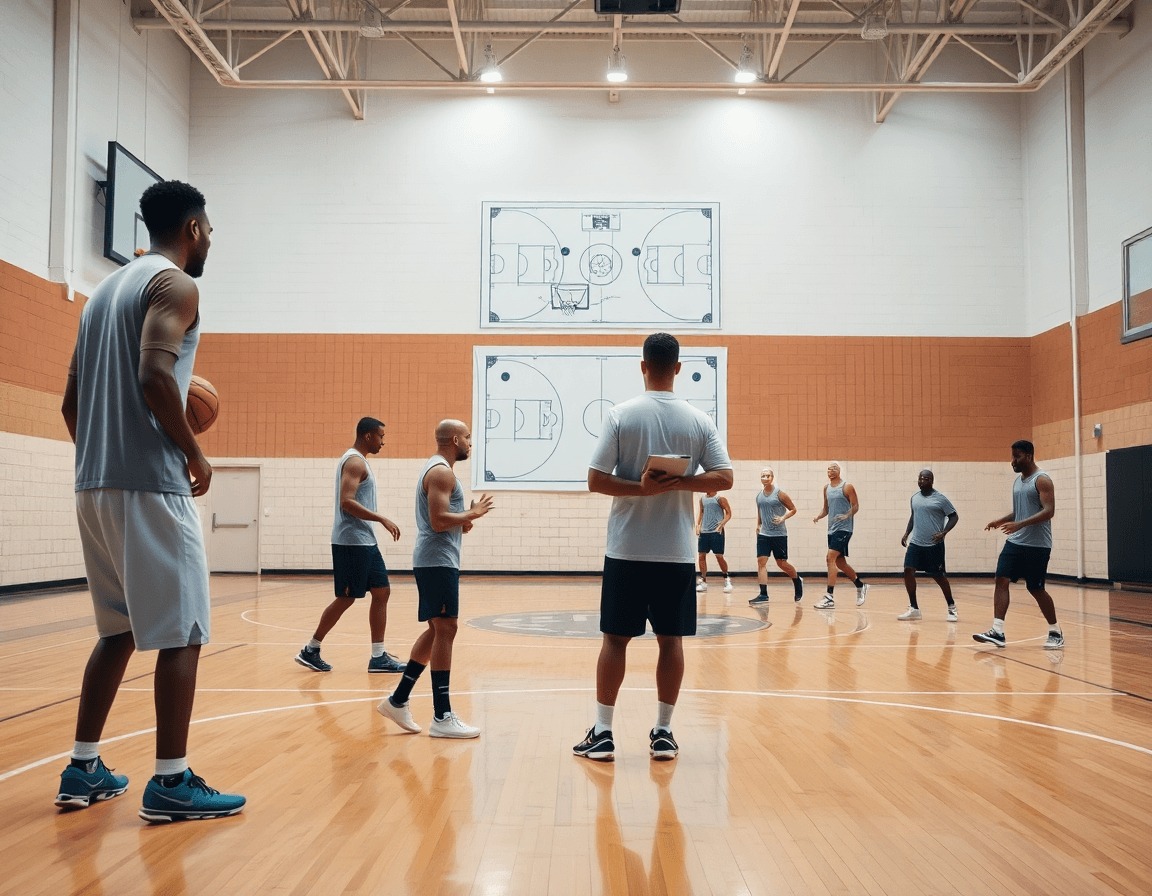
Basketball Court Blueprint: Weekly Planning for Coaches
Master weekly coaching with a basketball court blueprint—navigate dimensions, plan plays, scout, and organize video workflows to streamline planning.

Key takeaways
- Tag drills by league-specific court dimensions to align your basketball court blueprint and preserve spacing in weekly planning.
- Design blocks that map spacing needs and place lane/arc diagrams on the whiteboard.
- Export PDFs of diagrams for assistants and video staff to keep a shared reference.
- Link diagrams to drills and scouting notes for cohesive weekly workflow across sessions.
- Maintain a three-part loop: plan, diagram, and clip for a repeatable weekly workflow across tasks.
Understanding standard dimensions for weekly planning
Your basketball court blueprint starts with recognizing that different governing bodies use distinct baseline sizes. For weekly planning, you should know the NBA court dimensions (94 by 50 feet) versus NCAA and high school variations. Those numbers matter because spacing in drills translates to how your players read the floor in games. In CourtSensei, this awareness informs how you build the weekly practice plan, diagram sequences on the whiteboard with clear lane lines and arcs, and export PDFs for assistants. When you start planning, tag drills and diagrams by the league-specific court dimensions so you’re coaching with the right spacing in mind. If your schedule touches international play, keep an eye on FIBA court dimensions to keep your scouting notes aligned.
Knowing lane width, three-point distances, and key area shapes informs spacing in drills and plays. A weekly plan that maps these features helps you stage drive-and-kick sequences, screens, and ball reversals with confidence. For example, if your league uses a wider lane and a longer 3-point line, you’ll want to space shooters farther from the arc and adjust passes and timers accordingly. Use the whiteboard to illustrate lane lines, the free throw line, and the arc, then pull the diagrams into a PDF for assistants and video staff. The details also shape scouting notes and how you organize clips by court zones.
Translate dimensions into practical practice layouts and diagrams for the week. In your plan, design blocks that reflect spacing needs, place lane and arc diagrams on the tactical board, and attach a short video clip to reinforce timing. Your scouting notes should tie directly to these court layouts, helping you compare opponents’ spacing with your own. The result is a predictable basketball court blueprint that anchors your weekly workflow: plan, diagram, clip, share, and adjust as the season unfolds.
From dimensions to drills: turning a blueprint into weekly practice plans
A basketball court blueprint isn’t just lines on a floor—it’s the spatial map that drives your week. When you consider NBA court dimensions, NCAA court size, or FIBA court dimensions, you start to see how spacing, lanes, and angles shape every drill. The goal is to turn that map into a space-aware progression that fits your roster. In your plan, you translate the blueprint into reps and sequences, so every session builds toward a shared rhythm. That’s where CourtSensei shines: you can build and store practice plans that reflect the court, diagram plays on the whiteboard with BLOB/SLOB/ATO/PnR, and export PDFs to circulate with assistants and players.
From blueprint to drills, the next move is practical. Leverage a library of drills linked to specific zones and spacing requirements. Think of it as drills by court layout—pages that map top-of-the-key reads to wings, corners, and the paint, all tied to how your team actually spaces a defense. When you assemble a weekly block, you pull these zone-based drills into a coherent sequence, ensuring spacing and timing stay consistent across sessions. A quick, short video clip attached to each drill helps players see the spacing in motion, not just in theory.
Organizing so assistants can run sessions smoothly is the hidden advantage. Structure your week for clear delegation, with each practice block aligned to your court blueprint. The workflow—in the plan, on the tactical whiteboard, then a short video clip for feedback—lets you hit your target with confidence. The result is true weekly practice planning that travels cleanly from whiteboard to floor, keeping your team in sync and your spacing tight.

Diagram plays on the whiteboard: BLOB/SLOB/ATO/PnR and PDF exports
On the weekly plan, I pull up the court blueprint and map actions with whiteboard diagrams to show spacing and timing. I use diagram plays to illustrate how we want ball movement, cuts, and screens to unfold on the floor. I annotate BLOB SLOB ATO PnR sequences, tracing the entry pass, the screen action, and the decision points for our players. The visuals stay true to the court layout—NBA, NCAA, or FIBA dimensions—so spacing feels honest when we walk through the plays.
Once the visuals lock in, I export PDFs of the diagrams for sharing with staff and players. The PDFs preserve the court blueprint and spacing, so assistants can reference the diagram during film sessions or practice. Exported diagrams are easy to annotate with drill notes and drop into the team drive or a shareable link. When a diagram aligns with a specific drill or scouting note, it becomes a ready-made reference you pull up in a meeting, on the bus, or in warmups.
In the workflow, I link diagrams to specific drills and scouting notes for cohesion. A BLOB sequence on the board becomes a drill—spacing, timing, and decision points—while a scouting note on the opponent's defense feeds the same diagram with contextual tweaks. We tie the board to a short video clip and to a video playlist, creating a three-part loop: plan in the plan, diagram on the whiteboard, and clip in the shelf. That cohesion turns a court blueprint into a repeatable weekly workflow you can run with your staff.
Scouting and game prep aligned with court layouts
As a head coach, your weekly prep starts with a basketball court blueprint you can train against. In CourtSensei, your scouting reports become clear, board-ready cues mapped onto the zones you’ll defend and attack. When you open the plan, those court diagrams for scouting sit on the plan pages, so assistants and players read from the same map during practice.
Build scout plays that mirror real-game spacing and attack angles. Diagram them on the whiteboard in the same court layout you studied on video, so players feel where to collapse or swing. Attach scouting notes to plan pages for quick reference during drills; a short video clip reinforces the read, and exporting PDFs lets staff review the plan afterward.
Say the scout notes a defender overhelps on the left wing. You map that tendency to the left-side zone in the plan, run a scout play that matches the spacing, and time the rotations. Attach a scouting note to the plan page for quick reference, and use a short video clip to show the action. Export the PDF to share with staff.
When you prep for different venues, you map to NBA court dimensions and FIBA court dimensions so the diagrams stay relevant. The three-point line distance, free throw line distance, center circle diameter, rim height, and backboard size all shape your scout plays and spacing. This is why tying scouting notes to court layouts matters—your weekly workflow stays aligned across venues.
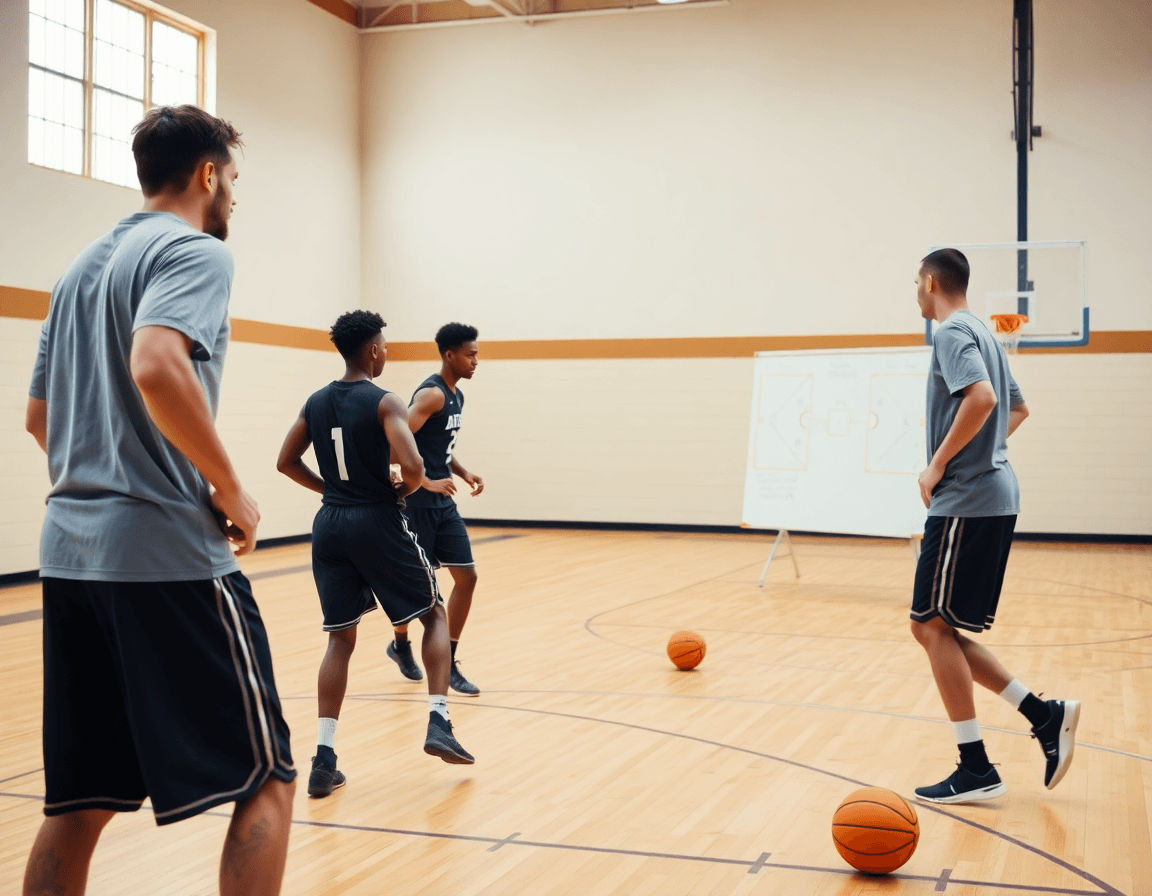
Video integration: clips, playlists, and shareable links for spacing
As a head coach, I treat the basketball court blueprint as the backbone of the week. In the training plan, spacing is a thread I pull through every drill and decision. I select video clips that show how players create and attack space, how timing shifts as defenders close gaps, and how decisiveness matters in late-clock situations. On the whiteboard I map those patterns with arrows and lanes, then pull a short video clip to illustrate a live sequence before we rep it in practice. This keeps our pace deliberate and connected. When we talk spacing, I also frame it against standard court dimensions (NBA, NCAA, FIBA)—three-point line distances, rim height, backboard size—so the clips stay truly game-relevant.
After practice, I assemble playlists to reinforce weekly plan concepts. Each playlist targets a facet of spacing—ball handlers finding pockets, cutters weaving through lanes, shooters reading the rim. The goal is a concise stream of clips that reinforces what we covered in the plan and on the court. When a concept shows up across multiple clips, it becomes a habit we can push into the next game. The workflow feels clean: a quick pull from the library, a couple of edits, and a ready-to-go set of clips that anchors what we’re teaching this week.
Before the next session, I share shareable video links with players and assistants for review. Those links let everyone watch on their own time, drop quick scouting notes, and come ready with questions. The result is a tighter weekly workflow: players arrive prepared, coaches stay aligned, and spacing becomes second nature when we run the actions on the court. It’s how a basketball court blueprint translates into repeatable success.
Practical workflow: from blueprint to player-ready plan
As a head coach, the basketball court blueprint is the weekly backbone. Step 1: pull scouting and opponent tendencies; Step 2: draft the weekly plan using the blueprint. I start with scouting notes—opponent tendencies, personnel quirks, and recent film—and translate that into a plan that fits our practice blocks. The blueprint stays alive, linked to the plan in the planning module, so we can adjust on the fly. When you build the blueprint, you account for NBA court dimensions, NCAA court size, and FIBA court dimensions—the spacing that drives guard angles and rim timing.
Step 3: diagram plays on the whiteboard; Step 4: export PDFs for staff. We diagram BLOB/SLOB/ATO/PnR and map out where each action fits on the floor, then export PDFs so assistants and coaches have a clean printout to reference during drills and in pregame meetings. The flow keeps our diagrams aligned with what players will see on the floor, no matter who is coaching that session.
Step 5: assemble a video playlist summarizing the week’s spacing concepts; Step 6: circulate to players and assistants; Step 7: review and adjust in-team meetings. I pull clips from practice and games that highlight timing, spacing, and decision points, then stitch them into a quick playlist that reinforces the blueprint. After distributing to the squad and staff, we hold a short review in the next team meeting to pinpoint tweaks.
This cycle ensures every week starts with a clear blueprint and ends with actionable, shareable materials.
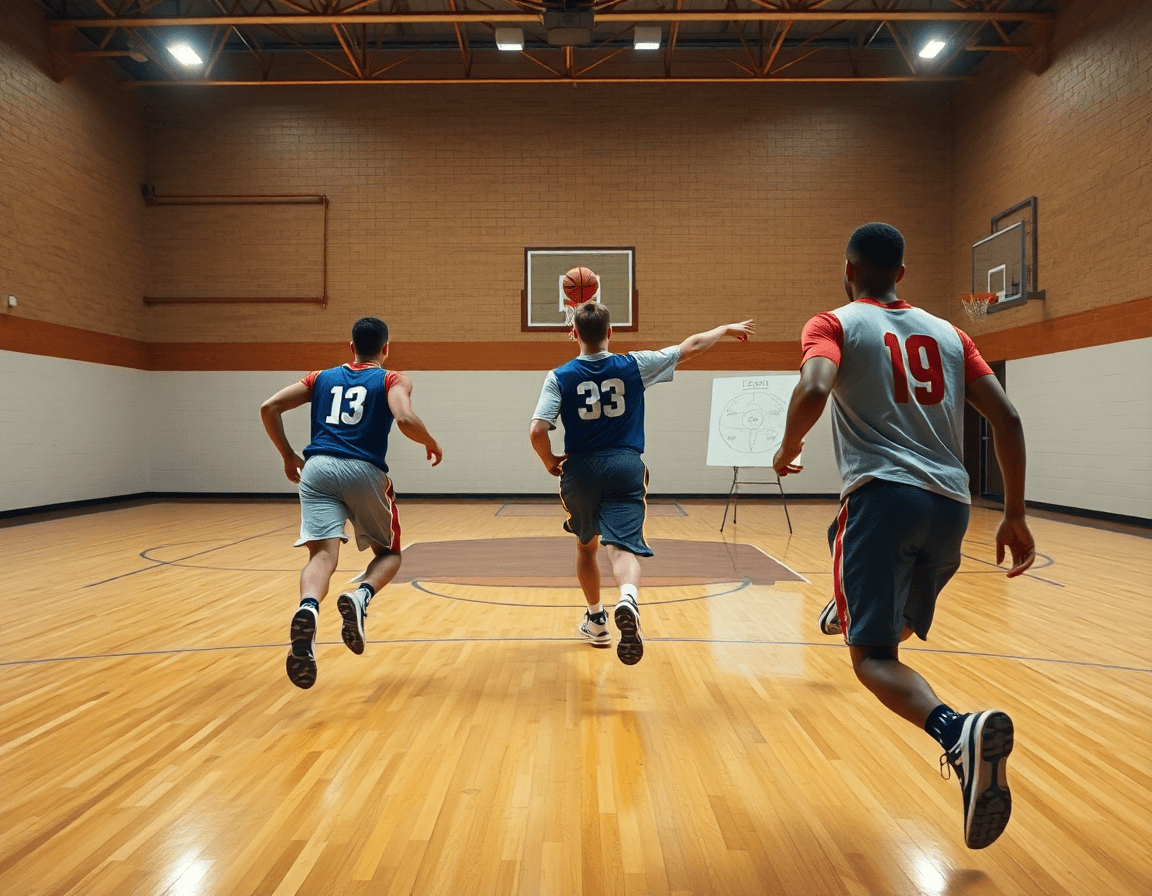
Templates and resources: turning court blueprints into repeatable drills
Templates let you turn a basketball court blueprint into a repeatable weekly playbook. Use them to map common formations, spacing, and actions for different levels—high school, club, and beyond. For example, a 4-out spacing with a down-screen action, or a pinch-post sequence you can drop into multiple sets. In your plan, lock in the template, sketch the court layout diagram on the whiteboard with BLOB/SLOB/ATO/PnR arrows, and export a PDF to share with assistants. This builds consistency across practices.
Store diagram templates, drill templates, and scouting layouts in a central library. A single basketball court blueprint can morph into several scenarios once you attach them to a court layout diagram—whether you’re aligning to NBA court dimensions, NCAA court size, or FIBA court dimensions. Include notes on three-point line distance, free throw line distance, and rim height so your spacing on the floor matches the tempo when you run the drill.
Regularly update templates as your team evolves to reflect new roles, lineups, or defensive schemes. When a young guard develops a deeper pull-up and your offense needs more spacing, tweak the template once, save it as a new version, and reuse it in upcoming weeks. This keeps your practice plan templates fresh while preserving a proven core. The workflow—plan in the training plan, diagram on the whiteboard, and assemble a short video clip for players—turns a static court blueprint into repeatable drills your staff can trust.
Over time, this approach makes your weekly rhythm predictable for players and staff alike, letting you focus on execution during practice rather than reinventing the wheel.
If you build plans like this every week, CourtSensei keeps your drill library, whiteboard, and video clips in one place — try it free.
FAQ
What are the standard basketball court dimensions for NBA vs NCAA?
NBA courts run 94 feet by 50 feet. NCAA men’s courts use the same overall court footprint; some venues may differ in markings for women or youth. For weekly planning, tag drills to the league’s specs to preserve spacing.
What is the size of a half-court basketball court?
A half-court is half the length of a full court: 47 feet long by 50 feet wide. Use this for drill layouts, breakout spacing, and practicing drive-and-kick sequences. Label half-court zones on your whiteboard so players read the floor the same way.
How tall is the basketball rim?
The rim sits at 10 feet consistently across NBA, NCAA, and most leagues. For practice, set drills around that height to reproduce game timing and rebounding angles. If you’re coaching youth, normalize to the standard height early to build proper shooting mechanics.
How far is the 3-point line from the basket in NBA vs FIBA?
3-point line distances: NBA 22 feet in the corners and 23.75 feet elsewhere. FIBA uses a 6.75-meter line (about 22.1 feet) around the arc, with corners a touch closer. In weekly planning, adjust spacing and ball movement drills to mirror your league’s footprint.
What is the width of the key for NBA vs NCAA?
The free-throw lane width differs: NBA lanes are 16 feet wide, while NCAA lanes are 12 feet wide. Plan drills that respect these gaps, especially for post-entry, screens, and paint touches. Tag diagrams by league so your inside-out drills stay authentic.
What materials are used for indoor basketball court surfaces?
Most floors are maple hardwood with a durable polyurethane or polyaspartic finish for bounce and durability. Some gyms use synthetic or vinyl for budget spaces. For weekly planning, record the surface so drills and tape lines cooperate with ball bounce and grip.