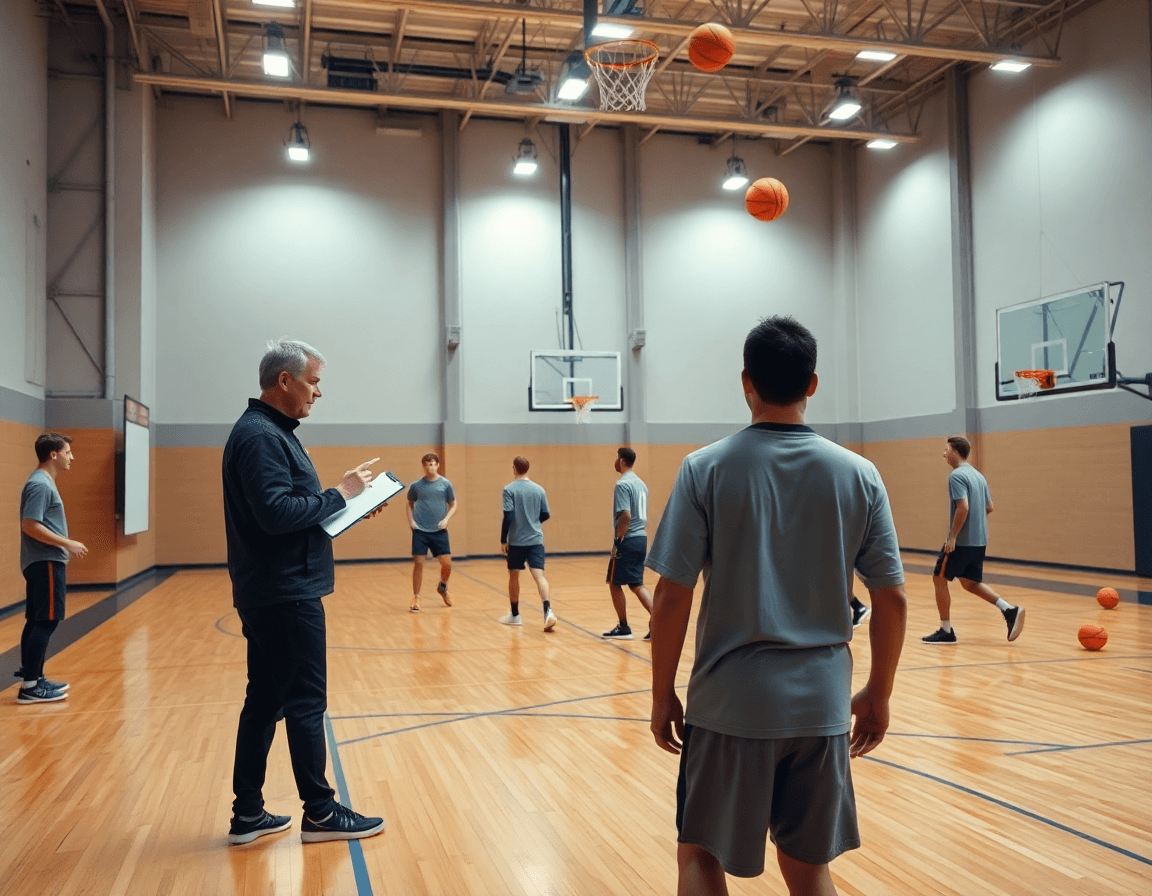
How to Build a Possession Chart Basketball
A coach's guide to mastering possession chart basketball: break down transition, half-court, and second-chance sets, and weave it into weekly planning.

Key takeaways
- Adopt a possession chart basketball workflow: log weekly possession types, tag clips, and attach drills.
- Use PPP, eFG%, and TOV% to guide weekly drills without over-analyzing data, consistently.
- Tag Transition, and Second-Chance possessions to surface patterns and tailor weekly sessions.
- Convert logs into action by attaching drills and clips to each possession type.
- Export concise weekly reports to align staff and scouts, maintaining focus on possession efficiency.
Why possession charts matter in weekly planning
As a head coach or assistant, you plan the week around possessions. A possession chart basketball provides a clear map: each offensive sequence becomes a discrete unit to analyze, plan, and improve. By anchoring your weekly plan in possessions, you keep the focus tight: drills, film reviews, and scout notes all orbit around how a team creates or defends a possession.
Categorize possessions into transition, half-court, and second-chance types; this helps prioritize drills and film work during the week. When you label clips as a transition possession and a half-court possession, while noting second-chance possessions separately, you surface patterns and tailor sessions more efficiently.
Use a simple metrics frame to guide practice focus and scout prep: PPP, eFG%, and TOV%. A possession chart basketball helps you map these numbers to practice design and game prep without automated analytics. When PPP trends dip in a particular possession type, you can apply a quick possession analysis to surface gaps and then pull a drill or play from your library and pair it with a short video clip for quick review. These steps point to better offensive efficiency.
As you assemble the week's workflow, the possession-first framework aligns your film review, practice design, and scouting notes around each possession type. In the coaching workspace, you build a weekly plan library, attach drills and plays, clip and organize video, and compile scouting notes—all tied to possession types and metrics. Keep the framework lightweight and actionable within the workspace to avoid analysis overload.
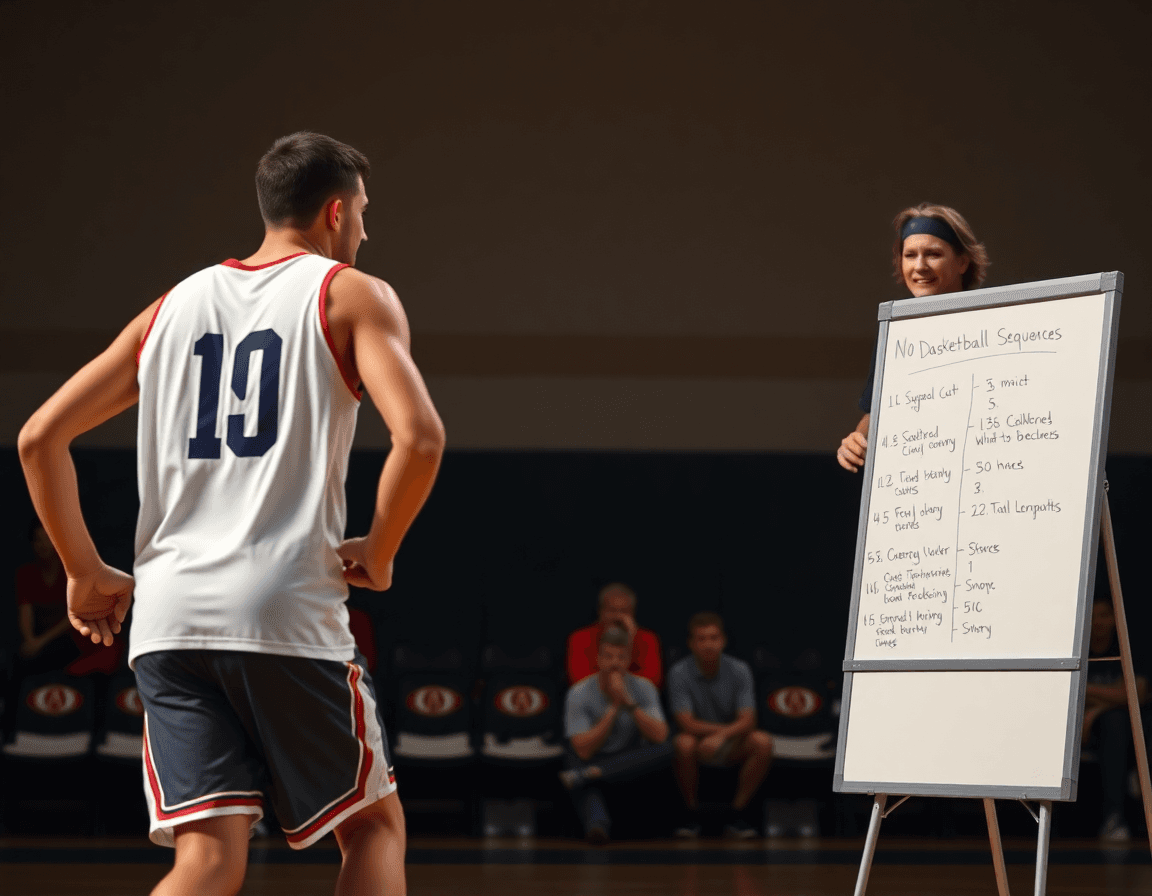
Breaking down possession types: transition, half-court, second-chance
With a possession chart basketball mindset, you organize every rep, clip, and scouting note into a weekly plan library. For Transition possessions, the emphasis is pace and quick decision-making—outlet timing matters as much as the catch. In the coaching workspace, attach relevant drills and fast-break plays, then clip a sequence to illustrate the decision point. In your logs, capture the signals you want to improve: outlet timing, decision type (shoot, drive, pass), and finishing at the rim.
Half-court possessions rely on spacing, movement, and player rotation. Tag plays by type to identify the best options, and define coaching priorities: stabilize spacing, maximize ball movement, and rotate through the floor without clumping. The signals to log include entry passes, screen angles, and cut timing. Attach the matching drills and plays in the weekly library, and keep a short video clip that demonstrates the preferred option for quick reference on a Tuesday walk-through.
Second-chance possessions come from offensive rebounds and can yield meaningful points. Build the rebounding emphasis into drills that stress boxing out and pursuing loose balls, then connect those drills to the plays and scouting notes so clips show the crash-and-finish sequence. Signals to log include offensive-board timing, put-back success, and the outlet after the board. In scouting notes, reference PPP, eFG%, and TOV% as historical context—log the signals that would influence those outcomes without relying on automated analytics in CourtSensei.

A practical workflow: logging possessions in a weekly routine
A practical workflow for possession chart basketball starts with a simple habit: create a possession log at the start of the week. This log feeds film sessions and practice planning, keeping every decision anchored to the types of possessions you want to study. It’s a straightforward way to organize a possession-focused workflow inside your coaching workspace.
During film, tag each possession by type—transition, half-court, and second-chance—and by outcome (score, turnover, miss, etc.). This tagging becomes the spine of your timeline for the week, letting you isolate sequences and see how your team generates or defends each category. The goal is to build a clean, searchable record you can reference when you build out plans or pull up a possession chart basketball for quick reviews.
With the data in hand, compare PPP, eFG%, and turnover rates to season benchmarks or upcoming opponents to set weekly drill priorities. Use the metrics you track—per 100 possessions, points per possession, and turnover pressure—as guardrails for what to work on. This helps you prioritize drills and mini-plays that address the exact gaps your team faces in different possession types.
Convert logs into actionable practice blocks by attaching drills and mini-plays to each possession type. Link a short video clip, a drill library item, and a scouting note to the same possession category, so every plan in your coaching workspace has a concrete next step. The goal is a cohesive flow where actions, drills, and game prep live in one place, ready for weekly execution.
Export or share a concise weekly possession report with the coaching staff and scouting notes. A clean summary keeps everyone on the same page and supports week-by-week adjustments without leaning on automated analytics. This approach keeps you focused on the elements that matter in a possession chart basketball.

Using video and playbooks to coach possessions
In a possession-focused week, every clip is a teaching moment. Clip representative possessions and annotate key decision points, spacing, and options—whether you’re breaking a transition sequence or a late-half-court possession. This is not automated analytics; it's manual video analysis that feeds your possession chart basketball. You’ll tag each clip by possession type (transition, half-court, second-chance) and jot notes on reads and angles so your staff can reference them during practice planning.
Attach clips to playbook entries or drill libraries to create a searchable, possession-oriented resource. When a drill mirrors a game scenario, link the video clip to the corresponding playbook entry, so a coach can pull up the sequence and run it in practice without hunting through files. The library becomes a living catalog of options—easy to reference during scouting and game prep notes.
Organize a sequence of drills and plays that address identified possession types. If the squad struggles in transition or on second-chance opportunities, build a series that mirrors those moments from your possession chart basketball. Use the library to map each drill to a specific weakness, attach a short video clip for context, and annotate the spacing and reads so players know what to execute in the next drill.
Build playlists that mirror a game plan against common opponents, focused on possession types you’ve charted. For example, assemble a transition-heavy playlist and a half-court playlist, each pulling from your clips and linked plays. This keeps your game prep tight: run through the sequence in order, reference scouting notes, and adjust the plan as you chart new possessions—without relying on automated analytics.
Integrating possession data into scouting and game prep
Once you start logging possessions—distinguishing transition possessions from half-court sets and second-chance opportunities—you can map out the opponent tendencies in the relevant contexts. Use a possession chart basketball workflow to pull out patterns in where they attack and where they struggle: in transition, in half-court sets, and on second-chance opportunities. Those patterns feed into clear scouting reports you can reference during game prep. The key is to separate data by possession type and keep it tied to concrete actions you expect to see in-game. This is the backbone of an opponent-centered game plan.
Turn those insights into a targeted game-plan sequence for the practice week. In your coaching workspace, attach scouting notes to the weekly plan library, specifying transition defense emphasis, half-court execution, and second-chance attention. Use the metrics you track manually—points per possession (PPP), eFG% and TOV% by possession type—to guide the sequence without relying on automated analytics. With a few clicks, you create a concise plan for the week that aligns drills, plays, and video clips to each possession category.
Finally, connect every scouting outcome to the exact drills, video clips in the coaching workspace for easy access during game prep. For example, if the scouting notes flag a weakness in transition defense, attach a transition drill, a corresponding play, and a short clip illustrating the correct technique. Organize by possession types—transition possessions, half-court possessions, and second-chance possessions—so a coach can pull up the full package in one place. The result is a cohesive system that keeps actions, drills, and game prep tied together without stepping into automated analytics.
Key metrics you can track with a possession chart (manual)
A possession chart basketball focuses your weekly plan on what actually happens when your team has the ball. In your coaching workspace, you can attach drills and plays to each possession type (transition, half-court, early offense) and build a library you reference every week. The goal is to map outcomes to actionable items, so you can measure progress with a simple, manual approach. Use PPP as the baseline to understand how many points you generate per trip, and tie it to your weekly plan to lift efficiency across practice.
To keep pace comparisons fair, track per 100 possessions and eFG% by possession type. This helps you compare games with different tempo and shot volume without chasing fancy analytics. When you attach a short video clip to a possession, you can tag shot types (2PT, 3PT) and note how clean the possession looked, guiding your drills for next week. The result is a more precise scouting note that ties back to your plan library.
Turn to TOV% and OREB% to understand ball security and extra chances. A high turnover rate in a possession group signals pressure, errant entry passes, or weak decision-making; chase those in practice with targeted drills. Offensive boards tell you how often you squeeze a second-chance opportunity—sync that with your play calls and rebounding emphasis in the plan. Your scouting notes can call out tendencies from opponents on these fronts, then you attach counter-drills.
Finally, use these numbers to guide your weekly practice focus without relying on automated analytics. With your coaching workspace, you can connect a drill, an action, and a scouting note to a specific possession type, forming a cohesive system for game prep. For example, a sequence labeled as "second-chance possessions" might pair a rebounding drill with an offensive set and a transition pattern you want to defend. Keep the workflow tight so you can flip through a playbook, clip, and note in seconds.
FAQ
What is a possession chart basketball and why should coaches use it in weekly planning?
A possession chart basketball is a map of every offensive sequence treated as a discrete unit. For weekly planning, it acts as a compass: drills, film reviews, and scout notes revolve around how a team creates or defends a possession. Break possessions into transition, half-court, and second-chance, and keep a clean log of outcomes. In CourtSensei, you build a possession chart basketball and attach drills, clips, and notes to each category via a weekly plan library.
How do you categorize possession types and what should you log for each?
Categorize possessions into possession types such as transition, half-court, and second-chance, and log signals like outlet timing, decision type, and finish at the rim. This labeling helps you target drills and film work. In CourtSensei, attach the matching drills and plays in the log signals side of your weekly library and keep short video clips for quick reference during a Tuesday walk-through.
How can possession analysis help with scouting opponents?
Possession analysis helps surface opponent tendencies by looking at how they generate or defend each possession type. Use logs and clips to highlight what types of possessions opponents favor or defend poorly. In CourtSensei, connect scouting notes and video clips to each possession category so your staff can review patterns and prepare game plans. This is a manual workflow, not automated analytics.
What’s a practical weekly workflow for a possession-first plan?
Start the week by creating a possession log. Tag possessions by type and outcome, then use the data to set drill priorities. Compare PPP, eFG%, and turnover rates to season benchmarks to guide practice focus. Convert logs into practice blocks by attaching drills and mini-plays to each possession category, and link a video clip to the plan. Export a concise weekly possession report for the staff.
What metrics should I track in possession charts and how do I use them in practice design without AI analytics?
Key metrics include PPP and eFG% as guiding numbers, with TOV% providing a turnover context. Use them per 100 possessions to frame targets and adjust weekly drills. If PPP dips in a possession type, surface gaps with a quick possession analysis and pair a drill with a clip from your library. This remains a manual workflow in CourtSensei.
How can video and playbooks be used to coach possessions within CourtSensei?
Clip representative sequences and annotate key decision points, spacing, and options. Tag clips by possession type and jot notes on reads and angles. Attach clips to playbook entries or drill libraries to build a searchable, possession-oriented resource. This is manual video analysis that feeds your possession chart basketball.