
Basketball Play Sheets with Notes
Discover how basketball play sheets with notes fit a coach's weekly workflow, from play diagrams and rotation plans to inbound setups and scouting notes.

Key takeaways
- Establish a consistent weekly planning block using basketball play sheets with notes and a centralized coaching workspace.
- Capture situational calls, substitutions, and matchup ideas during planning; add quick notes beside each play for clarity.
- Pair this with the practice planner to map drills, timelines, and player milestones; use a rotation chart to drive on-the-fly decisions.
- Create a reusable play sheet template with consistent diagrams and notes, then export a clean PDF for game-day use.
- Reserve a section for inbound plays and opponent schemes; link templates to scouting notes and game clips for quick access.
Weekly Planning with Play Sheets and Notes
Set a consistent planning block for the week to map offensive sets, defensive rotations, and inbound plays. With basketball play sheets with notes, you capture situational calls, substitutions, and matchup ideas as the week unfolds. Pair this with the practice planner to align drills, timelines, and player goals drawn from the time-structured training plans library.
During planning, use the sheets to capture situational adjustments and substitutions, and to sketch matchup ideas. A quick note beside each play keeps the intent clear—whether you’re hunting for a spread look, a stagger screen, or a late-game out-of-bounds setup. Keep a ready reference for inbound plays and transition actions so tweaks stay legible all week.
Integrate templates with a practice planner to map drills, timelines, and player milestones. Attach a play sheet template and link it to daily sessions: warm-up, shell work, and 5-on-5. The diagrams, animated play visuals, and notes reduce on-court decision-time and feed the team’s ability to execute the rotation chart on the fly.
Store the sheets in a centralized coaching workspace for quick access during practices. In CourtSensei, you can pull the current week’s plan, export a PDF playbook, or share a read-only link with assistants—keeping clips, notes, and assignments together for fast reference. This is your centralized coaching workspace at work, keeping everything you need in one place and ready to deploy.
Leverage downloadable templates and customization options to match team branding and terminology. This ensures every week looks and sounds like your program—printable basketball play sheets, blank play sheets, and inbound play templates all align with the coaching vernacular you use in the gym. Embrace the flexibility of downloadable templates and branding and terminology to keep the workflow cohesive.
Diagramming and Annotating Plays for Clarity
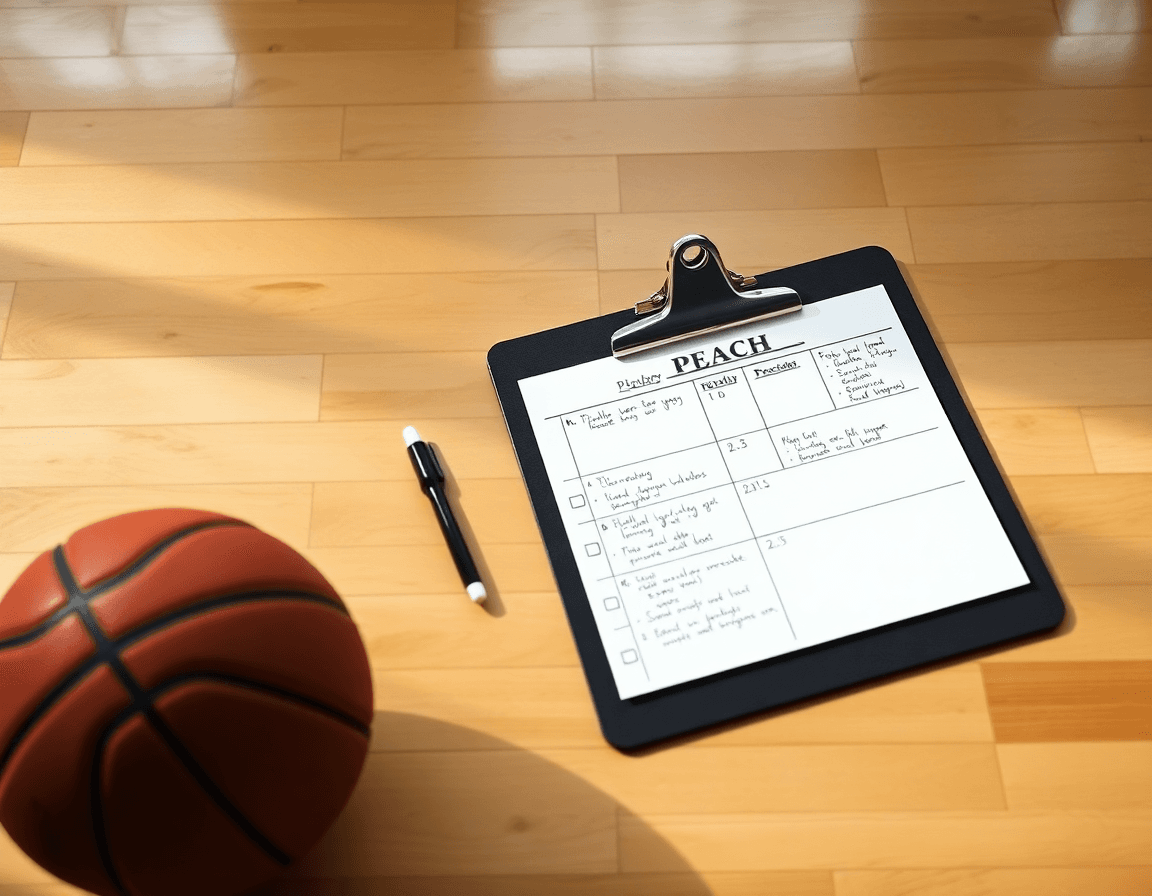
Diagram plays using bold arrows and notes to communicate actions clearly to players and staff. Diagram arrows map ball routes, screens, and cuts, with concise notes beside them for timing and spacing. A consistent play sheet template keeps the visuals uniform across drills, turning basketball concepts into actionable guidance—the kind of basketball play sheets with notes that stay in your coaching workspace.
Annotate player roles, timing cues, and coverage details directly on the sheet. Label each position’s responsibilities, where rotations occur, and how defenders should switch. Put timing cues in a corner so players know when to sprint, curl, or pop. This makes the sheet a reliable reference for staff during practice and in scouting notes, ensuring everyone reads from the same sheet.
Create a reusable play sheet template that you can tweak between games and practices. Save iterations as printable basketball play sheets or blank basketball play sheets for on-floor editing during timeouts. Having a tangible template speeds up weekly updates and keeps your board decisions aligned with the library of diagrams and animations you’ve built.
Export or print diagrams for whiteboards, clipboards, or PDFs for game day. A clean PDF export lets you hand a ready-to-go version to assistants and captains on the sideline. Store and retrieve diagrams with ease by placing them in the playbook within your coaching workspace, where diagrams, notes, and clips stay linked for quick reference.
Organize diagrams into a playbook within the coaching workspace for easy retrieval during team meetings and in-season scouting. A central repository ensures each week’s diagrams, notes, and updates are accessible when you need to run a specific set of actions on the floor.

Managing Rotations and Substitutions on Paper and Digital
In a weekly plan, start with a clean rotation chart that outlines minutes by lineup and matchup expectations. Pair a rotation chart with a substitution plan to map minutes and matchups ahead of time. This pairing helps keep minutes balanced and reduces late-game confusion, giving you a clear path for who steps in for specific defensive switches or pace changes.
Attach notes on pace, energy, and defensive switches next to each rotation to support in-game decisions. During timeouts or between periods, those notes sit with a quick diagram or clip so you know when to lean on a particular group, how substitution timing might affect tempo, and where to apply ball-pressure or drop coverage.
Bridge paper sheets with digital edits by copying rotations into editable formats for quick updates. If a lineup needs a tweak after a scouting takeaway, you can transfer the rotation into an editable format and push a fresh update to the clipboard or the coaching staff—keeping both the original sheet and the updated version in sync.
Keep a printable rotation reference for clipboard use and a digital version for coaching staff. A printed reference acts as a reliable on-court guide, while a digital version ensures everyone in the room has access to the latest plan, even when you’re switching venues or adjusting on the fly.
Use the workspace to link rotation data with scouting and game-prep materials. By tying a rotation chart to scouting notes and inbound play templates, you create a cohesive workflow where rotation decisions are informed by opponent tendencies, personnel heat, and the tactical context you’re presenting at the table. This approach supports a coach-centric, week-to-week rhythm with printable basketball play sheets and blank basketball play sheets for quick handoffs.

Inbound Plays and Opponent Schemes: Quick Access
Reserve a section of your play sheets for inbound setups and out-of-bounds plays. Use the inbound play template to map the entry pass, the preferred recipient, and the best cut or screen options. Keeping this as a printable basketball play sheet alongside your scouting notes and game clips makes it easy to reference on the sideline and adjust in real time during timeouts.
Document defensive schemes and offensive schemes to anticipate opponent tendencies. On each inbound or OB play, attach a concise briefing on how the defense is likely to respond (press, zone, or man) and what your offense can execute in response. Pair these with quick counter-actions so you can short-circuit a reaction before it unfolds, and store these notes within the same play—this is where you’ll see the value of a true play sheet template in your coaching workspace.
Attach scouting notes and counter-actions to relevant plays for fast reference. Whether it’s tendencies observed in a previous game or a trend spotted in a scouting form, link that insight directly to the specific inbound or OB scenario. This keeps your defensive and offensive counters organized and accessible, so when the game pivots, you’re not digging through files—you’re moving to the play that fits.
Keep a searchable index of plays and counters to streamline game-day decisions. Tag entries with terms like defensive schemes or inbound play template so you can pull the exact look you need in seconds. Regularly update with new insights from scouting reports and game clips, and refresh the playbook in your workflow—while still maintaining a clean, printable record for quick on-court reference.
A Practical Weekly Workflow (Step-by-Step)
Day 1 sets the trajectory. Outline weekly objectives and select key plays to emphasize. Pull from the time-structured training plans library to map practice blocks and attach notes to each play sheet. This is where you begin building a checklist for weekly practice, tying core actions to printable basketball play sheets or blank play sheets staff can annotate. The aim is a clear plan you can reference all week.
Day 2–3: diagram plays, annotate notes, and adjust for matchups. Use the diagram and animation tools to sketch each action on the board, drop in concise notes, and tweak lines for different opponent looks. Keep a scouting form handy so the play sheets stay relevant as the week changes.
Day 4: finalize rotation plans and inbound sets with staff input. Lock in when each rotation checks in and who handles inbound sequences. This is where a rotation chart and inbound play template come into play, ensuring everyone knows roles and timing. A quick review with the staff helps catch conflicts before practice.
Day 5–6: prep PDFs, share with assistants, and review with players using the play sheets. Build the PDFs and export playbooks, then distribute to the staff and players. Leverage printable and blank basketball play sheets for quick on-court references, plus a ready-to-go practice planner. Attach video clips and scouting notes so each sheet tells a complete story.
Always link play sheets to practice plans, video clips, and scouting notes in the workspace. End-of-week: export finished sheets for archiving and future reference. This workflow doubles as a practical checklist for weekly practice and a clear guide for how to plan plays during the week.
Export, Share, and Clip Library: From Board to Bank
Your basketball play sheets with notes stay practical when they move from board to bank. With PDF export, you can generate crisp, printable handouts for game day and staff distribution. Diagrams with arrows illustrating timing and movement help players see options at a glance, not in a coaching huddle. The time-structured training plans library lets you tailor sheets for different rotations, providing printable basketball play sheets, blank basketball play sheets, or a dedicated basketball play sheet template for your squad.
Attach or link video clips to each play to illustrate timing and execution. A short clip paired with a diagram or on-screen animation gives staff a concrete cue during walkthroughs. When you tag clips to plays, scouting notes and practice objectives stay synchronized, so educators and assistants stay aligned on what to emphasize in the next session.
Create playlists of related drills and plays to support practice sessions. A single suite can pair inbound options with breakouts or shooting sequences that reinforce the same timing. Share read-only links with assistants or staff for collaboration without overwriting originals, ensuring your master playbook remains intact while others review and annotate as needed.
Archive past sheets and notes to track progress and evolve the playbook. Keeping a tidy history lets you reflect on what worked and adjust rotations or scouting notes for future games. Everything stays in your coaching workspace, from the board to the bank, ready for the next weekly cycle.
FAQ
What is a basketball play sheet used for?
Think of a basketball play sheet as your weekly command center. It captures offensive sets, defensive rotations, inbound plays, and matchup ideas so plans translate into practice with clarity. In CourtSensei, pair it with the time-structured training plans library, and attach notes beside each action to keep intent clear. Share a read-only link with assistants for fast on-floor alignment.
How do you create a basketball lineup sheet?
Start with a clean rotation chart that lists minutes by lineup and expected matchups. Include starting five, substitutions, and a plan for late-game changes. Tie the lineup to scouting notes and inbound templates so decisions stay aligned. In CourtSensei, you can export the plan as a PDF playbook or share a read-only version for staff.
Where can I download free basketball play sheets?
You will find free templates across coaching sites and education blogs. If you want a fast start, CourtSensei offers downloadable templates you can brand with your terminology and export as printable basketball play sheets or blank sheets for on-floor edits. They are a good starting point to customize for your program.
What should be included on a basketball practice planner?
A solid basketball practice planner includes warm-up, shell work, 5-on-5 reps, and time-boxed drills, plus notes on player goals and progression. Link drills to your time-structured training plans library so you map activities to timelines and milestones. Add scouting takeaways and inbound/transition actions to stay prepared for game week.
How do you track minutes on a lineup sheet?
Use a clean rotation chart that shows minutes by lineup and exposure to matchups. Add substitution notes and pacing cues, then update during timeouts or between periods. A digital version in your coaching workspace keeps everyone aligned, while a printable reference stays on the clipboard for on-floor decisions.
How do you diagram inbound plays?
Reserve a section of your sheet for inbound setups. Use an inbound play template to map the entry pass, the recipient, and the best cut or screen options. Diagrams with arrows, plus concise notes on timing, give players a quick reference. Export or share the diagrams as PDFs and keep them linked in your coaching workspace.