
Basketball Play Designer: Weekly Play Design for Coaches
A coach-focused guide to a weekly play design workflow with a basketball play designer: plan, diagram, export PDFs, and share plays with your team today.

Key takeaways
- Use the basketball play designer to centralize plan, diagram, video, and scouting into one workflow.
- Embrace a 5-day rhythm: plan, diagram, review, export, share to keep weekly plays coherent.
- Leverage drag-and-drop to assemble BLOB/SLOB/ATO/PnR and create clear, actionable diagrams for practice.
- Export PDF playbooks and attach video clips so staff and players study from one accessible source.
- Maintain a living library of templates to accelerate planning and ensure consistency across games.
What is a basketball play designer and why coaches use it
What is a basketball play designer? It's a dedicated tool in your coaching platform that lets you create and diagram plays, annotate action, and link them to video and scouting notes — all in one place. You draw Xs and Os on a digital whiteboard, spell out motion with cues like BLOB/SLOB/ATO/PnR, attach a short video clip from a recent game, and store the setup in a reusable library. You can drag-and-drop components, assign players, and export the diagram as a PDF playbook. This is the core of a coach-friendly workflow: plan, diagram, attach video, and share with assistants or players via a simple link.
Key benefits are speed, organization, and shareability. Speed comes from having everything in one place: you design on the fly, swap players, and export a PDF playbook in minutes. Organization comes from a library of plays and action notes, so a set you designed last season is ready to pull up before a timeout. Shareability comes with cloud-synced access and shareable links—coaches can push plays to assistants, or send a clip-and-play combo to players to review on their own devices.
Why it fits a weekly planning cycle? This tool slots neatly into a typical weekly rhythm: in the plan phase you outline the plays for the week; on the tactical whiteboard you diagram steps and assign roles; you pull relevant video clips to illustrate reads or counters; you record scouting notes on opponents; and you assemble a shareable playlist of clips and PDFs to distribute to staff and players. It’s not a one-off task; it’s a steady play design process that keeps your plan, board, video, scouting, and playbooks in sync, so you can execute with confidence during practice and on game night and your players stay aligned to the same plan.

Practical weekly workflow: plan, diagram, export, and share
As a head coach, I treat the week as a 5-day rhythm for my basketball play designer workflow: plan, diagram, review, export, share. When I open CourtSensei, the sequence aligns my practice plan with the whiteboard, video clips, and scouting notes—so what we script in drills matches what we expect to run in games.
On Monday, I start with the plan: pull base plays from the living library, slot them into the week’s practice plans, and attach scouting notes that flag opponent tendencies. The goal is a clean, editable starting point before we step to the floor. The living library keeps templates we can reuse week after week.
Tuesday is for diagramming. On the tactical whiteboard I map each play with clear branches—BLOB, SLOB, ATO, PnR—and I use drag-and-drop to assemble options. We export a PDF playbook for the staff and players to study, while I keep a jar of drawings for quick adjustments.
Wednesday is review. I pull clips from the video library, compare them to the diagrammed options, and update scouting notes. We watch live motion basketball plays to confirm spacing and timing. The cycle is living: small tweaks become templates in the library, so we’re refining what sits in the plan for next week.
Day five is export and share. I push the week’s teaching to an accessible playlist, export a PDF playbook, and push everything to the cloud for quick access. I send a shareable link to assistants and players so everyone studies the same diagrams and clips. That final step keeps the plan, whiteboard, video, scouting notes, and playbooks in one cohesive workflow.

Visualize and annotate plays on the whiteboard and export PDFs
On a Monday prep block, I fire up the whiteboard and start sketching this week’s schemes. With the diagram tools, I map out BLOB/SLOB/ATO/PnR sequences, placing players in the right lanes and setting actions for cutters, screeners, and ball reversals. The goal isn’t a perfect drawing—it’s a clear language the staff and players can read quickly during drills. This is the core of the Basketball Play Designer mindset: translate intent into visuals the team can execute.
From there, I drag-and-drop players into positions, drop in timing cues, and walk through the sequence with the staff. The drag-and-drop workflow keeps the board clean and lets me iterate between sets without losing context. I also add quick notes for each action and attach scouting notes if we have them, so the crew can prep with context before practice.
When the diagram is solid, I export professional PDFs for install sheets the assistant coaches can hand to players. The PDFs become the reference during film review and in the gym—spacing, timing, and reads all laid out in a single document. It’s a small step, but it keeps every group aligned and ready to install the plan at practice.
Finally, I sync the diagrams with video clips for context. A short clip paired with each play helps players see timing and spacing in live motion. The video clips and cloud sync keep diagrams, notes, and clips in one place—players can reference them on the fly, whether in the locker room or on the road.
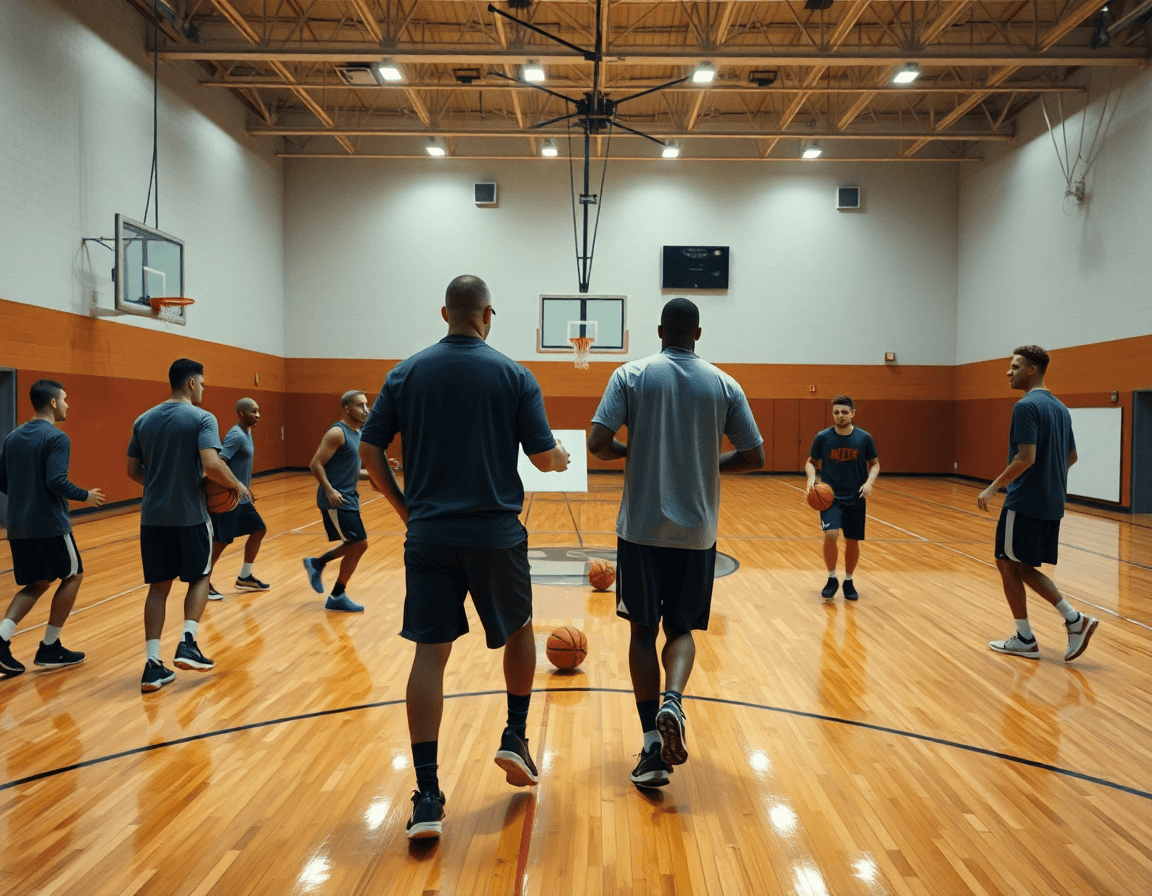
From design to shareable player playlists and clips
Every week starts the same for me: a clean slate in the basketball play designer, then the plan comes together on the whiteboard. I sketch our base sets, use drag-and-drop to arrange the sequence, and annotate options for ball screens or SLOB actions. When a clip from last game highlights a read, I clip it and attach it to the corresponding play in the library. The beauty is that the same platform ties the plan, the on-court diagram, and the video into one thread. You’re not flipping between apps—you’re watching a play come alive from plan to motion, ready for practice. That integration of plan, whiteboard, and video keeps our weekly design tight and uncluttered, especially when a quick adjustment is needed during walkthroughs.
Turn plays into video clips for plays and playlists for basketball plays, then shareable links with players and assistants. The clip library becomes the backbone of our scouting notes and game prep, and you can embed or attach these playlists directly to a practice plan so the squad sees the sequence before drills. Cloud sync keeps everyone on the same page, and you can export a PDF playbook for quick handouts. After practice, I push a fresh clip into a playlist and send a quick link to the assistants; players can watch on their phones, discuss options, and come to the next session ready to run what’s on the board.
Organizing a full-season playbook and templates
As a basketball play designer, I treat the season as a living document. The goal is a single source of truth: a full-season playbook that scales with us. Start with team-specific templates you can reuse week to week. This is where plan, whiteboard, and video finally line up—your coaching toolkit in one place.
Create team-specific templates that mirror how you actually coach—different units, different tempo, different reads. Those templates live in your library, ready to be dragged into new Week 1 plays, with fields for entrance, action, and counters. Use consistent naming so you can pull a base concept and customize on the fly.
Organize by season and by team for quick access. This organization by season helps you instantly pull the right plays for Varsity, JV, or a scouting trip. A clean hierarchy—Season 2025, Varsity, JV—lets you navigate to a run of plays for a specific opponent. Cloud sync keeps everyone on the same page, and you can export a PDF playbook for meetings or travel. These are solid playbook software features that scale with your program.
Move from concepts to a living document: draw basketball plays on the whiteboard, then drop them into the playbook with a drag-and-drop interface. Attach video clips to each action so players see the motion and timing. When you’re done, you can export a PDF playbook or share plays with the staff via a simple link.
Finally, plan for the year by linking scouting notes to your templates. A true basketball playmaker doesn’t guess—he equips the staff with live-motion basketball plays that adapt to detail and timing. With cloud sync and shareable links, your full-season playbook stays current and accessible wherever you coach.
Incorporating scouting reports to refine plays
When you walk into practice with fresh scouting notes, the goal is to turn that intel into action on the floor. In CourtSensei, you take the scouting reports for plays and translate them into playable diagrams on the whiteboard. Use drag-and-drop basketball plays to map counters to opponent habits—like a triangle sequence that exposes a weak side rotation or a quick hitter against man-to-man traps. Attach the notes directly to the diagram so your assistant coaches can see the why behind each choice. This becomes a living part of your design process, and you’ll see how quickly “scouting” becomes “designing.”
Opponents give you tells—opponent tendencies you can exploit. On Monday, pull up the scout plays you prepared from the latest game or film, and adjust accordingly. If the opponent overplays the ball in a certain action, add a simple counter that creates space or a pocket pass for a late split. If they switch screens, design a tempo-set to counter it. The idea is to design plays from scouting that you can actually run in practice, then test them in live drills and refine the diagrams in real time. Keep the feedback loop tight: note results, tweak the diagram, and re-share with the staff and team.
Finally, link scouting to updates in the play library so everyone benefits. With cloud sync, the updated playbook is accessible across devices, and you can export PDF playbooks for quick handouts. Share plays with a single link, or distribute to specific assistants and players. The recursive cycle—scouting notes → refined plays → updated diagrams and PDFs—keeps your offense responsive and ready for the next scouting report.
If you build plans like this every week, CourtSensei keeps your drill library, whiteboard, and video clips in one place — try it free.
FAQ
What is a basketball play designer and why coaches use it?
A basketball play designer is a dedicated tool that helps you plan, diagram, annotate actions, and link them to video and scouting notes—all in one place. You draw Xs and Os on a digital whiteboard, spell out motion cues (BLOB/SLOB/ATO/PnR), attach a recent game clip, and store setups in a reusable library. You can drag-and-drop players, assign roles, and export a PDF playbook for install.
What features should a basketball play designer app have?
Essential features include a smooth drag-and-drop diagram system, ability to attach short video clips, clear motion cues, and a reusable library of plays. Look for cloud sync, templates, and easy export to share with staff or players. A strong play designer also supports easy tagging, notes on reads, and simple filtering of the playbook.
How can I share basketball plays with my team effectively?
To share plays, look for shareable links and cloud-enabled access that lets assistants and players view plans on any device. You should be able to assign players, build video playlists, and attach quick notes. A good tool keeps everyone aligned by syncing teaching points with the on-floor plan.
Are there free basketball play designer tools available?
Yes, there are free tools, but they typically come with limited features and may lack robust export or cloud sharing. If you’re building a full season, you’ll want a paid option or a trial to unlock templates, video integration, and reliable syncing.
What is the best basketball play designer app for coaches?
Choosing the best basketball play designer depends on your workflow. Prioritize tools with live motion support and good device coverage (including iPad or mobile). Also check video integration, scouting notes, and how seamlessly it exports to PDFs or shareable links.
Can I export basketball plays to PDF or print diagrams?
Yes. You can export plays as PDF diagrams or printable install sheets. Many tools also offer direct printing from the app or batch printing for groups. Confirm the format supports clear circle/arrow diagrams and legible sizing for practice use.
