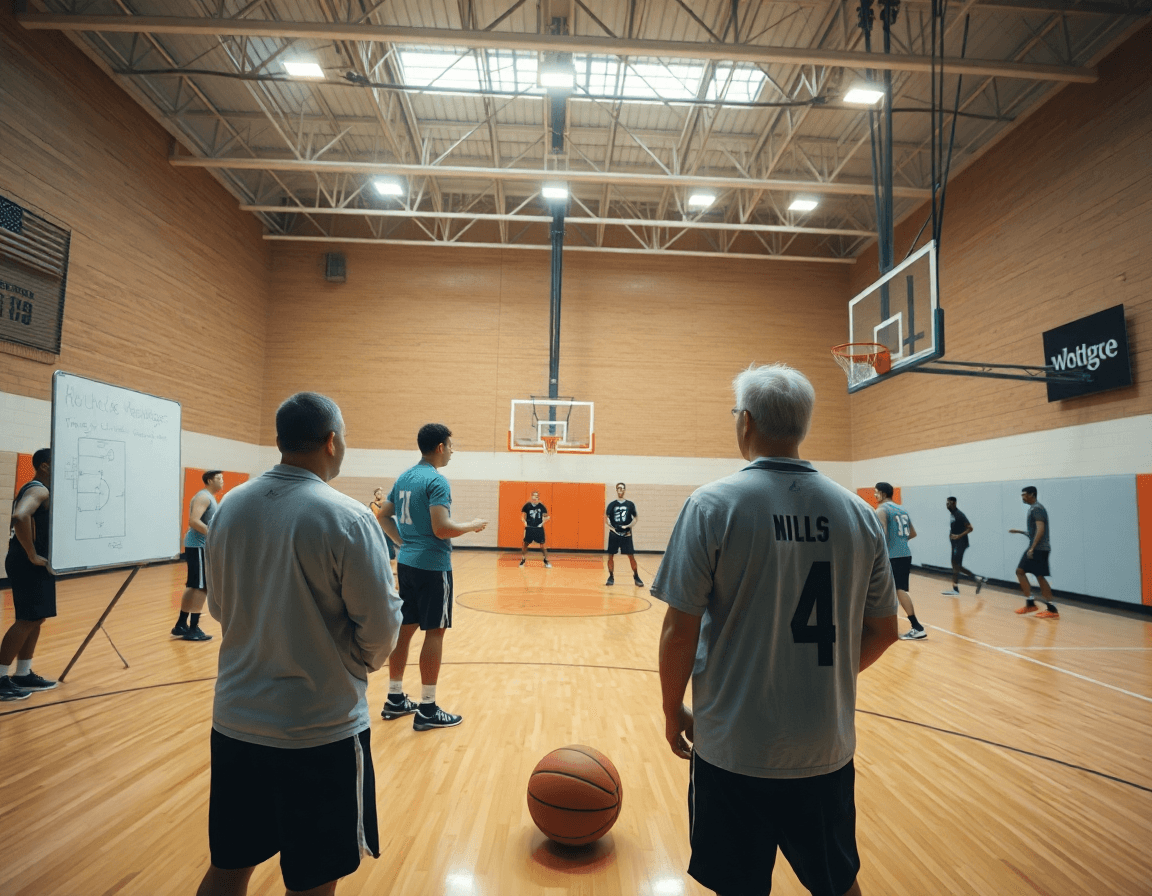
Basketball Plays PDF: Weekly Plan for Coaches
Turn basketball plays pdf into a weekly coaching plan with diagrams, whiteboard, video clips, and scouting—streamline your practice week for staff today.

Key takeaways
- Treat the basketball plays pdf as the anchor for weekly plans, goals, and consistency.
- Tag plays by concept (SLOB, ball screen) and map them to daily blocks in the plan.
- Plan in advance, export PDFs for staff, and run the same diagrams on the Whiteboard.
- Build a universal library: treat the master file as the core, tag by play types, and attach short video clips.
- Use the PDFs in practice to support inbound sequences, SLOB setups, and late-game adjustments with scouting notes.
From PDFs to Weekly Practice Plans
As a head coach, I treat a basketball plays pdf as the anchor for printable plays and the week's goals on both ends of the floor. It shapes our weekly coaching plan and gives my staff a single reference point to chase in practice.
I tag plays by concept—SLOB, ball screen, give-and-go—and map them to daily blocks in the plan. In a typical week, inbound plays and sideline out-of-bounds sets slide into Monday's session, with ball-screen actions and lob passes taking over midweek, and back screens, zone offense, and end-of-game plays closing Friday. This keeps our practice tight and intentional, and the language stays consistent across the roster.
Diagrams get imported into Practice Plans for distribution to assistants. The workflow is simple: plan in advance, export PDFs for the staff meeting, and run the same diagrams on the Whiteboard during drills. A short video clip linked from the plays supports the teaching and helps players stay in sync with the defensive and offensive concepts we’re chasing.
Print or share PDFs for on-court work within the practice plan. A quick pull from the plays PDF lets you run a focused 45-minute block—installing a new inbound sequence or end-of-game setup, or brushing up on zone offense. The same library also powers scouting notes and playlists with short video clips, so you’ve got a cohesive, week-long coaching flow that ties planning, board work, and film together.
Diagramming Plays for Clarity
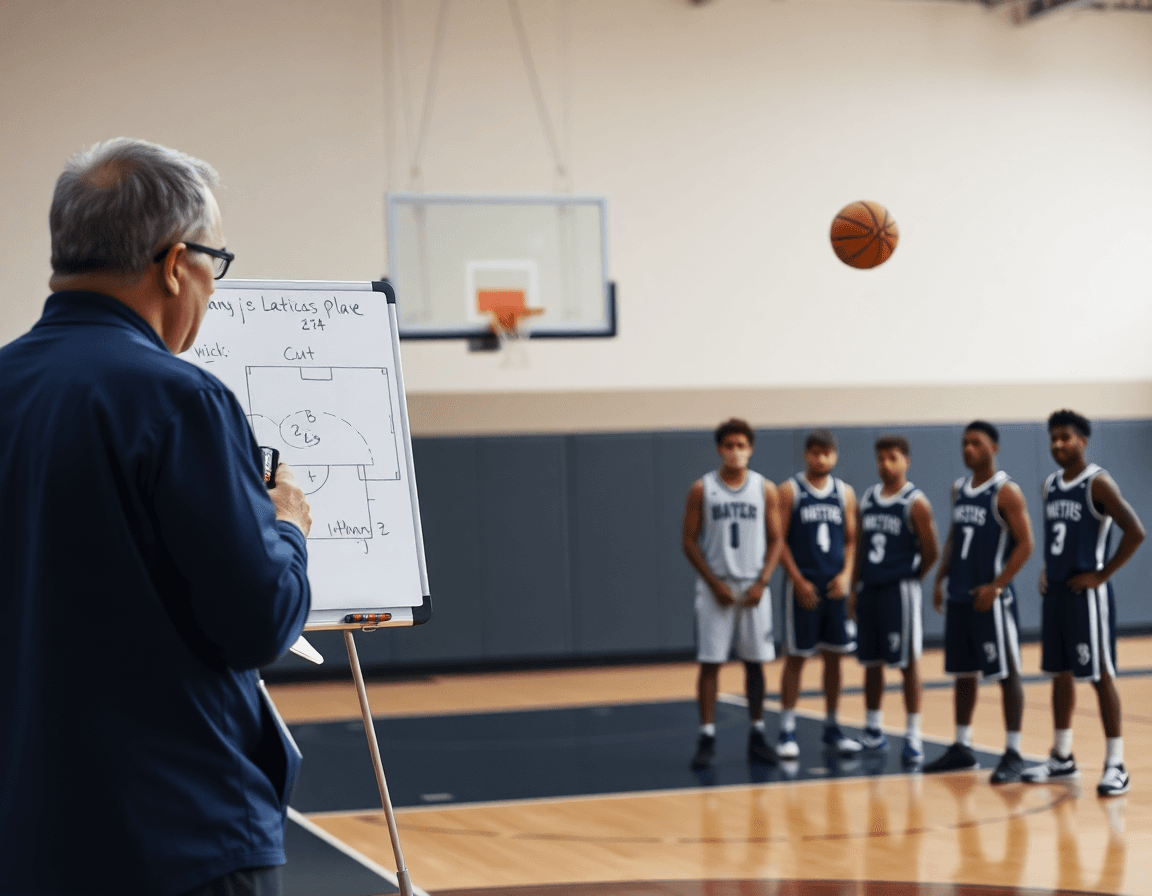
Before the whistle, I map every key action on the tactical whiteboard to build a shared language with my staff. I diagram PnR and back-screen options, plus SLOB and inbounders, so our players see not just the movement but the reads. These whiteboard diagrams become the reference point for how we attack every possession, a concrete part of our play diagrams for the week.
Then I create variations and annotate triggers for in-game adjustments. If a scouting note flags a defender's drop or hard hedging, I translate that into a diagram variation. If the defense overplays the ball screen, we direct a slip, a flare, or a gap attach. We label options with clear reads so assistants can coach on the fly. I keep SLOB diagrams refined, so shooters and cutters know when to cut and where to slip.
Export the diagrams as PDFs for quick reference in practices. The idea is simple: convert the on-court visuals into a PDF bundle you can pull up on a tablet or print as a quick guide. A dedicated basketball plays pdf lets coaching staff flip through circle options, inbound actions, and end-of-game adjustments without losing tempo.
Integrating these diagrams into the weekly plan makes sense in practice: we walk through a starting set for inbound plays vs. pressure, then switch to zone offense against a match-up. We tag end-of-game plays and sideline out of bounds variants for quick lookup, with ball screen and lob pass options noted as secondary reads.
Building a Library of Plays and Drills
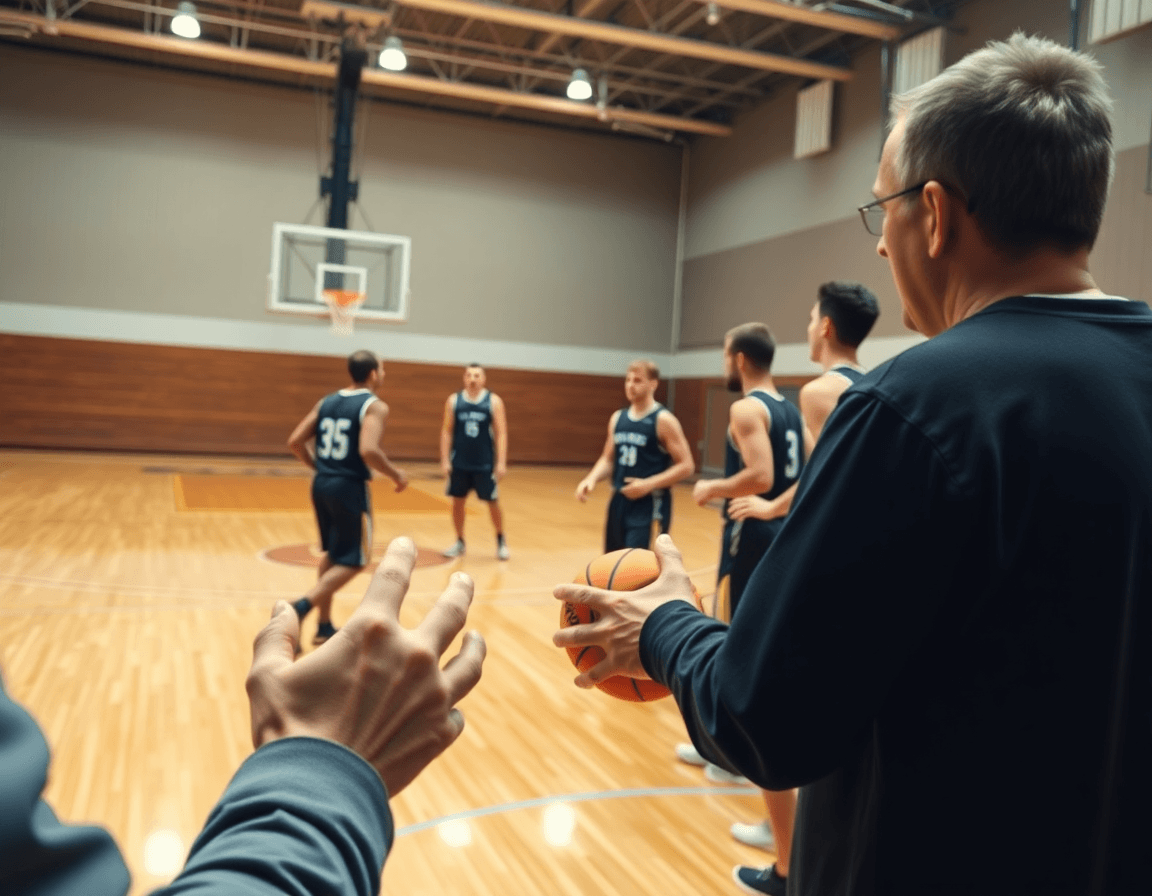
Building a universal library starts with a central repository for all your plays and drills. Think of your basketball plays pdf as the master file and the play library as the living brain of your program. In the plan, you pull a play, export a clean diagram, and drop it into the Practice Plans for the week. On the whiteboard, diagrams from this library become teachable moments during transitions, and a short video clip shows players the timing. This isn’t just storage; it’s a workflow that makes it easier to assign reps and track retention across the team. A well-curated library reduces midweek scramble and helps you identify gaps before they bite a game.
Once in place, tag every entry by play types, situation, and intended level; reuse across weeks. For example, you might have inbound plays for sideline out of bounds against a trap, a SLOB sequence for late-clock sets, a ball screen variation, or a back screen used against a 2-3 zone, plus zone offense and end-of-game plays. Tagging keeps the library searchable, so when you’re planning a road game or a home game, you can pull the exact look you want without reinventing the wheel. The result is a faster walk-through in practice and sharper recall in games.
Each entry links to a short video clip under the Video Clips module and a concise scouting note you can share with players. In your weekly workflow, that means you can move from the plan to a quick teaching moment, then back to the plan for the next drill. Whether you’re looping in inbound plays, a lob pass, or a ball-screen sequence, the library keeps your coaching clean and repeatable.
Inbound and Sideline Plays: SLOB and Special Sets
In weekly planning, inbound and sideline plays demand a repeatable workflow. I lean on a Basketball Plays PDF that organizes SLOB and sideline out of bounds options so the team can reference the exact setup in the plan. We script late-game or critical-inbound plays, and keep the PDF as the anchor coaches reference during sessions.
On the whiteboard, we diagram the action: inbound plays from the baseline with back screens, zone-counter options, and a lob pass off a ball screen. We include variations for different sideline angles—one with a quick ball reversal, another with a skip pass. Diagrams are saved and exported as PDFs for staff reference, so assistants can walk through the sequence without missing a beat.
During practice, we run rhythm drills tied to the PDF plays. Short on-court reps reinforce the inbound sequences, especially in late-game inbound sets where timing matters. The plan guides when to enter the action, who takes the ball, and how receivers space themselves for a clean catch. A quick video clip reinforces the rhythm, showing the exact footwork and reads so players can replicate the cadence in live scenarios.
Finally, scouting notes tailor the PDF to the opponent. We annotate how defenses pressure inbound passes, preferred zones, and matchup cuts that exploit a mismatch. Turn the clips into a Playlists link for players to study on their own, and shareable PDFs keep the whole staff aligned. In this loop, the plan, whiteboard, video, and scouting stay cohesive, letting a coach call up the exact inbound plays in a critical moment.
Teaching with Video Clips and Playlists
As a coach who relies on a weekly workflow, teaching with video clips starts with intention. I select clips that clearly show movement and decision points—the way a guard reads a defender in a SLOB, or how a cutter times the screen for a ball-screen sequence. From our basketball plays pdf, I pull inbound plays, sideline out of bounds, and end-of-game options to illustrate spacing and decision-making. When we review them, I attach a short video clip to the corresponding plan so the assistant can cue it up during on-court work.
Next comes building playlists for players and assistants. I group clips into topic playlists: inbound sequences, ball screens, lob passes, and zone offense. The goal is for a player to see the same action in both the PDF plan and the video. A well-curated playlist lets you step through the play in a calm drill, then push the pace with a game-speed clip. For each concept, I tag a shareable video that we can text or drop into the scouting note before practice.
Finally, we reinforce PDF-published plays with video demonstrations. After opening the PDF page for a set, we play a crisp clip that shows the movement angles and defender reads—like an inbound play against a zone or an end-of-game situation. This pairing of PDF and video keeps everyone aligned, making the weekly playback consistent for both the scout report and the practice plan.
Scouting and Counter-Plays: Turning Opponent Tendencies into Plays
On Sunday I study the scouting reports and opponent tendencies. The notes flag a guard who overplays the ball handler, a big who hedges hard on ball screens, and a rush to trap after sideline out of bounds. Those observations become the engine of our weekly plan, shaping what we’ll practice and how we’ll attack with counter-plays. The workflow from scouting to execution starts here.
From those insights I assemble a basketball plays pdf—clear, printable, and linked to our practice plan. It includes 3–4 ready-to-run counter-plays organized by situation: early offense vs. zone, inbound plays for baseline and sideline, and a few end-of-game options. The staff can pull it up on the sideline and stay aligned through the rotation.
Next, we tailor the PDF plays to the opponent’s tendencies and the specific sets they run: ball screens, SLOB, lob passes, back screens, and even how they defend a zone offense. I annotate each play with the exact reads and counters, so we’re not guessing mid-game. If the scout notes show a team traps after a ball reversal, I’ll swap in a counter-attack that defeats that trap.
Finally, we train the counter-plays with the whiteboard and a quick video review. We draw the action with arrows, assign roles, and then cut a short video clip to share in the playlists for players to study. The cycle — plan, diagram, clip, discuss — keeps the week cohesive and makes the PDF come alive on the practice floor.
Practical Weekly Workflow: Turning PDFs into Actionable Sessions
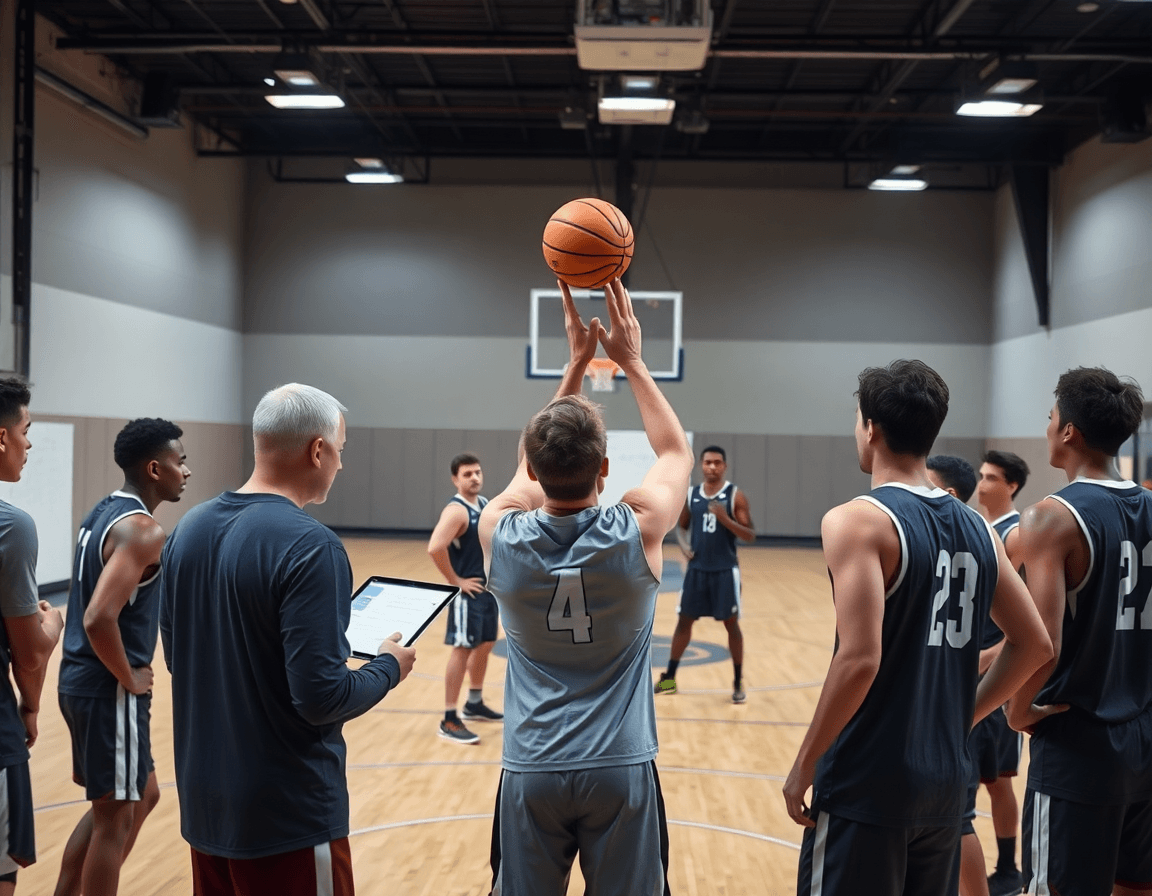
Turning a basketball plays pdf into a practical weekly workflow starts with a solid plan. I treat Monday through Sunday as a single cycle: plan, diagram, practice, review—the weekly routine that frames every session. The goal is to translate inbound plays, sideline out-of-bounds actions, and end-of-game sets from the PDF into a schedule that fits our practice plan and keeps players focused. When staff trust the cadence, players know what to expect and the week gains momentum.
On Monday, I audit the basketball plays pdf and pick 2-3 concepts to install: inbound plays, SLOB, and a pinch of ball-screen action. I sketch the diagrams on the whiteboard (BLOB/SLOB/ATO/PnR) and export a clean PDF to share with the assistants. In the plan, we assign roles, and the team gets a short video clip linked in a shared playlist. The aim is to make the PDF actionable, not just reference material.
Tuesday through Thursday, we execute the plan on the floor. A quick on-court session builds the plays in live reps: inbound options, ball-screen reads, back-screen cues, and zone offense options. We use the basketball plays pdf as the source and flip to the short video clips for each rep. Across the week, keep the cadence: teach, drill, adjust, repeat; then archive the best clips for players in a team playlist.
Friday is a scouting update and run-through of end-of-game plays. We annotate the PDF with opponent tendencies in the scouting notes and practice the chosen plays against a scout look. On Saturday, we finalize setups and share PDFs and video with the team. Sunday is a light review and a final checklist to ensure every drill and play gets done.
If you build plans like this every week, CourtSensei keeps your drill library, whiteboard, and video clips in one place — try it free.
FAQ
What is a sideline out-of-bounds play, and when should you run it?
A sideline out-of-bounds play is a designed sequence used to start a possession from the sideline after a dead ball. It's about getting a clean catch and a sharp, high-percentage action. Use it early in the half to set a rhythm or late in quarters when you need a reliable reset. Label and practice it as part of your SLOB and inbound packages so players know the reads.
How do you download basketball plays as PDFs for your staff?
To get plays as PDFs, treat your basketball plays PDF as the master file and export diagrams into portable bundles. Save and share as PDFs for the staff, print on-court guides, and drop them into your weekly Practice Plans. A single, organized library keeps diagrams, notes, and clips synced across the coaching staff.
When is a lob pass most effective, and how is it integrated into a play?
A lob pass shines when a cutter or big rises over the top of help defense, or against a defender who drops off your ball handler. Timing, spacing, and recognizing the look matter—don’t force it. Use it as a designed read within a sequence, not a hopeful attempt, and pair it with solid catch-and-finish execution.
What is a ball screen (pick-and-roll) and how does it work in plays?
A ball screen is a handler’s friend: a teammate sets a screen, freeing the ball handler to attack. Options include rolling, slipping, or popping after the screen. The read depends on the defense, spacing, and the big’s decision, so include variations and clear reads in your playbook.
Why are inbound plays important, and how do you design them?
Inbound plays are your first chance to control tempo and get a shooter or driver cleanly into rhythm. Design for multiple looks—baseline or sideline triggers, pressure situations, and late clocks. Practice timing and spacing, and tag late-game or special sets to stay sharp under pressure.
How should you read basketball play diagrams (O's and X's) and turn them into action?
Treat O's and X's as offense and defense; read the lines and arrows as reads that guide on-court action. Translate movements into cuts, screens, and passes. Use consistent labeling and add concise notes to your diagrams so players execute the concept, not just memorize a drawing.
