Basketball Practice Plan Template: Weekly Coach Workflow
Learn how to use a basketball practice plan template to drive your weekly coaching workflow: plan warm-ups, skill work, team concepts, scouting notes, and share video clips.

Key takeaways
- Adopt a consistent template to frame weekly objectives for offense, defense, and transition.
- Block each session into timed sections: dynamic warm-up, skill work, shell, then 5-on-5 scrimmage.
- Load drills from the central drill library and assign exact minutes to each block.
- Embed scouting notes into plan cells so scripts and reaction plays guide practice.
- Diagram plays on the whiteboard, then export PDFs for staff and attach to Practice Plans.
Frame weekly objectives with a template-driven plan
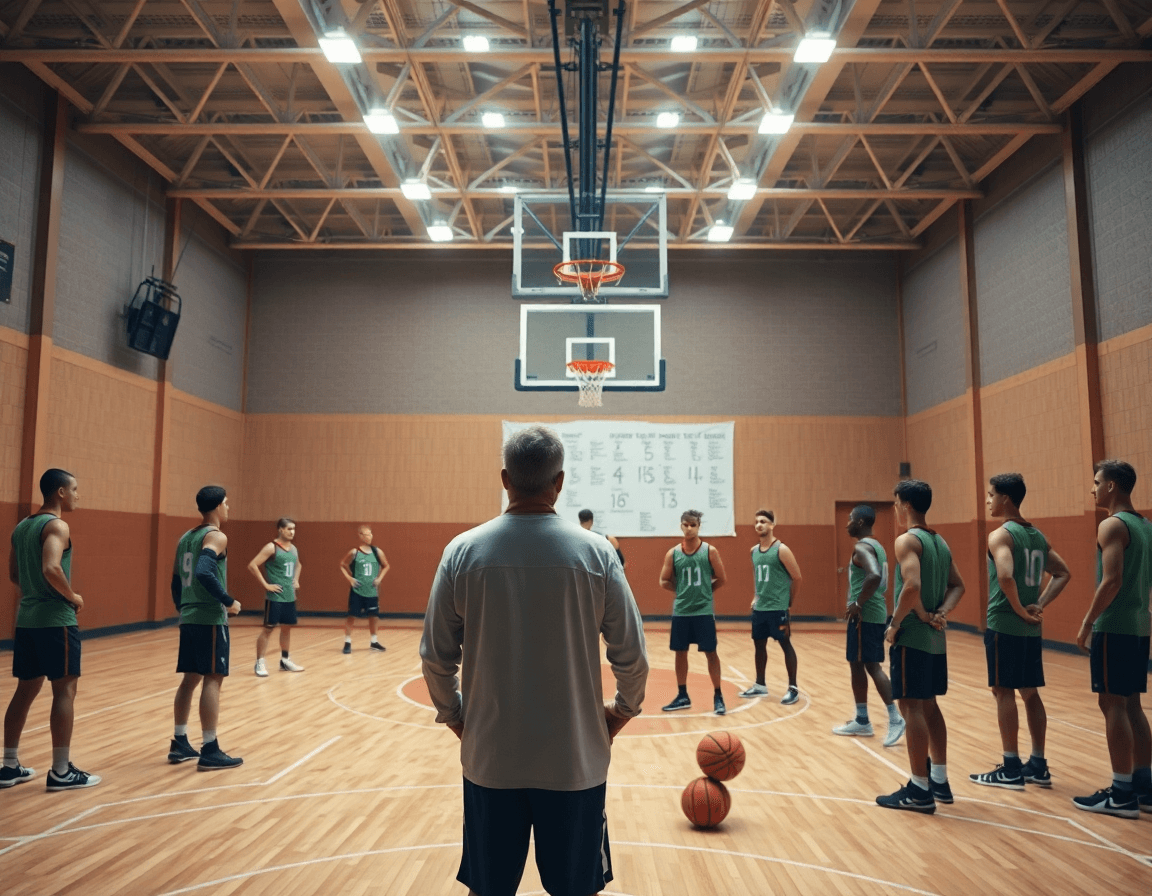
As a coach, you frame weekly objectives with a basketball practice plan template that sets clear outcomes for offense, defense, and transition, mapped to standardized time blocks. That template becomes your road map for the week, ensuring coverage with practice plan blocks in a 90-minute session: dynamic warm-up basketball, shell drill basketball, and 5-on-5 reps before wrapping with a quick debrief. The framework also translates into a printable practice plan you can share with assistants and pull from the drill library when you want to swap in a new action without breaking rhythm.
Consistency is the force behind your weekly cadence. Use the same template to guide every session, so essentials—shooting, decision-making, and transition timing—land in predictable spots each day. Align plan objectives with roster fit and season phase, and let competitive goals shape which drills stay on the main page versus which get tucked into your digital practice planning for later use. In the gym, the workflow comes alive: on the plan you’ll see a set of on-court diagrams drawn on the whiteboard, a short video clip illustrating the movement, and a scouting note filed for the next opponent. This rhythm keeps feedback tight and progress visible, from dynamic warm-ups through the 5-on-5 grind.
Build your plan quickly using a drills library and time blocks
As a head coach, your weekly workflow hinges on speed and clarity. In CourtSensei, you can build a plan in minutes by loading drills from the centralized drill library and laying out exact minutes for each block—the time blocks that structure your session. Think of it as a basketball practice plan template you can reuse weekly: warm-up, skill work, team concepts, scrimmage, conditioning, and a quick review. The workflow keeps you on track on the floor and in the locker room, so your practice looks intentional rather than improvised.
Take a 60-minute basketball practice plan as a template: start with a dynamic warm-up basketball to get players moving and spot on the floor. From the library, pull a couple of skill drills, then slot in a shell drill basketball to reinforce defensive principles and communication, before finishing with a 5-on-5 basketball practice scrimmage. Assign precise minutes to each block so you can compare performance across drills and keep transitions tight.
Duplicating a past practice in seconds, tweaking minutes, or swapping in fresh drills from the library keeps your weekly rhythm intact. Then export printable PDFs for staff logistics—time cards for assistants, substitution lists, and locker-room handouts. That exported file keeps everyone aligned, and helps you roll the same framework into the next session without reinventing the wheel.
The same framework adapts to a 90-minute basketball practice plan; you shift blocks, stretch the scrimmage, or insert additional conditioning. For a group-focused day, you lean into offensive sets and team reps; for individual work, replace some minutes with controlled drills and feedback. Your weekly plan stays a living document in the Practice Plans, syncing with the on-board whiteboard diagrams and the video clips you’ll pull later to reinforce learning.
Embed scouting insights into practice design
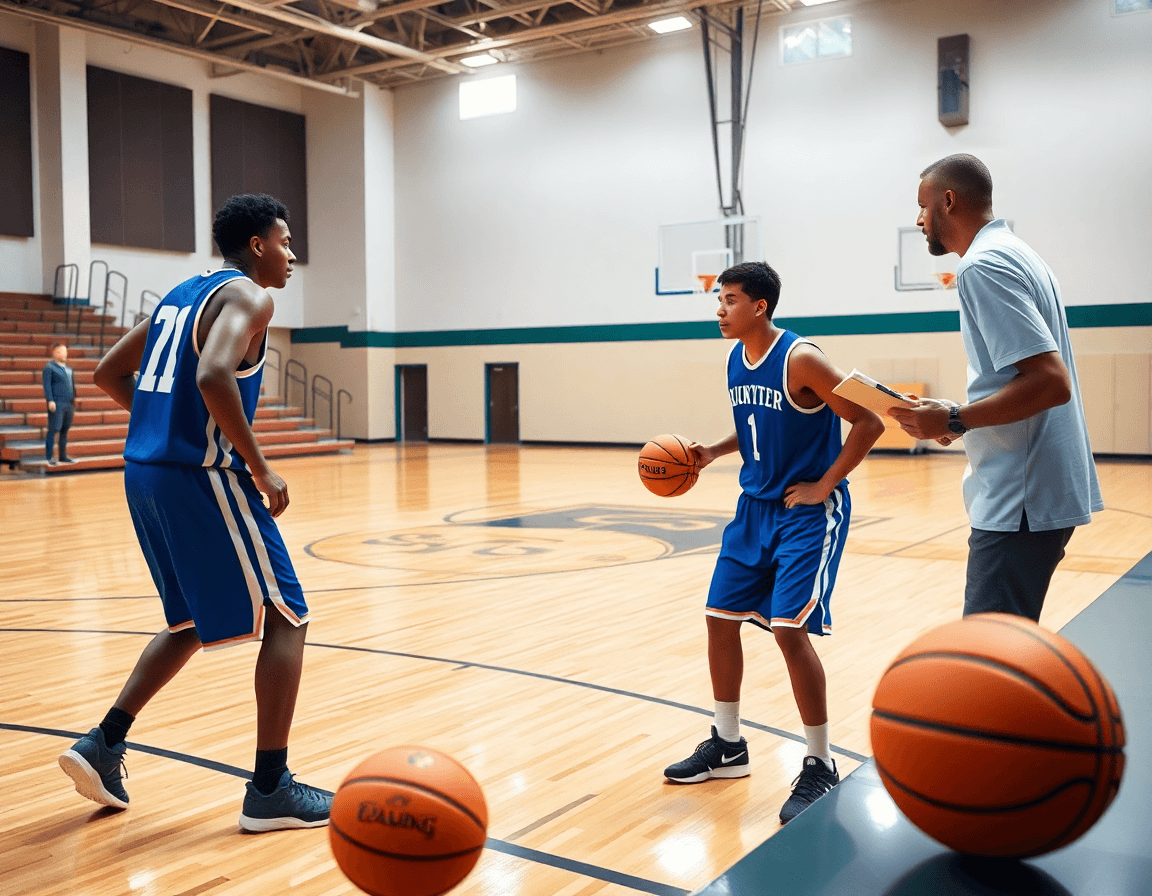
Pull scouting reports into your weekly rhythm by dropping them into the practice plan template. I pull tendencies from last game tape and scout notes—how the opponent attacks ball screens, who hunts the short corner, where they trap—and annotate them in the plan cells. That way, every week’s plan isn’t a generic menu; it’s a living game plan you can reference on the floor. It also keeps your digital practice planning tight and actionable.
Decide what to script and what to leave open to reaction based on opponent trends. I mark in the plan where we run scripts for the first 4-5 possessions, and where we give players freedom to react to what the defense does—our reaction plays. Annotating these choices in plan cells helps the staff stay aligned. If the week calls for a 90 minute basketball practice plan, we keep the tempo synced with the time blocks and coaching stops.
On the floor, I’ll use a shell drill basketball sequence that mirrors the opponent’s weak-side actions, then switch to 5-on-5 to execute the flows flagged in the scouting notes. A short video clip is added to a playlist for players to study—quick, pointed feedback between drills. I share the plan link with assistants so the staff is aligned, and I keep a printable practice plan handy in the clipboard for court-side references.
Diagram plays on the whiteboard and exportable PDFs
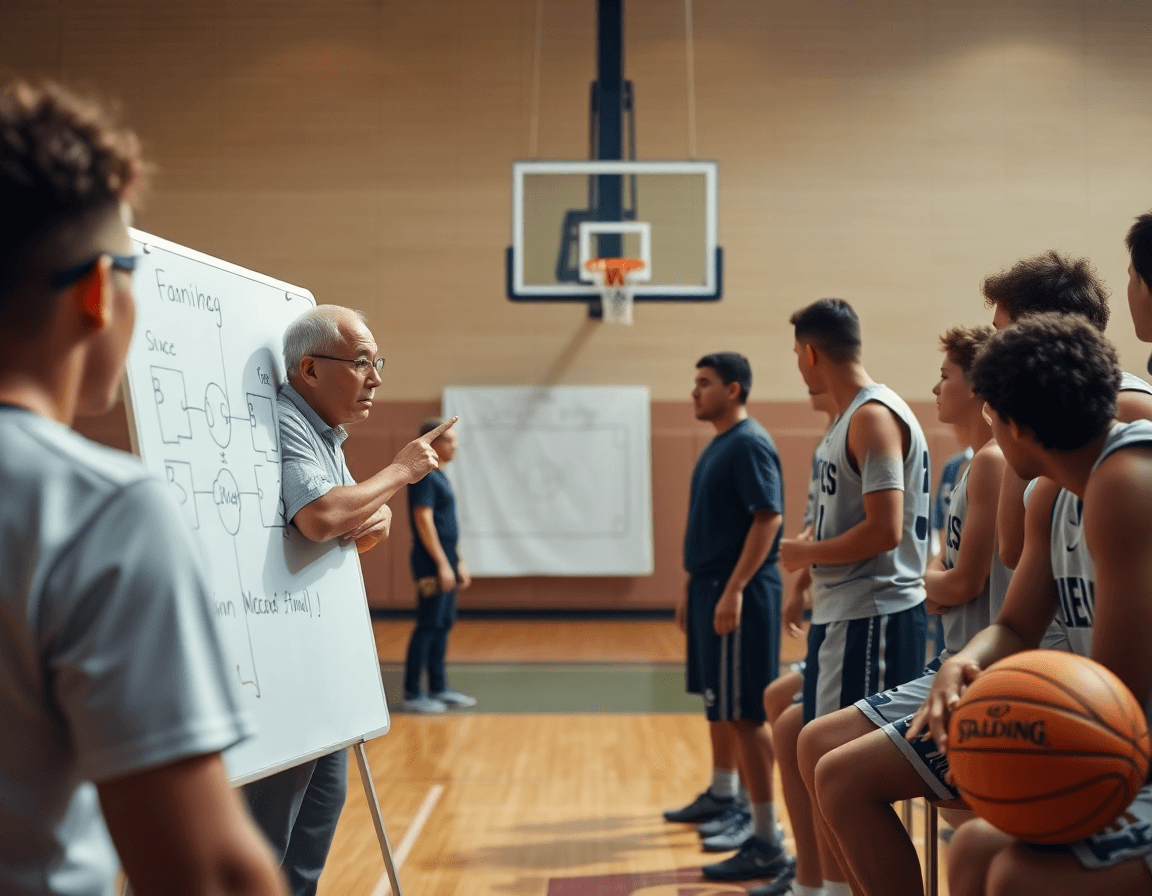
During the weekly plan, the first step is diagramming on the whiteboard to map BLOB/SLOB/ATO/PnR concepts for the staff. You sketch spatial positions, routes, and decision points, then export PDFs for assistants who will reference the diagrams in film sessions and by the bench. The goal is a clear, portable playsheet that travels with the Practice Plans without slowing down drill flow.
Color-coding and clear labels elevate comprehension for players and assistants. Use different colors to distinguish BLOBs, PnR, and ATO sequences, and label key options like entry passes or screen actions. When a player asks what to do next, a quick glance at the diagram tells them exactly where to go.
Attach plays to the plan for quick access during practice. In your workflow, the whiteboard diagrams get saved into the Practice Plans as linked references, so assistants can pull them up on a tablet or print a one-page PDF before the next drill. This keeps the session moving and questions minimal.
An example: in a 90 minute basketball practice plan, diagram a late-game PnR on the whiteboard, tag it as BLOB, save as PDF, and drop the file into the staff’s shared drive for quick reference during the 5-on-5 portion.
Exported diagrams serve as a backbone for feedback after practice. When you review with the team, you pull up the same PDFs and walk through adjustments, keeping the scouting notes and video workflow aligned.
Clip, organize, and share video for player feedback
After a 90-minute basketball practice plan template session, I pull clips from the latest game film and drills that align with this week’s focus. The goal is to clip relevant sequences that demonstrate the decision points we want to reinforce—shell defense rotations, ball-screen reads, and early offense adjustments. I keep each clip tight—15 to 30 seconds—so it’s easy to watch, and I label them by topic. Then I organize these clips into topic-based playlists that map to our on-court objectives and the plan’s drill library. During the plan, I reference the clips in the “short video clip” step to prime players for the next drill.
To remove time barriers, I generate shareable links for each playlist and drop them to players and staff for asynchronous learning. The links let anyone watch the clip on a phone or computer and revisit the exact coaching point later. As we move through the week, assistants can add notes or mark clips that need a quick refresh. This keeps feedback loops fast and precise, even when a player isn’t in the gym for every session.
In the post-practice review, I pull up the video notes tied to the clips and annotate key takeaways—and we discuss how to apply them in the next scrimmage or drill block. The approach reinforces concepts without slowing down practice flow. Clip-driven feedback becomes part of the routine, a natural extension of our weekly basketball practice plan template, and a clear way to convert on-court observations into concrete adjustments with the team.
Track progress with a practice log and data-driven tweaks
Your weekly routine hinges on a solid practice log. After each session, log outcomes in your digital practice planning system. Log outcomes: drills that improved decision-making, players needing extra reps. If a 15-minute decision-making block using shell drills reduced late-game errors, note the success and any remaining gaps. That’s the place where Practice Plans meet on-court diagrams, and where short Video Clips become quick feedback for players who were mixed in on the action.
Compare week-over-week results; adjust time blocks and priorities accordingly. It’s not just about wins or losses, but about where time produced the cleanest reads and strongest reads on defense and offense. Maybe you found you spent too long in transition drills and not enough in 5-on-5 decision-making; shuffle the schedule so the high-leverage blocks get more clock. Use those insights to tune your 90 minute basketball practice plan template, and keep the flow tight across the plan, the whiteboard diagrams, and the video clips you’ll share with the team.
Use logs to inform scouting updates and future template refinements. If the notes show a pattern—opponents pressing ball handlers into bad decisions or failing to rotate to shooters—update the scouting reports accordingly and push those observations into the next week’s plan. Let the drill library evolve: add or retire entries in your digital practice planning, adjust the prioritization in the plan, and build new playlists of clips that illustrate the adjustments. In this loop, a clean practice log becomes your compass for continuous improvement, guiding every weekly cycle of the basketball practice plan template.

Practical weekly workflow: a step-by-step cycle from prep to review
As coaches, our week runs on a tight loop: a practical weekly workflow that starts with mapping out practice plan blocks in our basketball practice plan template. I slot in a dynamic warm-up, a shell drill block, 5-on-5 reps, and a quick film check. The objective is a consistent structure with room to adapt. In the plan, I tie drills to our drill library and set up a sequence I can flip if the scout report calls for a different look.
Friday is when I finalize the plan in the template, attaching scouting notes and video clips that illustrate key opponent tendencies. I drop a short playlist for the team, link PDFs for the staff, and sync the PDFs to a printable practice plan for the gym. The goal is a clean, shareable artifact that keeps the whole staff aligned.
Saturday is execution day. We run the on-court portions—dynamic warm-ups, shell variations, and 5-on-5—while the whiteboard diagrams capture action and positions. I pull a quick clip from the prior week for reference, and we review on-the-fly with players. After practice, I pull notes from assistants and some players to refine next week's block.
Sunday is a light analytics morning. I compare expectations with outcomes, log what clicked in the drill library, and update the plan blocks accordingly. I prepare updated clips and a fresh Playlists link for players who want extra review. The cycle feeds back into Friday, closing the loop on a true digital practice planning workflow.
If you build plans like this every week, CourtSensei keeps your drill library, whiteboard, and video clips in one place — try it free.
FAQ
What is a basketball practice plan template?
A basketball practice plan template is a repeatable blueprint you run weekly. It sets specific objectives for offense, defense, and transition and assigns them to standardized time blocks. It becomes your road map, with on-court diagrams, video clips, and scouting notes, all accessible in a printable plan. You can swap in drills from a library without disrupting rhythm. time blocks, drill library.
How long should a basketball practice last?
Most teams target 60 to 90 minutes for a session length. Use fixed time blocks to keep pace: dynamic warm-up, skill work, shell drill, 5-on-5 scrimmage, and a brief debrief. If you’re short on time, trim longer blocks and tighten transitions; if you’re building endurance, add conditioning afterward. This cadence keeps plans repeatable and predictable for players.
How do I structure a basketball practice?
Structure starts with a dynamic warm-up and quick skill work, then team concepts via a shell drill, and ends with a 5-on-5 or controlled scrimmage, followed by quick feedback. Include scouting notes as needed; keep transitions tight by mapping each drill to a block. This flow keeps players engaged and coaches focused.
How do I make a basketball practice plan?
Start with a drill library to pull options, then lay out exact minutes per time blocks. Tailor the plan to your roster and season phase, duplicate a proven template, and export a printable PDF for staff. Attach on-board diagrams and video clips for quick reinforcement. Shareable links keep assistants aligned.
Can I share my practice plan with assistants or players via a link?
Yes. Use a cloud-based hub or a shareable link to give players and assistants access, ensuring everyone views the same plan, notes, and diagrams. It reduces on-floor questions and keeps feedback consistent. Enable easy access while keeping your workflow under control. Practice Plans.
Can I export my practice plan as a PDF or image?
Yes. Use a PDF export for staff handouts and print-ready plans, and an image export option for quick inserts into slides or film sessions. This keeps your plan portable, shareable, and easy to reference from anywhere on the floor.
What are the essential skills to include in a basketball practice plan?
The essentials are shooting technique and decision-making, plus solid footwork, spacing, and transition timing. Add ball-handling under pressure, defensive communication, and game-speed reps. Map each skill to specific blocks so reps stay purposeful and progress stays visible for coaches and players.
