Basketball Practice Planner: Weekly Coach Workflow
Discover a weekly coaching workflow with a basketball practice planner to organize drills, plays, video, and scouting for high school to semi-pro teams.

Key takeaways
- Create a repeatable weekly plan with a basketball practice planner guiding drills, scouting, and goals.
- Use a drill library and drag-and-drop planning to assemble coherent sessions fast.
- Tie weekly aims to scouting reads and opponent tendencies for sharper, game-ready plans.
- Diagram plays on the tactical whiteboard, export PDFs, and attach clips to keep staff aligned.
- Adopt a six-block framework (Warm-Up to Conditioning) and map blocks to season targets.
- Attach video clips and build shareable playlists so players study before practice.
Why a Weekly Practice Planner Improves Coaching Consistency
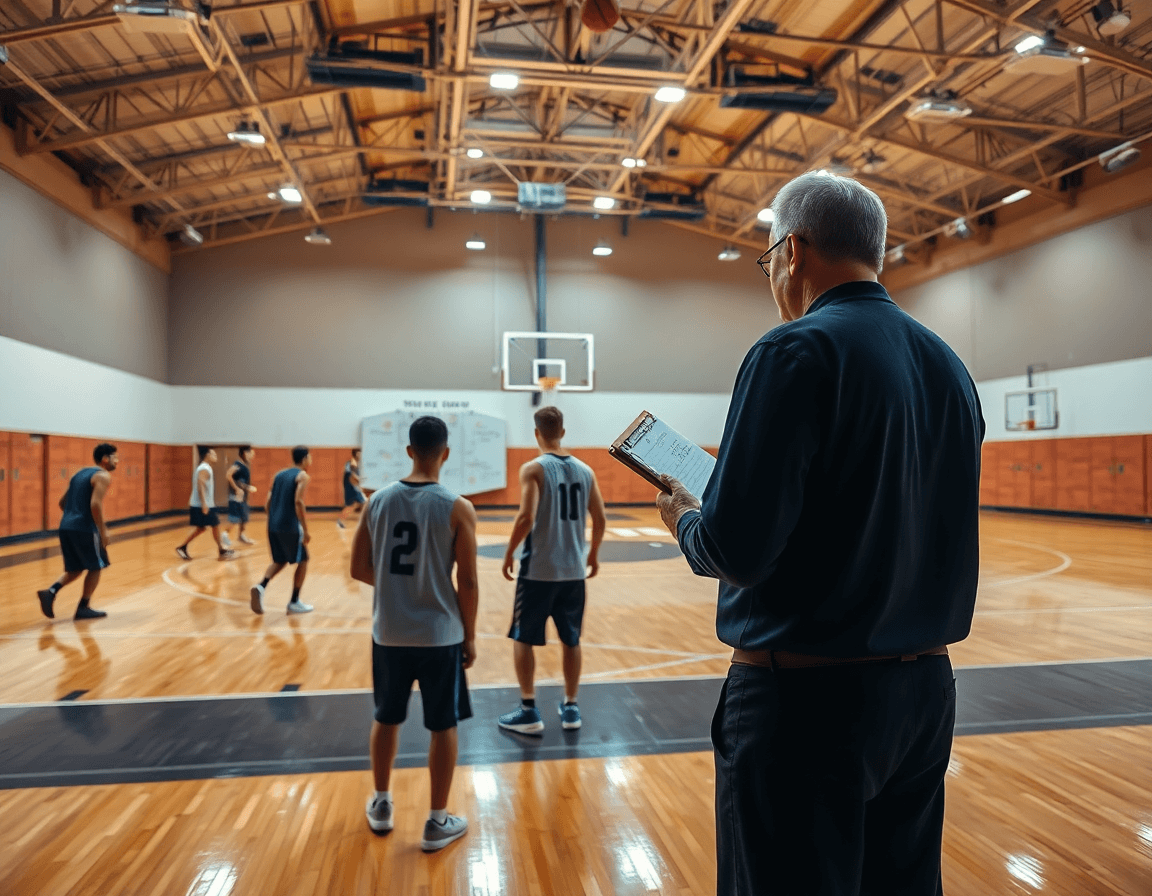
As a head coach, I kick off the week with a deliberate basketball practice planner that ties our daily work to team goals and game plans. The goal is consistency: every session should build toward the same weekly objectives, making practice feel purposeful rather than random. In this setup, weekly planning is the backbone that keeps us on track and helps our assistants execute with confidence.
Rather than cobbling drills together each day, I build a repeatable template in the drill library and use drag-and-drop to assemble sessions quickly. That gives us a clean practice plan that transfers to assistants.
Each week's aims tie into scouting reads and opponent tendencies. I pull scouting notes before practice and map them to our plan—defensive coverages, matchups, and preferred actions.
On the tactical whiteboard, I diagram plays and alignments: animated plays, BLOB/SLOB/ATO/PnR, and I export a PDF for the staff.
During the week, I grab short video clips from games or practices and attach videos to the training plan so players can study on their own. We use own videos/images/voice memos and YouTube videos to reinforce concepts.
Finally, the weekly plan generates shareable playlists for the team. Players open a link to the clips, watch the short video clips, and come ready with questions. This keeps the flow on game days smooth and makes the scouting reads tangible.
Assemble a Complete Week: Warm-Up to Conditioning
Six-block framework is how I assemble a complete week: Warm-Up, Skill Development, Team Offense, Team Defense, Competition, Conditioning. This structure keeps the week cohesive and aligned to your season targets. I build each block in the planning library, then drag-and-drop them into a Monday-to-Saturday flow. Each block has a clear objective—whether it’s a quick ball-handling sequence in Skill Development or a shell progression in Team Defense—so the squad knows what to lock in.
Once the blocks are laid out, map them to your season targets. This keeps Week 1 through Week 6 cadence aligned with the bigger plan. On the tactical whiteboard, diagram animated plays for Team Offense and defensive actions for Team Defense; export a PDF for staff or scouting, or attach clips to illustrate the concept. The workflow stays tight: plan on the board, then capture the nuance in short video clips for later review.
Set weekly goals for HS, club, or semi-pro groups. A high school squad might chase faster decision-making in Competition blocks, while a club team prioritizes spacing in Team Offense. Use scouting notes to tailor the approach against specific opponents, and pull in drill library items to fill gaps. Attach your own videos/images/voice memos to plays and build shareable playlists so players see the cues right away.
Throughout the week, the flow is powered by a few core tools: a plan in the library, animations on the whiteboard, a short video clip to reinforce a concept, and a scouting note guiding adjustments. Keep everything accessible with video clips and playlists so teammates stay synced without extra meetings.

Build with the Drill Library: Drag-and-Drop and Reuse
Kick off the week by tapping into the drill library. It lets me populate practice blocks from a library of proven drills, saving planning time and giving assistants a shared starting point. I pull a ball-screen sequence, a transition drill, and a shooting progression, drop them into the practice planner, and tailor reps to our roster. The drill library keeps the week coherent and repeatable, so even when the staff changes or a new assistant steps in, the flow stays intact. This is where the practice planner earns its keep, turning scattered ideas into a solid, trackable plan.
Then I lean on the drag-and-drop workflow to arrange drills and sequences on the plan. A quick drag here, a swap there, and the order lines up with our daily goals. I can preview animated plays on the board as I build, which helps with timing and spacing and keeps the session moving smoothly. The drag-and-drop approach makes it easy to experiment, capture what works, and lock in the weekly rhythm for the team.
Finally, reuse past practices as templates and attach videos/notes to each block—animated plays, YouTube videos, or our own clips with voice memos—so players know exactly what to study. When a week runs clean, I save it as a template we can pull again next season. Reusing isn’t about copying; it’s codifying our best sequences and adapting them quickly in the plan and on the board, which speeds up weekly prep and keeps everyone aligned.
Tactics on the Whiteboard: Diagrams, Exports, and Action Plans
On a typical Monday, the whiteboard becomes your command center. You pull up diagrams for PnR, BLOB, SLOB, and ATO, turning concepts into clear spacing and timing. Each diagram links to a drill in your drill library, so you can drag-and-drop a drill onto the plan and tweak it in real time. If you’re teaching a ball-screen action, you can attach your own videos or a quick YouTube clip to show execution flow without leaving the board. This is where the weekly cycle turns into concrete practice blocks, and the assistants see the same plan you’re teaching.
Once the diagrams are dialed in, the next step is portability. Use the PDF export to generate crisp handouts that coaches, assistants, and even players can reference during warmups. The export captures the exact diagrams, drills, and timing you’ve built, so the staff sees a single source of truth. You can share the PDF via your team portal or print a sheet for the film session, keeping everyone aligned across rooms.
Finally, turn diagrams into action you can run weekly. Create clear, printable action plans for players directly from the board. Each plan spells out the sequence, assignments, and counters. You can attach videos from your own library or pull YouTube clips to demonstrate timing and footwork, making the plan tangible. If you want fast reinforcement, build a short, shareable playlists of animated plays and drills; players watch on their devices and come to practice ready to execute.
Video Workflow: Clips, Media, and Player Feedback
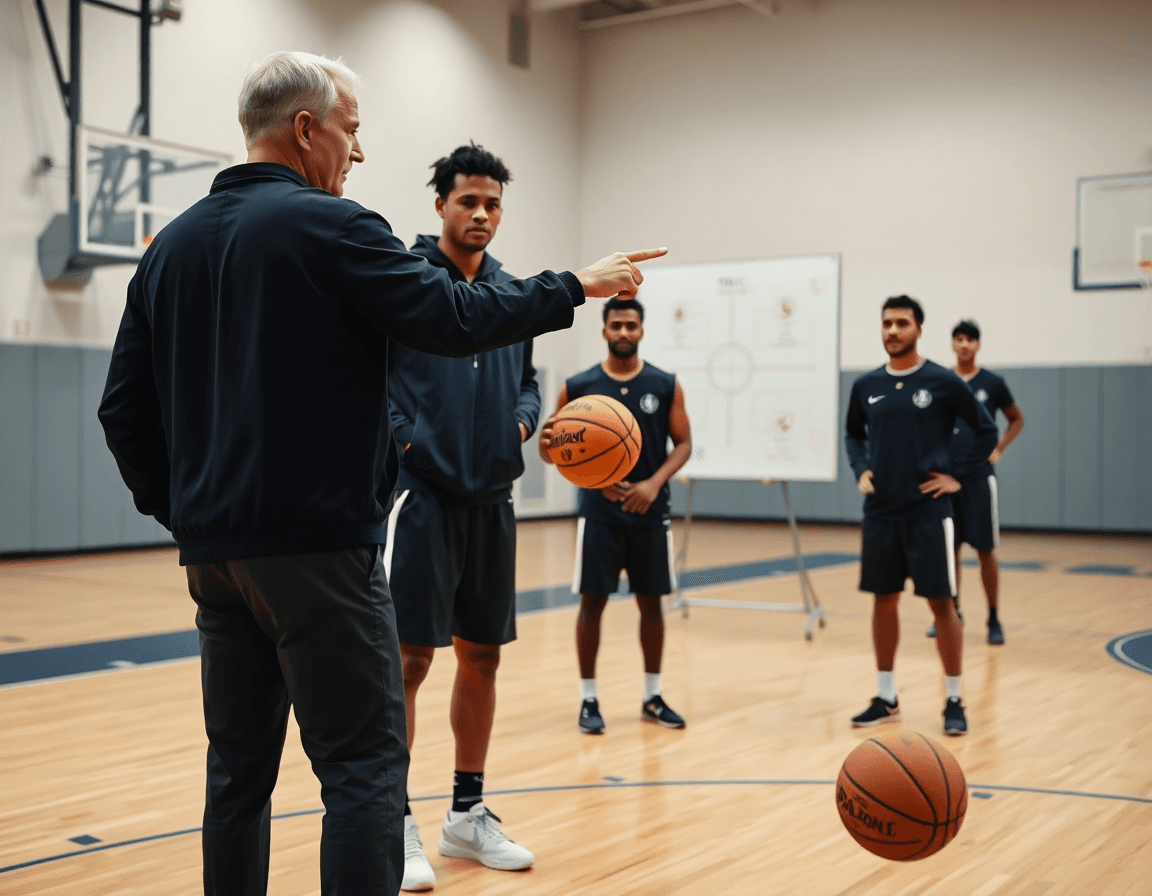
In my weekly basketball practice planner, the video workflow is where raw footage becomes coaching leverage. I clip and organize game and practice footage into clear storylines—transition defense, ball movement, and late-clock execution—so we can review what happened and why. After tagging the scenes, I save them to the library as video clips linked to the relevant drill in the plan, so we’re ready to show the team on the whiteboard what to fix. I also drop in animated plays to demonstrate spacing and angles, making the play concepts instant and visual for the staff and players.
Sometimes we need extra context, so I attach own videos, images, and voice memos to scouting notes and drills. The workflow makes it easy to attach videos or images directly to a plan, and if a benchmark is found on YouTube, I can link in YouTube videos to illustrate a concept. A quick drag-and-drop into the drill library places media alongside other drill content, so the whole week’s material stays centralized.
Finally, the payoff is in the players' hands: I build shareable playlists from the clips and media we’ve collected. A playlist can group clips by theme—defensive rotations, ball reversal timing, or specific opponent sets—so players can review it on their own time and come back ready to discuss on the floor. With a single link, assistants and players have access to the same material, keeping the weekly routine tight and transparent.
Scouting and Opponent Prep: Turn Reports into Practice Focus
On Sunday, after reviewing the scouting reports, I map our opponent prep into this week's practice plan. The aim is to convert what we know about tendencies into tangible weekly objectives. Insights from scouting reports and scout plays guide our focus—where to pressure, where to help, and what to scramble. I start in the planning library and translate notes into a clean set of weekly objectives that sit inside the practice plan for the days ahead. It’s not about chasing every detail; it’s about targeting the keys that will pop up most often during opponent prep.
Then I run the practical workflow: in the plan, I drag-and-drop drills from the drill library that directly address those objectives. I attach short video clips—our own videos, images, and voice memos, plus relevant YouTube videos—to give players context. On the tactical whiteboard I diagram the counter-sets and rotations (animated plays) that beat the opponent’s actions. I compile a shareable playlist for the week so every player can review the clips in their own time, linking footage back to the plan and the drills we run.
Example: if the opponent relies on a back-cut into a staggered ball screen, the weekly objective becomes denying the cut and sharpening our opponent prep on defense. I pull a couple of drills from the drill library—shell defense, closeouts, and a quick transition sequence—and arrange them in the plan. I also pull scout clips from own videos and display a short video clip on the board to illustrate the read. The result is a tight, coach-approved path from scouting reports to practice focus and, finally, to game prep—and stronger opponent prep.
Practical Workflow: A 60-Minute Weekly Practice Routine
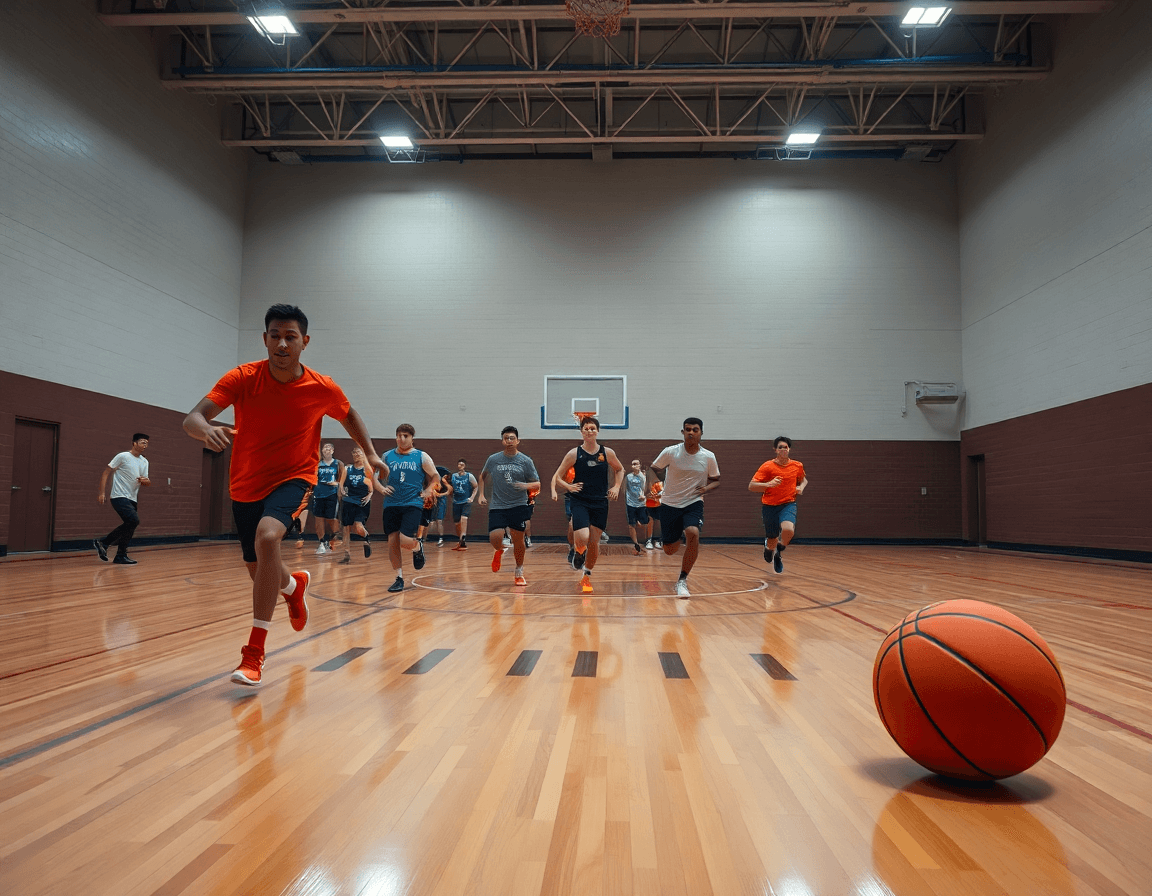
Here's a practical 60-minute weekly routine you can run every week using your basketball practice planner. The idea is to lock in blocks, keep the team moving, and capture notes for the next session. In my weekly practice workflow, the planning library is the backbone, letting me pull drills and plays with a click, then share them with assistants as a living blueprint for the week.
0–5 warm-up: I lock a warm-up block via drag-and-drop in the planner. A quick jog, dynamic moves, and a couple of ball-handling drills get players dialed in without bleeding into the next blocks. I set the pace for the day and jot injury notes in the plan.
5–17 skill development: I pull drills from the drill library and assign them to players, pacing reps for technique work. If I have video from the last game, I attach videos into the block so players can review the motion during cooldown. We emphasize form, then push into the next segment with a quick feedback note in the plan.
17–28 team offense, 28–39 team defense: On the offensive block, we run quick sets and use animated plays on the tactical whiteboard to diagram options. I label BLOB/SLOB/ATO/PnR and assign specific plays to players, then drop in a short clip playlist for review. The defensive segment follows the same tempo with rotations and calls sketched on the whiteboard.
39–50 competition, 50–60 review and notes: In the final stretch, we scrimmage to simulate game pace and then review decisions. I pull scouting notes from the week and translate them into quick fixes. I share assignments with assistants and players via secure links, and circulate a set of shareable playlists so players can study the clips on their own time.
If you build plans like this every week, CourtSensei keeps your drill library, whiteboard, and video clips in one place — try it free.
FAQ
What is a basketball practice plan template?
A template provides a repeatable blueprint for each practice session. With a basketball practice planner, you start from a consistent weekly format—Warm-Up, Skill Development, Team Offense, Team Defense, and Competition—and tailor blocks to your goals. It keeps coaches aligned, makes notes shareable, and lets your staff run the same rhythm, even when assistants change. Save and reuse these templates to stay on target.
How long should a basketball practice last?
Most programs schedule roughly 90–120 minutes of practice, with fixed blocks so players know what to expect. A weekly plan maps practice duration to the blocks, not just drills, so you cover Warm-Up, Skill Development, Team Offense, Team Defense, and Competition without rushing. If you’re short on time, cut a block but keep the same cadence.
How can you plan a basketball practice quickly?
Use a ready-made drill library and the drag-and-drop planner to assemble sessions in minutes. Start from a weekly template, swap in a couple of drills to match opponents, then attach short video clips for context. Preview, adjust pacing, export a handout, and share a clean plan with your staff.
Can you share basketball practice plans without requiring accounts?
Absolutely. You can publish a plan as a link or a downloadable PDF export and share playlists of clips. Recipients don’t need an account to view details—only to edit. This makes it easy for guest coaches or parents to study your approach and stay in sync with the weekly flow.
What features does a basketball practice planner app offer?
A solid basketball planner app offers a drill library, a collaborative whiteboard with diagrams, the ability to add video clips, and a way to export crisp handouts. You’ll also see scouting notes and the option to generate shareable playlists for players. All of it links back to the weekly plan for consistency.
How can you reuse past practices to save time?
Reusing past practices is a time-saver. Save a complete week as a template, then swap drills in the drill library and adjust blocks for new rosters. Attach updated videos or notes to each block, and export as a ready-to-run plan. This turns evolving sessions into a reliable blueprint that your staff can execute quickly.
What is the Princeton offense?
The Princeton offense is a spacing-heavy system built on patient ball movement, screens, and backdoor cuts. When planning for it, map the key sets to your practice blocks, diagram them on the whiteboard, and attach animated plays to teach timing. Use a clear action plan so players know how to execute against different defenses.
