
How to Draw Basketball Plays: A Coach's Weekly Diagram Guide
How to draw basketball plays: a coach-focused weekly workflow to diagram actions, label reads, export PDFs, and share plays with your team using diagrams and video clips.

Key takeaways
- Standardize diagram notation: label players 1-5, mark Xs, and use clear line styles.
- Develop a legend and color scheme so assistants read diagrams at a glance.
- Export sequences as PDFs and short video clips to keep everyone aligned during practice.
- Build a season-wide library indexed by concept and possession for quick retrieval.
- Attach counters and reads to each entry and export a practical cue sheet for players.
Understanding diagram notation: players, movement, and actions
Learning how to draw basketball plays starts with a clean, repeatable notation system that travels from your planning doc to the floor. This is the foundation of your play diagrams. Label players 1-5 by position (1 Point Guard, 2 SG, 3 SF, 4 PF, 5 C) and mark defenders with Xs. This simple convention keeps diagrams readable during practices and quick to translate into drills. When you share with assistants, they’ll know exactly which body is moving where in the plan you laid out for the week.
Next, map movement with clear line styles to convey each action. Use line styles to denote actions: passes (dashed), screens (solid with a T-ended end), cuts/movements (solid with arrows), dribbles (wavy), and handoffs (two crossing lines). Getting these cues right lets you stage full sequences on the whiteboard so players can see the flow at a glance. If you’re teaching a new set, this is where you’ll lock in the rhythm before you even step into practice.
Keep a consistent legend and color scheme so assistants can read diagrams at a glance. A standard color map for your team reduces misread cues during walkthroughs and timeouts. If someone picks up a diagram mid-week, they should be able to interpret the eye-test quickly, without hunting for a key. Your legend isn’t decorative—it’s the shared language that keeps your weekly diagram-to-practice cycle moving smoothly.
Finally, leverage diagram tools to set line types and basic animations for player movement in sequence. In your planning phase, you’ll sketch the sequence on the board, then export a PDF for staff review and share the clip with players as a quick refresher. The workflow—the plan, the whiteboard, the short video clip—lets you iterate plays, capture tweaks, and keep everyone aligned as you go through the week. This is how you translate theory into action, every time.

Building a structured play library for the week
Building a productive weekly library starts with two organizing axes: concept and possession. In your plan, tag each entry by play concepts like ball-screen, off-ball movement, staggered actions, and end-of-quarter sets, then tie each item to a possession scenario (early offense, late clock, inbounds, or after a turnover). This makes the week scalable: when you need a specific look midweek, you pull up the right diagram from the library and run it in practice. If you're wondering how to draw basketball plays, this framing keeps you honest and efficient.
Once you set the labeling logic, grow a season-wide library you can reference across the program. This isn’t just a quick week-to-week folder; it’s a living resource that you pull into your practice plans and your scouting prep. Over the season, you’ll collect variations, counters, and late-clock sets that you reuse instead of reinventing the wheel.
For every entry, attach notes on counters and reads, plus the defensive adjustments you expect against each look. A quick note like “switch on screen” or “delay read” can save you on the sideline when the offense changes tempo.
Easily export your weekly play set to PDF export for quick prints and sharing with assistants. The PDF export keeps diagrams crisp and notes attached, so everyone is aligned. You can also link plays to scouting notes and to relevant video clips, creating a living loop from diagram to film to practice.
This structure fits a coach's weekly workflow: plan the week, map action on the whiteboard, attach a short video clip for context, and stamp scouting notes on the opponent. The result is a tight diagram-to-practice cycle that helps your program execute the plan—week in, week out.
Practical workflow: diagram, annotate, and implement a play in a week
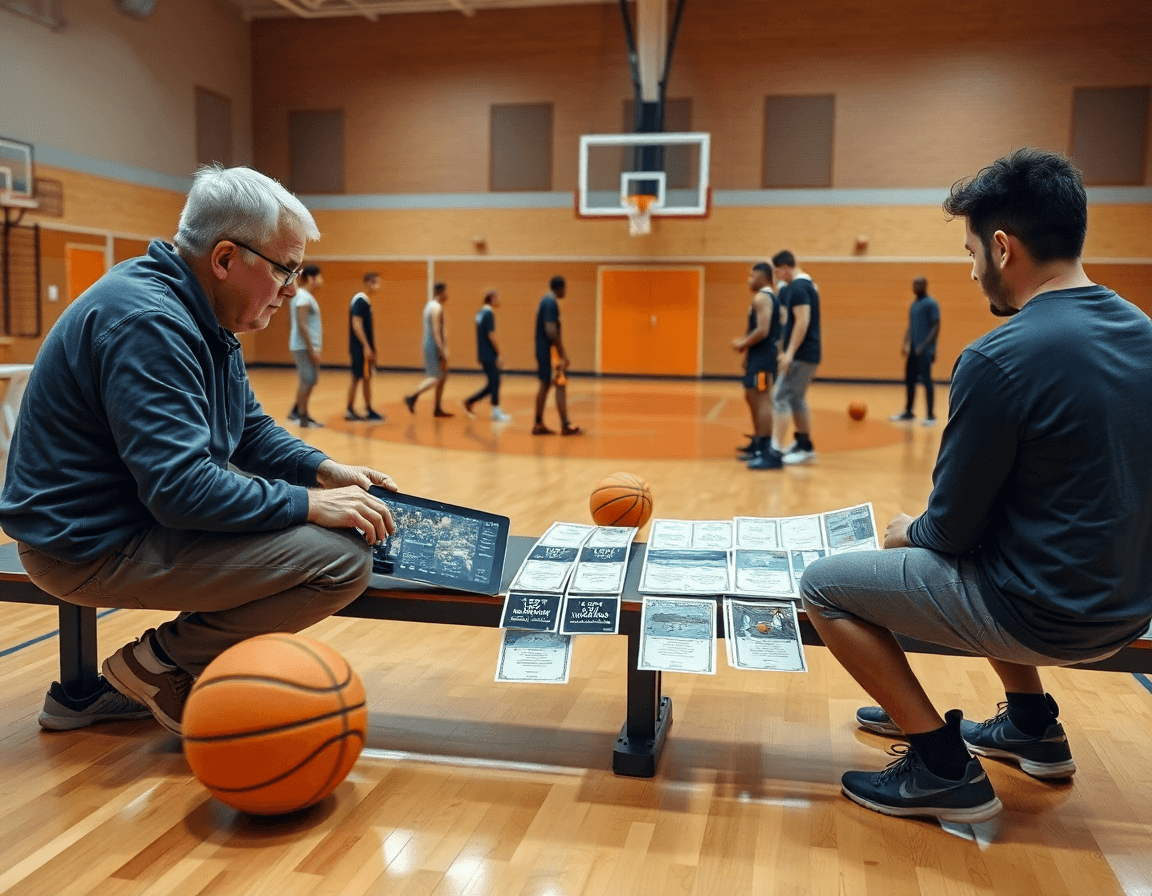
Here's how a practical weekly workflow unfolds when you're turning a concept into action. On Monday I diagram the new play with clear positioning, using full-court and half-court views to nail spacing. I map reads, screens, and options (including screen-and-roll and pick-and-roll) so the timing is actionable from start to finish. If you're asking how to draw basketball plays, this weekly workflow keeps it practical from concept through execution. The goal is a clean, reusable schematic you can drop into the weekly plan.
On Tuesday we annotate reads, counters, and responsibilities; I assign roles to players and assistants so everyone knows who screens, who rolls, and who covers the backside. The annotation becomes the on-court language we use in practice, tying the diagram to actual reads. This step keeps the play aligned with our playbook and personnel strengths.
Wednesday the diagram is exported as a PDF and shared with the team; I attach it to the weekly practice plan and link it to scouting notes for assistants. Sharing the diagram ensures everyone is looking at the same version and gives you a solid reference for film sessions and pregame walkthroughs. It becomes a living document you can reuse in future weeks.
Thursday is execution: practice focuses on on-court timing and reads, using video clips to reinforce cues. We pause at key moments, replay the clip, and compare it to the diagram. The clips live in the playlist you pull up during drills, so players connect the action to the language you want.
Friday is a focused review: we watch the video, tweak the diagram or reads, and prep a concise cue sheet for players. Short cues turn bottlenecks into routine. Throughout the week, you build and reuse a playlist of related clips to reinforce the play in future sessions.
Export, share, and implement with your team
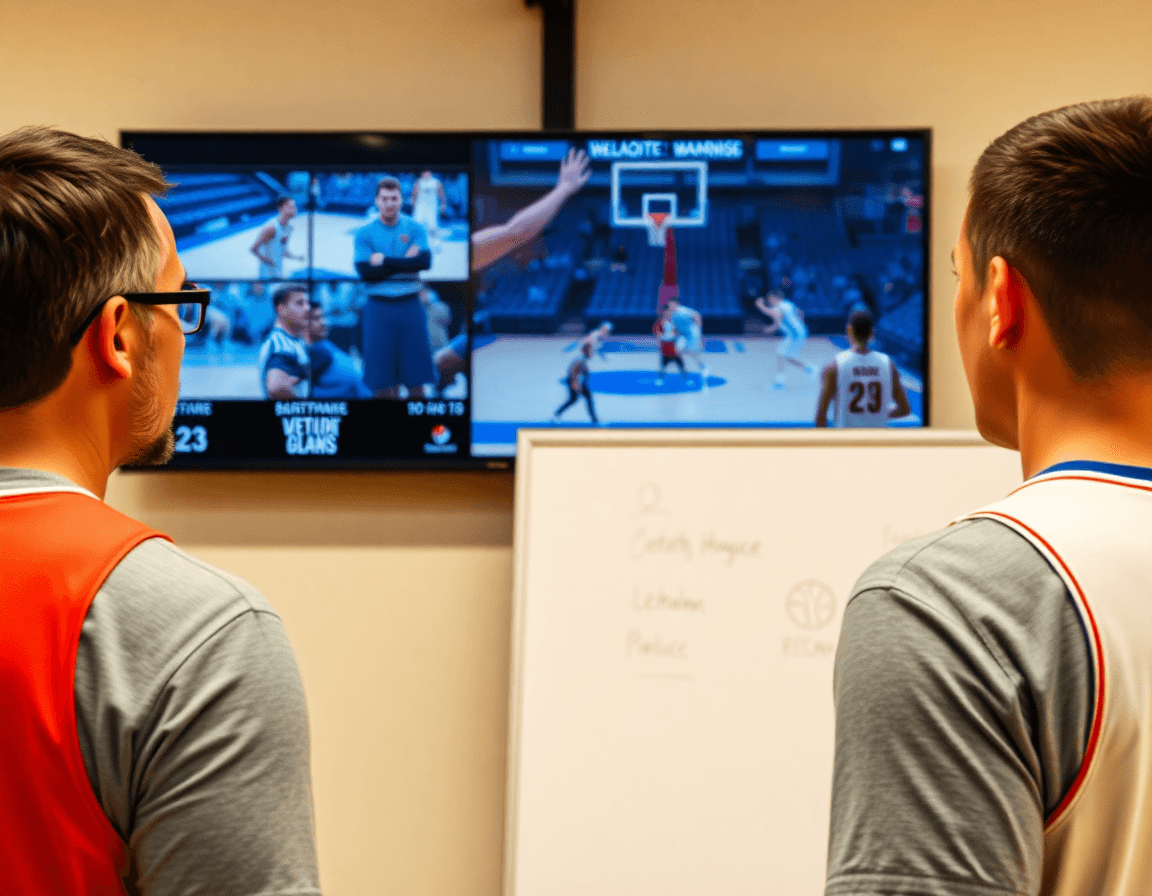
Export diagrams as PDFs for printouts and whiteboard boards in the gym. The PDF export keeps my play diagrams clear whether I’m posting them on the wall or tucking a quick print into the clipboard. In a typical week, I’ll print a one-page sheet of the primary action—pick-and-roll options, spacing, and the back-cut sequences—and tape it to the whiteboard before practice. It’s the kind of instant reference that bridges what we drew on the diagram tools with what we run in live drills during the first 15 minutes.
Create shareable links to plays for assistants or remote staff; track who has access. When I’m coaching multiple teams, a quick shareable link lets my assistant pop open a remote version of the same diagram and drop notes right next to the action. We can revoke access or re-share with a click, which keeps everyone on the same page without collisions in edits. It’s especially useful for late-night adjustments to a full-court play or a new screen-and-roll setup I want the guards to study in their own time.
Develop a digital playbook for the season you can update weekly. Link diagrams to practice plans and scouting notes to ensure consistent execution. Throughout the week, I’m updating the playbook with tweaks from scouting reports and new clips, then syncing the changes back to the plan and the board. The result is a living resource you can reference in the gym, in film sessions, or from your laptop—every diagram, every note, tied together so the team sees the same plays when they step onto the court.
Using video clips to reinforce plays
Using video clips to reinforce plays turns your diagrams into actionable coaching. Clip game or practice sequences that illustrate the play’s reads and counters—the reads you expect from a defense and the counters your players must identify. Attach relevant clips to the corresponding play diagrams in your library, so every call has a visual anchor on the plan. When you walk through a new action on the whiteboard, a supporting clip shows your players exactly how the reads unfold under real pressure.
Next, drive understanding and accountability with playlists of player-specific clips. You can assemble clips that highlight a given player's reads in the same action—screen and roll, dribble handoff, or spacer movements—and share them with the squad. Annotate clips with timing cues, splits, and decision points for quick reference during film sessions. When a guard sees a drag handoff against a soft hedge, they can replay the exact moment and compare it to the diagram on screen, reinforcing the link between what’s drawn and what happens in game situations.
Throughout the week, keep clips tight—short sequences that show the flow from the diagram to the action on court. Use them in your scouting notes, pre-practice plan, and post-practice film sessions to reinforce decisions. Attach clips to the relevant play diagrams so your library stays navigable for assistants and players, and the weekly diagram-to-practice cycle remains seamless in your program.
Tailoring plays with scouting reports and opponent tendencies
Every week starts with the scouting reports and opponent tendencies pulled into the plan. I import scouting notes to identify exploitable gaps—where a defender over-helps, where a guard cheats to the weak side. On the whiteboard, I translate that into half-court diagrams and occasional full-court diagrams that show spacing and timing. I label potential scout plays that press the issue and pair them with a baseline play that keeps options open if coverage changes. This is the core of tailoring plays for the upcoming test.
I tag scout plays that exploit those patterns and note how defenses might adjust—switch, sag, trap, or blitz. In the play notes I write counters and backups for quick access during games. I also include variations for the same look, like a screen-and-roll vs. a drop, or a flare after a high ball screen. The goal is to keep the play diagrams adaptable—without overcomplicating the playbook.
Then comes the testing phase: use the integrated scouting-to-play loop to test outcomes and refine during the season. We run a quick video analysis clip from practice, compare to the plan on the whiteboard, and tweak the diagram tools accordingly. The result is a cleaner set of play diagrams you can export as a PDF and share with assistants and players. It’s not about reinventing your system; it’s about tightening the sequence from scouting to execution.
If you build plans like this every week, CourtSensei keeps your drill library, whiteboard, and video clips in one place — try it free.
FAQ
How do you draw a basketball play on a clipboard?
To draw a basketball play on a clipboard, start with a clean diagram. Label players 1–5 by position and mark defenders with Xs. Use clear line styles: passes dashed, screens solid with a T-ended end, cuts with arrows, dribbles wavy, and handoffs crossing. Keep a simple legend so assistants read it fast, and save a PDF export for staff sharing.
What symbols are used in basketball play diagrams (passes, screens, cuts)?
In diagrams, use symbols for actions: passes dashed, screens solid with a T end, cuts solid arrows, dribbles wavy, and handoffs two crossing lines. Keep a consistent color map and a simple legend so assistants read plays quickly.
What’s the best software to draw basketball plays?
Coaches often lean on software like PowerPoint or Keynote for quick diagrams, or use vector tools such as Illustrator or Figma when you need clean lines. Whatever you pick, aim for a crisp PDF export for sharing with staff and players. Consistency matters.
How can you animate basketball plays for team presentations?
Use animations in your slide deck or a short video to illustrate sequence. Build movement in order, then export a clip or use a playlist of clips during practice. Keep timing tight and label reads clearly—animations should reinforce the diagram, not confuse it. Share a quick clip with players so they see the rhythm on game day.
How do you read basketball play diagrams?
Start with baseline positions and player numbers. Trace the ball, then scan for screen-and-roll options and defender adjustments. Use the legend to interpret symbols, and follow the sequence in your head as it unfolds on court. The goal is to translate static diagrams into live reads.
What is the pick-and-roll and how is it diagrammed?
The pick-and-roll happens when a screener frees a guard with a solid screen, then rolls toward the rim. Diagram it with a clear screen line, a roll path, and reads for the guard to shoot, pass, or attack. Include spacing, defender angles, and counters so your offense has options.
What are the differences between full-court and half-court diagrams, and how do you share or export these plays?
Full-court diagrams map transitions and pressing tempo; half-court diagrams emphasize spacing and reads in a set defense. Use wider layouts for full-court and tighter spacing for half-court. To share, export as PDFs, attach to your practice plan, and link to scouting notes or video clips so the team reviews the context.
