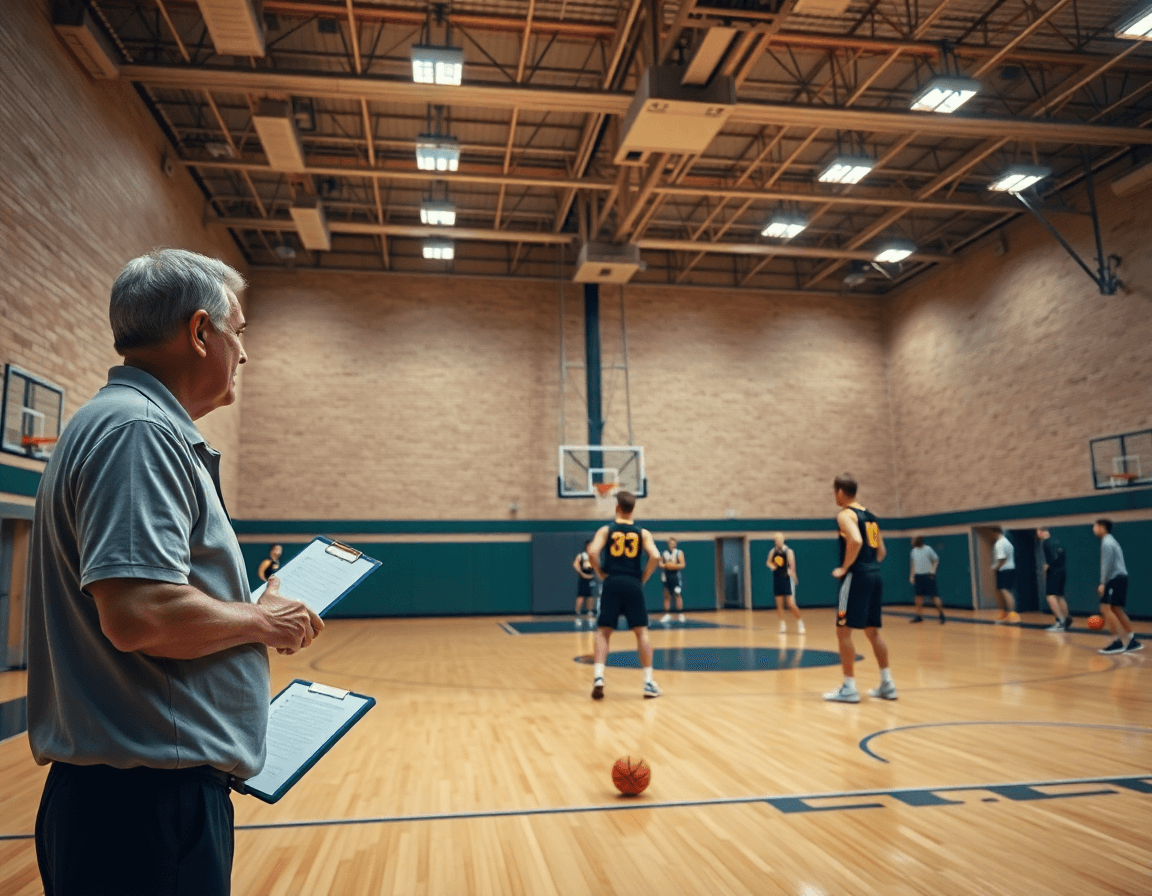
What Is a Screen in Basketball? A Coach’s Weekly Guide
Define what a screen (pick) is in basketball and show how coaches weave ball and off-ball screens into weekly plans using diagrams, video, scouting, and playlists.

Key takeaways
- Anchor your weekly plan on the core concept of a screen, teaching solid screener set and reads.
- Differentiate on-ball vs off-ball screens; emphasize timing and spacing to unlock reads.
- Highlight core elements: timing, spacing, and communication; ensure screener stays stationary to avoid illegal screens.
- In practice, train the screener to set solid screens and the ball-handler to read defender angles.
- Tie drills to CourtSensei workflow: diagram actions, attach opponent scouting notes, and build repeatable, reviewable playlists.
- Defending screens is ongoing work; include on-ball and off-ball counters, track reads and outcomes.
What is a Screen in Basketball? Core Concepts for Coaches
What is a screen in basketball? It’s an offensive action where a teammate blocks a defender to free space for a shot, drive, or pass. For coaches building a weekly plan, that core idea should anchor your drill work and game prep. Think of the screen as a tool that creates space without the ball handler needing to improvise late in the clock. In practice, you teach the screener to set a solid, stationary screen and the ball-handler to read the defender’s angles. That’s the definition of screen, and it’s where many offenses start their attacks.
Differentiate on-ball screen vs off-ball screens; the ball screen often leads to a Pick & Roll or a Pick & Pop. When a guard uses an on-ball screen, the tempo of the action changes; when it’s off-ball, the disruption comes through spacing and misdirection. Your terminology matters to players, and so does variety: from a flare screen to a backdoor screen or a double screen, each path asks for different reads.
Key elements include timing, spacing, and communication, and ensuring the screener remains stationary to avoid illegal screens. When you drill this, you emphasize legal screens, proper positioning, and reading defenders. You’ll see attackers learn to slip into gaps as angles tighten, and you’ll hear calls that keep everyone aligned at the moment of contact.
In the weekly plan, you frame this around CourtSensei’s workflow: plan screens in practice plans, diagram actions on the tactical whiteboard (BLOB/SLOB/ATO/PnR), organize a short video clip of a rep, and attach a scouting note on the opponent’s tendencies. Build a shareable playlist of clips for players to review. This keeps what is a screen in basketball consistently teachable and repeatable across the week.
Common Screen Varieties You Should Teach This Week
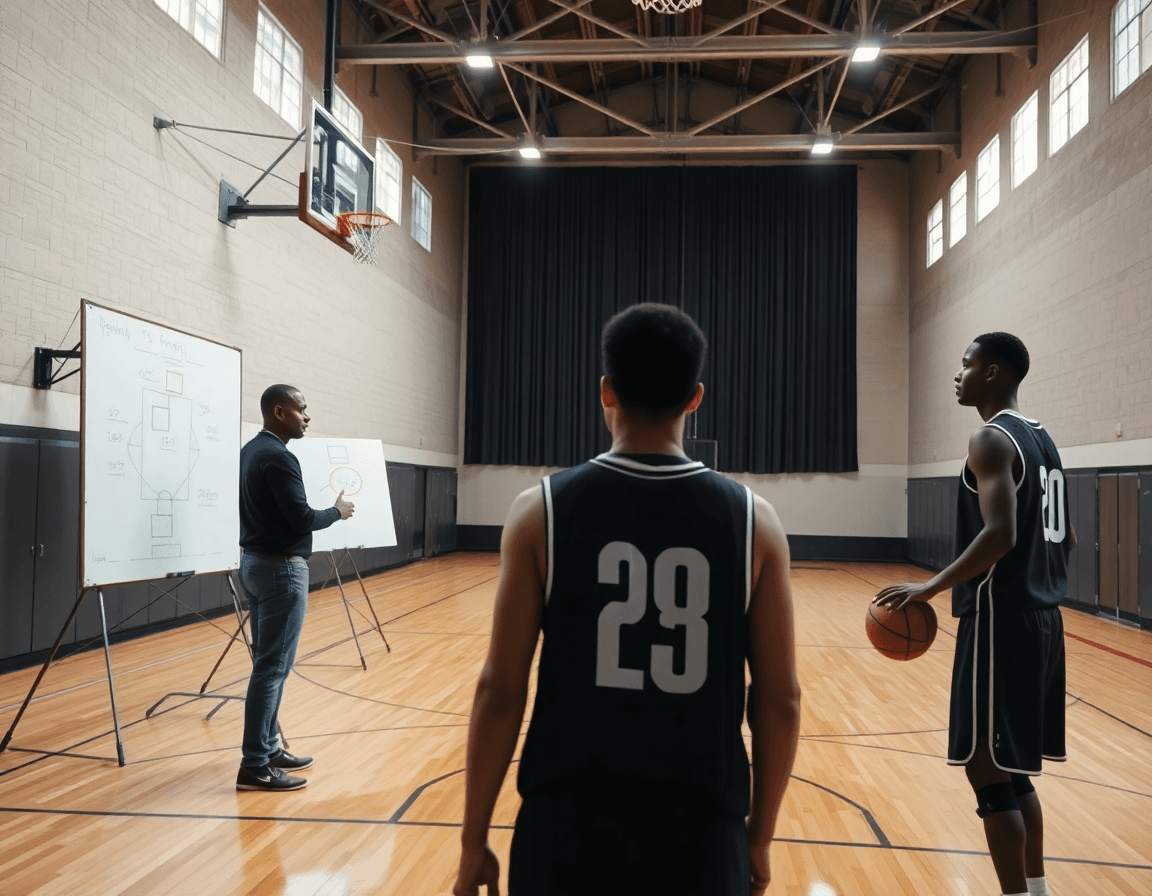
During this week’s coaching schedule, you’ll layer the core screen concepts into your practice plan. You’ll split into on-ball screen- focused actions and off-ball screens—like flare screen, backdoor timing, and double screens—that stretch the defense. Mastery here is about spacing, decision points, and getting the ball into the hands of your primary attack. In CourtSensei, you map each category into the plan and diagram the connected actions on the whiteboard so assistants know what to run.
From there, drill the reads off the screen: the ball screen (a.k.a. pick and roll) is your anchor. Teach the ball handler when to turn the corner, when to slip, and when to pop, depending on hedge depth. Off-ball options like backdoor screens or a stacked double screens create late-arriving gaps that catch helpers over-committing. Use the plan to sequence the reps: 3 minutes of ball-screen alignment, then 2 minutes of backdoor timing, then 2 minutes of double-screen reading.
High screens and their variations: slip screens and pick and pop. A high screen at the top of the key can force a defender to choose between chasing the ball-handler or helping on the next passer. A slip after contact gives a sudden crease to the rim; a pick-and-pop creates a shooting window instead of a drive. In your weekly cycle, assign dedicated clips to each variant so players see the reads in context.
To close the loop, tie each variation back to your weekly workflow: in the plan, label target reads; on the tactical whiteboard, show spacing lines and trigger points; a short video clip highlights the defender’s reaction. Build a scouting note for the opponent’s screen tendencies to decide whether to counter with slip or pop; then assemble simple playlists for players to study. The result is a repeatable cycle that makes every screen decision teachable and measurable.
Execute Screens in Your Weekly Practice Plan
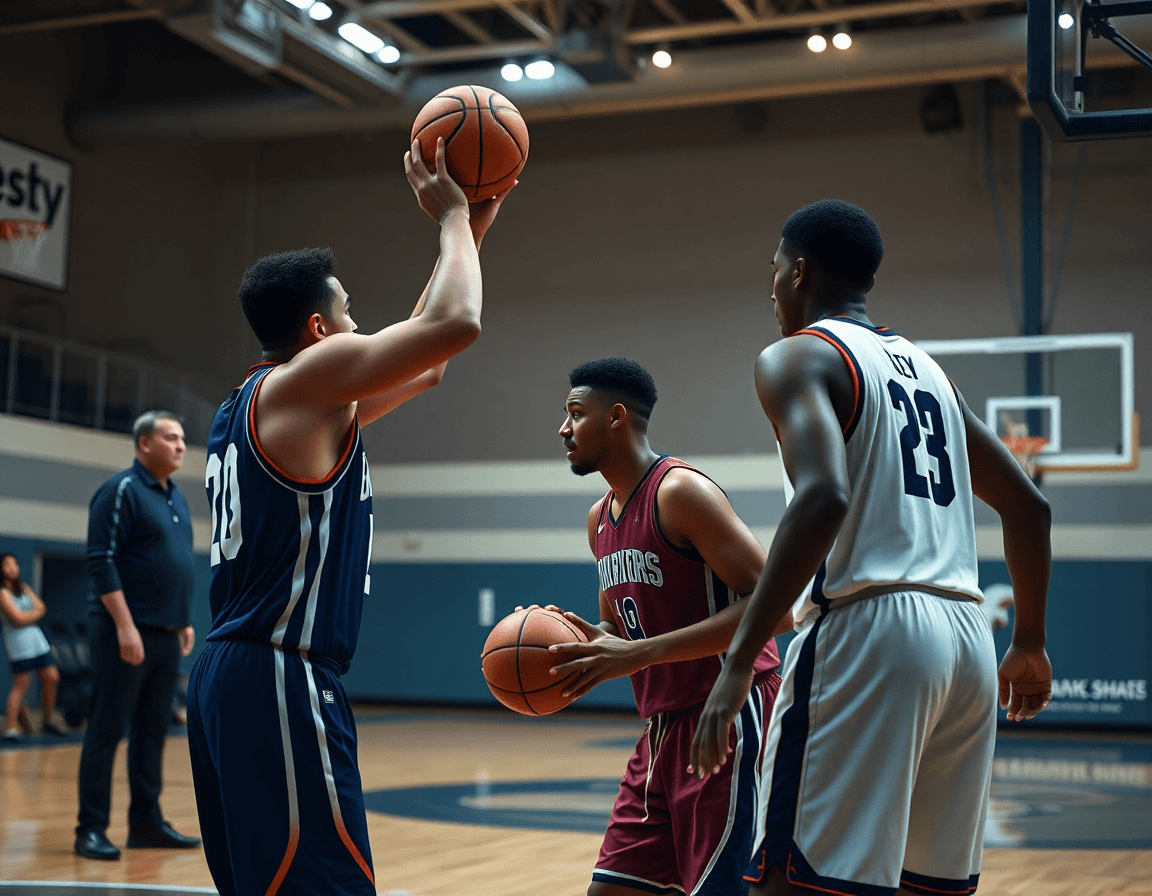
Start with a clear objective for screen work: create space for the ball handler, force a switch, or open a drive. In your weekly plan, that objective anchors the drills, tempo, and decision points. Whether it's an on-ball screen, an off-ball screen, or a classic pick-and-roll action, the purpose guides how you structure the sequence and what you test in reps. Emphasize the specific read you want to emphasize during each rep to keep the defense honest.
Diagram the action on the whiteboard, then progress to controlled drills before game-like reps. On the board, sketch the screener, ball handler, and defender, plus the read you want—the dive, the hedge, or the pop. After the diagram, run a screen drill sequence in your plan, moving from 2-man shell work to a 3-player flow, then into conditioned, game-like reps. The whiteboard setup becomes your reference point for the rest of the week’s work.
Incorporate scouting and decision-making to simulate opponent defenses and counters. Tie a scouting note to the plan: how the opponent tends to hedge screens, where they overcommit, and what counters you want to rep (step-into, slip, back cut). Your scouting reports and scout plays live in CourtSensei, linked to the weekly practice plan so players see the cues and options before they hit the floor. This is where preparation meets execution, and the team starts anticipating pressure rather than reacting to it.
Leverage a structured practice plan to allocate time for ball screens, off-ball screens, and counter-read work. You might dedicate blocks: ball screens (read options), off-ball screens (pin downs, flare), and counter-read drills (switch, gaps). After practice, pull a short video clip of the key moments, organize it, and drop it into a shareable playlist for the players. With this workflow, the question what is a screen in basketball becomes a repeatable habit, not a one-off drill.
Defending Screens and Countering Them
Defending screens isn’t a one-and-done drill. This section outlines a repeatable approach to defense against screens you can weave into your weekly routine. Translate screening concepts into action with clear keys: on-ball screen, ball handler, off-ball screen, and counter-actions that follow. In the plan for the week, we place dedicated reps for footwork and angles so the defense stays connected as spacing changes. On the whiteboard, we map the helper’s and guard’s paths and script communication to the weak side.
Defensive responses hinge on opponent and context: fight over, go under, switch, hedge, icing. Our go-to: fight over the screen to pressure the ball handler and disrupt space, or switch when the shooter is hot. Hedge and icing show up when the situation demands. In practice plans we build simple decision trees: if the ball handler is a driver, train the recovery; if the screener is a shooter, emphasize retreat to shooters. Consistency in communication and timing matters.
Counter screens shift the math back in our favor: a slip by the roller can turn a hard ball screen into a quick misalignment; a well-timed pop by the screener creates space for a shot or drive. We also employ proactive off-ball actions to keep the defense off balance—deny the hand-off, slip into gaps, sprint to disrupt timing. Use scouting notes and game clips to anticipate when a slip or pop is likely.
To make this stick, tie it to your weekly workflow. In the practice plan, allocate blocks for defender footwork, help rotations, and practicing each counter. On the whiteboard, diagram the switch angles and how defenders communicate with the weak side. After practice, pull game clips and tag them by defense against screens, then share a playlist for players to study.
Using Video to Teach Screening
In a coach’s weekly workflow, video is a repeatable classroom for screening concepts. For every screen type—ball screen (pick and roll), off-ball screen, flare, backdoor—you isolate how the offense moves and how the defense responds. Clip selection becomes your first step: pull sequences that show decisive reactions, label by screen type, and timestamp the key moments. With CourtSensei, I save these clips in a labeled library, then map them to the plan for the week. This is how you translate video into teaching: video teaching screening and clip-based coaching. This is also how to use video to teach screening.
Annotate decisions, spacing, and footwork, then show correct vs. incorrect choices by looping clips and pausing at pivotal moments. For example, we highlight how a shooter creates space after a ball screen, the defender's hedge, and how the screener re-angles for a pop or dive. These annotations and the timing on the screen translate into actionable cues at practice, not just notes in a file. Tie the clip to a drill in the weekly plan and to a scouting note on the opponent’s ball-screen tendencies so you can reuse it next week.
End the week by building playlists players can review at home and reference during tasks in practice. A short clip set for pre-practice review reinforces decisions before warmups. Shareable links let assistant coaches and players access the same material, ensuring everyone is on the same page during drills like pick and roll or off-ball screen work. This is how you blend video with your screening drills video approach, keeping the weekly workflow tight and repeatable.
Weekly Workflow Checklist for Screening
This week begins with clear goals aligned to our offense and the opponent’s tendencies. Think of it as a checklist for screening in weekly training. It’s a weekly workflow checklist for screening I run with my staff in the planning phase. We lock in a few actions to emphasize: ball screen, on-ball screen, and the counters our guys will read.
Next, we build and refine screen-related plays in the practice plan and diagram them on the whiteboard. Whether it’s a pick-and-roll with a ball handler into a drive, a backdoor off an off-ball screen, or a flare screen to free a shooter, we map each option as a sequence in the plan and export a clean PDF for the staff to reference.
We then review the opponent scouting and tag relevant clips for teaching counters. Our scouting reports guide which screens to defend and which counters to rep, so we label clips with notes like “beat the ball screen” or “attack the switch.” This lets coaches pull exact teaching moments for the next practice, keeping the focus tight on what’s most likely to come.
Clipping and annotating game footage comes next, followed by assigning tasks via shareable playlists for players. We curate a library of clips—from pick and roll to backdoor and double screen sequences—and link them to drills and reminders the players can access after film. A quick assign keeps the team accountable.
Finally, we measure outcomes and adjust the plan for next week. We track shots off screens, drives initiated, and turnovers from screening actions, then tighten the plan in the next cycle to close gaps and push for more efficient reads on both ends.
If you build plans like this every week, CourtSensei keeps your drill library, whiteboard, and video clips in one place — try it free.
FAQ
What exactly is a screen in basketball and how does it create space?
An offensive action where a teammate blocks a defender to free space for a shot, drive, or pass. The screen should be set firmly and, ideally, stationary to avoid an illegal screen. The ball-handler reads the defender’s angles to decide how to attack. Distinguish on-ball vs off-ball screens; both rely on solid spacing and clean reads.
What’s the difference between a screen and a pick in basketball terms?
Think of a screen as the action that creates space; a pick is the outcome you achieve with that screen, and in many cases they overlap. The terminology matters for players: a screen is the action; the pick describes how you use that action to free the ball handler. In practice, teams use the same move to drive, shoot, or pass off the created space.
What is a ball screen (pick and roll) and when should you use it?
A ball screen is an on-ball screen that usually leads to a pick-and-roll. Teach the ball handler to attack the hedge, slip, or pop based on hedge depth and defender reactions. Use this action to threaten multiple layers of defense, forcing helpers to decide where to help and where to recover.
What are the different types of screens in basketball?
Coaches should teach several options: an on-ball screen, off-ball screens like flare or backdoor screens, and stacked or double screens. Each type demands a different read: turn the corner, slip, or pop for a shot. Build practice blocks around these options and label reads clearly on the whiteboard so players know how to respond.
How do you defend screens effectively in basketball?
Defending screens isn’t a one-and-done drill. This approach builds a repeatable routine: communicate, angle the defender, and decide between hedge, switch, or going over the top. The ball-handler’s teammate must shout help and denial. Start with shell drills, then add game-like reps to reinforce rhythm and reads.
What is an illegal screen and how can you avoid it?
An illegal screen happens when the screener moves or makes contact away from the ball handler, or uses an improper angle. To avoid it, keep your feet set and your hips square, and establish the screen with legal contact. Referees watch the setup, not the result, so emphasize timing and positioning in drills.
What is a flare screen, and when is it used?
A flare screen relocates the screener away from the ball to free a shooter, typically creating a three-point opportunity. The action starts high on the wing or top and continues as the ball handler moves to the flare side. Use it to stretch the defense and open secondary options on the weak side.
