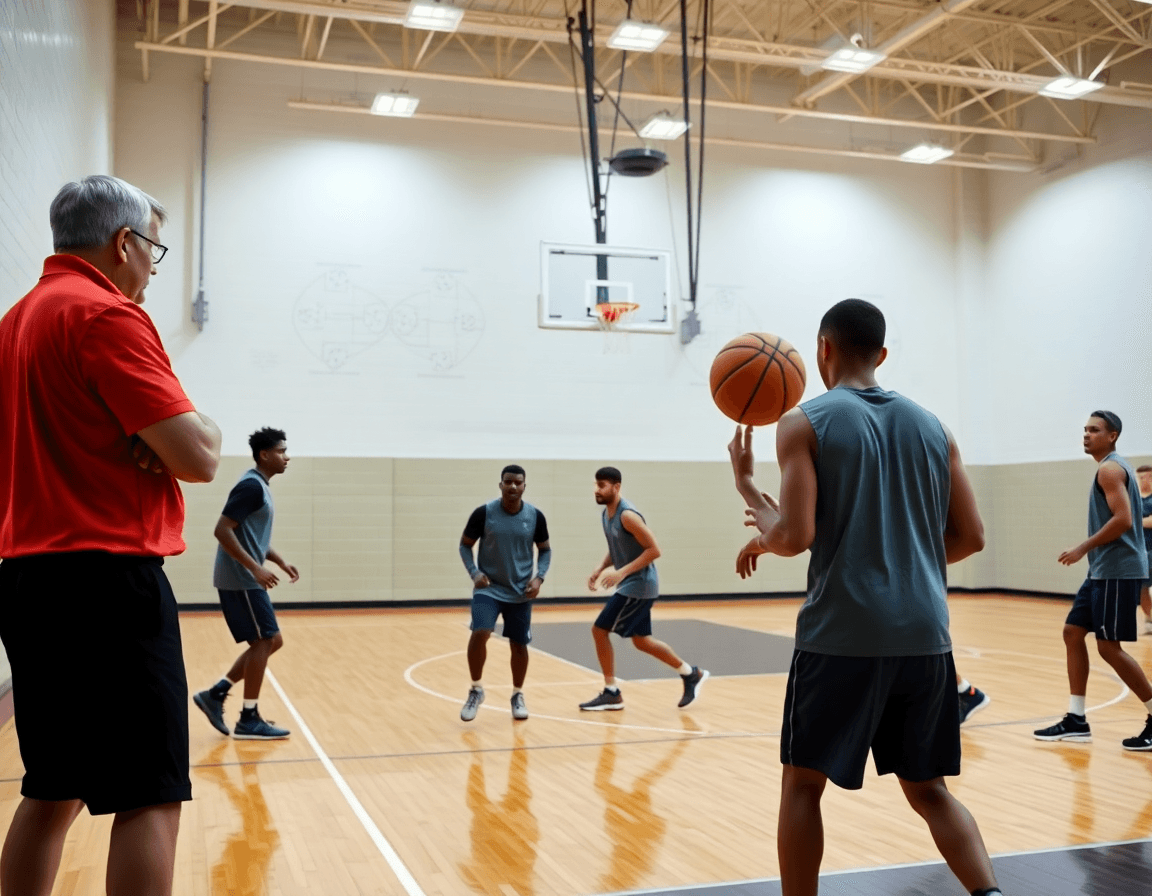
Basketball Practice Planner Template for Coaches
A coach-focused guide to a basketball practice planner template that streamlines weekly planning, drills, and notes for youth through varsity teams.

Key takeaways
- Adopt a repeatable weekly structure with clear blocks and measurable progress to keep teams focused.
- Link drills, Video Clips, and scouting notes in each block for fast tweaks.
- Use the Whiteboard diagrams and PDFs to ensure consistent execution across staff.
- Prepare a printable template to align assistants and players week to week.
- Capture quick takeaways and feedback to evolve the plan without rewriting it.
Design a Weekly Basketball Practice Planner Template
Designing a weekly basketball practice planner template starts with a repeatable structure you can run every week. This basketball practice planner template keeps sessions within a 55–90 minute window and centers on clear weekly planning and measurable progress. In my routine, the backbone is CourtSensei: Practice Plans to build and share workouts, a Whiteboard for BLOB/SLOB/ATO/PnR diagrams, Video Clips to cut and organize footage, Scouting Reports for opponent prep, and Playlists to push clips to players. When this cadence is locked in, assistants and players know what to expect and what to improve.
Build the blocks around concrete objectives. Block 1 is Warm-up (8–12 minutes) and mobility. Block 2 is Skill Development (15–25) with a couple of focal drills. Block 3 is Team Offense/Defense (15–25) using the whiteboard to diagram sequences. Block 4 is Review/Conditioning or a short video clip (5–10). Link drills, objectives, and notes to each block in the Practice Plans library so tweaks can be made without rewriting the whole plan. Keep the structure shared across coaches, assistants, and players to maintain consistency week to week.
Tailor the template from youth through varsity levels. For younger teams, cut durations, emphasize fundamentals, and use more reps at a slower pace; for varsity, increase intensity, integrate decision-making reps, and lean on scouting notes for opponent tendencies. The weekly goals should stay clear and measurable—fewer reps for beginners, more reads and actions for seniors. The plan still ties to a simple objective, and you’ll use the video clips later to highlight success stories in a Clips playlist.
Workflow in action. In the plan, you attach drills to each block; on the Whiteboard you diagram the action; a quick Video Clip shows the correct technique; a Scouting Note flags opponent tendencies; and a Playlists link distributes the clips to players. This keeps the week cohesive and makes weekly planning efficient for a coaching staff.

Incorporate Drills and Plays into the Template
Before every practice, I open the basketball practice planner template and lay out our 90-minute session. I map warm-up and conditioning blocks, then move into skill development and team concepts. I embed drills from the drill library and assign to blocks, and I pull plays from the play library to connect the drills to our goals. The plan lives in the system, easy to adjust as we learn.
Using the drag-and-drop timeline, I slot each drill into blocks, keeping a steady rhythm from start to finish. The flow mirrors a game day: a quick warm-up, ball-handling and footwork, then situations that build decision-making under pressure. This setup makes the 90-minute practice feel precise rather than loose, and it travels well to assistants.
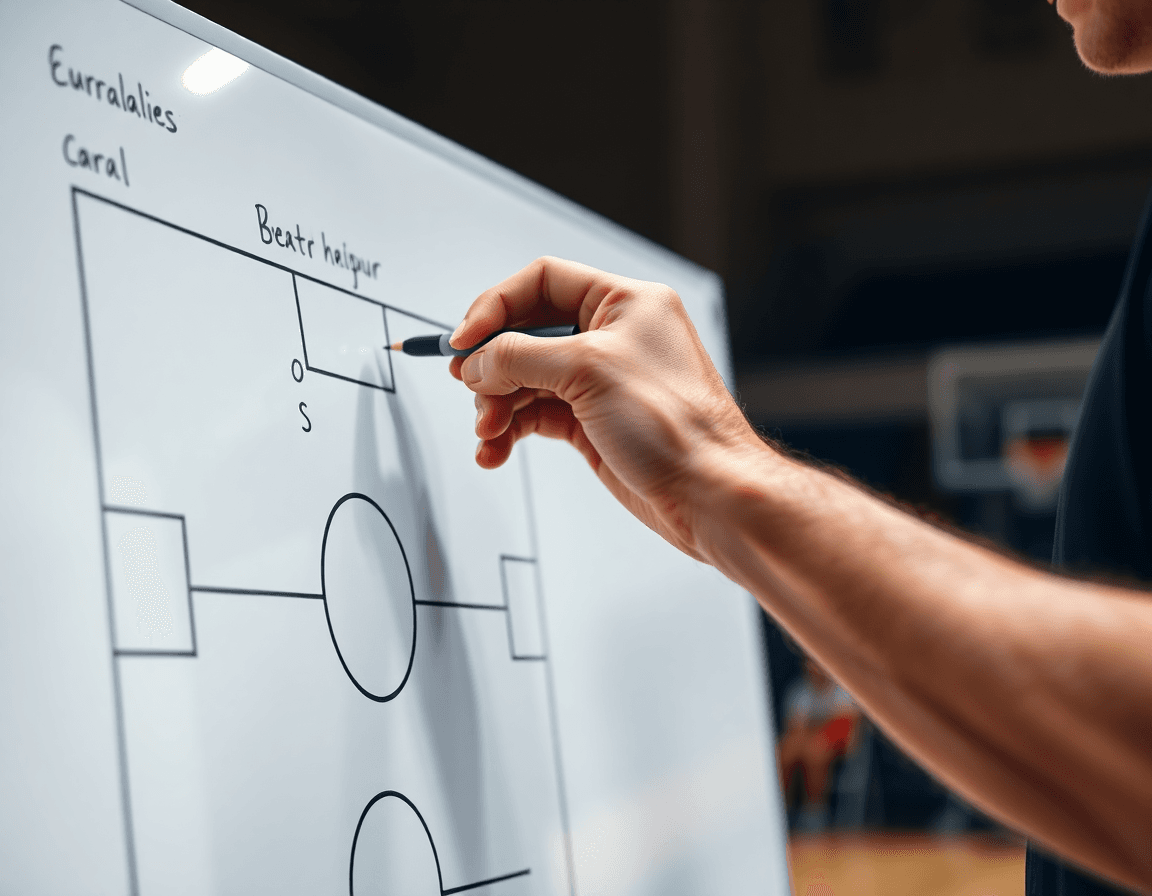
On the whiteboard, I diagram plays and actions (BLOB/SLOB/ATO/PnR) to show players exactly how we want actions to unfold, then export the board to PDF export for handouts. The PDF export gives me a clean reference they can review in the locker room or before film sessions. It’s a simple way to bridge practice and game prep.
Attach diagrams and notes for quick reference during practice, and you’ve got a printable template that travels with you from drills to video clips. The workflow—plan, diagram, clip, review—remains consistent, so your team knows exactly what to work on in every session.
Practical Workflow: 60–90 Minute Practice Block
As a head coach, I run every week through a basketball practice planner template that fits a 60–90 minute block. The plan starts with warm-up and dynamic movement (5–10 min) to wake up hips and ankles, then moves into skill development (20–30 min) to sharpen the basics. This cadence keeps assistants aligned and drills purposeful, while the library of drills in Practice Plans keeps us from reinventing the wheel every session.
On the plan, the next window is Team offense (20–25 min): we diagram sets and reads on the Whiteboard, tracing BLOB/SLOB/ATO/PnR action to build a shared language. After each sequence, I pull a quick short video clip to reinforce correct reads and timing, then drop those clips into Playlists for players to review later.
During that segment, I also align with the team’s rhythm by tying execution to our cutting and spacing cues. The Video Clips workflow lets us isolate a rep that illustrates a concept, export a clean clip, and distribute it to the squad, so practice decisions translate to game pace.
Next comes Team defense (15–20 min): shell work, rotations, and communication. We annotate the adjustments on the board and use scouting notes to anticipate common triggers we’ll face this week. The plan remains a living document that anchors reps and terminology across staff.
We finish with Competition or team drills (5–10 min) to push decision-making under pressure, followed by Review and notes (2–3 min). We capture quick takeaways and, if needed, tweak the plan in the same template. This approach scales from junior high to college, always with a single, adaptable framework.
Share Templates and Video Playlists with Your Staff
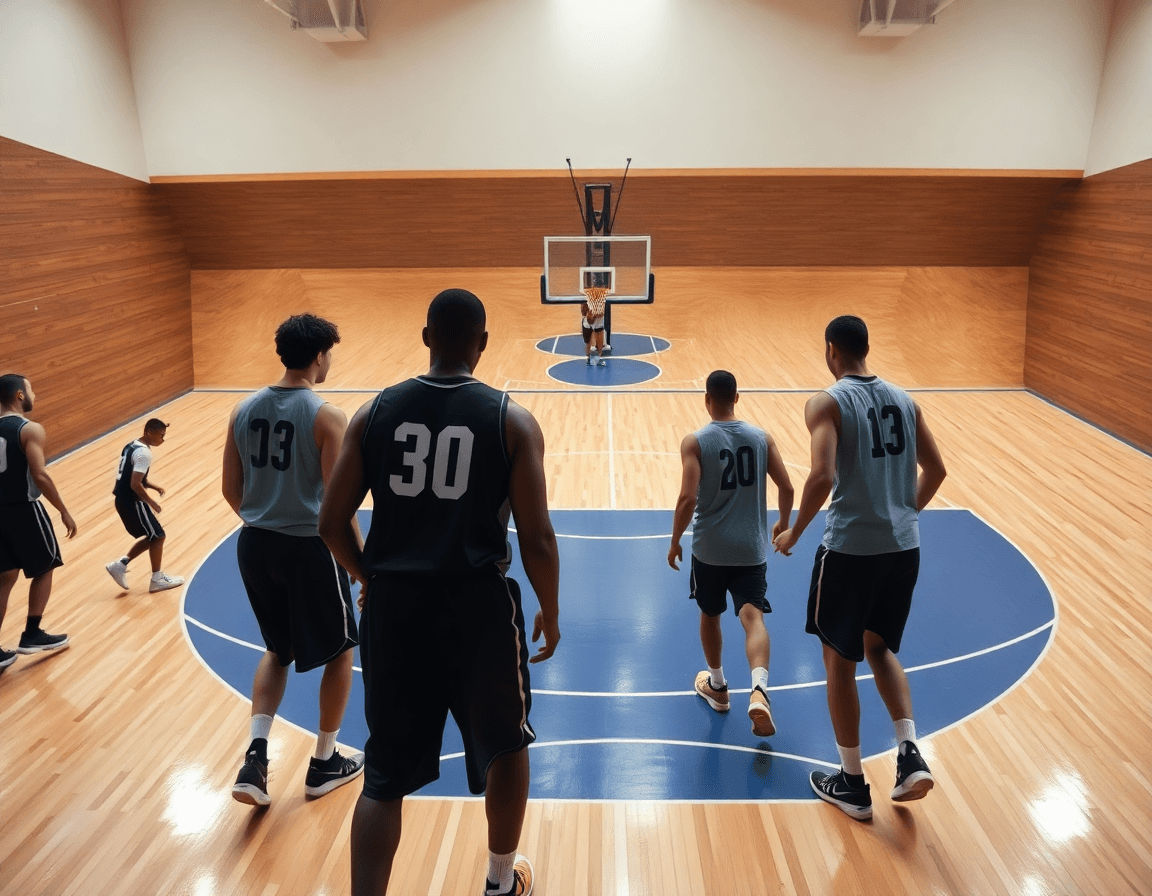
As a head coach, I kick off the week with the basketball practice planner template, outlining our 90-minute session: warm-up, skill development, team offense, team defense, and conditioning. I share it with assistants via a shareable link so everyone has the same blueprint. When tweaks come—maybe a different shell drill or a pacing shift—we sync updates across devices and keep a master plan, and I also keep a printable template handy for scout prep.
On the plan, I attach quick video clips that illustrate the teaching points. I also build playlists to curate and share relevant video clips with players and staff—short clips showing a spacing issue, a clean penetration, or a successful PnR read. These playlists keep everyone aligned: the defense calls are visible on the whiteboard, and players get the same cues in their phones during film review.
To keep the engine running, the master plan lives in one place and updates sync across devices. A PDF export lets you hand out scouting reports and opponent prep sheets without chasing paper. The printable template keeps the week’s rhythm—90-minute practice blocks, warm-up, skill development, team offense and conditioning—consistent across games and opponents. If you’re logging scouting notes, the workflow supports adding opponent tendencies and scout plays that travel with every device.
Leverage Video Clips and Scouting to Tailor Your Plan
Before you break into drills, pull your weekly Practice Plan from the system. Load scouting reports to adjust defensive schemes and counters. If the opponent thrives in early ball reversals or dribble-penetration, you’ll see a labeled tweak in your plan—tagged to the next drill block—so your assistants know exactly what to stress on the floor. This keeps your plan aligned with the 90-minute template, from warm-up through conditioning.
During the plan, attach relevant video clips to the corresponding practice blocks for context. If you’re teaching a counter to a ball-screen, drop in a clip that shows the proper stance and angle, then run the drill immediately after. Short clips keep the pace up and give players a picture to reference while you walk through cues. When ready, build playlists of these clips to share with players so they can review at home or between sessions.
Use short video clips to reinforce concepts during walkthroughs and drills. Pause at the whiteboard to highlight exact footwork and spacing, then run the move in the drill block for reps. A 15- to 30-second clip of a PnR read-and-rotate helps players see the pattern before they execute. This is how you turn a plan into execution—by tying the action to the coaching cue in the same moment.
Keep notes organized in the plan for quick reference, so the head coach and assistants can pull context on the fly. Scouting notes should map to the defense you’ll run and the counters you’ll deploy, while the linked video clips keep the action tangible during walkthroughs. This keeps your basketball practice plan coherent from warm-up through conditioning and into team offense and team defense.
From Template to Season-Long Plan: Quick Checklist
Turn your basketball practice planner template into a season-long progression. In Practice Plans, lay out macro blocks for the year and link each block to a library of drills—the drill library—to map weekly goals from early install to late-season peak. Build the arc around skill development, team offense, team defense, and conditioning, so every session stacks toward a bigger objective. On the plan, you’ll see the roadmap; on the whiteboard, you diagram the action; a short video clip can lock in the technique. This is how you keep momentum across the season.
Next, let opponent scouting and player progression drive template updates. Use Scouting Reports to flag opponent tendencies (PnR reads, overloads, pressure schemes) and adjust weekly plays in the plan. If a trend surfaces, tweak the Whiteboard diagrams and tuck example clips into a Playlist to reinforce the change for players. The quick video clip serves as the proof point that you’re teaching the right reads.
Reuse past practices and adjust to new goals. The drill library is your second brain—pull proven sequences from earlier weeks, tweak the tempo, and insert them into the current block. Use a simple checklist for weekly planning to ensure nothing slips through the cracks, while still letting you aim for a deeper stretch: 90-minute practices, with warm-ups, skill development, and a clear focus on team offense or defense as the week demands. This approach keeps your template flexible and effective.
Finally, validate with assistants and solicit feedback to refine. Share updates in Practice Plans, Whiteboard, and Video Clips, gather notes, and iterate the season-long plan. Treat workflow as a coaching muscle you sharpen weekly; two minutes after practice and a quick note in the system can keep you honest and moving forward. Your season is a living document, and this mindset makes it actionable.
If you build plans like this every week, CourtSensei keeps your drill library, whiteboard, and video clips in one place — try it free.
FAQ
What exactly is a basketball practice plan template, and why should I use one?
A basketball practice plan template is a repeatable framework you run every week. It defines time blocks (Warm-up, Skill Development, Team Offense/Defense, Review) and links drills and notes to each block. Using a template keeps sessions consistent, speeds prep for assistants, and makes it easy to adjust without rewriting the whole plan. It also helps you track progress and stay aligned with your objectives.
How long should a typical basketball practice last?
Most practices run 60–90 minutes, depending on age and level. A practical layout is 8–12 minutes warm-up, 15–25 minutes skill development, 15–25 minutes team offense/defense, and 5–10 minutes of review or conditioning. Sticking to these blocks helps players stay engaged and makes it easier to measure progress week to week. If you’re short on time, trim the later blocks rather than the core fundamentals.
How do you structure a basketball practice for flow and impact?
Structure a practice by starting with a clear objective and building from fundamentals to game-like reps. Open with a dynamic warm-up, then Skill Development drills, followed by Team Offense/Defense, and finally a quick Review or competitive drill. Use a Whiteboard to diagram actions and connect drills to your goals. End with quick reflections to reinforce learning and set the next steps.
Can I print or export a basketball practice plan to PDF?
Yes. You can export to a PDF export or print a printable template so you can hand out guidelines in locker rooms or film rooms. In most planners, choose PDF export or print, then share with staff and players. A printed plan keeps everyone on the same page even if devices fail.
How can I adapt a practice plan for youth versus varsity teams?
Adapt by adjusting pace and emphasis. For youth, shorten sessions, reduce reps, and focus on fundamentals with lots of feedback. For varsity, raise intensity, add decision-making reps, and lean on scouting notes. Keep the core objective intact and use progress markers to show growth across age groups. The template should stay flexible, not rigid.
Can I attach videos to a basketball practice plan and share them with the team?
Yes. You can attach video clips to blocks and build a Clips playlist for players. Then share the playlist with players and staff. This visual feedback reinforces technique and decision-making, and everyone reviews the same material before the next session.
