Basketball Tactics Board: Weekly Coach Planning & Plays
Master your weekly coaching routine with a basketball tactics board: plan drills, diagram plays, clip game tape, scout opponents, and share setups with your team.

Key takeaways
- Adopt a basketball tactics board into weekly planning, aligning practice, film, and goals.
- Use a drag-and-drop editor to diagram cycles for BLOB, SLOB, and PnR.
- Create a digital basketball playbook with PDFs for print and staff review.
- Link video clips to diagrams to form play playlists for pre-practice review.
- Centralize opponent scouting in the same hub, attaching notes to relevant Xs and Os.
- Export and share scouting reports with staff through scouting reports PDF and links.
Why a basketball tactics board belongs in your weekly workflow
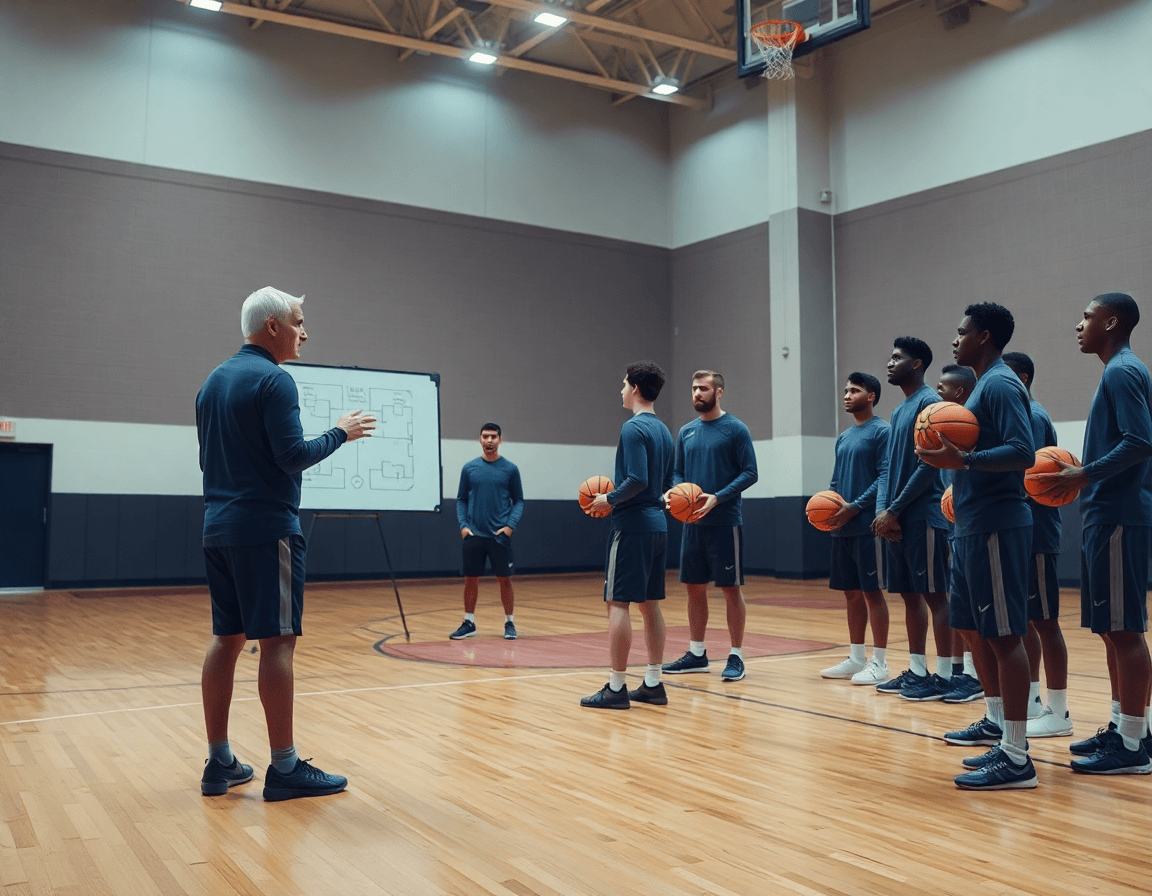
As I map out the week, a basketball tactics board belongs in my weekly workflow because it keeps planning, on-court diagrams, and coaching objectives aligned across the week. When the plan, the diagrams, and progress toward goals live in one place, every coach on the bench knows what to emphasize in practice and in film sessions. The board helps you storyboard Xs and Os and situational sets (BLOB/SLOB/ATO/PnR) with clarity during meetings.
I begin in my practice planner to map the week’s sessions and lift the agenda into the first hour of practice. Then use the drag-and-drop editor to sketch plays on the board, building clear action flows for BLOB, SLOB, and PnR. The quick diagrams become the base for drill sequences, and you can export a digital basketball playbook or a basketball playbook PDF export for staff printouts.
During reviews, the tactics board is my hub for opponent scouting, guiding which looks we drill and what we emphasize in a team huddle. Centralize notes, diagrams, and clips into one feed, and assign shareable playlists for video clips so assistants and players all see the same material. This keeps the focus tight and the objectives aligned across week, game prep, and film work.
Example scenario: on Wednesday, I pull up Xs and Os for a late-game situation, tag the preferred option, and quickly circulate a scouting note with the chosen variation. In the plan for practice, I reference the on-court diagram while we run the drill, then drop a short video clip into the clip library for post-practice review. The workflow is plan → diagram → drill → clip → scout → share.
From plan to play: diagramming and organizing your plays
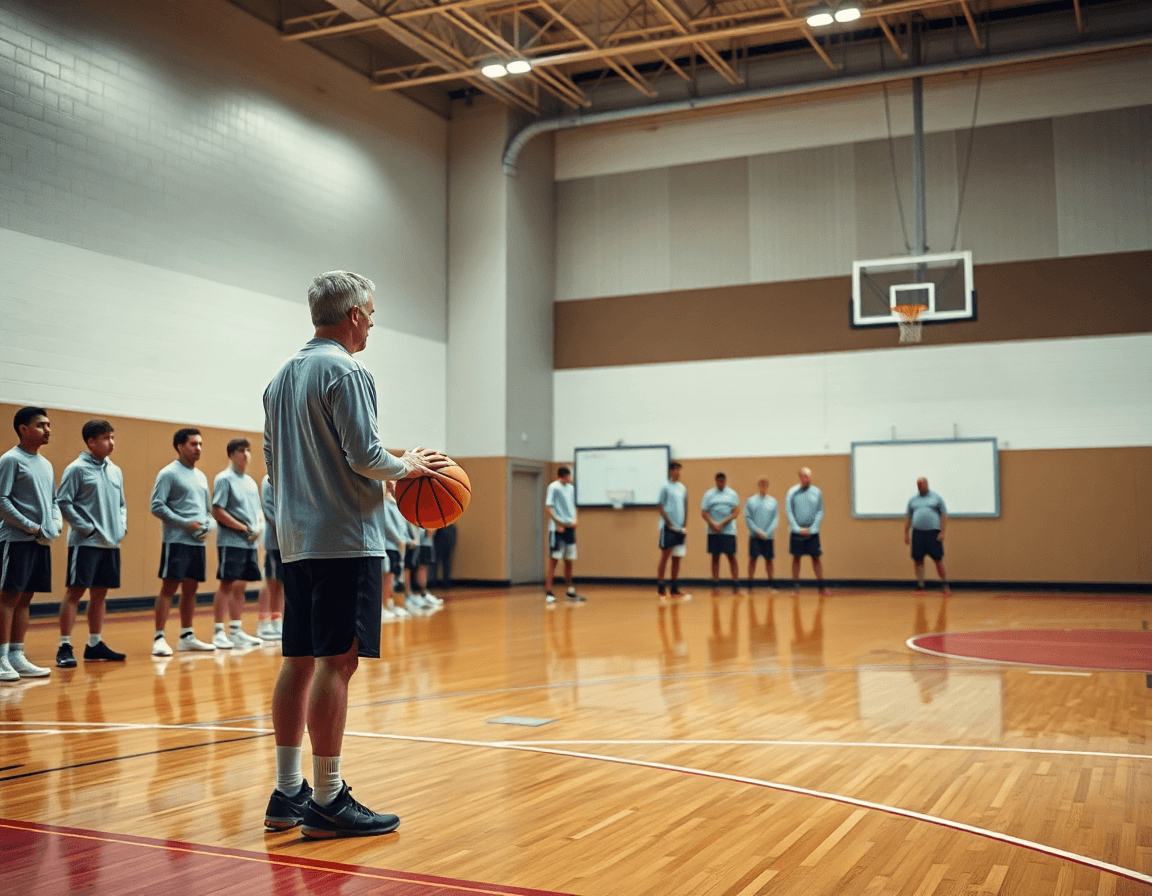
In the planning phase, I pull up the week’s sets and start building the rhythms on the CourtSensei tactics board. The drag-and-drop editor lets me lay out spacing, then assign roles—ball handlers, wings, posts—and dial in timing so the sequence flows into our drills. We test multiple options before locking them in, keeping the action tight and readable for the staff. The play drawing tool makes it easy to swap a pass option or slip the guard into a cut without redoing the whole sheet. That clarity pays off on the floor, especially when assistants glance at the diagram and know exactly where to be.
Organize plays into a digital basketball playbook and export PDFs for print or staff review with the basketball playbook PDF export feature. Once the diagrams feel solid, they sit in a single, searchable library that you can flip through in the plan, on the whiteboard, or during a clinic. PDF exports preserve spacing and timing, so a senior assistant can review the week’sX adjustments even if they’re not in the gym with you.
On the board, we layer offensive and defensive systems—BLOB and PnR among the options—so the diagram doubles as a quick scouting study for what we’ll face. I also label each play by purpose (early offense, slow-pace action, inbound set) and drop in short notes for the scout squad. The result is a clean, coach-friendly unit that ties together plan, diagram, and drill, with a clear path from the board to the court and back to the film room for quick reinforcement.
Integrating video clips into practice planning
Integrating video clips into practice planning starts with the weekly plan. I pull game footage and practice highlights, then clip and tag them to the exact plays and drills we intend to run. That tagging turns the clip library into our digital basketball playbook, searchable by play name, opponent tendencies, or player role. Using the drag-and-drop editor, I attach each clip to the corresponding board diagram, so the Xs and Os are visible in context as we plan.
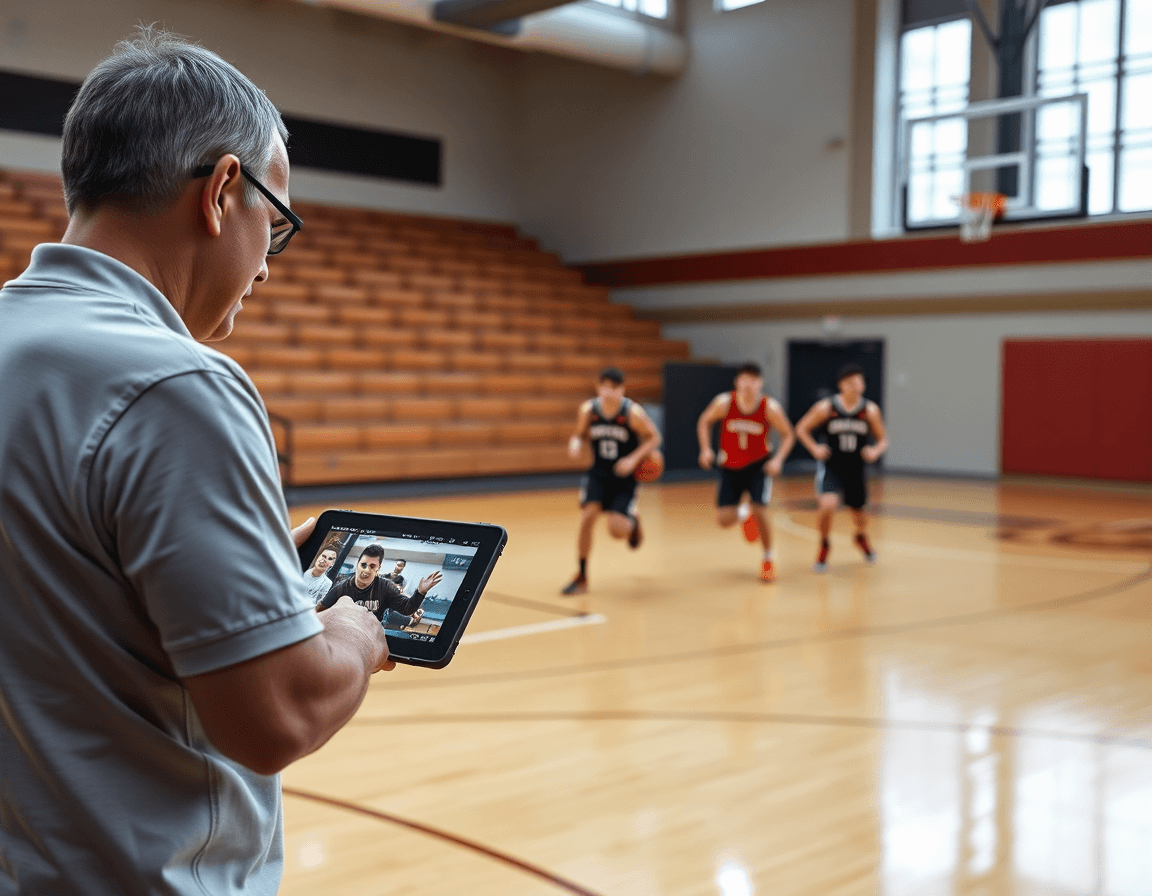
Next, I build playlists that pair video with the board diagrams. Short clips grouped by play or scouting focus are saved as shareable playlists, so players can watch the action with the diagram in the same window. When we review a set, I open the related playlist on a laptop or tablet, and the board diagrams accompany each clip. It keeps the flow tight: plan → diagram → drill, no guessing where the action came from.
And in the gym, the mobile app keeps everything within reach. I pull up clips during drills or film sessions, quick-reference clips right beside the plan, and players can replay moments as adjustments are demonstrated. Accessing clips on mobile app makes us move fast through the cycle: plan, diagram, drill, clip, scout, share, with the team.
Scouting and opponent prep on one platform
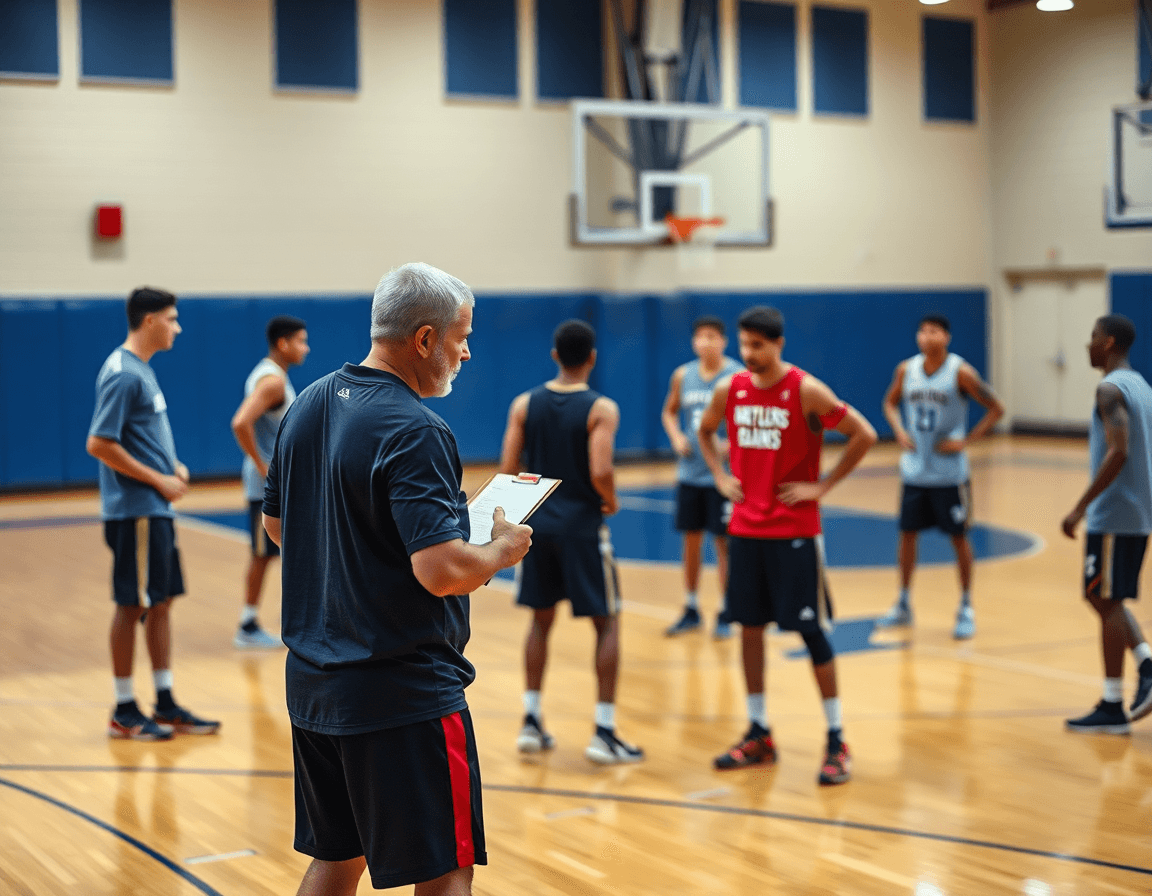
As I map out our weekly opponent scouting, the basketball tactics board becomes the hub where I collect tendencies and attach scouting notes to relevant plays. When our guards work a ball-screen sequence, I tag the clip with a quick note—what we expect, what to watch for, where they like to slip. This is the power of a digital basketball playbook: the notes live next to the plays, so the whole staff can see the plan at a glance. It’s not a static diagram; it’s connected to the on-court visuals we’ll run in practice and on game day.
From there, I export or share scouting reports with assistants to inform game plans. A scouting reports PDF export lets the staff review on the road, while a shareable link keeps everyone in the loop without extra emails. When I pair a scouting note with a specific play in the plan, the team sees the exact sequence and the rationale behind our adjustments, making prep efficient and cohesive.
Finally, the Xs and Os visuals translate the scouting into action. The drag-and-drop editor lets us illustrate defensive rotations and matchups right next to the players’ names, swapping in a rotation or a switch with a couple of clicks. We can attach notes to the run sheet for the next meeting, or drop a quick clip onto the diagram for context. This unified flow—plan → diagram → drill → clip → scout → share—keeps us aligned: the plan is clear, the board is alive, and the scout reports directly inform our weekly routine.
Practical workflow step: 60-minute weekly cadence
Start the week with a clean slate and a clear cadence. 0-10 min: set weekly goals and update plan for practice and games. In the practice planner you map out install targets, scouting focus, and drill priorities, all in one place. The result is a single source of truth that travels with the staff—from the whiteboard to the film room to the gym floor—and it doubles as a digital basketball playbook you can reference anytime. practice planner and the idea of a unified workflow keep your team accountable from day one.
From 10-25 min, diagram new plays and adjust existing ones. Use the on-court diagrams to sketch Xs and Os, spacing, and timing, then tweak with the drag-and-drop editor to move a back-screen, adjust a flare, or tighten a ball-screen sequence. You’re turning plan concepts into actionable diagrams that translate directly to drills, quick to read on game night or after a walk-through. on-court diagrams and drag-and-drop editor are the tools that keep your play drawing tool sharp.
Next, 25-40 min: assemble clips and attach them to corresponding plays. Pull video clips from practice and games, tag them to the exact play, and build concise sequences for the team. Compile these into short, shareable playlists so players can study a drill sequence in the locker room or at home, reinforcing the tie between plan, diagram, and drill. video clips and shareable playlists anchor the cycle.
In the 40-50 min window, review opponent scouting and counter-sets. Open the scouting notes, flag tendencies, and annotate counter-plays on the board for quick reference. This step keeps your weekly game plan grounded in reality and sets up clear assignments for your staff. opponent scouting and counter-sets.
Finally, 50-60 min: create shareable links and assign tasks to staff. You can export a basketball playbook PDF, or circulate a digital link that ties back to the practice planner. This last move closes the loop: plan → diagram → drill → clip → scout → share, and keeps the whole program moving in lockstep. shareable links and PDF export.
Export, share, and implement with your staff and players
Exporting clean, game-ready materials bridges planning and on-court execution. Once the weekly plan is locked in the CourtSensei workflow, I pull from the basketball tactics board the on-court diagrams, noted tendencies, and actionable sequences. The basketball playbook PDF export bundles scouting notes with the diagram library, turning them into a printable export that staff can annotate during prep. It keeps everyone aligned—same Xs and Os, same counters, and the same action from our primary sets to defend or run.
From there, sharing becomes frictionless. You can share with the team via links or mobile access. The PDFs and playlists are attached to links or accessible in the mobile app, so coaches, players, and staff can pull up the material in a couple of taps. We move from plan to practice with the play drawing tool turning diagrams into on-court cues. The team can also get the opponent scouting notes and a set of clips organized into playlists for quick review in the film room or on a bus ride.
On the road, the workflow shines: export a printable scouting packet, share the link with the staff, and have a quick clip playlist ready in the app for pregame review. The players see the immediate connection between what’s drawn on the board, what they’ll drill, and what they’ll watch in film. If we need a quick adjustment, I tweak the diagram with the drag-and-drop editor and push a fresh PDF export before the next practice.
If you build plans like this every week, CourtSensei keeps your drill library, whiteboard, and video clips in one place — try it free.
FAQ
What is a basketball tactics board used for?
Think of it as your weekly planning hub. It aligns practice plans, on-court diagrams, and coaching objectives in one place, so you can track progress and adjust quickly. You can storyboard Xs and Os and set situational looks (BLOB/SLOB, ATO, PnR) for practice, video sessions, and scout updates.
How do you draw plays on a basketball tactics board?
Use the drag-and-drop editor to lay out spacing, assign roles, and time the sequence. The play drawing tool lets you tweak options without redrawing the whole sheet. Keep routes clear and label options so coaches and players can read the plan at a glance.
What is a basketball playbook and how is it used?
A playbook is a centralized library of mapped plays that ties diagrams to video, notes, and scouting. Teams plan workouts, prep for opponents, and review film using a digital basketball playbook you can search, annotate, and export as PDFs for staff. It keeps concepts accessible between sessions.
Can a digital playbook replace a whiteboard?
A digital playbook can replace many whiteboard tasks—planning, sharing, and quick updates—while keeping everyone aligned across practice and film. But you’ll still use a whiteboard for last-minute in-gym tweaks or quick notes. Treat the digital tool as your primary workflow, with the whiteboard as a fast backup.
What features should a basketball tactics board app have?
Aim for a solid set: a drag-and-drop editor for plays, a searchable digital library of plays, video clips linked to diagrams, and export options like PDFs. Also want shareable playlists, mobile access, and taggable scouting notes so you can prep fast and keep the team synchronized.
Are there mobile apps for basketball playbooks?
Yes. Mobile apps give quick access to diagrams, clips, and plays between drills. Look for offline access, intuitive navigation, and real-time updates for staff. Use it on the sideline or in film to keep the plan moving between practice blocks.
How can I export and share basketball plays with my team?
Export PDFs of your plays for print or review, or generate shareable links for quick access. Save diagrams to playlists and attach clips so players see the action in context. Centralized sharing reduces emails and keeps the team aligned across sessions.