Basketball Tryout Drills PDF: Turn It Into a Weekly Plan
Turn a basketball tryout drills pdf into a weekly plan with practice plans, whiteboard diagrams, video clips, and scouting rubrics to streamline evaluations.

Key takeaways
- Lock in 4–6 core drills from the basketball tryout drills pdf to anchor weekly work.
- Map drills to daily objectives by position, linking skills to decision speed and finishing.
- Create a Practice Plan in CourtSensei and assign to assistants for consistent weekly flow.
- Align rubrics to drills for consistent evaluation of ball control, tempo, and finishing.
- Incorporate video clips to analyze, clip, and share feedback for rapid correction.
From PDF to Weekly Plan: Framing Basketball Tryout Drills for the Week
Turning a basketball tryout drills pdf into a sustainable weekly plan starts by locking in 4–6 core drills that anchor the frame. I pull from the PDF and select drills that hit the essentials: dribbling warmups, form shooting progressions, the Mikan drill for finishing, 3v3 drills for spacing and decision-making, and station drills to pace reps. This anchor gives the week a clear focus from Monday through Friday while leaving room for tweaks. Use the term basketball tryout drills pdf as your starting point, then build outward into a practical week.
Next, map drills to daily objectives (skill and decision-making) for each position. For example, a guard pair focuses on reads out of ball-screen actions and decision-making in PnR, a wing prioritizes off-ball movement and attack options, and a big concentrates on posting, screening, and rim finishing. The aim is steady progress across technique and game-like choices, so each session has a crisp purpose tied to a player role—this is where the weekly plan starts to feel alive. Highlight the concept of daily objectives and position to keep it clear.
Create a Practice Plan in the library and assign it to assistants. In CourtSensei, drop the weekly frame into the Practice Plan library and delegate prep duties to assistants. This keeps the same drills rolling week to week and lets staff add notes or tweak sequences without losing the core structure, supporting a smooth workflow that everyone can follow.
Align evaluation rubrics with the chosen drills for consistent outcomes. Tie rubrics to the selected drills so evaluators measure the same competencies—ball control, tempo, decision speed, and finishing. You can also attach scouting notes to track trends and adjust future weeks, ensuring feedback loops are tight.
Export a printable PDF of the weekly plan for staff reference. When the plan is finalized, export a clean, printable PDF so staff can review without logging in. A ready-to-share sheet with the core drills, daily objectives, and assessment criteria travels to gyms and staff meetings, keeping everyone on the same page.
Assemble a Station-Based Week Using Practice Plans Library
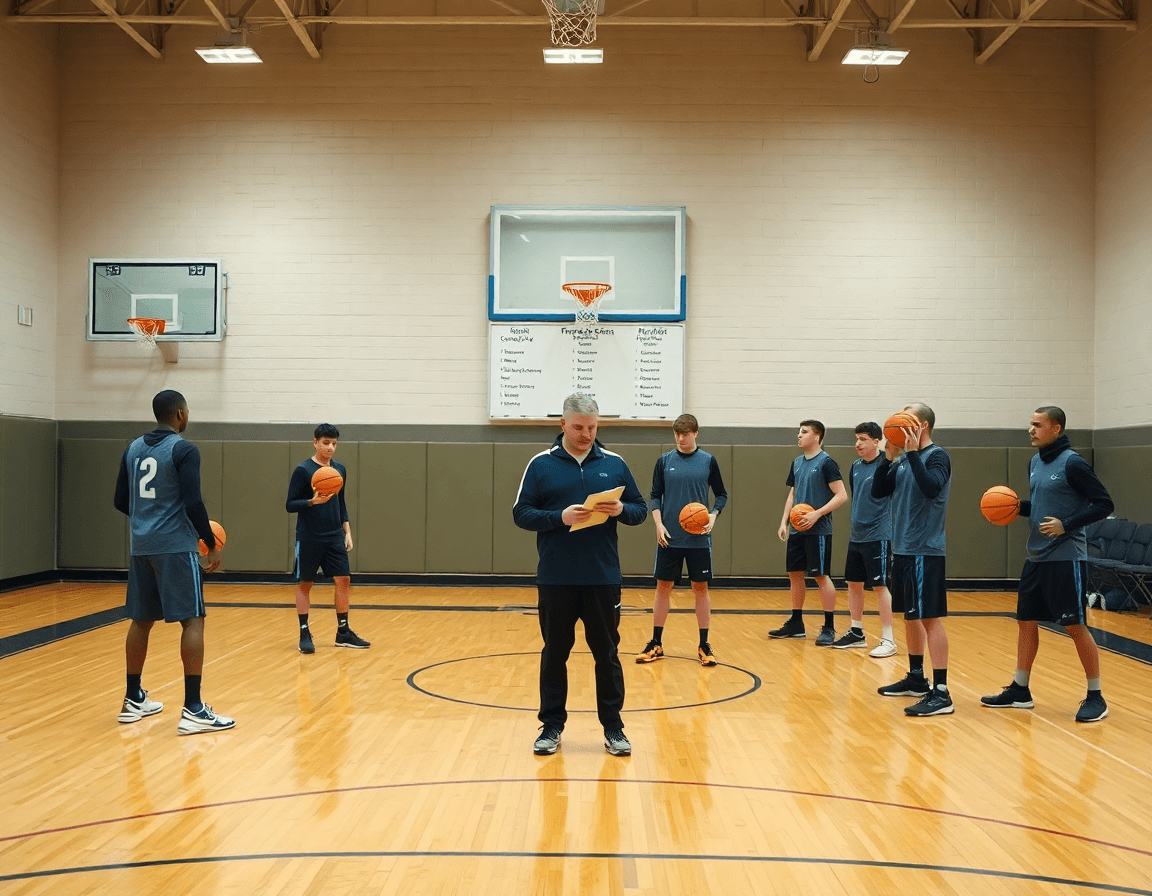
Week planning starts with a station-based framework. I map 4–6 stations around core skills: passing, ball-handling, defense, shooting, transition, and rebounding. The aim is to mirror how we want to play in games while keeping the pace predictable for younger players. I start from a generic basketball tryout drills pdf, then tune it in the Practice Plans Library to create a repeatable weekly rhythm that fits your basketball practice plan. This is where the idea of station drills basketball becomes real: each station has a clear purpose and a natural order.
Then I drag-and-drop drills into stations, set durations, and note teachable cues. For example, a 6-minute block at the passing station might call for chest passes with bounce resets and a quick outlet. A shooting lane gets a form-reinforcement cue like “eliminate the gather.” Keeping durations and cues consistent creates a clean weekly rhythm that helps assistants stay in sync and players stay focused. I capture the sequence on the Whiteboard so the flow is visible at a glance.
Group videos into playlists for players by station or need. A short clip from a shooting drill becomes a quick reminder for form and progression, while 3v3 drills can be bundled into a separate playlist for decision-making reps. If your weekly plan emphasizes defense rotations, attach clips that show help-and-recover technique. Playlists keep feedback tight and give players a ready-made path to review between sessions.
Sharing the plan with assistants via shareable links keeps everyone aligned. A click-through link lets staff review the week, adjust rotations, and track who coaches which station. In scouting, you can drop in notes about opponent tendencies and reflect those ideas on the whiteboard during practice. When you start the week, the workflow—from planning to execution—feels deliberate, and players get a steady, predictable tempo across drills.
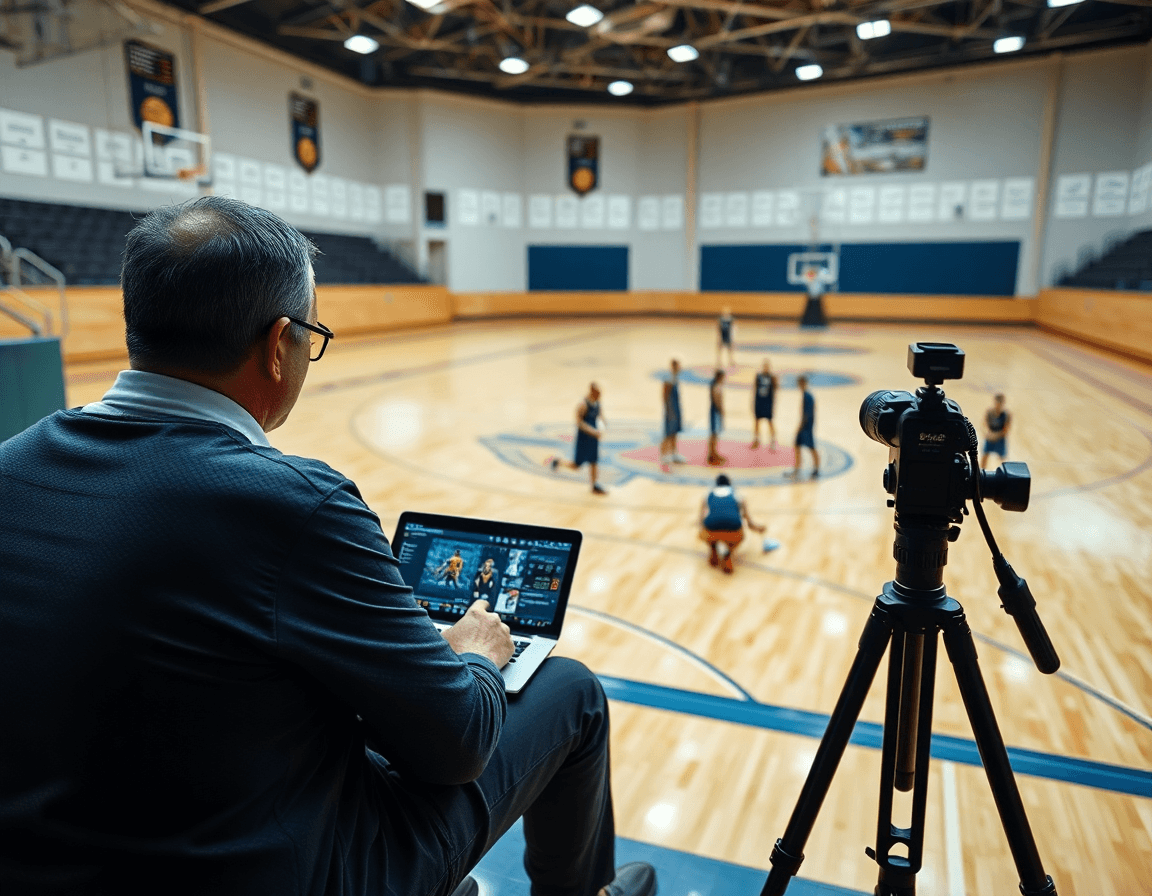
Diagram and Annotate Drills on a Whiteboard, Then Export
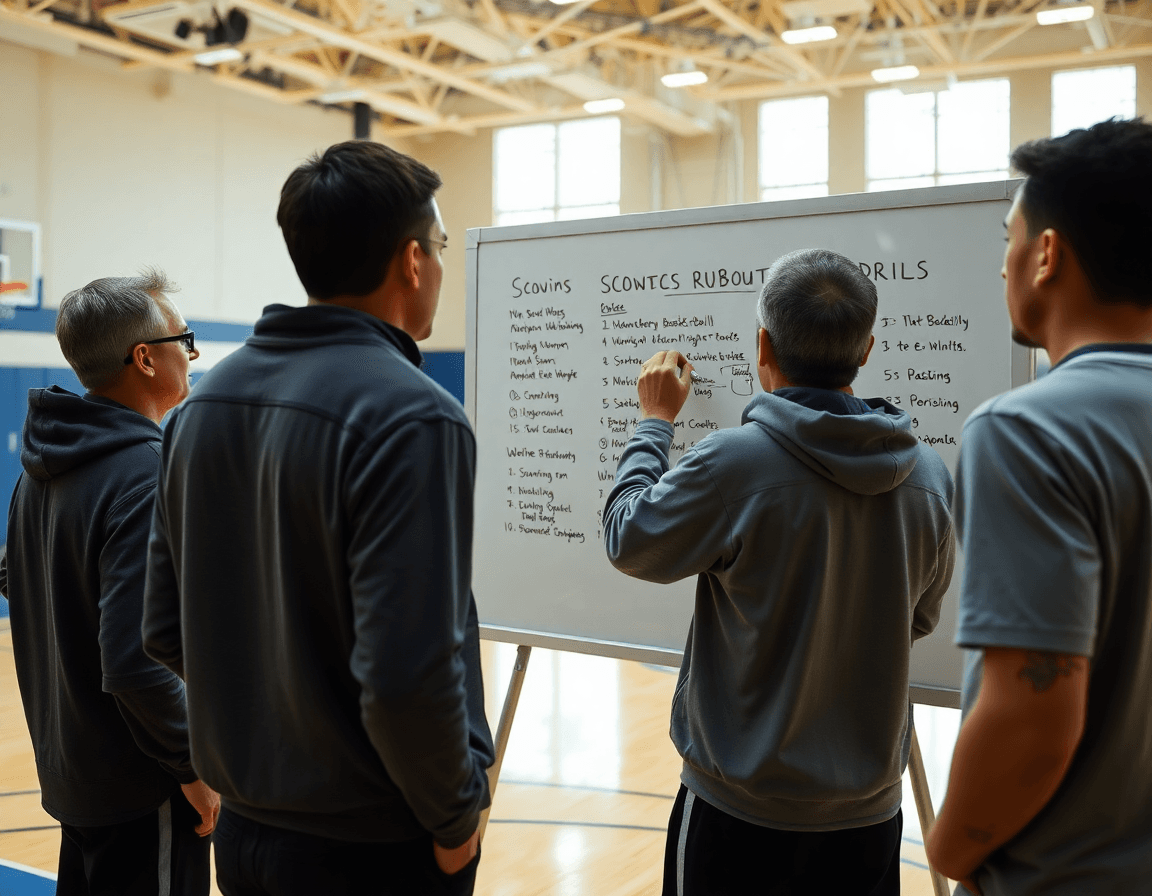
During a typical week, I start with a generic basketball tryout drills pdf and turn it into a repeatable workflow. I diagram the plays on the whiteboard in CourtSensei, then attach clear roles and action cues. The plan stays consistent across sessions, so a new assistant can step in and run a disciplined practice without guessing.
On the board, I diagram plays and actions—BLOB/SLOB/ATO/PnR—with clean lanes for each role. I drop in a box drill as the baseline to show spacing, and I map through the read options so players know where to go if the ball rotates. If it’s a defensive slide drill day, I keep the same path, just swap the defensive assignments.
Attach action cues and position roles for quick reference. A small note on the board: “screen left,” “slip to the dunker,” “contain on the drive,” with the positions labeled 1-3-4-5 as appropriate. This makes the diagram actionable during the session and easy to review in the locker room.
Export the diagram as a PDF to print or distribute to staff. I keep one copy with the practice plan and another attached to the scouting folder. The PDF becomes a one-page guide that you can flip to during scouting reports or pre-game meetings.
Using this approach, the weekly basketball practice plan stays focused on the essentials—box drill, defensive slide drill, 3v3 drills, and the like—while the basketball tryout drills pdf becomes a living document you can reuse every week. The workflow helps you cover fundamentals and game-like decisions without reinventing the wheel.
Video Clips: Analyze, Clip, and Share Feedback
Many coaches start with a basketball tryout drills pdf that outlines fundamentals for the week. In practice, I use video to show what those fundamentals look like when executed and where they break down. I clip game or drill footage to illustrate execution and errors—the exact moments a guard slips on a drive, or a post player doesn’t seal. Then I annotate the clip and drop it into the weekly plan so the team can revisit it. This is where Video Clips become more than watching tape; it's feedback in motion.
From those clips, I build player-specific playlists that spotlight improvement areas. Each playlist targets a need—finishing at the rim, balance through contact, or decision-making in the drive-and-kick. For example, a guard focusing on the drive-and-kick from 3v3 drills might get clips from a station drill and a form shooting sequence. The idea is to connect the practice plan to real game demands by surfacing a few short clips that directly map to a progression: playlists as a pocket of focused work, not a playlist in name only.
Finally, I distribute shareable video links to players for review with context. A quick note explains what to look for in the clip and how it ties into the week’s basketball practice plan. Sharing links with context helps players own their development between sessions and makes it easy for assistants to reinforce the same points. Those link packages can live in the plan or scouting notes, so the team has a clear, repeatable way to learn from footage.
Incorporate Scouting and Rubrics into Weekly Prep
If you’re starting from a basketball tryout drills pdf, the goal this week is to translate that sheet into a repeatable weekly workflow using Practice Plans, Whiteboard, Video, Scouting, and Playlists. The trick is tying every drill to a clear rubric and a practical outcome for the week’s sessions. That keeps the plan moving from PDF to real on-court progress for the team.
Build a standardized rubric for skills, effort, and decision-making. Think of a simple 1–5 scale for each category, with concrete descriptors (e.g., “reads coverage,” “releases on time,” “finishes through contact”). Put this rubric next to each drill in your notes and on the Whiteboard during prep. It’s not just for evaluation; it guides coaching cues, feedback, and the way you group players for stations.
Attach the rubric to drills and the overall Practice Plan for consistency. In the plan you’ll tag each drill with its rubric target, so assistants know where to push and where to pull back. Before practice, you or an assistant pull up the plan, highlight which drills map to which scouting goals, and reference the rubric during demonstrations. This creates a predictable rhythm for players, whether you’re running youth basketball drills or more advanced station drills.
Use scouting reports and scout plays to prep for opponents and future roles. When you identify a rival tendency—say a weak closeout or a preferred ball-screen option—you add a scout play to your Whiteboard, color-code it, and export a PDF for the team. Capture quick clips in Video, attach them to the relevant practice plan, and assemble a short Playlist for players to review. This keeps your weekly prep focused on what matters most for the coming week—while still feeding the core workflow you keep returning to.
Practical Workflow: 90-Minute Weekly Tryout Session
Starting from a basketball tryout drills pdf, I convert that baseline into a repeatable weekly workflow. In a typical 90-minute session, I lean on Practice Plans to map the week, and the Whiteboard to sketch the action so assistants know exactly what to run. I allocate 10 minutes for warm-up and dynamic mobility to prep bodies and minds, then we dive into the core blocks, keeping the pace tight and the focus sharp.
Four stations, 12-15 minutes each, anchor the session. We cycle through a mix of skill work, decision-making scenarios, and a controlled scrimmage to simulate game tempo. Station drills basketball with setups like 3v3 and 2v2 read-and-react sequences, plus a quick Mikan drill for finishing around the rim. I keep a running log on the Whiteboard and capture key moments in a short Video clips sequence so players can study their own reps later.
After the stations, I reserve 5–10 minutes for evaluation notes and quick feedback cycles. I jot who showed growth in decision-making, who needs more work on dribble moves, and where we can tighten footwork. I also pull scouting notes on tendencies from our meetups and prep ties to future matchups, adding these insights to the weekly plan so the next loop improves on the last.
Finally, I assign tasks to assistants and capture notes for weekly improvement. I drop a handful of clips into Playlists to share a quick study link with players, so they can revisit decisions and transitions ahead of the next tryout session. This is how a generic basketball tryout drills pdf becomes a repeatable, coach-ready workflow.
If you build plans like this every week, CourtSensei keeps your drill library, whiteboard, and video clips in one place — try it free.
FAQ
What drills should I include from a basketball tryout drills PDF?
Start with 4–6 core drills to anchor the week. Pull from the PDF: dribbling warmups, form shooting progressions, the Mikan drill for finishing, 3v3 drills for spacing and decision‑making, and station drills to pace reps. This core set gives a clear weekly focus. Use basketball tryout drills pdf as the starting point and expand outward with a practical plan.
How long should basketball tryouts last?
Most youth tryouts run 60–90 minutes; high school sessions often stretch to 90–120 minutes. Start with a brief warm-up, then rotate through 4–6 stations and a short evaluation block. Keep the pace predictable and give every player a chance to show movement, decision‑making, and finishing. Use a defined tryout window and clear duration targets to keep it fair.
How do you evaluate players fairly at tryouts?
To evaluate players fairly, tie feedback to evaluation rubrics aligned with the drills. Score the same competencies across everyone: ball control, tempo, decision speed, and finishing. Collect notes for trends and avoid bias by pairing evaluators and cross-checking results. Documentation helps you adjust the next week's plan and keeps feedback actionable.
What should be included in a basketball tryout plan?
Your plan should include a weekly frame, 4–6 core drills, a station-based structure, daily objectives, and an evaluation method. Build a printable PDF and assign tasks in the Practice Plans Library so assistants stay aligned. Tie drills to position expectations and track progress with clear rubrics. This is where the weekly plan and station-based framework anchor your sessions.
What is the Mikan drill used for?
The Mikan drill is used to improve finishing around the rim and touch with both hands. It reinforces tight spins, soft finishes, and weak‑hand finishing in tight spaces. It’s especially valuable for wings and bigs who need reliable rim finishing under contact. Use it as a finishing progression early in the week.
How do you run station drills during basketball tryouts?
Run station drills by setting 4–6 stations around core skills: passing, ball-handling, defense, shooting, transition, and rebounding. Use 4–6 minute blocks, with clear teachable cues and a predictable rotation. Drag drills into each station in your Practice Plans Library and print a quick reference. This is the heart of station drills and the role of durations.
What attributes do coaches look for during basketball tryouts?
Attributes coaches look for: ball control, tempo, decision speed, finishing, basketball IQ, effort, and coachability. Observe during drills and small-sided games, note consistency, and compare against rubrics. Use a quick checklist to avoid bias and ensure you’re capturing growth, not just flashy plays. This helps you benchmark progress across weeks.
