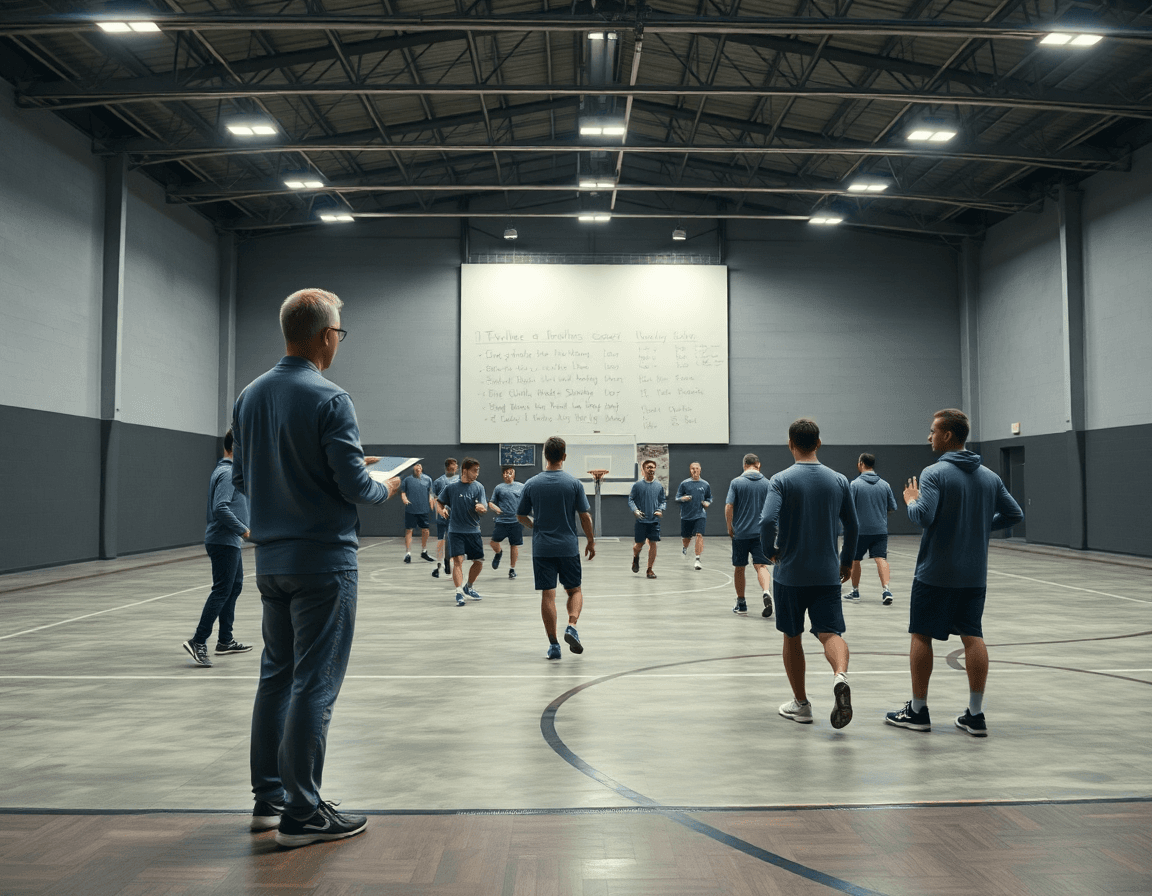
Basketball Whiteboard: Weekly Diagram & Game Plan
Master your weekly coaching workflow with a basketball whiteboard—from full-court diagrams to play-sharing and video integration for high school teams.

Key takeaways
- Make the basketball whiteboard the weekly anchor, linking plans to practice with visual cues.
- Store full-court and half-court diagrams in a reusable library for quick retrieval.
- Link diagrams to short video clips to illustrate spacing and reads in action.
- Export to PDF for staff meetings and player handouts to circulate weekly.
- During timeouts, walk through adjustments with the whiteboard, using diagrams to keep everyone aligned.
Weekly workflow with a basketball whiteboard
On Mondays I treat the basketball whiteboard as the central visual tool for the week. I outline the Monday–Sunday plan right there, tying it directly to our CourtSensei practice plans. The board keeps drills, tempo targets, and defensive keys visible in the room, so assistants can mirror the flow and players can see the week at a glance. It’s the first touchpoint before we hit the court.
Creating and storing plays becomes a quick, tactile process. I sketch full-court diagram and half-court diagram, label actions (BLOB, SLOB, PnR), and save them under the week’s folder. The board doubles as a quick-reference library for assistants, who pull a play during drills or from the sideline. When needed, I pull the same diagram as a short video clip to illustrate the read.
Integrating video clips and scouting notes keeps planning cohesive. A short clip linked to a diagram helps players see spacing and reads in action. Scouting notes live beside the board, so we’re preparing against tendencies while updating defensive calls. Our playlists of clips become a quick reference for players to review after practice. When I’m done, I export to PDF for staff meetings and player handouts.
That’s our typical weekly coaching workflow. The clean shell on Monday anchors the plan, while the week’s diagrams evolve from scout notes and film. I keep the board in the plan, sync the tactical diagrams to the video clips, and ensure the PDFs are circulating before meetings. When Friday arrives, everyone walks onto the court with clarity.
Full-court vs half-court diagrams: what to diagram and when
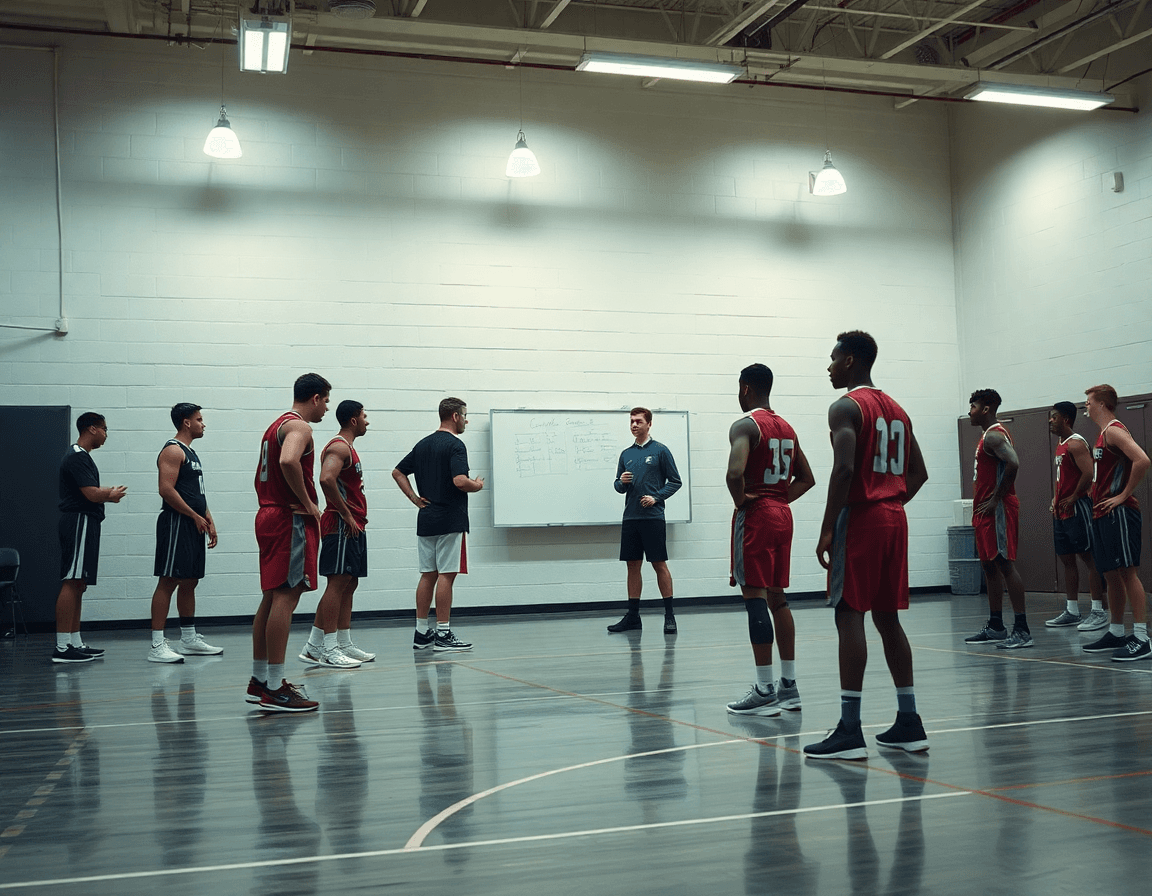
On a basketball whiteboard, you’re not just drawing plays—you’re planning your week. In your plan for the week, decide what belongs on the full-court diagram vs the half-court diagram. For transition runs, press-breaks, and inbound bursts, the full-court diagram gives you space and tempo. For sets, spacing, and actions like BLOB/SLOB/ATO, the half-court diagram keeps decisions crisp. Sketch the idea, then save it to your library.
During a weekly session, differentiate plays by court area and context. Use color-coding and magnets to highlight options for different lineups, so your assistants can point to a path for each group. A quick half-court diagram might show a SLOB action against a baseline trap; a quick diagram path in full court can map an outlet and sprint into an ATO. Being explicit here saves misreads on game night.
Store both court views in your library for quick retrieval before a film session or pregame huddle. In practice, you flip between a dry erase whiteboard and a set of video clips to illustrate the action. The system lets you build a quick playlist of clips that match the diagram, reinforcing what to run in a given situation and how to communicate it on the floor.
Keep the weekly rhythm simple: plan the full-court situationals early, lock in half-court diagram plays late, and tag everything with the relevant color. When you need to show a new look, pull the exact view from your library and drop in the clip to clarify the rhythm.

Using the whiteboard during timeouts and practice
During timeouts and practice, the whiteboard is the hub of communication. Position the board for visibility, then walk players through adjustments in real time. I start with a simple half-court diagram to show spacing, then pull up a full-court look if we need to pressure the ball or chase a trap. The goal is to translate what’s written on the practice plan into action on the court, using diagrams during timeouts to keep everyone aligned and focused on the next possession.
Annotate coaching points and assign responsibilities during pauses. I circle the key reads, jot the rotation, and tag who is responsible for the two-ball side or the weak-side cut. If you’re using a magnetic or dry erase whiteboard, changing calls mid-huddle is quick and clear. This is where whiteboard tactics come alive: quick notes, clear roles, and the ability to pivot without losing rhythm during a timeout.
Capture quick notes on the board to import into scouting reports later. After the timeout, take a photo or sync with your workflow and drop it into the scouting notes section of CourtSensei, where it links to the relevant opponent tendencies. Those short annotations feed the plan for the next week and can be paired with a short video clip to reinforce the decision during on-court use.
Example: in a week focused on ball-screen action, diagram the guard-rolling action on a half-court, assign the weak-side help, and mark who slides to the screener. Those quick, actionable notes keep the team moving between timeouts and reps, streamlining how you run practice and review film.
From board to video: linking diagrams to clips and scouting
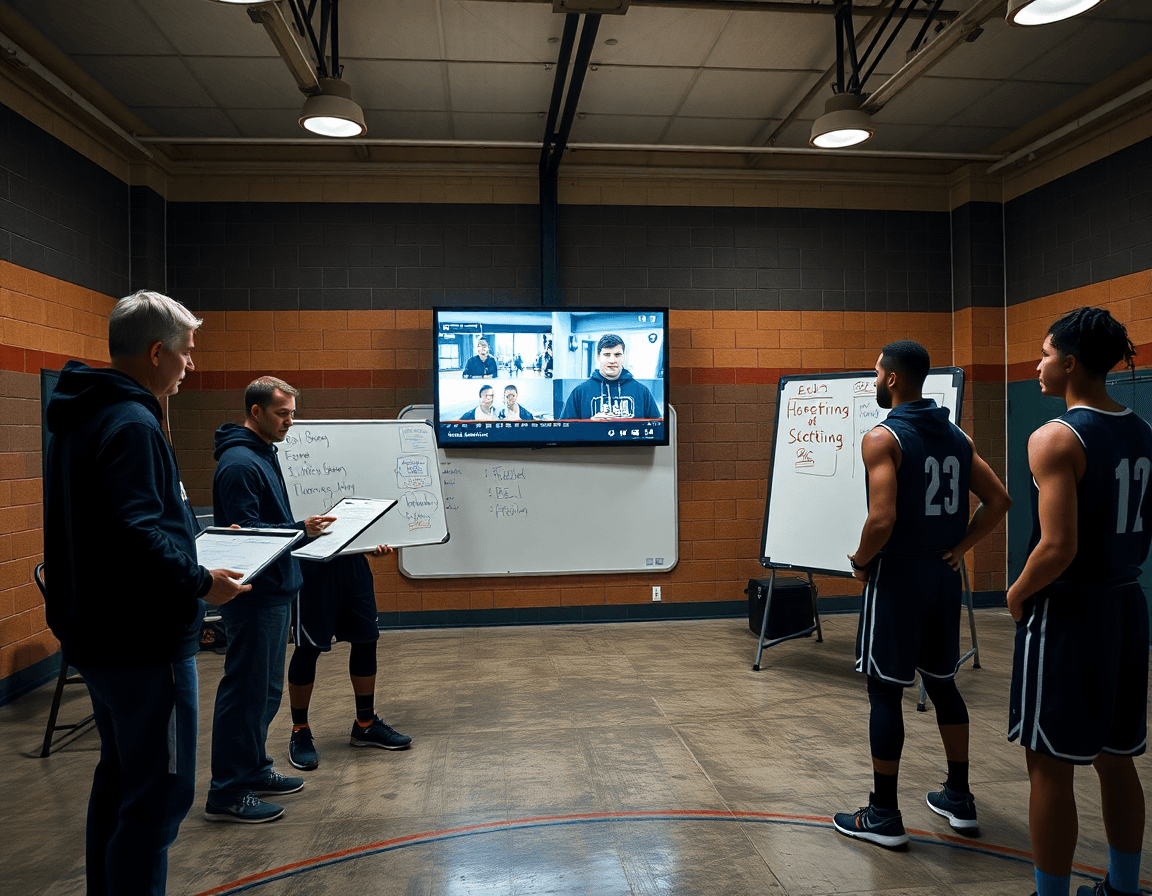
In the plan for the week, the basketball whiteboard is the bridge between ideas and execution. I start with a full-court diagram on the magnetic board and link it to a video integration. A half-court set or PnR action gets a clip from the last game, so players see the rhythm and spacing, not just the Xs. This keeps my staff aligned and makes the weekly plan feel tangible when we step onto the court.
During reviews, linking diagrams to clips centers the conversation. I pull up the diagram, open the corresponding clips, and walk through decision points—read the hedge, slip the screen, attack the weak gaps. The clips breathe life into the board, and the team can reference them on demand without hunting for footage.
Pairing with scouting reports compounds the prep. I annotate the diagram with scouting notes: opponent tendencies, defender rotations, traps to expect. The notes live beside the diagram on the dry erase whiteboard as a quick reference, so when we study a rival, the board becomes a single, actionable sheet.
Finally, we assemble playlists that illustrate the decision points. Clips are organized into a playlist that shows the options, the timing, and the moment to swing or attack. The players watch, pause, and we discuss the how and why between drills. The flow from board to video to on-court action stays seamless, thanks to the integrated workflow: plan, diagram, clip, review.
Portable vs stationary: selecting the right whiteboard for your program
In my weekly routine, I decide early whether to go portable or stay stationary. For on-court coaching during drills, a portable or rollable whiteboard lets me bring the plan from the locker room to the sideline without missing reps. I’ll sketch a quick full-court sequence, drop in a diagram, and lock it in while the assistants run the drill. The workflow is simple: plan in the system, export a clean diagram to the board, and pair it with a short video clip from the library for quick reference.
When evaluating surfaces, look for durability that stands up to on-court wear and frequent erasing. A magnetic surface helps hold scouting notes and small magnets for diagrams, so you can rearrange the action on the fly. If you’re integrating with CourtSensei, ensure your dry erase board holds up under regular use and wipes clean after timeouts. A basketball whiteboard that blends with your plan library speeds up communication during practices and games.
Size and mounting matter. An 18x24 board is a popular middle ground for locker rooms and classrooms, while larger options fit the sideline wall in a gym. Consider mounting flexibility—whether you need a stand, a wall mount, or a portable frame—so you can move it between film review, chalk talks, and on-court drills without reconfiguring the room. For our workflow, pick a surface that accommodates both a dry erase whiteboard and quick clips from the video library, keeping the weekly plan tight and visible.
Bottom line: mix portable options for the on-court segment with a sturdy dry erase whiteboard in the film room. Use a basketball coaching board to sketch a half-court diagram or full court diagram during a timeout, then attach notes from the scouting report to show tendencies. The right combo keeps your plan, your diagrams, and your clips aligned in the weekly cycle.
Checklist: evaluating a basketball whiteboard for your weekly plan
When you’re building a weekly plan, use a simple checklist to evaluate a basketball whiteboard. First, consider the sizes that fit your space and visibility: an 18x24 board for a quick drill, a 45x26 for a full court diagram, or a portable/rollable option for travel days. The right sizes keep your playbook visible from the bench during the training plan and let you transition between full court and half court diagrams without losing momentum. The goal is a board that supports your flow—from plan creation to on-court adjustments.
Surface matters. Decide between magnetic vs dry erase surfaces, and weigh how you want diagrams and notes to cling or erase. Included accessories—pens, magnets, erasers—save you setup time and ensure you can map a play in the training plan on the tactical board without hunting for supplies. A durable dry erase whiteboard with reliable magnets keeps your weekly plan legible under sweat and chalk dust, while a quiet surface reduces late-game scribble frustration. If you frequently switch locations, a magnetic whiteboard can be especially handy for quick diagram swaps without rebound clutter.
Export capabilities and on-board storage complete the loop. Look for a board that exports diagrams as PDFs or image files you can attach to scouting notes, and offers space to stash plays and notes directly on the board. The export feature makes it easy to share a weekly plan with assistants and coordinators, while on-board storage keeps your notes accessible during a tense timeout. When the week shifts from plan to game, you’ll have a source of truth that travels with the team—from the plan in the plan stage to the on-court diagram and clip library.
If you build plans like this every week, CourtSensei keeps your drill library, whiteboard, and video clips in one place — try it free.
FAQ
What is a basketball coaching whiteboard best used for?
The basketball coaching whiteboard serves as the central hub for weekly planning and on-court communication. Use it to map the weekly game plan with half- and full-court diagrams, set tempo targets, and highlight defensive keys. It also doubles as a quick reference for assistants and players, and you can attach notes or clips to illustrate reads and spacing.
What sizes do basketball coaching whiteboards come in?
Sizes vary, but common options include compact 18x24-inch boards and larger 24x36-inch boards. Choose based on space and use: smaller for drills and fast updates, larger for practice planning and staff review. Look for a smooth dry-erase surface and reliable magnetic compatibility if you use magnets.
Are basketball whiteboards magnetic?
Yes—many modern boards are magnetic, letting you place magnets for players, routes, and quick changes during practice. If you prefer a non-magnetic surface, look for a high-quality dry-erase board with strong clips or labeling options.
How do you draw plays on a basketball whiteboard?
Start with a simple baseline diagram and label actions (PnR, BLOB, SLOB) to keep ideas clear. Use color coding and magnets for different players; keep the path crisp with short lines and arrows. Save variations to your library for quick retrieval so you can swap in a new action without rewriting everything.
Can you use a basketball whiteboard on the court during timeouts?
Yes, with a portable or on-court friendly board. Keep it lightweight and quick to deploy, then show a simple half-court diagram to adjust spacing, followed by a full-court look if needed. The aim is fast, clear adjustments that don’t disrupt the flow of the timeouts.
What accessories typically come with basketball coaching boards?
Most kits include magnets for on-court cues, markers for drawing, and a tray or eraser. Some packs add extra magnets, a carrying bag, and clips or rulers for labeling. Always check compatibility with your board’s surface (magnetic vs dry-erase) so you can plan storage and replacements.
