How to use a free basketball play designer in weekly planning
Learn how to use a free basketball play designer to streamline weekly planning, design plays, export PDFs, and share with assistants and players.

Key takeaways
- Integrate a free basketball play designer into your weekly planning by drafting a small, browsable play library on Monday.
- Use a drag-and-drop interface to organize plays by offense and export clean PDFs for staff review.
- Create a repeatable baseline workflow: design, categorize, export—you can scale from DIY to integrated systems.
- Build a per-opponent scouting library with templates and a play library to standardize language across notes.
- Export PDFs for staff and practice-ready clips, ensuring plays feel natural when you walk into practice.
How a free basketball play designer fits into your weekly plan
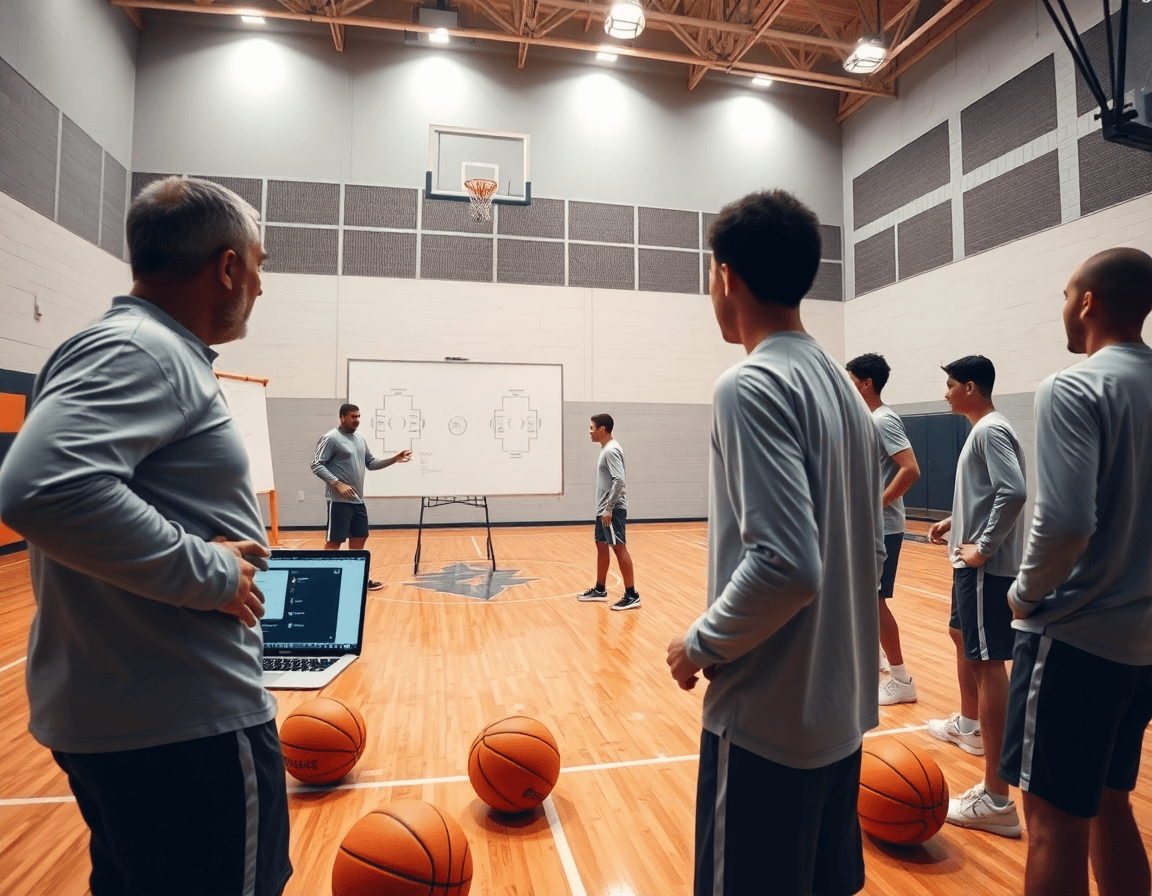
As a head coach juggling film, practice, and scouting, a free basketball play designer can slot neatly into your weekly planning. For the core tasks of this week’s design phase, you can quickly draft plays, organize them by offense, and export PDFs for staff review. In practice, you might open a free tool on Monday and sketch a handful of sets—two quick hitters out of a horn look, a ball-screen action, and a spacing drill—then label each play with action tags (PnR, SLOB, ATO). This is where your first pass at a cohesive weekly plan begins to take shape. The key is to create a small, browsable play library you can reference all week, so you’re not reinventing plays every day. This is the moment to lean on the term free basketball play designer and start shaping your weekly planning around it.
Next, map these early designs to practical workflow steps. Use a drag-and-drop interface to move plays into offense categories, and build a simple library you can print or share. The ability to do a quick PDF export lets you circulate a staff-ready packet even when you’re between formal meetings. With this setup, you can pre-load your play library with formations, sets, and counters, giving you a solid baseline for the week. If you’re preparing for a specific opponent, this is where you begin compiling scouting notes alongside your plays to see what fits the opponent’s guard alignment and rim pressure.
Finally, establish a baseline routine you can scale. Create plays, assign them to categories by offense, and generate PDFs for your assistants. This baseline workflow—design, categorize, export—lets you start weekly planning with confidence and keeps your session prep tight. When you’re ready to elevate, you’ll transition from a DIY library to a full, integrated system that links planning, whiteboard diagrams, and video clips into one cohesive workflow.
What to look for in a free play designer for coaching
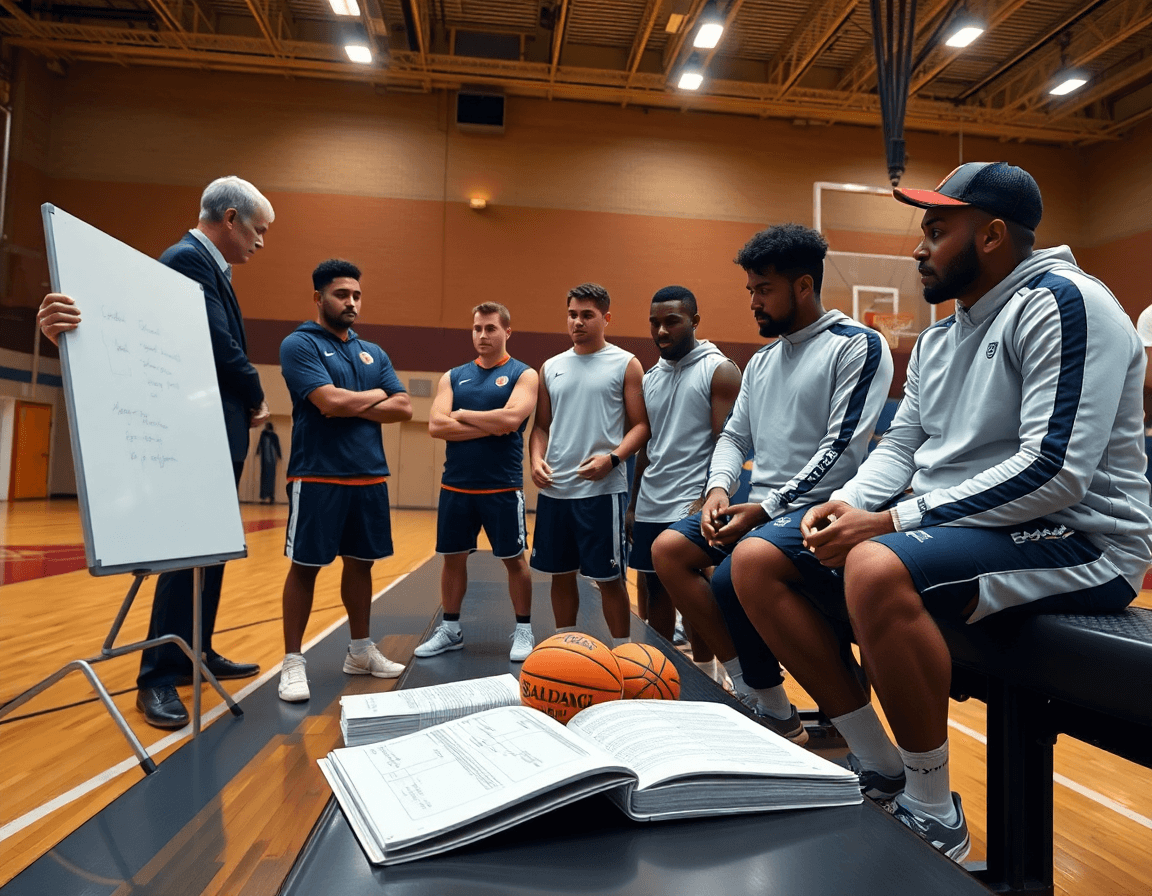
As I lock in the weekly plan, the first thing I test in a free basketball play designer is the feel of the drawing tool. Do I have a clean, drag-and-drop interface that makes sketches quick? Can I label players by initials and move routes without climbing through menus? In a tense planning block I’ll drop a 1-4 ball-screen action, nudge the spacing, and watch routes slide into place. If the tool slows me down, I pivot to something else—the goal is a solid diagram fast so we can walk through it in the team room.
When you’re stacking week-to-week plans, a library of templates and pre-made plays you can customize is gold. I pull a few base sets—late-game out of bounds, a timing-driven arc shift, a quick 2-3-2 alignment—and tailor them to our personnel. A solid templates and play library system keeps the language consistent across the whiteboard, the scouting notes, and the video clips. It also lets you swap in players, adjust spacing, and preserve the play’s intent without redoing the whole diagram from scratch.
Export options and multi-device access matter more than you think. Look for a clean PDF export that yields printable playbooks you can hand to assistants or opponents, plus access that works on a tablet in the gym or a laptop in the film room. When the weekly routine includes planning, diagramming, and distributing plays, these capabilities are the glue that keeps the staff aligned and the players understanding the concepts before practice.

Practical workflow: design → share → implement in practice
In my weekly workflow, I start with a free basketball play designer to map out the plays we’ll emphasize this week. It’s the bridge between scouting notes, practice observations, and what ends up on the whiteboard. The goal is to move from design to practice with a clean, repeatable process that can scale later into an all-in-one platform.
Step 1 is design plays in the tool during scouted film sessions or practice observations. I pull clips from last game reps, drop in a couple of options, and use the drag-and-drop interface to craft sequences for BLOBs, SLOBs, and PnR looks. I label each variation so the team can read the diagram at a glance. This is where the play library starts taking shape, a living catalog you can skim during prep.
Step 2 is organizing plays into a weekly folder aligned with the game plan. I group actions by opponent tendencies and game tempo, then tag them to the week’s practice schedule. Keeping everything in a single, named folder helps my assistants and I stay aligned, and it keeps our design-to-practice flow intact as the week unfolds.
Step 3 is exporting PDFs or sharing links with staff and players; prep for practice. I generate PDFs for printable playbooks and send a quick link to the staff chat so everyone can review clips and diagrams before the next session. On the floor, we’ll run a quick drill from a short video clip or a printed page, ensuring the plays feel second nature as we walk into practice.

Using play libraries and animations for weekly scouting prep
On our weekly scouting, I start with a free basketball play designer to assemble a lean play library for every opponent. I drag routes, tweak timing, and label defender reactions so our staff can actually see a counter in motion. The result is a short reel of animated plays—curl actions, flare screens, or PnR reads—that you can review in the film room and share with assistants before practice. It makes the scout report feel concrete, not just a sheet of notes.
Next, I build a mini library per opponent and annotate key counters for the week. In the tool, I tag tendencies—how they attack ball screens, how they hedge or switch—so the offensive plan adapts without flipping through PDFs. Use the drag-and-drop interface to add counter options, then export a PDF or printable playbook for the staff room. This scouting prep session becomes a reliable reference during practice and film.
Finally, tie it into the weekly plan: the opponent tendencies feed your offensive plan on the whiteboard. I link the counters to specific sets, so we can run a quick, animated sequence in practice and show a clip in the huddle. The workflow can stay inside one tool or scale into an all-in-one platform with a full-season playbook, where a play library and shareable playlists keep players aligned across games.
Deliver plays to staff and players with sharable playlists
Delivering plays to staff and players starts with sharable playlists. In the weekly plan, I pull clips of pick-and-roll reads, motion sets, and inbound actions into a single playlist—organized by formation and tempo. Drag-and-drop to reorder, tag by concept, and generate a shareable link for assistants. Before meetings, everyone can open the playlist on a laptop, tablet, or phone, and I’ll annotate a few pointers on the whiteboard while the clips roll. This is where a simple video library becomes a practical coaching tool.
PDF export is your best friend for game prep packets. I export printable PDFs of the core plays, pairing diagrams from the whiteboard with the video clips. Add scouting notes and opponent tendencies so the packet reads like a concise game plan. The PDFs sit in the team drive, easy to hand to assistants maneuvering between film rooms and classrooms. When a coach asks for a quick reference, you’ve got a clean, shareable document that travels with the team.
Cross-device sharing keeps everyone aligned. Assistants can annotate clips on tablets, players can buzz through playlists on their own devices, and feedback threads stay attached to each clip. You’ll use a simple tag system—formations, PnR, off-ball actions—to keep the library navigable. As you scale, that same workflow (planning, whiteboard diagrams, video clips, scouting notes, and shareable playlists) plugs into an online play designer or a centralized platform like CourtSensei, turning weekly prep into a smooth, time-saving routine.
From free tools to an all-in-one coaching platform: when to upgrade
I started the week with a free basketball play designer, sketching a few sets and exporting PDFs for the staff. The process got the idea out there, but the rhythm was off: planning on the fly, whiteboard diagrams in one place, video clips in another, and scouting notes somewhere else. It wasn’t a seamless loop from plan to practice. You can get by with free tools for prototyping, but the time you spend stitching everything together adds up fast. The value comes when the planning workflow, the diagrams on the board, and the video clips live in a single space you trust.
If your weekly workload shows design-to-practice prep consuming the lion’s share of time, it’s a signal to look at a coaching platform. The right solution should bring together five pillars—planning, whiteboard diagrams, video, scouting, and shareable playlists—so you can move from drawing a play to getting it into players’ hands without juggling apps. When you can reference a single source of truth during staff meetings and after-practice debriefs, you’ll feel the difference in your efficiency and your team’s clarity. And yes, the consolidation matters for everyone in the gym—head coach, assistants, and student-athletes.
Plan a staged transition. Start with free tools to prototype a few plays, a small play library, and a quick PDF export for scouting notes. Then bring in a platform that centralizes all five pillars, offering a true online play designer, drag-and-drop editor, printable playbooks, and a shared video library. The payoff isn’t just fewer clicks; it’s more time in the gym, with a clearer plan in the plan, a tidy whiteboard, and organized clips ready for quick briefings—without leaving the workflow you’ve built.
If you build plans like this every week, CourtSensei keeps your drill library, whiteboard, and video clips in one place — try it free.
FAQ
What is a free basketball play designer, and how can it help a coach?
Think of a free basketball play designer as your digital sketchbook for sets and action. It lets you draft plays quickly, organize them by offense, and build a browsable play library you reference all week. Use clear labels and PDFs to share with staff, so you’re not reinventing plays every practice.
Are there free basketball play designers, or do you need to pay for one?
Yes—there are free options, but features vary. Look for a clean drag-and-drop interface to sketch routes and a reliable PDF export so you can print or share with staff. Free tools often limit templates or storage, but you can still map a solid weekly plan and basic playbook.
How do you design plays online and fit them into your weekly plan?
Design online and map it to your weekly game plan by building a simple folder system. Use the drag-and-drop canvas to place plays into offense categories, add notes, and tag action types. Keep a shared play library for the staff so every session starts from the same baseline.
Can you export plays as PDF for staff review and distribute them before practice?
Export options matter. A good free tool should give you a PDF export for printable playbooks and staff review, plus easy sharing links. That lets you circulate diagrams before practice and have players study the reads on their own time.
How can you share plays with your team and access them on different devices?
Sharing to teammates and devices should be seamless. Look for share links and cloud access or offline copies, and ensure the tool works on tablets in the gym and laptops in film rooms. A smooth flow keeps everyone aligned without juggling multiple files.
Do these free tools support animations or a full-season playbook?
Many tools support animations and can help build a full-season playbook, but capabilities vary. Some offer animations to show counters; others require upgrades. A solid free option can assemble a growing library and templates that you scale into a full-season playbook over time.