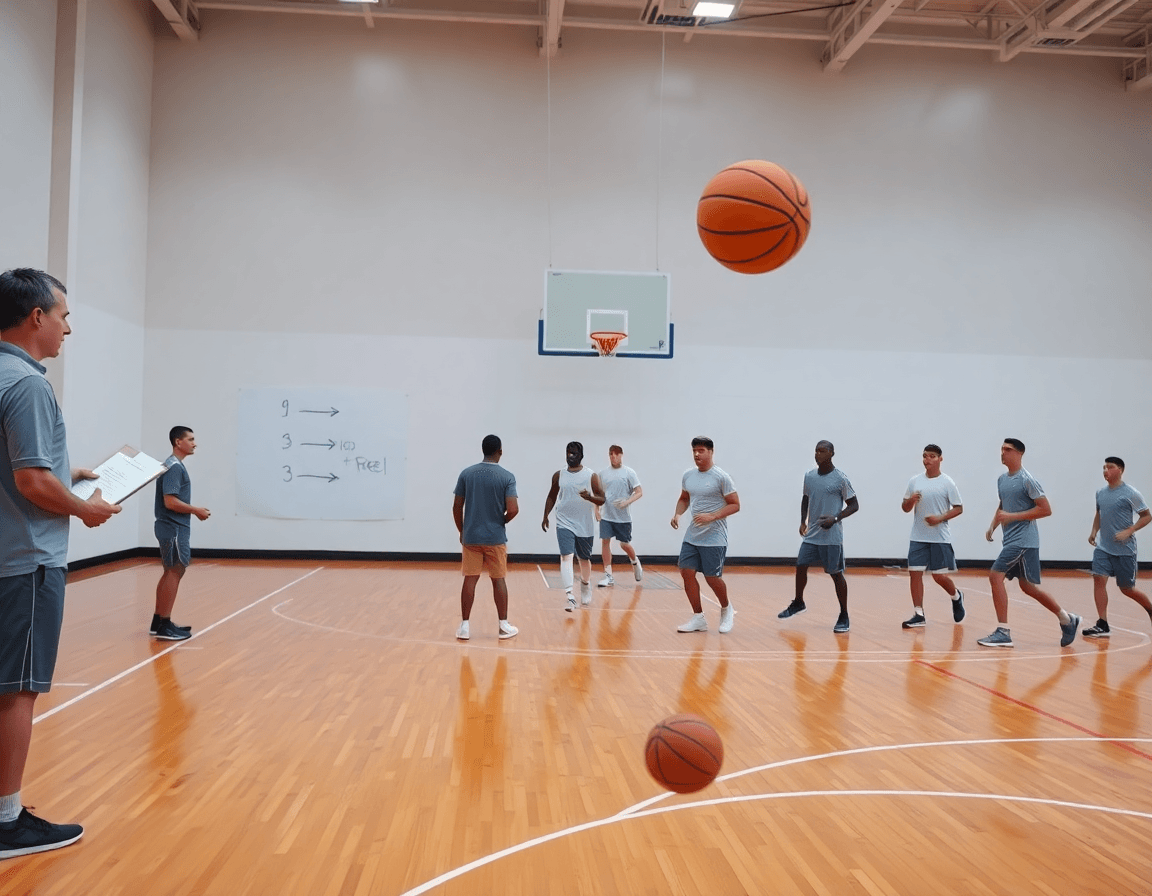
Free Basketball Plays for Your Weekly Coaching Plan
Build a weekly coaching plan with free basketball plays—downloadable PDFs, clear diagrams, and plug-and-play options for practice and scouting.

Key takeaways
- Build a centralized play library of free basketball plays to streamline weekly planning and execution.
- Pair clear diagrams with short video clips to reinforce timing and reads during practice.
- Adopt a weekly rhythm: install early, walkthrough, clip review, and PDF game prep.
- Prioritize clearly diagrammed PDFs with teaching cues to simplify staff onboarding and rotations.
- Customize spacing and reads for lineups and opponent tendencies, exporting updated PDFs for scouting.
Why free plays fit into your weekly plan
Free basketball plays provide ready-made offensive options that slot into your weekly plan—install, practice, scout, adjust. They help you build a scalable library that aligns with your roster and skill level. A centralized library streamlines collaboration with assistants and players. Diagrams and PDFs make it easier to demo concepts during walk-throughs and film review. This approach supports a consistent weekly rhythm without reinventing plays each week.
On the tactical board I diagram these options with BLOB/SLOB/ATO/PnR, annotate with arrows, and export PDFs to share with the staff—also making the free basketball plays pdf bundle available for download. Importing a play into a practice plan becomes straightforward—the diagram stays alongside the short video clips for reference during walkthroughs. When a scout report lands, I tweak the diagram and send an updated PDF to keep everyone on the same page.
With video clips, we attach short takes from practice and games to the play in the plan and share them with players and assistants. A scouting-backed play library grows as we tag concepts—box set plays, motion offense, and inbounds—so the whole staff can pull options quickly when we need a change of pace. The result is faster teaching and clearer expectations in meetings and on the floor.
From a weekly rhythm standpoint, I pull a handful of free plays into the plan on Monday, walk through the diagrams on the tactical board on Tuesday, attach clips for scout review, and export PDFs for the game prep packet on Thursday. By Friday, we test the concepts in a quick walkthrough using a playlist and a shareable link for the staff. It keeps reps consistent and coaching focused.
Sourcing high-quality free plays for your library
Start your library by seeking clearly diagrammed, downloadable plays (PDFs) with concise teaching cues. Look for free basketball plays that you can import into your weekly plan and quickly share with assistants. A solid PDF layout makes it easy to walk a staff through the install during a pre-practice meeting, then drop the diagrams onto the whiteboard for quick reference. When you find good material, save a copy to your play library and label it with the play type and key teaching points so it’s easy to find next week.
Prioritize variety so your install can adapt to different opponents. Favor content with multiple variations—half-court actions, inbounds plays, and box-set configurations—so you can slot them into early-week scouting or late-week last-minute adjustments. Clear diagrams that translate to BLOB (ball-on-ball) and SLOB (side line-out-of-bounds) actions, plus ATO and PnR options, save you time on the floor. A well-rounded set of options also pairs nicely with video clips you’ll later attach to the week’s plan.
Organize by category and difficulty to match your weekly install schedule. As you accumulate free basketball plays PDFs or download basketball plays, tag them with matchup notes and opponent tendencies that you’ve recorded from scouting reports. This keeps your play library sharp and ready for the next rival, and it makes exporting a PDF for offline distribution that much more painless.
Adapting free plays for your roster
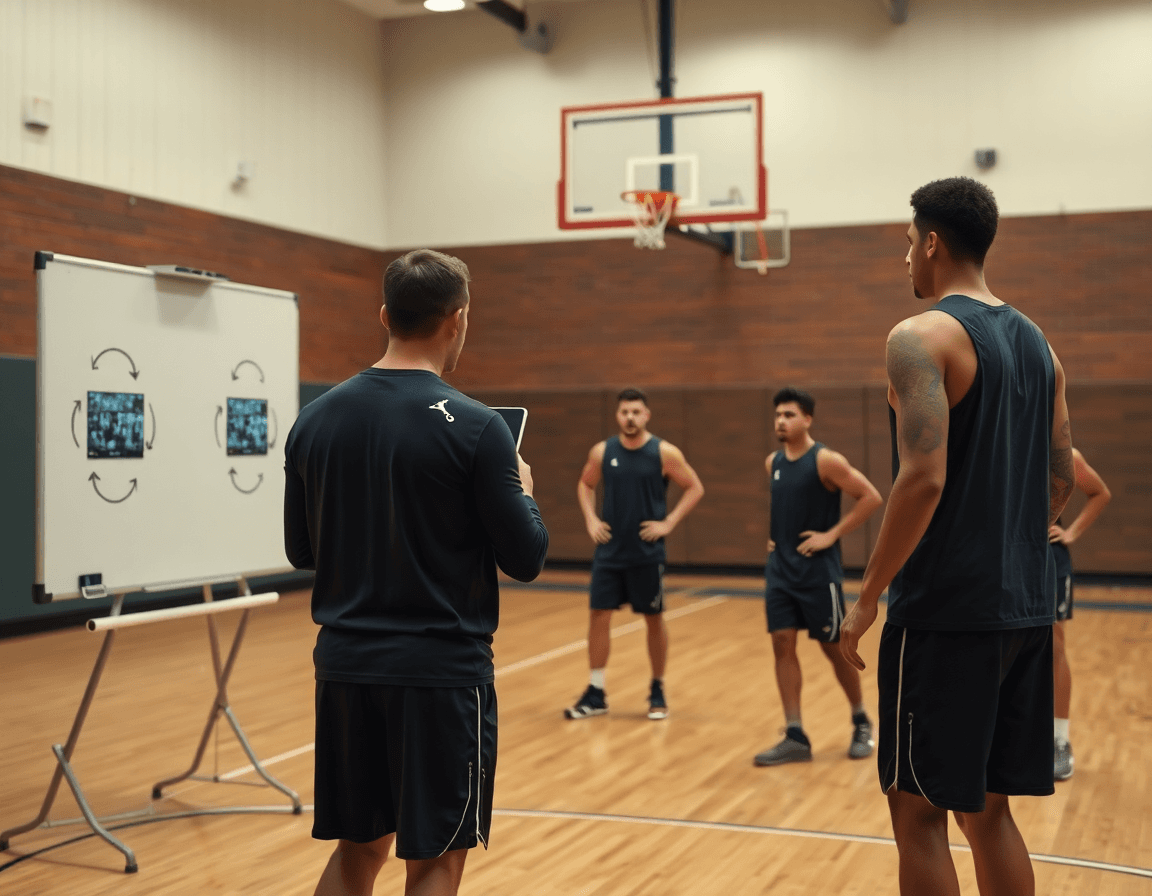
As I map out this week's plan, I start by adapting the free basketball plays to our roster. I tailor spacing, timing, and reads to our personnel—who can slip into gaps, who needs more space to survey, and who benefits from a quicker decision. For half-court basketball plays, box-set options, and pick-and-roll plays, spacing tweaks can unlock clean looks without rewriting the play. In CourtSensei, I import these plays into the practice plan, then on the whiteboard I diagram BLOB/SLOB/ATO/PnR actions and attach a few clips showing the reads in action. The flow stays practical: players review the tempo and decision points beside the diagram before the next rep.
Next, I build variations for different lineups and opponent tendencies. When we’re small, spacing tightens and wings sit in the corners to give the handler a better read off a PnR. Against pressure or zones, I flip to a pocket pass from the same box-set actions. All of this lives in a scouting-backed play library, so I can pull a matching variation into the plan with a tap. A quick clip attached to each variant shows the read and timing, helping players see how the defense bites.
I tag each play by skill level and install priority. Beginner reps come early; advanced reads land later. Install priority helps you sequence the week: inbound plays first, then half-court box-set actions, then motion reads as confidence grows. When needed, I export PDFs for offline distribution to assistants and coaching staff, and link to playlists of clips so players can refresh the reads on their own.
Teaching through diagrams and video clips
Teaching with clear diagrams on the whiteboard lays the groundwork for a solid weekly plan. When you map movement and decision points for a BLOB/SLOB/ATO/PnR sequence, players see not just where to go, but why. On the whiteboard, annotate spacing, cuts, screens, and reads, then run it in a quick drill to lock in the sequence. The diagrams become a shared language for the staff and players, so assistants can reference the same flow during film sessions. This is where the plan, board, and play library intersect.
Pair those diagrams with short video clips that illustrate timing and execution. A 10- to 15-second clip of the guard and big man executing the screen, the ball-handler's read, and the finish helps players internalize the rhythm between sessions. Attach the clip to the play in your library or practice plan, and drop a note on what to watch for: window, pass angle, handoff timing. Players can study between sessions, and assistants can cue the same sequence during breaks in practice.
Export a consolidated teaching PDF that layers diagrams and video into one resource for assistants. The PDF pulls the plan into a clean classroom handout: diagram pages, a representative still, and a link (or QR code) to the matching clips. Offline distribution lets you prep video-free sessions and still walk through the same sequences. When you combine scouting notes with your weekly diagrams, your “free basketball plays pdf” becomes a living document your staff can rely on during the week.
Practical workflow: selecting and teaching free plays
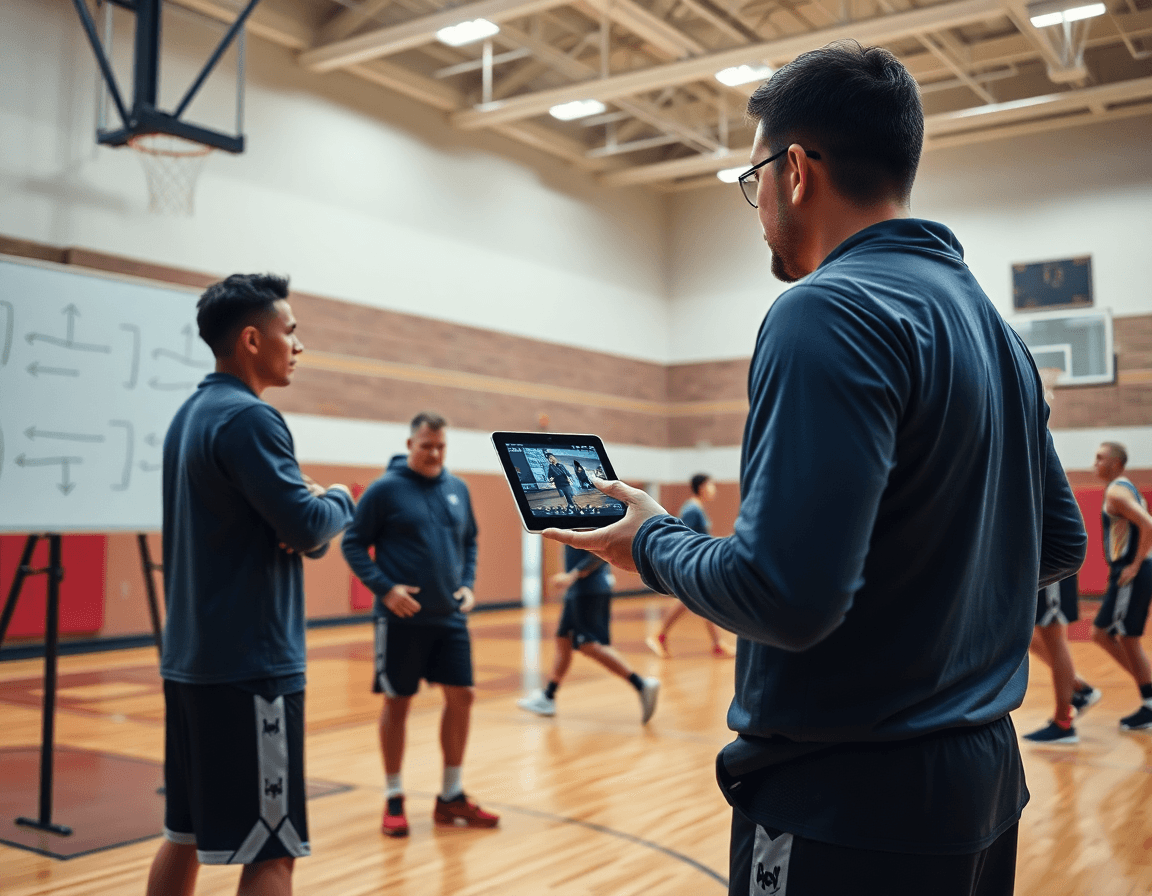
Kicking off the week, I identify weekly objectives and opponent tendencies to guide play selection. I’ll scan last game film for patterns—press, traps, weak-side rotations—and pull a handful of free basketball plays that fit. Think box set options, motion plays, an inbound series, or a pick-and-roll wrinkle that can slow a denial and open good shots. The goal is a tight, plan-driven set that anchors practice around a single objective: get clean looks with a known counter if the defense adjusts. This is where the weekly workflow starts to feel real, not theoretical.
In CourtSensei, I import chosen free plays into your practice plans and assign teaching cues. That means labeling it with quick reminders like “read the trap,” “flash to the open corner,” or “set the screen away from the ball.” Having the plays queued in your plan keeps your assistants aligned and makes it easy to build a teaching sequence around BLOB/SLOB/ATO/PnR diagrams on the whiteboard and annotate them as you go. If you’re chasing a PDF reference, you can also attach a free basketball plays pdf or an inbounds plays pdf to the plan for offline review.
Next, I create teaching playlists that group clips and diagrams by play for quick access. A short video clip paired with the diagram helps a player see the motion, while the notes on the scouting library back up the decision with opponent tendencies. These playlists live in a shareable link so assistants can study the material between sessions, and players can revisit key reads and rotations.
During practice, you run the plays, collect quick feedback from assistants, and adjust as needed. A few quick notes in the scouting notes keep the thread alive for the next week, so installations improve, not stagnate. This is how you convert isolated “free basketball plays” into a repeatable, learnable workflow that scales.
Using playlists and shareable links to reinforce plays
When I map the week, I bundle each core action into a distinct playlist: a pick-and-roll sequence, a set inbound, a quick-motion reset. Each playlist stitches together a couple of short video clips with the corresponding diagrams on the whiteboard, so when I drive into practice I can cue the exact look we want. For the players, it’s a focused library they can review on their own time; for assistants, it’s a portable playbook to reference during breakdowns. It all starts in the plan with a simple label like “P&R – 1st option” and a bookmark to the clip and BLOB/SLOB diagrams.
During the week, I drop the links into our team chat so everyone opens the same content. The shareable links let assistants prefill notes, tag players who should watch, and leave questions. If a player missed film, he can watch the exact clip from home and see the Xs and Os in context. We also export PDFs from the playlist to hand out in the locker room or save as a reference — think free basketball plays pdf for offline review.
After a game, we revisit the same playlists to reinforce what worked and what didn’t. We pull the relevant video clips and diagrams, update the scouting reports, and send a refreshed link to the staff. The result is a living library that informs both weekly practice plans and upcoming opponents’ scouting notes; players hear the same language from the whiteboard, the clip, and the PDF handout. It’s not just a resource; it’s a steady cue for learning Xs and Os.
Weekly rollout checklist
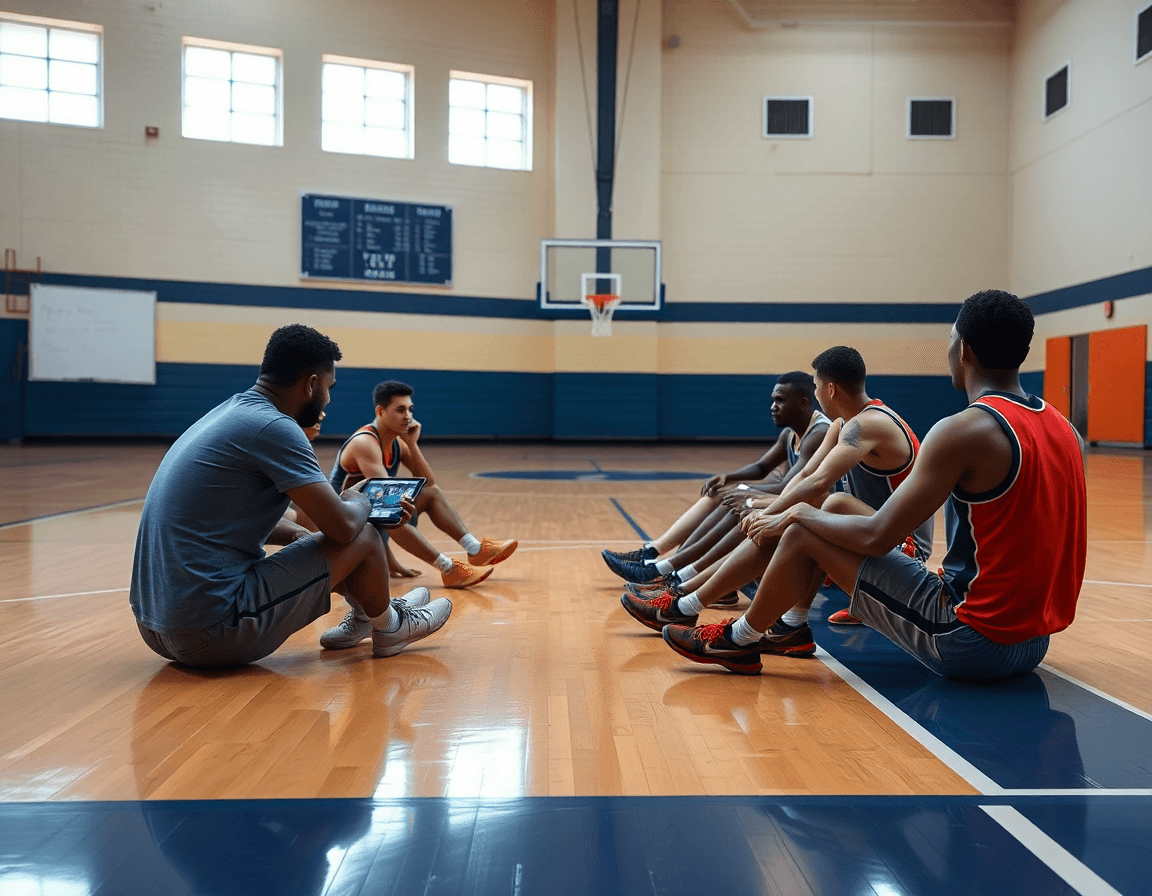
Every week starts with a clean slate: you curate new free basketball plays that align with your weekly objectives and scout feedback. Pull ideas from video reviews, adjust spacing in a motion offense, or drop in a purposeful inbound set, then import them into the planning system and assign teaching cues to assistants. The goal is a tight, coach-friendly weekly rollout that keeps your team focused on a single objective. Use a solid checklist for weekly rollout to stay disciplined as you build a library for the bench and board.
Next, translate the play into teaching diagrams on the whiteboard. Use BLOB/SLOB/ATO/PnR diagrams to map actions, and attach short video clips to illustrate timing. Create clip playlists for each play and drop them into the plan so players see the concept in action, not just words. Export PDFs of the play diagrams for offline distribution to assistants and subs, and shareable links so coaches can review on the go. This is where free basketball plays become a repeatable, teachable process.
During practice, slot the plays into a tested drill sequence and practice flow. A simple inbound series sits between a motion drill and a late-clock set; you can call up the play from the plan and cue your assistants as the action unfolds. After each week, review outcomes, adjust the library for next week, and document insights in scouting notes. A clean, scout-backed play library plus a PDF of plays keeps your staff aligned and moving forward. Use playlists and shareable links to reinforce learning with players and assistants.
If you build plans like this every week, CourtSensei keeps your drill library, whiteboard, and video clips in one place — try it free.
FAQ
What exactly are free basketball plays and how can they help my team?
Free basketball plays are ready-made offensive options you can drop into your weekly plan. They give you scalable choices that fit different rosters, reduce prep time, and keep teaching consistent across practices and film sessions. A solid collection of diagrams and short video clips helps players see reads and timing, speeding up learning and game-day execution.
Where can I find free basketball plays and playbooks?
Look for reputable sources that publish clearly diagrammed plays you can download as PDFs. Free playbooks often come with variations so you can adjust to opponents. Save promising items to your play library and label them by category and teaching cue, so you can pull them up quickly in scouting or prep.
Are there free PDF basketball playbooks I can download?
Yes. There are many free PDFs you can download. Prioritize PDFs with concise teaching cues and clean diagrams you can import into your weekly plan. Use them in scout packets and share with assistants so everyone is aligned on spacing, reads, and timing.
How can I access a library of free basketball plays?
Access a play library by collecting clearly diagrammed plays, then tag them by category and link to short video clips when possible. Keep the library organized by skill level and install priority, so you can pull options quickly during practice, scout prep, and game-week adjustments.
What is a good way to implement inbounds plays for youth teams?
For youth teams, start with simple inbounds plays sequences and a few efficient half-court options. Emphasize spacing, simple reads, and a reliable cue. Practice with repeatable drills and keep the install tight. As confidence grows, add variations and use clips to reinforce reads during walkthroughs.
How do you choose which plays to teach first?
Choose by install priority and roster fit. Start with inbound plays, then core half-court box-set actions, then motion reads. Schedule one new concept per week, tailor spacing to your personnel, and use scout reports to pick a variation. Export a teaching PDF for staff alignment.
Can free playbooks include diagrams and animations?
Yes. Some free playbooks include diagrams and short video clips or animations that show timing. If a bundle lacks animations, you can pair the static diagrams with your own clips. Check format, ease of import into your plan, and whether you can filter by category like inbound or PnR.