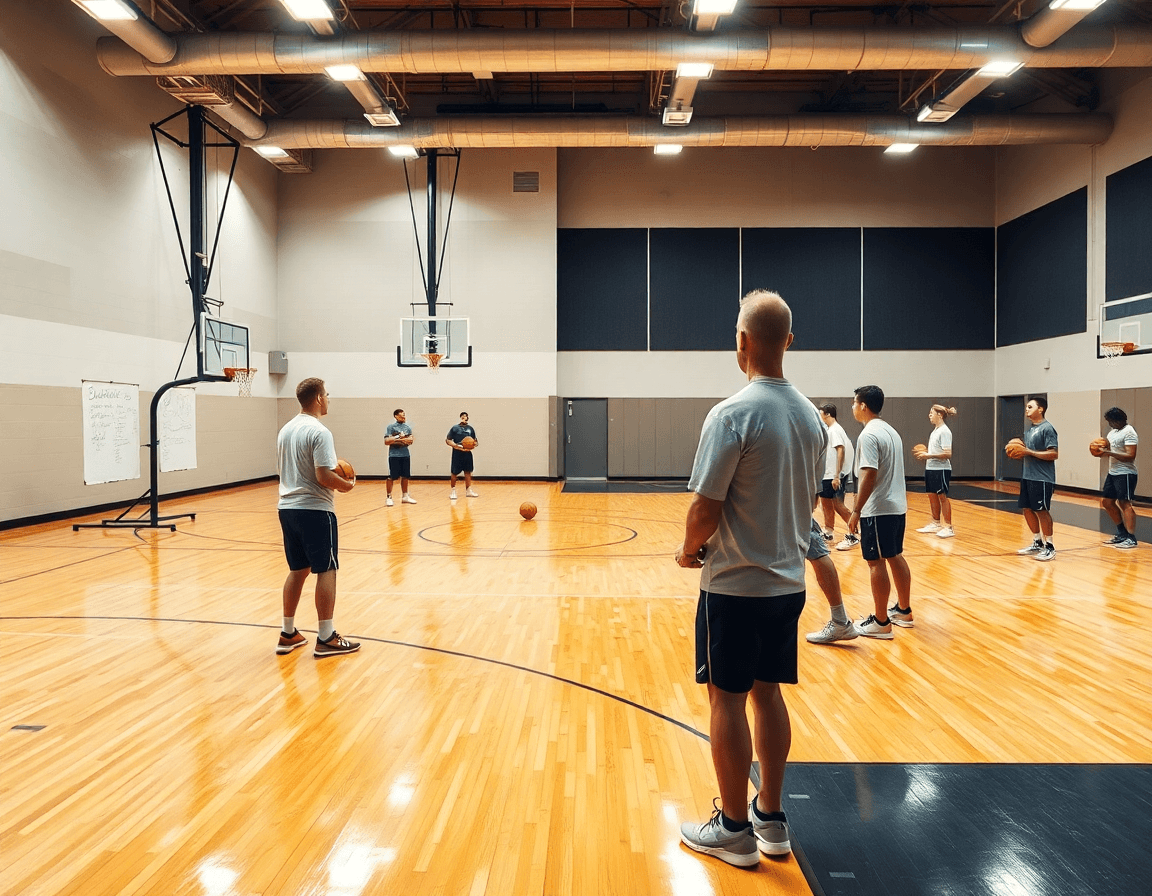
Naming Basketball Plays: A Coach’s Weekly Workflow
Coaches: master naming basketball plays within your weekly workflow—simplify signals, build a naming library, and align with practice plans, whiteboards, and video.

Key takeaways
- Adopt a consistent naming framework across practice plans and scouting notes to reduce misreads.
- Pair quick numeric tags with clear descriptive names to keep calls fast and recall accurate.
- Build a shared library in CourtSensei and link diagrams, clips, and PDFs by label.
- Export weekly PDFs and scouting notes upfront so assistants and players review before opponent prep.
- Create a repeatable weekly workflow: add, diagram, clip, and teach the naming library.
Why naming plays matters in weekly planning
Naming basketball plays isn't a nicety—it's the backbone of weekly planning. Clear, consistent play names speed communication during drills and games, reducing hesitation under pressure. When everyone—from assistants to the starter—knows what a call means, we get more reps with the right actions and fewer misreads on the court. That clarity is the heartbeat of a solid practice plan.
A shared language helps assistants run drills more efficiently and ensures players recall actions accurately, especially when tempo rises. When we use a single set of naming conventions, there’s no debate about what a call means—everybody reacts the same way, fast. That consistency keeps our scouting notes tight and our on-cloor communication clean.
We map each call to specific movement cues—screening actions, ball handling, and scoring zones. A descriptive name like Screen-The-Screener communicates the action, while a ball-screen label such as Ball-Screen at the Top guides inbound and transition reads. We’ll mix in a few tried-and-true terms like pick and roll and inbound plays, but the goal is a library that players can recall without hesitation.
Within CourtSensei, you can store naming conventions alongside practice plans, then translate those calls into diagrams on the whiteboard for quick on-court reference. After a week of work, export a PDF scouting report that bundles the named plays with their diagrams, making it easy to share with assistants and players ahead of the next opponent. The result is a repeatable workflow—the kind that turns naming basketball plays into a real weekly advantage.
Choosing a naming convention: numeric vs descriptive
With proper naming conventions, a play can travel from the whiteboard to the floor in a blink. Numeric system signals cut through a loud gym, but descriptive names aid memory for complex actions. For example, PNR-Right-2 signals a specific pick-and-roll option, while Baseline Swing communicates a movement concept even if the diagram is partially obscured by players moving.
Descriptive names shine when the action needs nuance: Baseline Swing, Ball Screen, Inbound Plays—these are cues players remember during a horn. A hybrid approach often works best: use a concise numeric tag for quick signaling, paired with a descriptive name for recall. For instance, PNR-Right-2 can live in the Baseline Swing family, giving you both quick access and thematic coherence.
Maintain cross-system consistency so the same term means the same action across practice plans and scouting notes. That discipline keeps the naming library clean and scalable, letting you mix and match plays in scouting reports, playlists, and video clips without second-guessing. When everyone uses the same terms, you can pull up a diagram, a clip, or a plan with the same language.
Product tie-in: define and lock these conventions in your Practice Plans library; preview diagrams and share with assistants, all from one platform. In week-to-week workflow, the naming library becomes your north star for planning, teaching, and reviewing video clips.
A quick-reference framework for naming plays
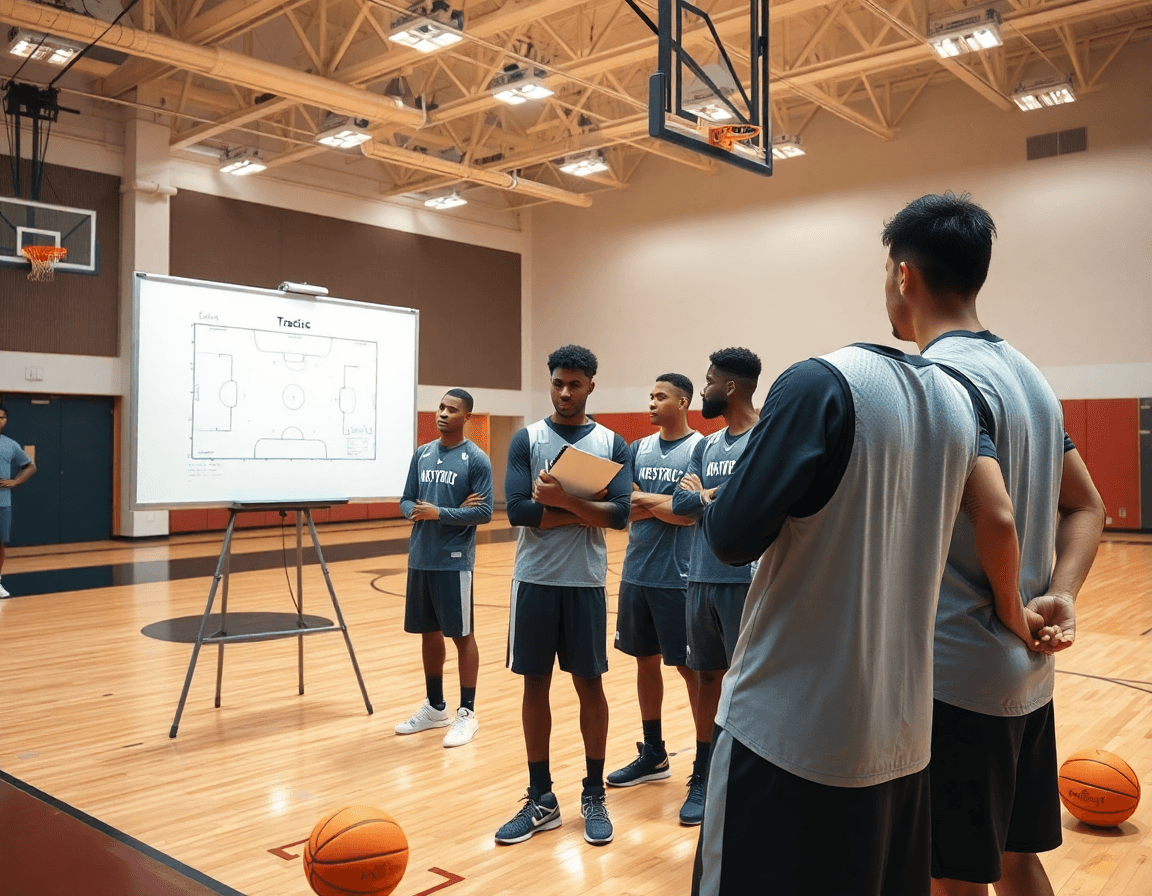
During the weekly plan, adopt a simple structure: [Category] + [Action] + [Option/Number], e.g., Ball Screen – PNR-Right-1. This keeps names intuitive across staff and players. In our workflow, we build a naming library as we map the week's concepts, then pin it to the practice plan and scouting notes in CourtSensei so the label travels with every diagram, clip, or playlist.
Make room for action by using consistent labels. For example, a Pick and Roll entry and a Screen-the-screener action get quick, repeatable names. The 4-out 1-in motion becomes a 41-Motion variant, which reduces ambiguity when you brief guards and wings before a drill. Keep the labels short, but descriptive enough for scouting and teachable moments on the floor.
Standard categories like motion offense and baseline out of bounds (BOB/BLOB) give you a common language across drills and diagrams. When a play belongs in motion, you can tag it as 41-Motion-Option, or as BOB-Box-2 for your out-of-bounds play. The goal is to cut miscommunication between the bench and the huddle.
Within CourtSensei, you can embed this framework directly into your whiteboard diagrams and exportable PDFs. The naming lane becomes your scouting PDF and your weekly practice plan, so assistants and players see the same language, whether reviewing clips or diagrams. Export keeps labels with diagrams and clips, preserving consistency across the weekly cycle.
Practical workflow: naming plays from plan to teach
As a head coach, naming basketball plays is a weekly workflow, not a one-off task. You want a consistent language that travels from practice plans to the whiteboard, through video clips, and into scouting. Build that shared library once, then teach it across assistants and players. The benefit is clear: fewer misnamed sets, faster prep, better communication.
Step 1: Add plays to your Weekly Practice Plans with chosen naming conventions. Within the plan, apply a consistent scheme—descriptive names for the action, plus a numeric tag for iteration. This keeps your library tidy and makes it easy to reorder or tweak lines without confusion. Rely on practice plans to anchor the week, and let your naming conventions guide every addition, from a simple inbound to a complex ball screen sequence.
Step 2: Diagram each play on the tactical whiteboard and save as a PDF for scouting. On the board, label each diagram with the same play name taxonomy you used in Step 1. Export a clean PDF so assistants and opponents can review your setup offline. A well-labeled whiteboard diagram doubles as a quick scouting reference and keeps everyone aligned.
Step 3: Create video clips of each play and assemble into playlists for players. Clip the moments that matter—entry passes, reads, counters—and drop them into a dedicated video clips library. Then assemble playlists for different groups: guards, forwards, or scout teams. Keep the clips tagged with the play name to reinforce that naming system during film review.
Step 4: Assign plays to scout reports and upcoming opponents; share playbooks via shareable links. Tie your plays to specific scouting notes, including inbound plays and baseline out of bounds, so the team knows what to prepare for. Share the linked playbook with assistants and players to ensure everyone is on the same page.
Step 5: Review in practice and adjust names/labels based on feedback and outcomes. After a test run, players may gravitate toward a simpler tag or a clearer action cue. Update the library accordingly, tightening the language so the next week rolls out smoother.
Product tie-in: all steps are integrated in one platform—planning, diagramming, video, and sharing.

In-game and practice integration: when to run named plays
In practice and on the floor, the goal of using clearly labeled, well-structured plays is to create a seamless named plays language that players can hear and execute without hesitation. I’ll cue a drill by calling a diagram from the whiteboard and pointing to the action on the court, like a descriptive name such as “Inbound Strong” or “Ball Screen 3️-BLOB.” That way, players know exactly where to sprint, where the shooter is coming off, and what misdirection to expect. It’s not about fancy labels—it’s about a reliable cueing system that translates from plan to action, even when the tempo picks up.
Tie play calls to game situations and timeouts to maintain rhythm and unpredictability. After a stop, I’ll set a basic play in the plan, then mix in a more situational call when we’ve got a side out or a late clock. During timeouts, I switch to a couple of tested options from the core library, but I’ll sprinkle a surprise with a different naming convention to keep the defense honest. This is where clear communication on court matters most; players rely on the continuity of calls, not guesswork.
Balance repetition with variety to prevent predictability; rotate through a core library without overdoing any single action. I keep a weekly rotation: a handful of staple plays—think pick and roll variations, inbound actions, and screen-the screener sets—paired with a few situational updates. CourtSensei helps here with accessible shareable playlists and on-demand diagrams, so the assistant coaches and players can review the calls anytime. The result is a smooth workflow where the naming library is built, stored, and shared, and players respond to the calls with confidence.
Common pitfalls and how to avoid them
Inconsistent terminology across drills, scouting notes, and game prep is a silent killer of tempo. Coaches waste minutes chasing the same play labeled differently in practice plans, on the whiteboard, and in game clips. The fix is simple in theory: lock in a clear set of naming conventions and build a centralized play library people actually use. When labels are uniform, assistants can add a digested scouting note next to the name, and players know exactly what to call in huddles or during timeouts.
Youth teams and tight practice windows make it easy to drown in options. Too many plays means you’re trying to teach depth instead of execution. Prioritize a core, effective library and lean on a concise descriptive naming approach. A small set—think 8–12 plays—that map to common situations (ball screens, ball reversals, inbound sets) keeps reps clean and measurable. A simple numerical system can backstop the names without clutter: 1) Ball Screen Right, 2) Pin-down, 3) Inbound Curl. This keeps the mental load low and makes it easier to build a repeatable routine in the weekly plan.
Names that drag on or feel opaque are a quick way to lose recall in pressure moments. Aim for 2–3 words that tell the story: what the action is and where it happens. Short, descriptive names beat jargon every time, and the numerical tag can help when quick communication is required mid-game.
Fixes start with a centralized naming library that ties into scouting data. Map each play to player strengths and tendencies you’ve cataloged from scouting notes, and align the labels across your plan, board, and video notes. This consistency lets you pull a play from the plan, diagram it on the whiteboard, and pull the exact video clip for a quick walkthrough—without ever rethinking the label.
With CourtSensei, the benefit is tangible: a single library and playlists bridge the gap between plan, diagram, and clip. You can name a play once, then reuse it across practice plans, shareable whiteboard diagrams, and video assets, while scouting integration keeps labels grounded in opponent tendencies. The result is smoother communication and faster adjustments on a weekly cycle.
Starter naming library: examples you can customize
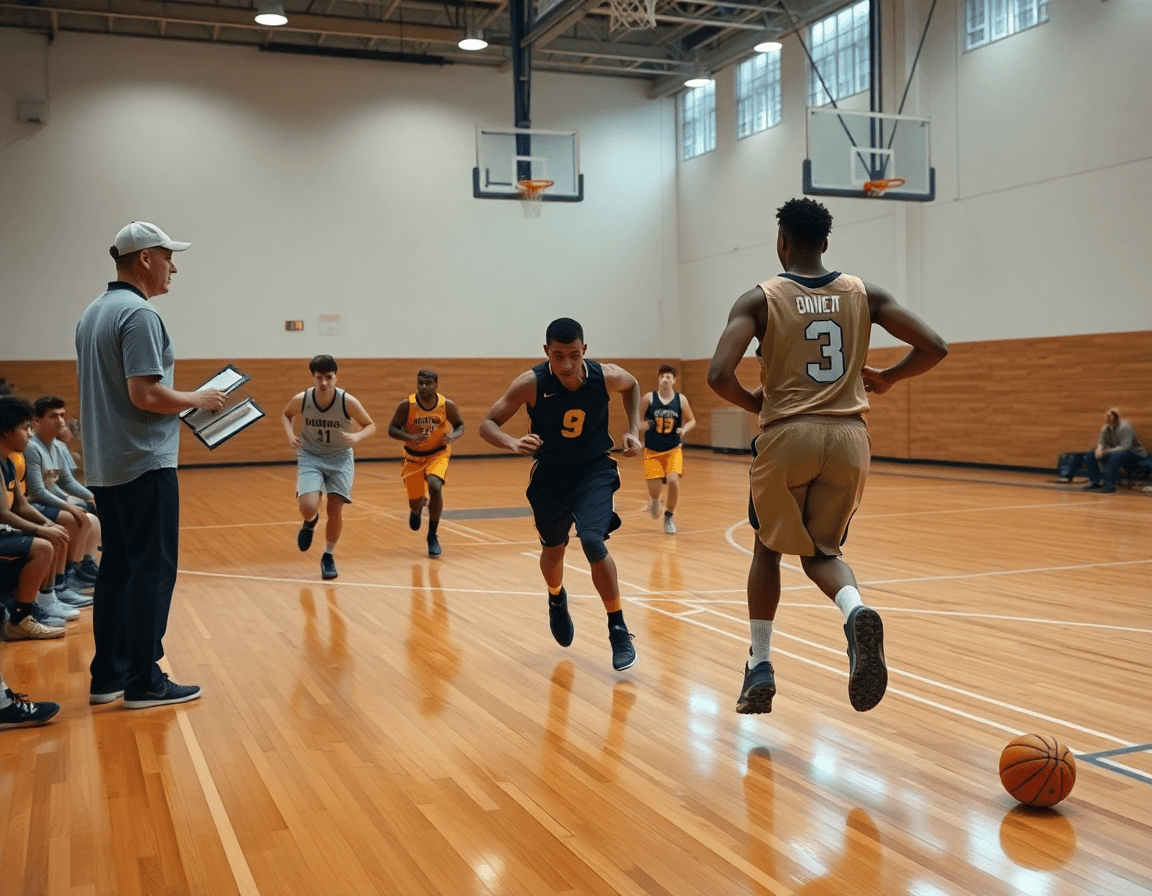
The starter naming library gives you a repeatable backbone for weekly planning. You define a core set of play names that capture common actions, tag them with exact movements, and attach them to a standard scouting note. In CourtSensei, this library lives inside your Practice Plans and on the whiteboard, so every assistant hears the same call. It keeps your week focused: plan the week, diagram the actions, and teach it to the team with clarity.
Here’s a starter set you can customize right away: a few descriptive names that cover the basics and a couple that map to counter-sets. For example, I keep a couple of staples like Ball Screen and Baseline Out, then tuck a Post Back Screen for mismatches. You’ll want to capture variations for sides and spacing, like outbound sets such as PNR-Right and PNR-Left, and 41 Motion for a 4-out, 1-in look. And yes, include Inbound Plays as a quick-hitter option.
Each name isn’t just a label: it triggers a defined action and a responsibility map. In the plan, we note who sets the screen, who handles the ball, and who reads the space. On the whiteboard, I draw the path, then drop a short video clip to confirm spacing. For the players, whether it’s a PNR-Right or a PNR-Left variation, the sequence is the same: teach, run, review, repeat.
Finally, this starter library ties directly to onboarding. You store and modify these plays in the Practice Plans and assemble shareable playlists that you can hand to assistants and players for quick reference. When a scouting note updates an action or a coach tweaks a call, the naming stays centralized, and everyone gets the update in real time.
If you build plans like this every week, CourtSensei keeps your drill library, whiteboard, and video clips in one place — try it free.
FAQ
What are basketball play names, and why do they matter in practice?
Basketball play names are labels that describe the action on the floor. They combine a category (like motion or set) with a cue (screen, ball screen, inbound) and sometimes an iteration number. This clear language matters because it lets coaches, assistants, and players refer to the same option under pressure. When names map to real actions, you get faster teaching, cleaner scouting notes, and more consistent execution in drills and games.
How do play names enhance team communication during a weekly plan?
A shared language speeds on-court decisions and keeps scouting notes tight. When every staff member and player uses the same names, drills flow, tempo stays high, and misreads drop. Translate names to diagrams and PDFs so a call on the whiteboard becomes a quick action on the floor. Consistency across whiteboard diagrams means players react faster and coaches spend less time clarifying.
What naming conventions should you use, and should you be numeric or descriptive?
Aim for a hybrid approach: quick numeric tags for signaling, paired with descriptive names for recall. For example, PNR-Right-2 sits under the Baseline Swing family, while Ball Screen at the Top signals the action even if the diagram is unclear. Keep terms consistent across plans, scouting notes, and video so the library stays clean and scalable.
What are common pitfalls to avoid when naming plays?
Avoid inconsistency and overly long or vague names. Don’t mix action tags (screen, inbound) with unrelated cues. Keep a short, clear library and regularly prune duplicates. Map each name to a real on-court action, then test it in drills with assistants to catch any mismatches before it hits game day.
When should you run or teach plays in a youth program?
Teach a small, progressive bundle first, then layer in counters. Introduce plays during skill stations, reinforce with quick on-court reps, and tie calls to simple cues players already know. Revisit names weekly to build fluency, but avoid overload—keep the pace steady so players internalize actions and can execute under pressure.
