Pick and Roll Plays for Youth Basketball
Coaches: a practical guide to teaching pick-and-roll plays for youth basketball—install cues, spacing, reads, and a workflow with templates to store drills.

Key takeaways
- Use the pick-and-roll as a foundational, scalable action for youth teams to build spacing.
- Define clear roles: ball handler, screener, and roller with simple reads and cues.
- Progress drills from shell to live reps with a time-structured plan in CourtSensei.
- Emphasize spacing and driving lanes; start with pocket passes, then add options.
- Document progress with PDFs and a searchable playbook to guide staff throughout.
Why the Pick-and-Roll Fits Youth Teams
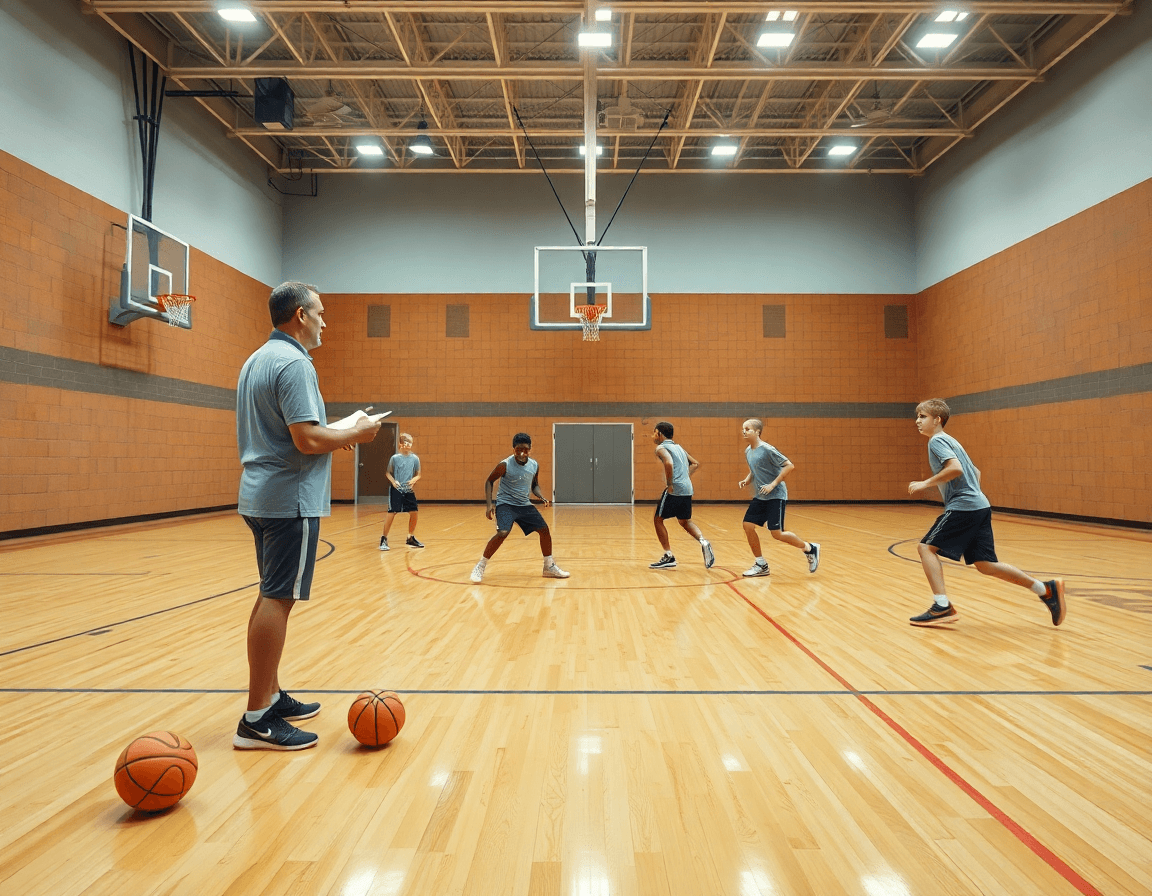
Because youth players operate in tight spaces, the pick-and-roll offers simple, scalable spacing that translates well to small-group formats. A coach can anchor a week of practice around this core action, gradually layering instruction from shell drills to live reps. With CourtSensei, you can build time-structured drill plans that lock in timing between the ball handler and screener, diagram and animate the action, and curate a searchable playbook of variations. The aim is consistent reads without overload, laying groundwork for growth as the season progresses.
Clear roles help players stay engaged in the action: the ball handler makes the decision on whether to turn the corner, pass, or kick out; the screener sets the screen and reads the defense; the roller finishes at the basket or floats to the weak side. In a youth setting, you want to practice simple decision points: when to slip, when to roll, and where to read the help defender. CourtSensei supports this with diagrams and short video clips that show sequences from catch to decision, so you can coach read the defense timing without overwhelming memory.
Keep it digestible. Start with a basic pocket pass and finish at the rim; then add options as players mature. The framework should scale: spacing widens as shooters develop, screens become more vertical, and reads evolve from simple drop-offs to pocket passes and kick-outs. By documenting progress in your coaching workspace, you can track which reads are landing for your team and export a PDF playbook for staff. This lays groundwork for more advanced plays without losing the core rhythm.
Practical workflow: A 5-day plan to install pick-and-roll
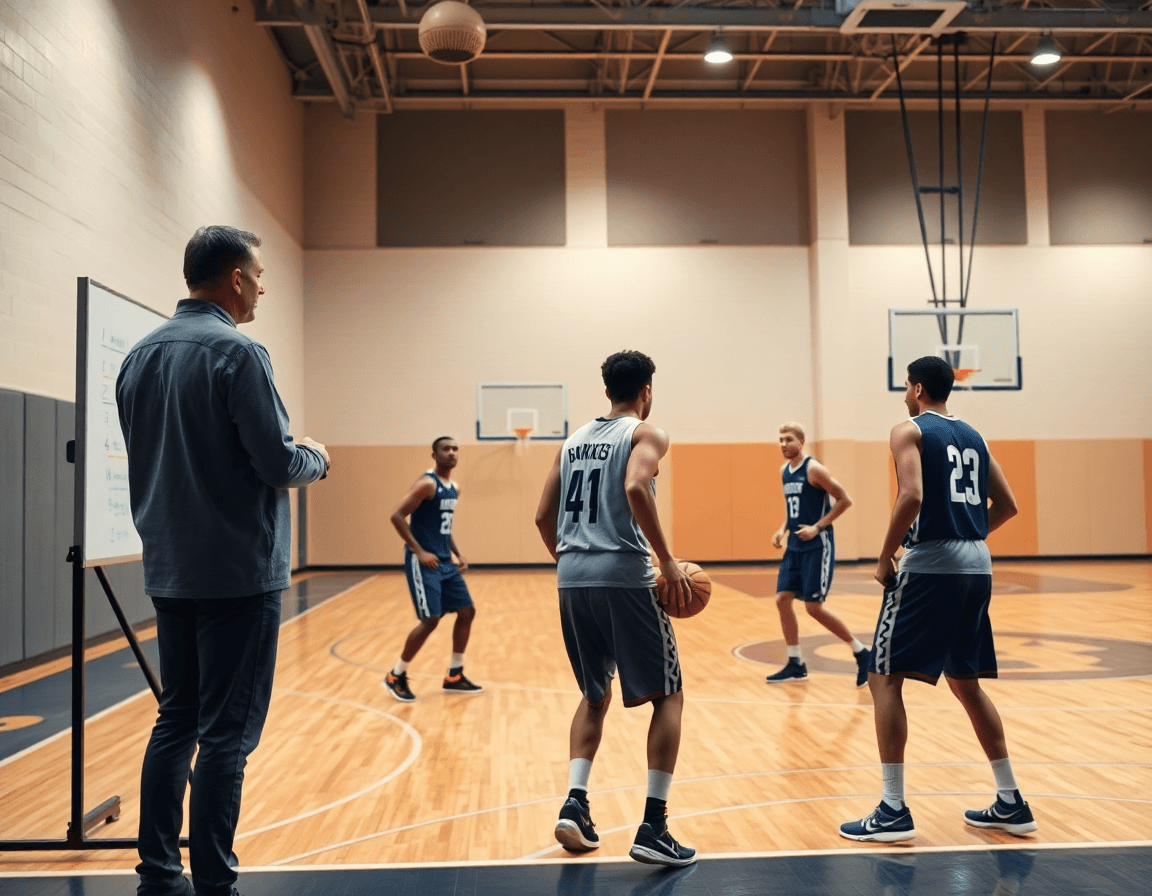
Day 1 centers on installing the action and teaching cues. This is where the 5-day plan acts as a practical workflow to install pick-and-roll with your youth team. Use a time-structured drill plan to walk through the ball-handler's reads and the screener's role. In CourtSensei, you diagram the screen angles, annotate footwork cues, and animate the actions so the alignment between the ball handler and screener is crystal clear. Start with a two-man version, then save this starter page in your playbook and attach a short video clip for staff review.
Day 2 shifts to spacing and footwork. With the action in place, emphasize proper spacing to create driving lanes and room for a pocket pass. Drill footwork: the ball handler keeps a low stance, opens to the screener, and the screener slides into the roll. Use CourtSensei to sequence drills, tag reps, and store clips for quick review. Add a second option like a hard hedge to simulate defensive pressure.
Day 3 adds reads and options after the screen (pass to screener, drive, or shot). Teach decision points: if the defender overplays, look for the pocket pass; if the helper commits, drive; if the screener pops, reset to shot. Capture these reads in short video clips and annotate with diagrams to illustrate timing. Make this set easily searchable in your playbook so staff can pull the exact action against different matchups.
Day 4 reinforces decision-making with read-defense scenarios and variations: hedges, drops, and switches. Practice how different coverages force different reads: ball handler bypassing the screener for a drive, or the screener slipping to the rim. Use scouting notes and clips stored in the coaching workspace to tailor the drills.
Day 5 is a review day. Rewatch the best reps, confirm reads that work, and adjust reads for your roster. Build a printable playbook page and export PDF for staff distribution. In CourtSensei, store the final set of P&R actions in a single, searchable page linked to the video playlists and scouting clips, so the team has a clear reference for next week.
Teaching Cues, Spacing, and Reads for Youth Players
For youth players learning the pick-and-roll, clear cues prevent confusion. Start with cueing: eyes up, hips square, stay behind the screen. The plan in CourtSensei helps you lock in these cues by laying out time-structured drill sequences, and by diagramming and animating the action so players see exactly when to check their shoulders and look for next options. A short video clip can reinforce the cueing across reps, while a ready-to-use playbook keeps the team aligned.
Spacing matters, especially with younger players still learning to read the defense. Keep spacing tight but allow driving lanes to prevent crowding, so the ball-handler can attack or pass without forcing a contested shot. In CourtSensei, you map this spacing into drill plans, attach a diagram on the tactical board, and link short video clips showing proper alignment. You can export PDF export playbooks for staff, too. The workflow also supports storing scouting notes and clips you’ll use later with staff.
Teach reads gradually: pocket passes, drives, and roll options as players improve. Start with pocket passes when the defense overplays the ball-handler, then progress to decisions off the screen and a roll to the basket if the big steps up. The defender’s angle dictates reads; you coach players to read the defense and react. CourtSensei helps you track progress by storing the progression in the coaching workspace, with a library of plays and clips you can reference during practice plan reviews and scouting notes.
Diagramming and Animating the Action: Visual Learning
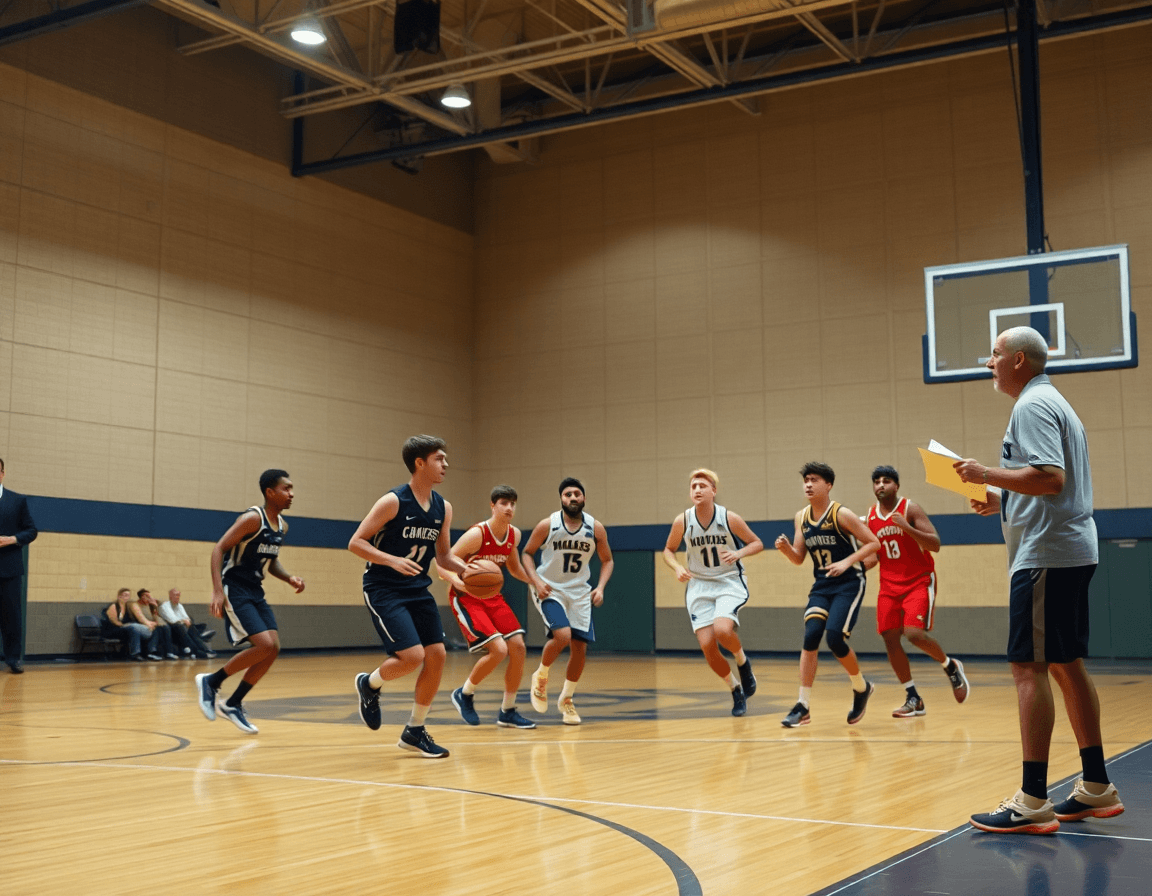
In your weekly plan, you diagram the pick-and-roll action on a whiteboard or in the playbook. Clear diagrams help players lock in footwork and reads before live reps. With CourtSensei, you can build time-structured drill plans that pace the ball handler, screener, and spacing, then annotate each phase to emphasize what to read from the defense.
Diagramming the action shows the ball handler’s path off the screen, the screener’s body angle, and the angles of the screen itself. Use precise diagram visuals to map options after the screen: dive, pop, or a pop-and-roll sequence. A strong set of play diagrams makes it easier for players to visualize where to stand, when to step, and where the pocket pass opens against a hedged or switched look.
Animation brings the sequence to life, illustrating the exact moments that separate a clean exchange from a miscue. The animation tool highlights timing between the ball handler and screener, showing when the screen ends and reads begin. It’s easy to spotlight after-screen choices—a quick read to a shooter, or a drive to the basket off a well-timed screen—so players know what to anticipate with the defense reading the action.
Export and share as you go. Export diagrams as PDFs for practice plans and staff review, then store them alongside a library of play diagrams and video playlists in the coaching workspace. Keep scouting notes and clips nearby to reinforce what works against different looks, so the next weekly session builds directly on the prior one. This visual workflow helps coaches teach the pick-and-roll with clarity, from initial diagram to on-court execution.
Video Clips to Coaching: Organizing Clips and Playlists
Uploading and cutting video clips of your players executing the pick-and-roll is where the teaching starts. Capture the reads at the read defender, the pocket pass, and the finish at the rim, then trim to the moments that illustrate decision points for the ball handler and the screener. With clear naming (e.g., “ball-handler drive—line, screener pop” or “screener set—roll to the basket”), you build a library of representative actions. The goal is a concise set of video clips that you can replay in practice to diagnose spacing and timing.
Organize these clips into playlists for different looks: ball-handler-driven drives vs. screener-roll actions, or “spacing and pocket pass” sequences. A well-structured playlist lets you show a group of players how to read the defense and where to slip the pocket pass. Use the playlists to frame practice drills and video review sessions, and keep the clips neatly tagged so you can pull up a specific look during a plan of training or a tactical board session. When you share feedback, send read-only links to assistants and staff so everyone can comment without changing the source material.
During the weekly routine, a quick clip editing pass after practice helps you capture the best teaching moments—whether it’s a ball-handler’s drive or a screener’s roll to the basket. Keep the workflow tight: upload, trim, tag, drop into the right playlist, and share a read-only link with staff for feedback. This keeps your pick-and-roll library practical for teaching, not just watching.
Building Your Playbook and Library: From Drills to Play Diagrams
Building a solid foundation starts with a library you can grow from drills to plays. Curate drills and actions into a structured library linked to specific plays. For a typical pick-and-roll, catalog drills for ball-handler control, screener footwork, and spacing, then attach a diagram or a short animation that shows where the pocket pass should come from and where to space. This approach connects the drill to the play outcome and creates a reusable reference for the staff, so you can walk through variations without reinventing the wheel each week.
Next, assemble time-structured training plans that pair drills with film examples. In planning, designate days for learning the ball-handler's read and the screener's screen, then match each session with a clip showing the defense’s response to spacing and a pocket pass option. The result is a repeatable loop: practice the sequence on the floor, review the clip, adjust positioning, and re-run. A clear connection between action and read the defense keeps players confident when the defense shifts from a switch to a drop.
Finally, export PDFs of plays for practice, scouting, and staff handouts, and store scouting notes and clips in your coaching workspace. A searchable playbook lets you pull up every pick-and-roll variation—ball-handler reads, screener options, and read-the-defense cues—without paging through laminated sheets. Attach notes and clips to each entry so assistants can review a specific sequence before a game, and keep the loop tight with a linkable, shareable workspace.
FAQ
What’s the difference between pick-and-roll and pick-and-pop for youth teams?
Both actions start from the same ball-screen setup, but the goal and read path differ. In a pick-and-roll, the ball handler uses the screen to attack or search for the roller, while the screener reads the defense. In a pick-and-pop, the screener pops outside for a shot instead of rolling. For youth, keep it simple: practice timing, spacing, and the pocket pass. Diagram and animate the basics with CourtSensei to build a small play library.
At what age should you start teaching the pick-and-roll to youth players?
Age is less important than readiness. Start teaching the pick-and-roll with younger players once they can handle basic ball handling and spacing, typically around late elementary to early middle school. Begin with a two-man version, keep spacing tight, and gradually widen as confidence grows. CourtSensei lets you plan the week with time-structured drills, diagram the reads, and attach short clips to reinforce progress.
How do you teach a basic pick-and-roll to beginners?
Teach the basics through a clear progression: first establish the two-man action, where the ball handler meets the screen and reads the hedge. Keep instructions tight: stance, screen angle, and timing of the pocket pass. Progress to simple options as players improve. Use CourtSensei to diagram the sequence, tag reps, and store short video clips for easy review.
What are common mistakes when teaching pick-and-roll to youth teams?
Common mistakes include poor spacing, telegraphed reads, and too many options before players master the basics. Youth teams struggle when the action becomes crowded or when the screen angle is wrong. Use staged progressions—shell drills, then live reps with limited reads. Track progress in the coaching workspace and archive clips; CourtSensei helps you lock in cues and keep a shareable playbook.
How should you space players when running pick-and-roll at youth level?
Spacing should create driving lanes without crowding, starting tight and widening as shooters develop. Teach players to read the defense and attack the seam, while the ball-handler looks for a safe pocket pass first. Map this into drill plans and diagrams, then export a printable playbook with variations for staff distribution. spacing and pocket pass are central concepts to reinforce.
How do you read the defense after the screen in a pick-and-roll?
Post-screen reads include overplay, hedge, drop, and switch. Teach simple decisions: if the defender overplays, look for the pocket pass; if the helper bites, drive; if the screener pops, reset to shot. Use short clips and diagrams to reinforce timing. CourtSensei stores progression and makes it easy to pull the exact action for different matchups, keeping coaching clean and scalable.