
Screen in basketball: weekly coaching workflow
Master screen in basketball with a coach-focused weekly workflow: plan screens, diagram plays, clip video, and scout opponents for better weekly prep.

Key takeaways
- Embed a screen in basketball as a weekly staple to reinforce spacing and pace in practice.
- Teach both on-ball screen and off-ball screen concepts within a clear plan to read defenders.
- Progress from screening basics to late-switch reads and defense techniques for reliable execution.
- Tie 2–3 screen actions to opponent scouting notes and tailor screen variations for defense.
- Design 3–4 core drills with live reps and situational scrimmages to reinforce decision timing.
Why screens belong in a weekly coaching plan
Treat the screen as a weekly staple. A well-timed screen in basketball creates space and open looks, a direct echo of the spacing and pace concepts we hammer in practice every week. When players know where to set up, when to slip a screen, and how to read help, the offense gains tempo and the defense loses an edge. This isn't a one-and-done play; it's a habit coaches build into the plan of attack.
Screens involve both on-ball screen and off-ball screen actions that fit into a ball-screen or pick-and-roll framework. You might draw a simple curl after an on-ball screen, or set an off-ball screen (down screen or flare) to free a shooter. When your players connect those actions in the plan, the ball handler reads the defender, and the big knows when to roll or pop.
Weekly focus helps players habitually execute clean screens, read switches, and react to defenders. In the plan, you map a progression from screening basics to reading late switches, screen defense techniques for handling switches, and finishing with a tight screen that doesn't drift. Short, controlled reps—then a quick review on the whiteboard about where the defense is leaning.
Scouting and defense adjustments drive how and when to install screen variations. A weekly scouting note highlights where opponents plant themselves to deny ball or to switch, guiding you to tailor screen variations like a down screen, flare screen, or back-screen. The workflow then feeds into the video clip and playlist to show players the exact read and action before the next practice.
Practical workflow: weekly screen-focused plan
Starting with opponent scouting notes sets the tone for your screen in basketball weekly routine. Identify how defenses prefer to guard screens and where help comes from. Those observations feed your weekly workflow, guiding which screens to emphasize and which adjustments matter most for your team’s execution.
Choose 2–3 screen actions to emphasize that week (for example, ball screen with roll, flare, and back screen). Tie the choices to what you’ve seen from the opponent’s coverage and body language in transition. This keeps your planning focused and concrete, and it gives your players a clear target for development.
Build practice plans around those actions, including progression drills and live reps. Start with fundamentals—timing, spacing, and communication—and then layer on decision points under pressure: deep curl after the screen, when to roll vs. pop, and how to read the hedge. The goal is steady improvement across all five positions, with a structured path from shell work to live situations.
Diagram each action on the whiteboard, export PDFs for team reference, and assign roles to players. A clean diagram helps players understand their responsibilities in on-ball and off-ball scenarios, from a quick screen to a full inbounds setup. Use color-coding to show ball handlers, screeners, and teammates’ rotations, so practices stay efficient.
Clip game/training footage to illustrate correct timing and decision points, then create a player playlist. Short clips highlighting the timing of the screen, the actor’s option, and the defender’s reaction serve as quick references for the film session. Pair the clips with a simple checklist for screening in weekly routine, and you’ve got a repeatable workflow coaches can trust.
On-ball vs off-ball screens: teaching progression
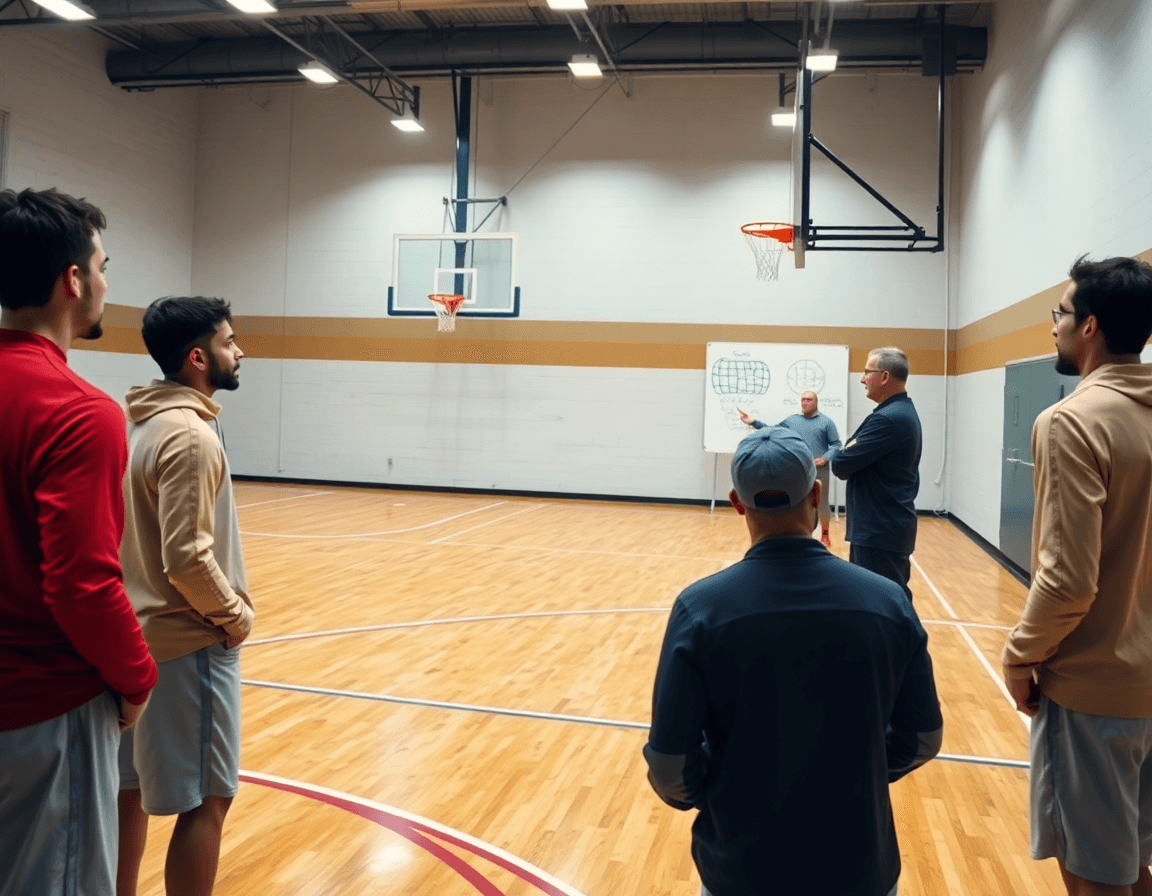
Screen in basketball comes down to two clear forms: the on-ball screen and the off-ball screen. The on-ball screen is designed to free the ball handler, while the off-ball screen creates space for teammates away from the ball. Define them early in your weekly plan so players know what to read and defend. In our workflow, we map these concepts into concrete actions on the whiteboard and into a library of plays: BLOB, SLOB, ATO, and PnR.
Teaching progression starts with stance and setup—feet shoulder-width, hips open, eyes on the defender. Then add timing with the ball handler as the screen comes; the ball handler reads the defense and uses the space created. Finally, practice after-screen options: roll, pop, or slip depending on the coverage. This is the core of screening basics, and it translates directly to how you organize the plan and whiteboard diagrams.
Cues for players are simple but crucial: keep the proper feet position, maintain spacing for the ball handler to turn the corner, protect elbows from contact, and read the defender’s hedge or angle to decide whether to turn the corner, pop, or slip.
Drills should move from static screens to reads and reactions under game speed. Start with isolated screen sets, then two-on-two where the ball handler must react to the defender’s hedge, then live five-on-five where decision-making off the screen matters. Use a short video clip to illustrate a read and drop it into a playlist for players to study. Tie each drill to a scouting note on how your opponent defends screens, so the team knows when to expect a squeeze or trap.
From plan to practice: designing drills and reps
In our weekly coaching workflow, I lock in 3–4 core drills that get to the heart of the screen in basketball. The plan covers ball screen reads and roll, down screen variations, screen-and-pop variations, flare screen timing, and backdoor screens. These drills create consistent reads for on-ball and off-ball actions, so the team knows what to do when a screen comes and where the pressure comes from next.
From there, we structure practice blocks: warm-up to sharpen footwork; a screen install phase where angles live on the whiteboard; live reps against 2–3 defenders; and a situational scrimmage to test decisions. The plan lives in CourtSensei as a clean, repeatable template you can pull into any week. We lean on the library of drills to keep the flow consistent across sessions.
Embed decision points at every rep: when to slip, when to drive, or pass off the screen. We script a ladder of decisions so players learn to threaten the defense and react under pressure. In practice, a clip from the previous game helps drive the point home before we test it in live reps. This translates directly to the way we teach the screen in basketball.
To finish, we build a progression from static sets to decision-driven sequences with defense, so a growing team can build confidence without stalling. Start with basic reads, then add defense, then pepper in pace and spacing. When it clicks, we drop a short video clip into a playlist for players to review—another piece of the scouting notes that helps with screening basics and the overall screen defense techniques.
Video workflow: cutting, annotating, and sharing screen footage
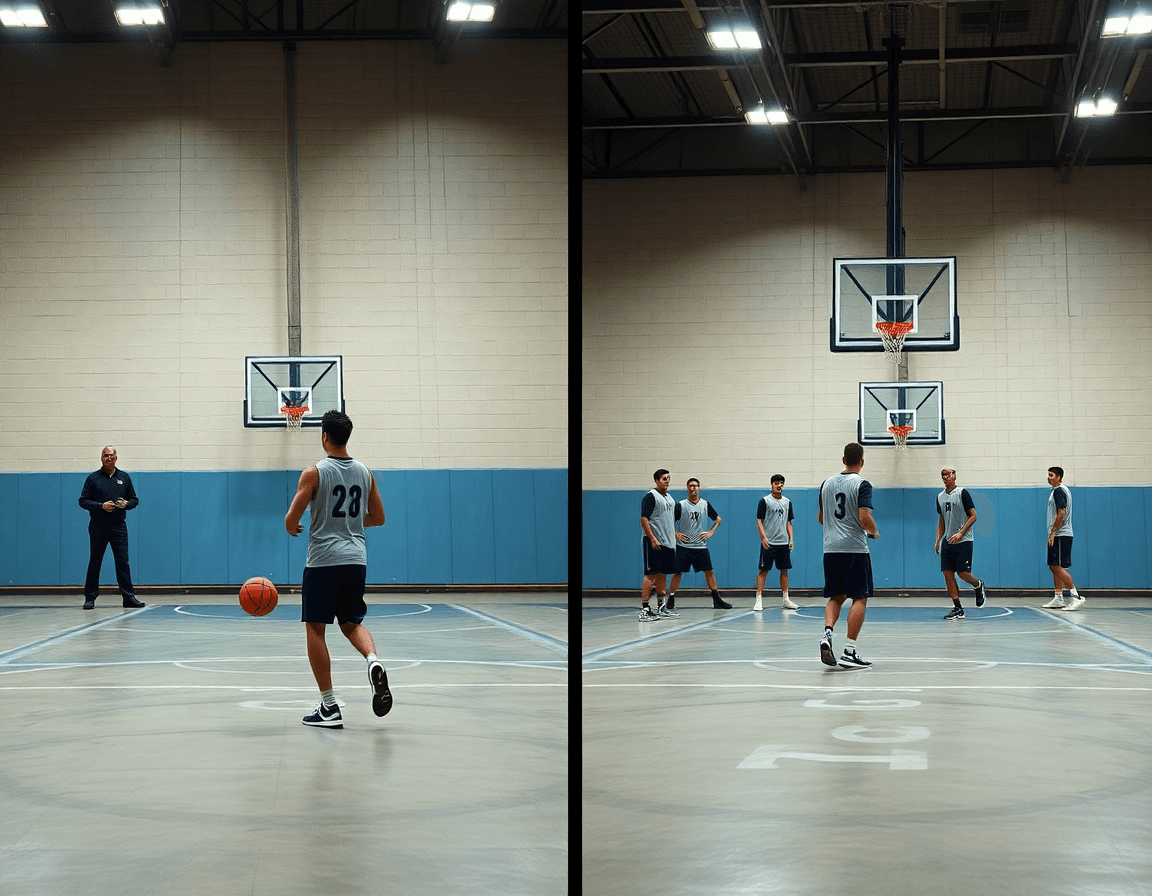
In the planning workflow, I start by cutting the most relevant screen sequences from games and practices to minimize fluff. Whether we’re looking at an on-ball screen (ball screen) or an off-ball action like a down screen or flare, the goal is to load teachable moments into the plan for the week. Those clean clips drive our weekly objectives and give the coaching staff a clear baseline for screening basics and the defense you’ll face.
Next, I annotate with action labels to make the film instantly actionable. Ball Screen – Read, Screen – Roll, Screen – Pop. I tag outcomes and reads: did the ball handler turn the corner, did the screener pop or roll, was the defender hedging or switching. This labeling—paired with a short note on the read or reaction—lets assistants walk into practice with a precise focus and a shared language for on-ball screen and screen defense techniques.
With cleaned clips in hand, I build player playlists for targeted concepts: e.g., "ball screen reads," "screening basics for bigs," or "down screen misdirection." Players get a secure link or a concise in-practice PDF that they can review in the gym or on the road. The playlists keep our attention tight on the actions we want to improve, while still offering a broad library of screen video to examine.
Finally, the video library supports the weekly objectives and longer-term growth. We assign clips to drills in the plan, reference them on the whiteboard during scouting notes, and track improvement over time. Over the weeks, searching for screen video moments becomes faster, and you can see progress in how consistently the ball screen and screen defense techniques show up in game-ready decisions.
Scouting and tailoring screens to the opponent
As a head coach, I start the week by pulling up the opponent's scouting reports to map defender habits against screens — over/under, hedging, switching. Those notes reveal opponent tendencies I need to plan around. I drop these observations into the shared scouting notes that ride with the weekly planning tool, so assistants can review before practice. On the floor, we spot a guard who fights over the screen and a big who hedges, and we mark where they switch post-screen to collapse into the paint.
With those tendencies in mind, I tailor screen action choices to exploit them and force favorable switches. In the plan, I diagram a handful of options on the tactical board for the on-ball screen and the off-ball screen, then label variants for the ball screen, down screen, and flare screen. We walk through how to attack a switching defense with a quick back-screen action, or a curl after a screen to create an open look for the shooter. The goal is a clean pick and roll against the defense techniques we see most often, and to keep the ball moving when a hedge comes.
All adjustments live in a shared scouting section of your planning tool, where you diagram opponent-specific counters and counter-counters for live games. I attach a short video clip showing the counter in action, assemble a playlist of clips to circulate to the staff, and make sure the notes reflect the current scouting reports and opponent tendencies. By linking the counter-counters to the drill and to the game plan, we’re preparing to react in real time to screen defense techniques.
Sample week outline: a ready-to-run plan
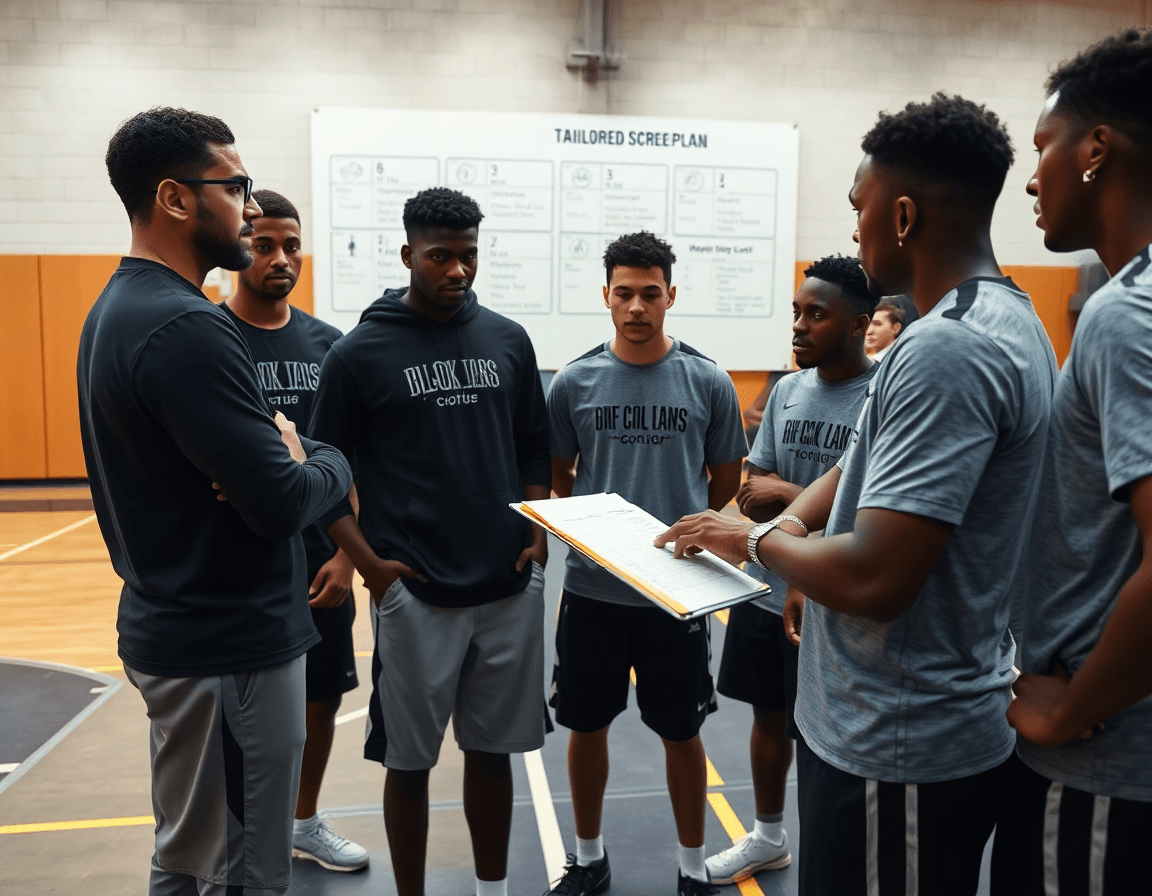
This sample week is a ready-to-run plan built around screening. It lines up with our weekly checklist and keeps the focus on the core idea of a solid screen in basketball from planning through execution. On Monday, I review scouting notes, select 2–3 screen actions (think a ball screen into a ball-handler attack, a down screen for the shooter, and a flare screen to free the corner), and assign roles. I map these on the tactical whiteboard as offense into BLOB/SLOB/ATO/PnR options, then lock in who sets, who rolls, and who spaces. This is where the planning workflow pays off.
On Tuesday, we install drills for the chosen actions, emphasizing reads and spacing. We run sequences for the on-ball screen and the off-ball screen, with emphasis on reads that keep the ball moving and spacing intact. The plan lays out the drill progression, and the board tracks the exact reads and rotations you want players to execute in game-like flow.
Wednesday is video session: clip and annotate key screen sequences; build playlists. I pull short video clips from recent games and practices, tag the actions, and assemble clips into focused playlists for each player group. Players get a short clip package to study, and I keep a running note in the scouting section to compare intent with outcome.
Thursday we practice with live reps focusing on decision points and counters. We stress the reads against different defenses and drill counters—hedge, switch, and drop—while tightening up screen defense techniques. It’s about getting players to see two steps ahead and react with purpose, not guess.
Friday brings a controlled scrimmage emphasizing screens; quick debrief and note improvements. We restart with scouting reports guiding priorities—which actions produced the best looks, which counters stalled. A rapid debrief pinpoints refinements for the weekend and next week.
Weekend (optional): PDF recap and plan adjustments for next week. The recap captures the week’s results and updates the checklist for X in weekly routine, so the bench and I start Monday with a clear starting point.
If you build plans like this every week, CourtSensei keeps your drill library, whiteboard, and video clips in one place — try it free.
FAQ
What is a screen in basketball?
A screen in basketball is a legal block by a teammate that frees the ball handler or creates space for teammates. It can be on-ball or off-ball, designed to slow the defender and open a drive, pass, or shot. The real value comes from timing, spacing, and how well players read help and hedge.
What is the difference between a screen and a pick?
Most coaches use screen and pick interchangeably, but the distinction is mostly about emphasis: the space created versus the blocking action. Either way, it sets up ball-screen action like a pick-and-roll or pick-and-pop, and the terminology matters for how you coach hedge reads and switches.
What is a legal screen?
A legal screen is stationary, with feet set, and players must stay in their lane without pushing or moving into the defender’s path. The screen cannot cause contact above the torso or displace the defender unfairly. Proper stance and timing keep screens effective while avoiding a foul.
What is an illegal screen?
An illegal screen involves moving, shifting, or initiating contact to block the defender’s path—think a moving screen, or a screen set while the defender is in the default position. Back-arching, leaning, or lifting the arms also trips fouls. Teach players to set legal screens and avoid penalties.
How do you defend against screens?
Defenders counter screens with good communication, hard hedge reads, and timely switches. Teach ball handlers to read the hedge and force the defense to choose, while wings stay active for a shot or drive. Emphasize staying connected, footwork, and fighting over or under the screen without fouling.
Why are screens important in basketball?
Screens are a weekly staple because they create spacing, pace, and decision points that inflate offensive options. When properly installed, screens turn a slow possession into a reading sequence—drives, passes, and shots. They also force defenders to communicate and hedge, shaping the tempo of your practice plan.
