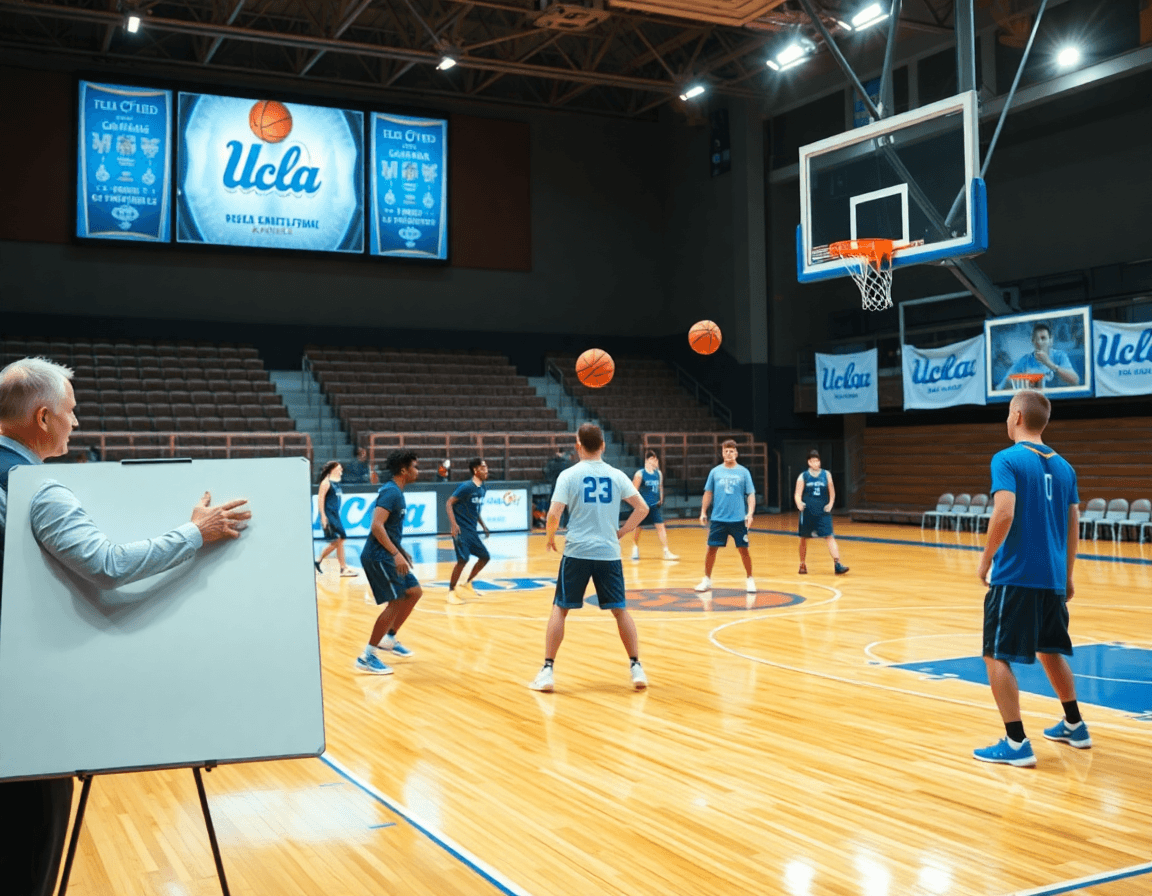
UCLA Offense Basketball: Weekly Coaching Workflow
Coaching weekly workflow for ucla offense basketball: plan practice, diagram sets, edit video clips, run scouting reports, and share player playlists.

Key takeaways
- Establish a 5–6 day weekly rhythm to install the UCLA offense concepts clearly.
- Build daily blocks: install, rep, film review, and repeatable adjustments for game-like execution.
- Design weekly cadence: install, rep, film review, adjustments; use CourtSensei tools to centralize.
- Translate sets to sessions: map UCLA cut and high post into progressions tied to the week.
- Emphasize spacing and reads: practice 12–15 feet lanes, then layer in counters against common defenses.
- Create reusable Practice Plans and playlists to keep players aligned with the weekly UCLA offense rhythm.
Weekly framework for installing the UCLA offense
In my weekly rhythm, I run a 5- to 6-day cycle to install the UCLA offense basketball concepts—the UCLA cut, the high post actions, and the spacing that keeps reads tight. I map these ideas to daily blocks so the flow feels natural: install, rep, film review, and adjustments. The backbone is a solid Practice Plan that I can share with assistants so we execute with one voice. This approach helps the team move through concepts in a deliberate, repeatable way, not a jumble of drills.
Day-by-day, the week looks like this: we begin with an install block focused on a core concept (for example, the UCLA cut and spacing, then add a backdoor or a high post option). Midweek we shift to reps emphasizing timing and reads, then a film review session to lock in decisions. We reserve a separate Adjustments day for counter-actions against scout looks. The cadence keeps the offense progressing—install, rep, film review, adjustments—so the players build a mental library around the playbook.
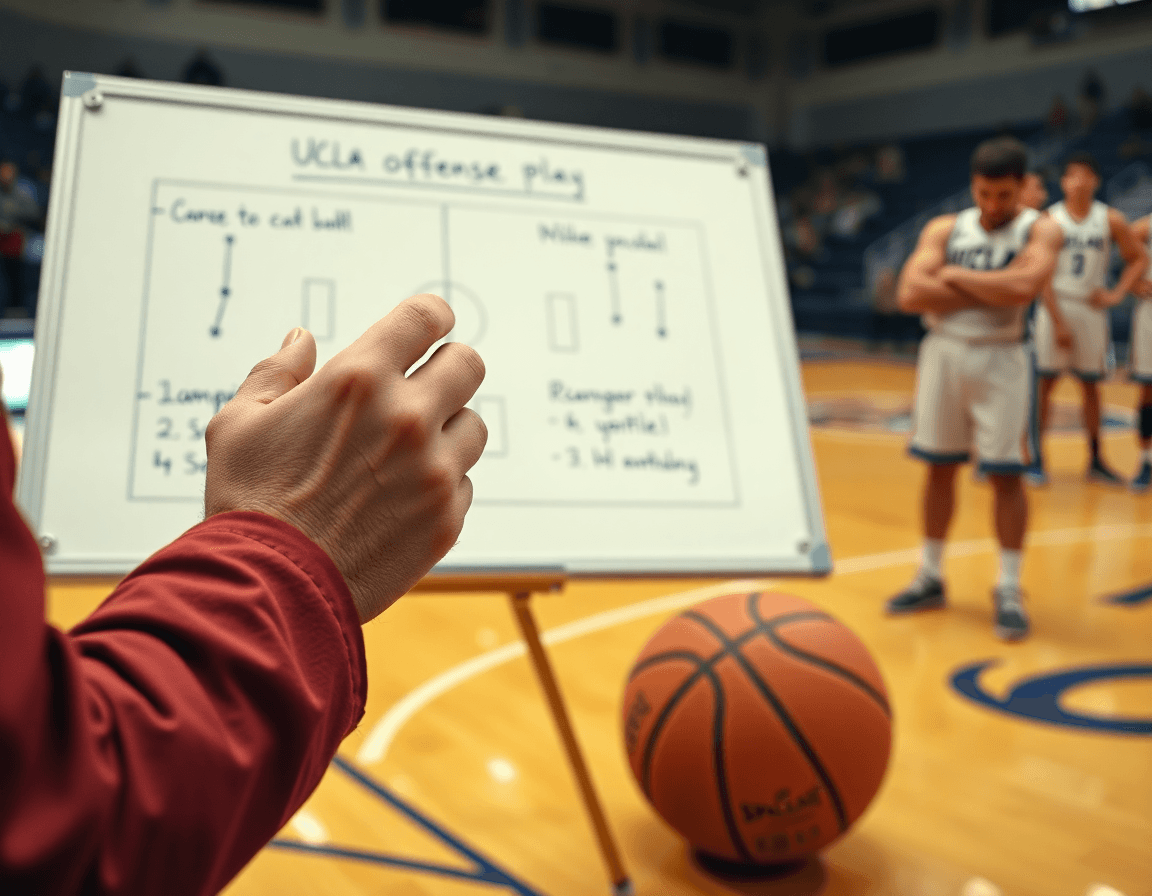
In practice, I start on the whiteboard with diagrams for each action—UCLA cut into a spacing pattern, or a high post offense knock-in—then we run a quick set of live reps to ingrain muscle memory. We pull clips after each segment, pausing on decision points and defender reactions. A short video clip, plus a couple of reads for each option (UCLA cut, backdoor cut, high post rub), go into rotation so players see the sequencing and timing in motion.
All of this sits inside CourtSensei: Practice Plans organize the week, Whiteboard diagrams map the actions, Video Clips capture the essential exchanges, and Scouting Reports prep us for the next opponent. I also craft Playlist links for players to review the key sequences on their own time. The workflow—install, rep, film review, adjustments—becomes a predictable machine that keeps the UCLA offense concepts sharp and ready for game-like execution.
From sets to practice plans: translating UCLA offense into sessions
From a coach’s chair, translating the UCLA offense into a week of sessions starts with mapping sets to drills. Break down the core actions—the UCLA cut, the high post offense, and the high-low—into progressions that fit your roster. Start with a shell: 4-on-4 or 5-on-5 with fixed reads, then layer in timing, screens, and reads. For the UCLA cut, stress the timing off the ball and the moment of contact when the guard feeds the pass; the cutter must flare to the ball or replace with a shooter ready for the next action. For the high post offense and the high-low, emphasize screen timing, ball reversals, and post-entry reads. Move from static reps to live decision-making, adding backdoor cuts or post-ups as players gain confidence. The goal is to connect each drill to the weekly plan, so Monday’s work feeds Tuesday’s sequence and culminates in Friday’s game-ready execution.
Convert 1-4 high and 2-2-1 alignments into repeatable practice sequences with clear reads. In 1-4 high, practice entry to the high post on a quick elbow pass, followed by a cut or slip depending on defense; if the bottom defender jumps to the ball, the weak-side shooter becomes a target. For 2-2-1, run a central ball reversal into two strong-side options—a skip pass or a backdoor cut off the reversal—and require a decision within 2 seconds. Build these into a loop: shell reps, live reps, then a short game-like drill. The cadence keeps reads sharp under pressure.
Create reusable Practice Plans that align with game prep and opponent scouting. Tie in a workflow with Whiteboard diagrams, short Video Clips to illustrate actions, and Playlists of clips for player review. In practice, you pull up the UCLA cut and high post rub early in the week, then finish with a clip package showing the reads for 1-4 high and 2-2-1. The routine makes the week teachable and consistently playable.
Drill design: spacing, reads, and counters
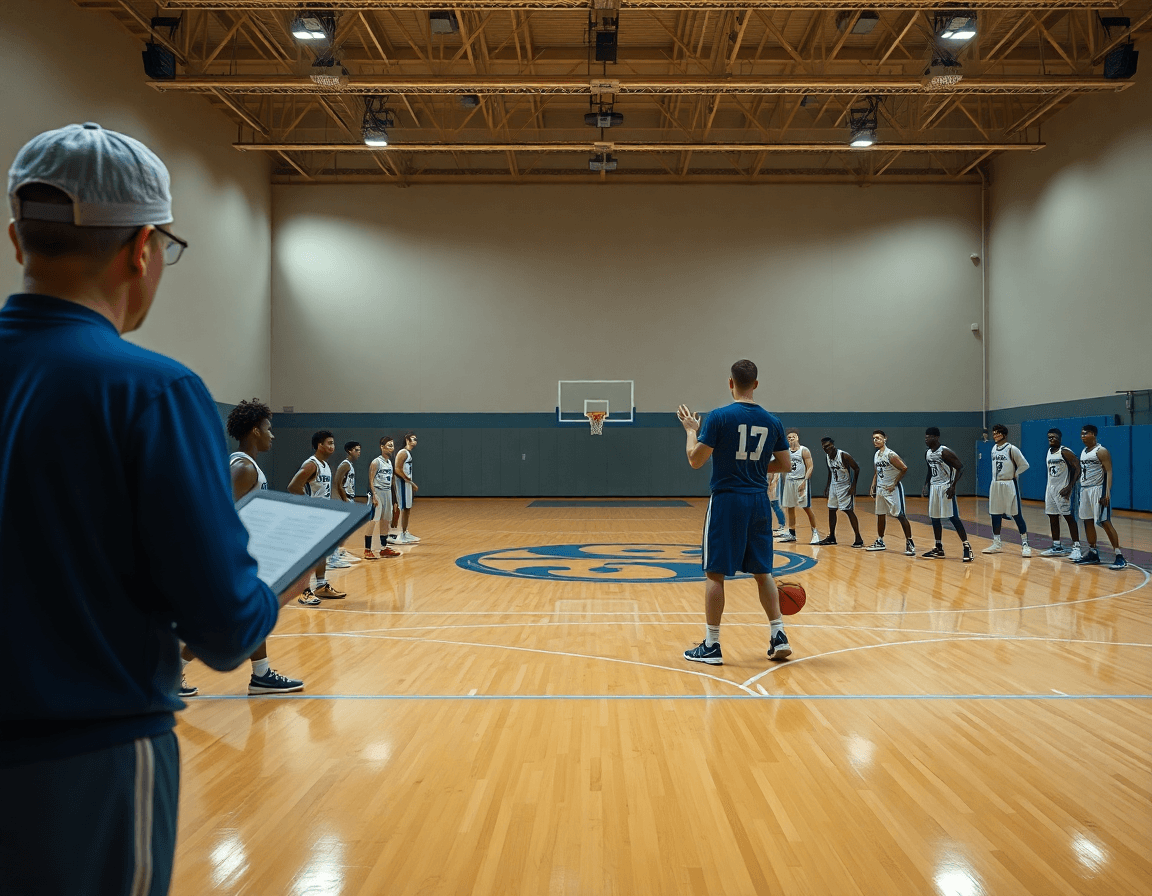
As a coach implementing the UCLA offense, I start with spacing. In the weekly plan I set the floor at 12–15 feet to maximize cutting lanes and force quick reads off reversals. On the whiteboard I diagram 1-4 high into a high post rub to free the wing. We layer the drill: spacing, then the UCLA action into a cut or backdoor option. The aim is clean lanes and patient aggression, not static movement. When players feel the rhythm, they begin to anticipate options before the pass arrives.
Next, I add reads and counters against the most common defenses. We simulate denials, switches, and trails, and I coach players to read the defender’s position and reaction off the ball. The drill emphasizes decision points: after the initial reversal, can the cutter read the floor and pop to a quick shot, or does he slip into a backdoor cut? We practice options off a short pass to the wing and a steady tempo that keeps the defense off balance, feeding the ball into a precise UCLA cut when the lane opens.
Designing progressive drills ties directly to the weekly workflow. Phase one focuses on spacing and timing with solid shooting balance; phase two adds reads against look(s) like 2-2-1 or 1-4 high; phase three integrates down screens and a high post rub into live reps. Throughout, I reference the plan in Practice Plans, sketch the sequence on the Whiteboard, drop a short video clip for the players, and attach scouting notes about opponent switches into a playlist they can review before the next session. This is how you operationalize spacing, reads and counters, and the core UCLA concepts into a clear weekly cycle.
Diagramming the action: whiteboard workflows
In my weekly workflow, the whiteboard is the heartbeat for diagramming the UCLA offense concepts. I map out BLOB/SLOB/ATO/PnR sequences and fill in roles for each action: who sets the screen, who cuts, who crashes middle, who slides to the corner. It’s where the high post offense gets legs, whether we’re attacking with a 1-4 high look or a 2-2-1 alignment, and how a backdoor or UCLA cut threads into the flow. The goal is to visualize the path from the initial inbounds to the finish, so the bench—assistants and players alike—can speak the same language as we rep each sequence.
Once a diagram crystallizes, I export it as a PDF and drop it into the staff packets. The pdf export becomes a dependable reference that I attach to the corresponding practice blocks, so the plan and the diagram live together. In a single file you’ll find the PnR options, the SLOB action, and a clear page for a post up variation or down screens—all ready for quick printing or quick reference on a tablet mid-session.
To keep everyone on the same page, I link the diagrams directly to our practice plans. That way, during warmups or station work, assistants can pull up the exact whiteboard diagram tied to the block we’re running. The result is a set of shareable whiteboard diagrams connected to the practice plan—easy for players to reference as they rotate in and out. It’s a simple, repeatable workflow: diagram UCLA offense, export, and reference at the block level for quick feedback.
Video workflow: clip, label, and share
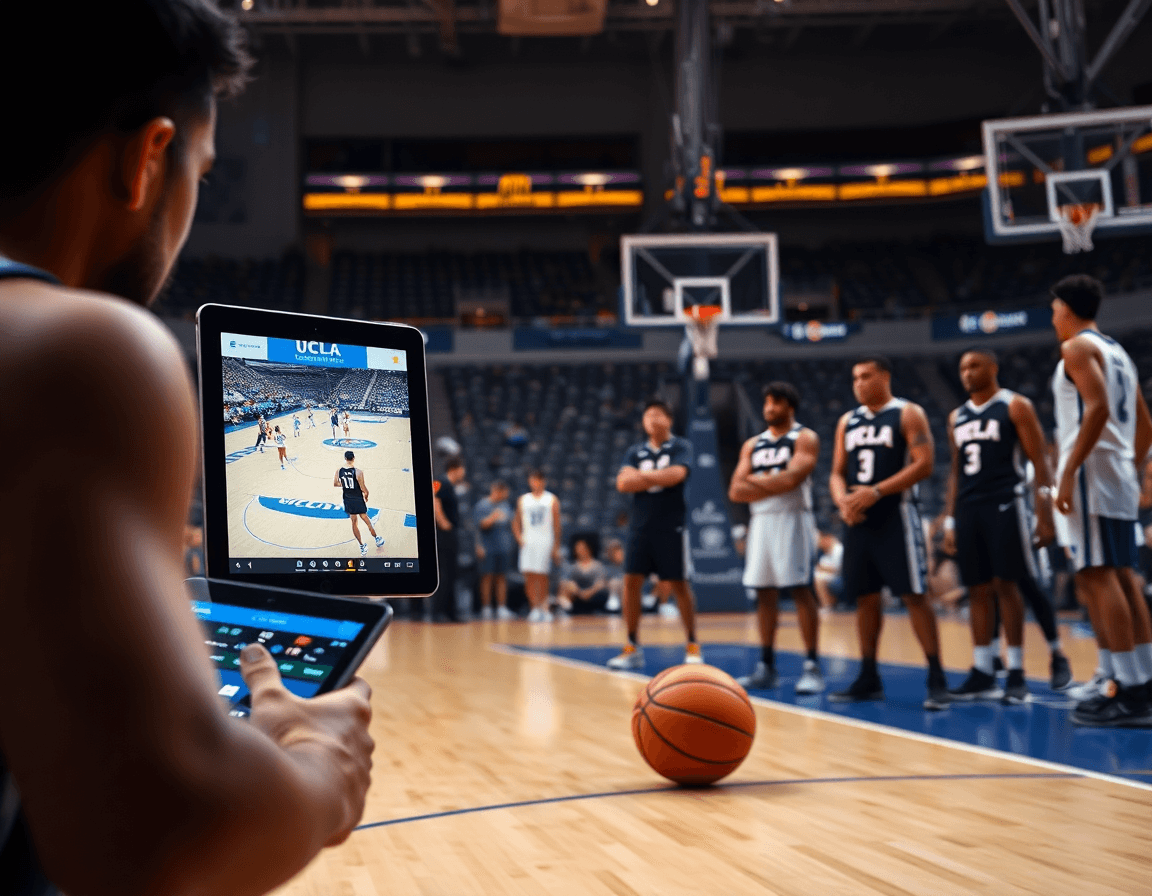
Week in, week out, I run a tight video workflow to operationalize the UCLA offense. I clip game and practice footage that shows action sequences and reads, then save them as video clips. These clips live in the clip library and are tagged for quick retrieval during review or post-practice corrections. For example, a sequence where a ball handler reads the defense on a UCLA cut or a backdoor read is saved with clear labels. It keeps our weekly review efficient and focused on what to teach next.
Next, I label clips by action type and build playlists around weekly themes: high post offense sequences, down screens, post ups, and reads from 1-4 high or 2-2-1 looks. I tag clips with terms like UCLA cut or backdoor read and group them into thematic collections. This makes it easy to pull the right wall of clips for a drill period or a scout session and show players the exact reads in spacing.
Finally, I share the clips with the team using shareable links. I create player-facing playlists—short reels that reinforce reads and spacing—and coach clips that illustrate decision points from a defensive look. Players can review clips on their own, while the staff references the full library in meetings. The result is a connected flow: clip a situation, label it for context, and send a link that any coach or player can open quickly.
Scouting and opponent prep around UCLA offense
Scouting around UCLA offense starts with collecting scouting reports on how opponents defend UCLA sets and where counters are available. In this weekly cycle, I pull clip notes, mark how teams load to deny on action, and track what happens when the high post rub or the UCLA cut sequence gets momentum. I tag reads and counters to watch: where the defense overplays a ball-screen, how help rotations creep toward the nail, and where backdoor opportunities might open. This informs the opponent prep for film sessions and for planning on the court.
Annotate tendencies (denials, backdoor cut opportunities) to inform weekly game plans. The notes highlight how defenses deny ball-entry, how they shade to the top of the key, and where rotations stay late enough for a backdoor cut to present itself. I also record reads and counters to anticipate how to counter, such as when a denial triggers a quick slip to the paint or when a post entry draws a double. For UCLA offense reads, I’m watching how defenders react to the 1-4 high and to the 2-2-1 alignment at key triggers, and I mark any tendencies that create a clean pocket for a backdoor cut or a high post read.
Use the scouting output to tailor practice emphasis and play variations for the upcoming opponent. From the scouting output, I design a weekly plan that emphasizes the high post offense reads against specific help rotations, and drills the timing on the UCLA cut against denial pressure. If an opponent overplays the post, we rehearse counter options and annotate the best reads to exploit. I build a short video playlist of clips showing post up angles, down screens, and backdoor finishes, so players can study and apply the reads and counters in the plan.
If you build plans like this every week, CourtSensei keeps your drill library, whiteboard, and video clips in one place — try it free.
FAQ
What is the UCLA offense in basketball, and what are its core components?
An efficient, spacing-driven framework, the UCLA offense centers on quick reads off a core action: the UCLA cut. It blends a high post option, sharp off-ball movements, and patient ball reversals to open late-shot opportunities. In practice, coaches install in blocks, emphasize timing, review film, and adjust for opponent scouting. The result is a repeatable sequence players can execute with confidence.
Who developed the UCLA offense, and where did it come from?
Historically, the UCLA offense grew out of John Wooden's program at UCLA, refined by players and assistants through the 60s and 70s. It emphasized spacing, ball movement, and smart cuts. While many modern variations exist, its core ideas: read-based options and efficient spacing, trace to Wooden's era and remain a coaching reference for breakout offenses.
How does the UCLA cut work, and why is spacing essential?
The UCLA cut is the backbone action that generates passing windows and backdoor opportunities. Timing off the ball matters, as the cutter must flare to the ball or replace with a shooter ready for the next action. Adequate spacing (roughly 12–15 feet) keeps lanes clear and forces decisive reads from the defense.
What is the High Post Offense in UCLA, and how does the High Post Rub fit in?
The High Post Offense uses the area around the free-throw line as a decision hub, improving ball reversal and kick-out options. The High Post Rub is a complementary action where teammates rub through the high post to free wing players for shots or reads. Implement via entry passes, quick elbow passes, and clear reads, then layer in screens and backdoor options.
What does 1-4 high mean in UCLA offense, and how should I practice it?
In the 1-4 high look, one post sits high while guards space the floor. The quick elbow pass to the high post triggers a cut, slip, or weak-side shot depending on defense. Practice in shells first, then add live reads and tight decision windows to keep reads sharp within the UCLA offense framework.
How can the UCLA offense be taught to a team with smaller players, and how does spacing help?
For smaller teams, emphasize spacing to create lane opportunities and decisive reads. Use ball reversals, screening, and quick reads to generate favorable matchups. Teach the UCLA cut early and build from there, then layer in the High Post options and backdoor reads. The core UCLA offense principles—spacing and reads—keep the game plan scalable for any roster.
