What is a flex screen in basketball? Weekly coach plan
What is a flex screen in basketball? A coach-focused explainer with a practical weekly plan to train the flex cut, screens, and counters using drills, video, and scouting.

Key takeaways
- Define the flex screen as the spine of the flex offense; emphasize spacing, timing, and cutter movement in drills.
- Treat it as pattern-driven, not read-based; script sequence—screen, set, cut, pass—and drill the reads.
- In weekly plans, diagram actions, clip timing, and review decision points with the team.
- Use the flex sequence to create interchangeable positions; rotate wing, post, and weak side for looks.
- Build scouting notes on defender rotations and baseline options; tailor drills to emphasize the baseline cut.
What is a flex screen in basketball? Core definition and actions
At its core, a flex screen is a staple action within the flex offense. In this pattern, the weak-side post or guard sets a baseline screen for the cutter who moves to the opposite side, while the ball is swung to the wing; the screen is designed to open space for the cutter to cross the lane and either receive a pass or create a mismatch. The trigger for the next option is the flex cut, where the cutter darts across the lane into the target area. Baseline screens are often used on the weak side to free up a shooter waiting in the corner. Together, these elements form a continuous sequence that keeps the defense off balance and gives you multiple looks within one possession.
Typical outcomes from that pattern are predictable: most teams aim for layups at the rim when the cutter finishes the flex cut with a finish near the basket, or they hinge into open perimeter shots when the defense overplays the ball and the weak-side shooter has space. The pattern rewards timing and spacing more than improvisation; if the defense shifts early, the cutter might slip to a finish; if they sag, the shooter pops.
Just remember, it’s pattern-driven, not a read-based call. We script the sequence—screen, set, cut, pass—so players understand the spacing and the reads the defense will attempt to force. In a weekly plan, we diagram the flex actions on the whiteboard, clip the film to highlight the timing, and review the decision points with the team. That approach makes the flex screen a repeatable option within a continuity offense, one that scales from high school through small college levels.
How the flex screen fits into the flex offense
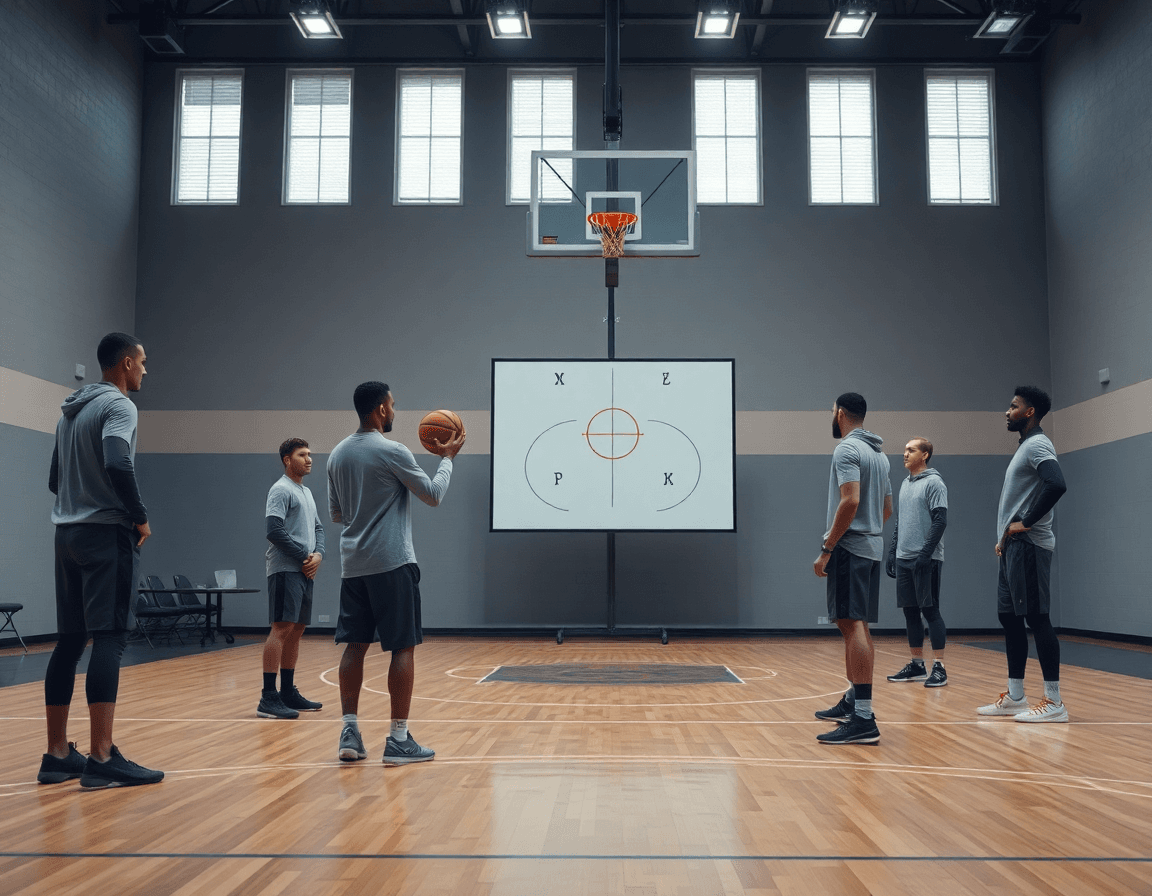
Think of the flex screen as the spine of a flex offense. In its most common continuity, a guard initiates from the wing, the big sets a strong flex screen, and the cutter slides into a flex cut. As the ball moves, players swap spots from wing to post to weak side, creating interchangeable positions that keep the defense guessing. The pattern repeats with small tweaks, so your weekly plan can scale from warmups to a fuller set with reads and reversal passes. The beauty is in simplicity—a few screens, a lot of movement, and the spacing you want.
Each repetition highlights different actions and builds spacing. A well-timed down screen frees the shooter, while the big pops into space for a flare or a reversal pass. The crew then runs a sharp flex cut on the weak side, pulling help away and establishing the baseline for a drive or a kick. Repeats tighten timing and force defenders to communicate, which is how a steady rhythm creates reliable options for the ball handler and the post.
Screening is where the read becomes real, creating mismatches and high-percentage looks. When the screen settles, a defense can overhelp, switch, or fight through; and each choice opens a different window for a layup, a pull-up, or a corner shot. In your weekly cycle, pair drills with film: diagram the action on the whiteboard, clip a sequence that shows a successful read, then share a playlist with players for review. Build a scouting note on the opponent’s rotations to know when to emphasize the baseline cut or a back screen on the weak side.
Key actions that accompany the flex screen
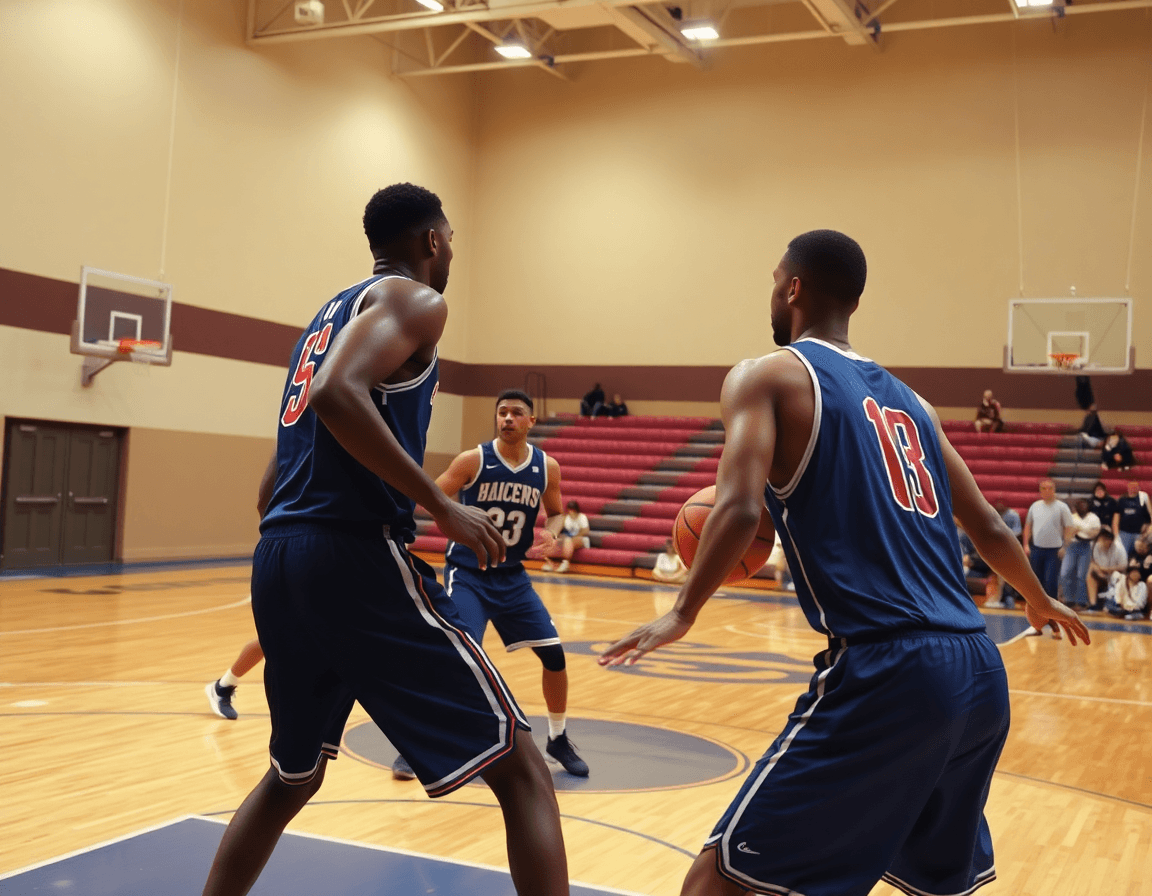
The flex screen is more than a single move—it's a family of actions you map into the weekly plan. First, identify related actions: down screen, back screen, and the pick-the-picker variants. In a standard flex sequence, the screener frees the cutter with the initial screen, then options open up: a post look, a drive, or a quick pop for a shot. You sketch these paths in your Practice Plans and mirror them on the Whiteboard so assistants can cue players during drills.
Now comes how the players read reaction routes to scoring options. The cutter and screener read the defense together, adjusting on the fly. If the defense hedges hard, the cutter can flash into a quick post move or finish at the rim. If help comes weak-side, the drive opens up, or a kick-out to a shooter becomes available. The timing of the screen and the cutter’s entry angle decide which option shows up first, shaping a small cluster of reads that you can rehearse in cycles.
Three common options come out of these reads: post moves after a flex seal, drives off the screen, or kick-out shots from the perimeter. A solid post move might see the screener seal, space clears, and the big finish through contact. A drive leverages the screen’s momentum to attack the lane, drawing in help. If the defense overplays, the kick-out to a shooter for a clean look becomes the best option. In a week of practice, you’ll categorize these outcomes on the board and reinforce them with short clips for quick review.
In your weekly cycle, you tag the flex sequence in drills, diagram the routes on the board, clip the reactions for quick review, and build a playlist players can study on their own. This is how you convert a setup into actionable reads—continuity offense that keeps weak-side movements sharp and options flowing.
Practical weekly workflow: planning the flex screen in your training week
What is a flex screen in basketball? It’s a moving screen that frees a cutter off the baseline or weak side, opening a clean angle into a continuity sequence or quick-hitting action. With that concept in mind, your weekly workflow becomes a tight loop: plan, diagram, film, scout, and share. A unified coaching platform helps you stitch these steps together—Practice Plans, Whiteboard diagrams, Video Clips, Scouting Reports, and Playlists—to make the flex screen a repeatable part of your cycle.
Step 1: review opponent tendencies and scouting notes. Start by pulling together what you know about their bigs’ angles, switch-ups, and any baseline traps that compress the weak side. This sets the guardrails for the drills you’ll design.
Step 2: design 2-3 drills focusing on the flex cut and setting screens. Build reps that emphasize timing, footwork, and communication between the screener and the cutter. Use progressions like from a static screen into a live read, then into a reverse pass and knock-down shot.
Step 3: diagram plays on the whiteboard and assign progressions. Map out BLOB/SLOB/ATO looks, specify where the flex screen must come, and attach a simple progression path for your assistants to follow. Export the diagrams to PDF and share for quick reference during practice.
Step 4: film practice and create player-specific clips. Capture the entries, the screen setup, and the cutter’s finish, then cut clips that highlight clean reads and missed angles for individual players.
Step 5: build and distribute clip playlists to players for review. Package the clips into short, player-focused playlists and push them out so each shooter and cutter can study the reads and timing in the days before the next session.
Diagramming and teaching: whiteboard diagrams for the flex screen
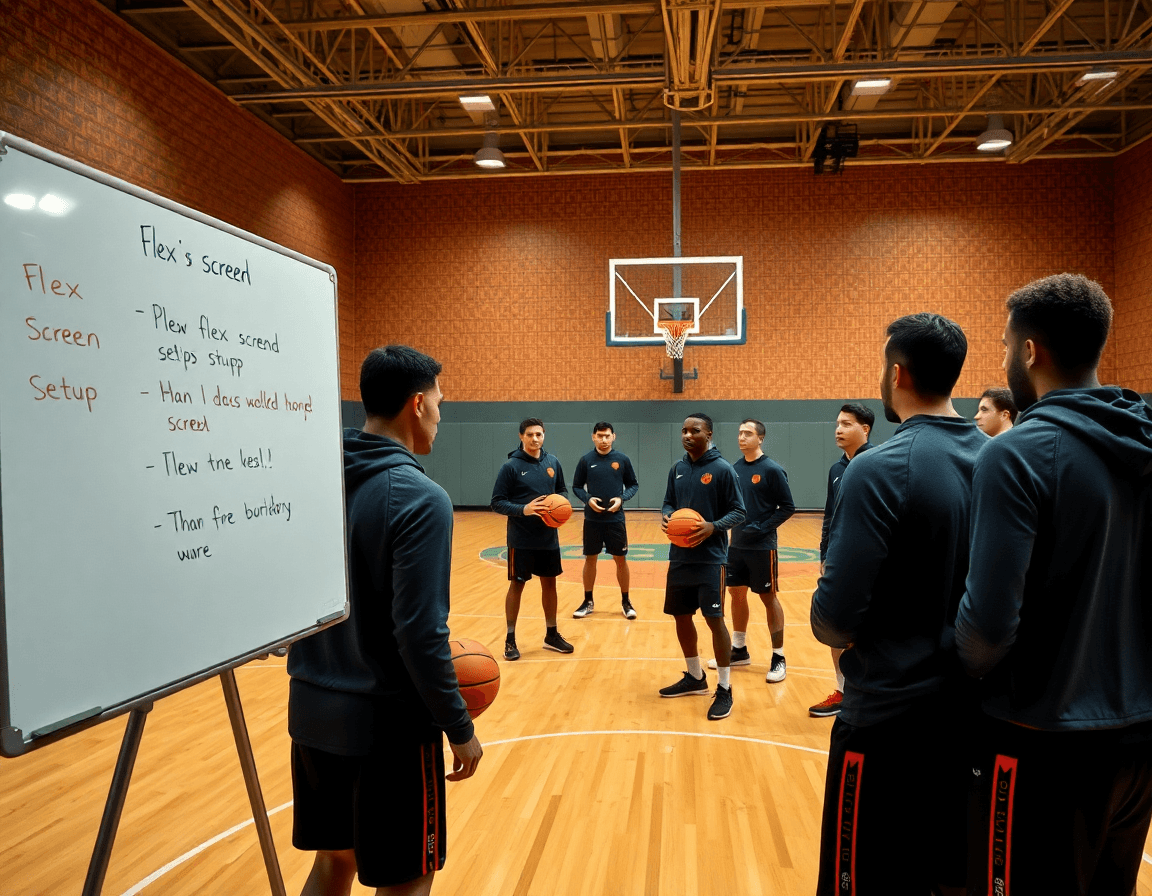
Diagramming the flex action on the whiteboard helps players visualize tempo and spacing before we run it in practice. With clear whiteboard diagrams, I map the sequence from the initial entry to the read, using BLOB/SLOB/ATO/PnR entries to show how the action can start from different spots. This weekly workflow starts with a quick schematic walk-through: what each screen looks like, where the ball goes, and how movement creates the next option. The goal is to turn a vague concept into a repeatable pattern our players can execute under pressure.
Labeling cuts, screens, and ball movement is the core of a quick teaching session. On the board, I mark the flex screen and the subsequent cuts with simple arrows and initials: the baseline cut, the flex cut, the down screen, and the weak-side back screen. I challenge the group to name the options as the action unfolds: “ball reversal,” “screen-and-roll read,” or “skip pass to the weak side.” This is where the terms click: a well-timed baseline cut off a down screen, a decisive flex screen that frees the shooter, and the quick ball movement that keeps the defense guessing. Our diagrams also label entry points for BLOB/SLOB plays to show how the flex action can slide into a late-game out-of-bounds setup.
Finally, rotating players through positions reinforces pattern understanding. In the drill, the guard at the top, the screener, and the cutter cycle through the roles, so the same reads look familiar from every angle. Keeping the action within a cohesive framework—part of our continuity offense mindset—helps players recognize patterns on the fly, especially on the weak side and during a quick transition. The result: a more confident, film-ready execution that translates from the whiteboard to the floor.
Video clips and player feedback: using film to teach the flex screen
Capturing video clips from practice and games that show a successful flex screen is where teaching starts. In the flex offense, I hunt sequences like a flex cut into a down screen or a back screen on the weak side, with the ball handler reading the defense and the screener signaling the angle. With the cam rolling, you grab the moment of contact, the on-ball exchange, and the spacing as the ball moves. Label clips by action to keep the library searchable.
Create concise clips and assign them to players via playlists. I trim to 6-10 seconds, focusing on the read and timing. Then I drop clips into player playlists and generate shareable links so players can study on their own. A junior squad example: a 'Flex Screen Progression' playlist with clips marked 'weak side' or 'continuity series' and a short note on what to watch.
Use feedback loops to adjust timing and reads in subsequent practices. After a film session, we discuss what we saw and annotate the whiteboard with tweaks: where the screen should be set, where the cutter reads, and what read the ball-handler should take on the weak side. We run short drill stations focusing on flex screen timing, pops, and back-screen options. Clips stay handy for revisits.
Finally, tie clips into your weekly plan: pull a clip to illustrate a drill, diagram the action on the whiteboard, and run the play live with the matching playlists. The mix of video clips and shareable links helps you practice the flex offense with consistency, especially for baseline cuts and weak-side reads. Repetition against different looks strengthens recognition and makes the flex screen a trusted option in your continuity offense.
If you build plans like this every week, CourtSensei keeps your drill library, whiteboard, and video clips in one place — try it free.
FAQ
What is a flex screen in basketball?
At its core, a flex screen is a baseline or weak-side screen that frees a cutter in the flex offense. The post sets a solid screen as the cutter moves to the opposite wing and the ball is swung to the wing. The aim is to open a lane for the cutter to cross the lane and either receive a pass or create a mismatch. Typical outcomes: a layup or an open perimeter shot; timing and spacing matter.
What is the flex offense in basketball?
The flex offense is a continuity system built on constant screening, movement, and spacing. Screens like the flex screen and a quick flex cut drive a repeating sequence that keeps defenders guessing. It emphasizes timing and disciplined reads over improvisation, so players know where to stack, who to screen, and when to reverse the ball. The goal is high-percentage looks through steady rotations and ball movement.
How does a flex cut work in the flex offense?
After the initial screen, the cutter sprints across the lane for a flex cut into the target area. The cut uses the screener’s space to pull help away, creating options: a post look, a drive, or a kick-out to the weak-side shooter. The read is timing-driven—defenders reacting to the screen decide which option opens first. In practice, coaches diagram sequences and rehearse them so reads become automatic.
What is a down screen in basketball?
A down screen is when a big on the weak side sets a screen toward the basket for a guard or shooter coming off the ball. The aim is to free the cutter for a catch-and-shoot or a drive. In flex-related sets, the down screen often leads to a shooter pop or a secondary drive. It requires precise timing and clear communication to avoid clutter.
What is a back screen in basketball?
A back screen (or back-screen) sets the screener behind the defender, freeing a weak-side cutter or shooter. The goal is to create space against overplay and to open a post or three-point look. This action is a staple in flex-based sequences and demands timing and coordination to avoid collisions.
How do you defend the flex offense?
Defending the flex offense starts with denying the initial screen and staying connected on ball and cutters. Pressure the ball handler, force the action to the weak side, and communicate switches to cover the flex cut. Stay balanced to prevent early drives, and have help ready for the post. Adjust with guards’ footwork and timely rotations to disrupt the rhythm.
