
Basketball Dry Erase Board Target: Playbook
Learn how coaches leverage a basketball dry erase board target to plan weekly plays, coordinate timeouts, and link diagrams with video and scouting.

Key takeaways
- Use a dry-erase board to visualize full-court and half-court actions weekly with clarity.
- Two-sided boards let you preview alternate setups during timeouts without erasing and keeps flow moving.
- Durable surfaces and carry handles make weekly planning portable and reusable everywhere.
- Digital integration links diagrams to video, scouting notes, and a PDF export for staff review.
- Archive weekly playbooks for easy sharing; leverage a digital library and PDFs to keep everyone aligned.
Why a basketball dry erase board matters for weekly planning
During weekly planning, a basketball dry erase board target helps you visualize both full-court and half-court actions, turning messy ideas into actionable sequences. On the sideline or in the locker room, you can sketch initial sets, label positions, and adjust on the fly as you read the floor. The physical act of drawing keeps players focused and gives you a clear reference point when you transition to drills.
Two-sided boards let you switch between sets without clutter, which is essential when you’re navigating different looks during timeouts or practice. A double-sided option keeps offensive diagrams separate from defensive diagrams, then you can flip to show the next concept without erasing everything. Add color-coded routes and light labels to speed comprehension under pressure.
Durable surfaces and easy erasing support frequent use in practices and games, so last week’s ideas don’t linger. A board with a carry handle travels from gym to locker room to sideline, keeping your weekly plan accessible wherever you coach. Branding options like logos and team colors also help you present a professional look during timeouts.
After the timeout, you can sync notes with CourtSensei to link drills, video clips, and scouting notes into one digital library, then export a PDF playbook for staff review. Using the board as a live communication hub and then archiving it digitally saves time and ensures the plan stays accessible throughout the week.
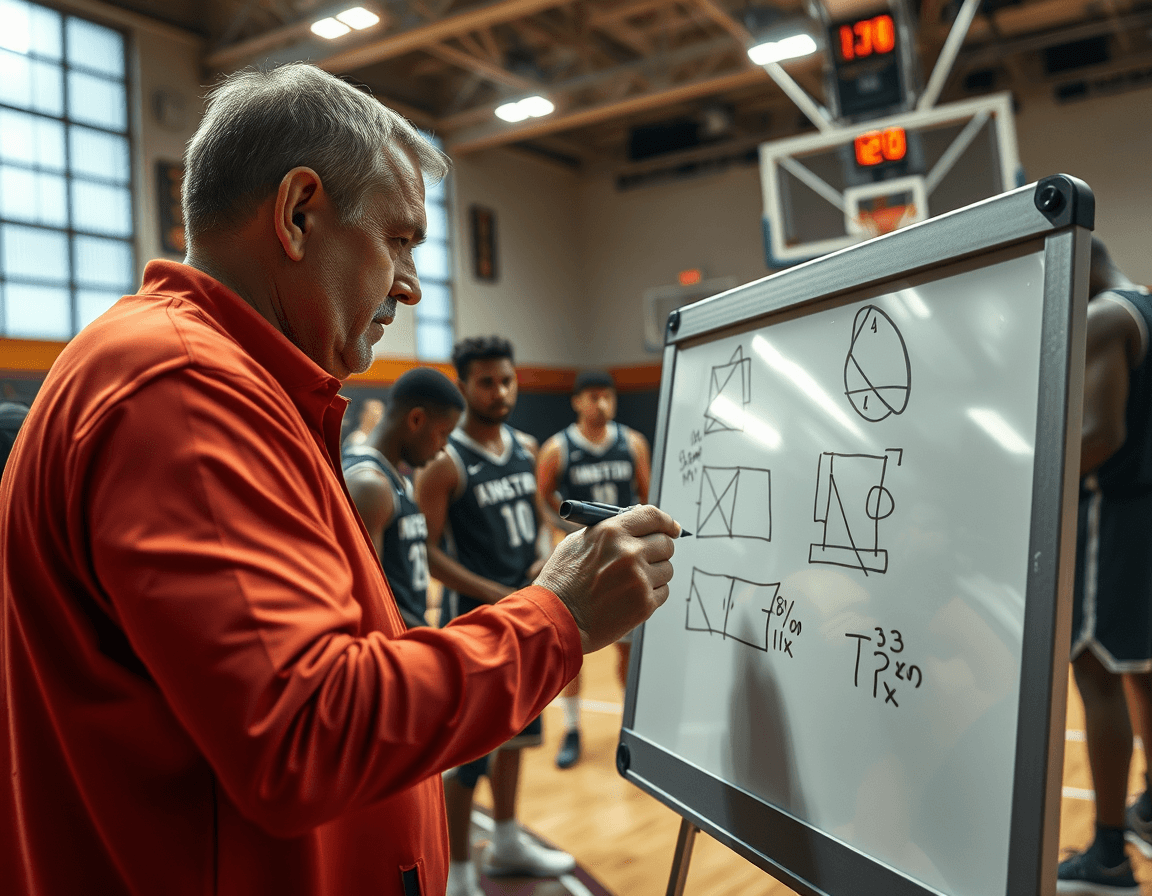
Practical workflow step: plan, mark, execute during timeouts
Start the week in your coaching workspace, mapping drills to specific plays. Create or import play diagrams and place them on the basketball dry erase board target in anticipation of timeouts. The goal is a clean visual plan you can quickly reference on the court. If your board is two-sided, you can preview an alternate setup without losing the first arrangement. This is your workflow step for planning, marking, and executing during timeouts.
During timeouts, present the diagrams, assign responsibilities, and adjust on the fly if needed. Use the board to cue players to angles, spacing, and cuts, while you call out roles and align choices with the current game flow. A quick pointing gesture, a tap of a marker, and you’ve got on-court communication that keeps everyone connected. After the huddle, you can jot a quick note on the diagram and switch to the next setup, keeping the pace deliberate and clear.
After practice, link the board diagrams to video highlights and scouting notes in your library, creating a centralized connection between on-court decisions and later review. When appropriate, export or share the updated playbook as a PDF for staff and players, ensuring accessibility beyond the gym floor. This approach keeps your weekly cycle tight: plan, mark, and execute during timeouts, then translate the live visuals into a durable, distributable resource that lives in your digital library.

Two-sided vs large formats: which fits your team
Two-sided boards offer quick switching between full-court and half-court visuals during timeouts, which helps you communicate adjustments without breaking rhythm. When you flip to the opposite side, you can lay out a transition concept or a different defensive look in real time. For quick reminders and on-court direction, a reliable two-sided coaching board keeps you moving instead of hunting markers on the bench.
Large formats, like 23x18, provide more space for detailed sequences and notes. If you’re diagramming multiple passes, successive screens, or a counter-attack break, the extra room makes it easier to keep players focused. In a walkthrough or staff film session, large boards ensure everyone on the sideline can follow the action, and it translates well to the digital library when you export the play afterward.
If you’re balancing portability with function, smaller sizes matter. Consider sizes like 15x9 or 9.5x15 for clinics, pregame walkthroughs, or scouting sessions where you move between court, classroom, and film room. Carry handles boost transportability, so you can go from practice to meeting without losing momentum. Durability and a consistently smooth dry erase surface matter if you erase and rewrite often.
Between the on-court tempo and the linked digital workflow, the choice comes down to space and pace. A two-sided board keeps your in-clip communication tight, while a large format gives you the room to map out longer sequences—then you can link it to your digital playbooks and scouting notes for ongoing access and PDF exports.
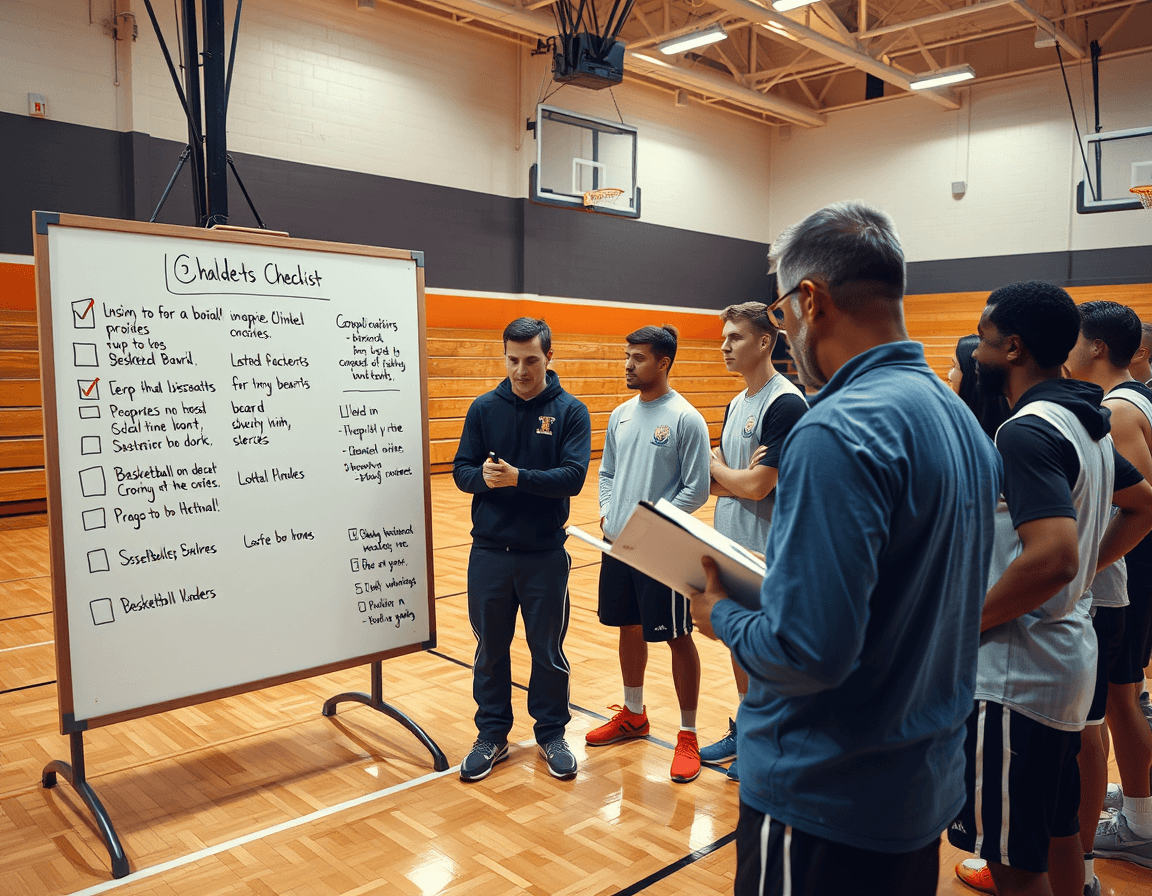
Digital integration: linking boards with plays, video, and scouting
Digital integration starts with attaching play diagrams to your training plans and a link to video clips. The dry erase board on the sideline becomes the live canvas for timeouts, while CourtSensei preserves every action in a centralized workspace you can later share as a PDF export.
Organize playlists of clips that correspond to each diagram for quick reference. When a diagram shows a weak-side action, you pull the matching clip, mirror it on the board, and flag it for the next drill—keeps the coaching staff aligned across sessions.
Store scouting notes and game-prep details alongside your play diagrams for context. Add tendencies, counters, and look-for signals in the same diagram map you use on the court, so your staff can review and plan with the same language.
Share read-only links or export a PDF export to staff, ensuring consistency across the program. You can send a single link to assistants or print a packet for the travel roster, keeping everyone up to date without re-creating material.
Finally, use the board's diagrams as a seed for PDF playbooks that summarize scouting reports and game prep. A quick export turns a dry erase session into a durable, accessible reference for the next practice.
Checklist: choosing the right board for your program
As you build your weekly workflow, the right basketball dry erase board target becomes a dependable on-court communicator during timeouts. A solid board helps you sketch quick alignments, confirm substitutions, and lock in calls before you walk back to the sideline. When paired with CourtSensei, it becomes a bridge between chalkboard clarity and digital access—your linked plays, scouting notes, and PDFs sit ready in your coaching workspace. Use this checklist for coaching board selection to ensure the board grows with your program.
Two-sided vs single-sided: If you coach multiple groups or have tight sideline space, choose a two-sided (double-sided) board to show more than one call at once, or grab a single-sided board for a lean setup that travels easily. Large formats help visibility without crowding the bench.
Diagrams and space: ensure there are clear full court and half court diagrams, so you can outline transitions and presses on the fly. Match the board to your venue by noting available wall or stand space and selecting a size that fits, such as 15x9 or 23x18.
Durability and erasing: look for a durable surface that erases cleanly after every timeout, and verify a marker included so you’re ready to go without hunting supplies.
Portability: sideline efficiency hinges on portability, so check for a sturdy carry handle and a weight that’s easy to move between rooms and courts.
Branding and professionalism: if a polished look matters, choose a board with a custom logo and team colors to match your program’s identity on the floor and in broadcasts.
Digital integration: consider how the board complements your digital coaching workspace by mapping on-court calls to linked plays and scouting notes for quick reference after the timeout.
Wrap-up: integrating the board into your coaching workflow
Let the basketball dry erase board target anchor your weekly planning. On the sideline, map out practice priorities, defensive calls, and rotations. It becomes the visible centerpiece of your coaching workflow during timeouts, while CourtSensei complements with digital playbooks and a centralized workspace that links drills, video, and scouting notes.
During timeouts, the board keeps communication crystal clear. Two-sided layouts let you sketch formations, rotations, and matchups, while a marker included ensures you can adapt on the fly. Assign duties in real time so assistants and staff know their responsibilities, and you avoid confusion when players sprint back to the floor.
After practice, consolidate what’s on the board into your digital playbooks, then attach the corresponding video clips and scouting notes for quick reference. With video integration, each action becomes a reference point in your library, linking on-court decisions to the digital archive. This is the core of a connected workflow from the bench to your cloud-ready resources.
Make it a habit to regularly review and update diagrams as the program evolves to stay aligned with goals. The board anchors weekly planning and briefing, while the digital library supports ongoing development and easy PDF exports. Keep scouting notes organized alongside plays and clips so the coaching staff can measure progress over the season.
FAQ
How can a basketball dry erase board target support my weekly planning?
A basketball dry erase board target makes weekly planning concrete by visualizing both full-court and half-court actions. You can sketch initial sets, label positions, and adjust on the fly as the game unfolds. A two-sided board lets you switch looks without erasing, while color-coded routes speed comprehension under pressure. After practice, link the diagrams to your digital library and export a PDF playbook for staff review.
Can a basketball coaching board be customized with my logo?
branding options like logos and team colors help create a professional look during timeouts. If you need deeper customization, verify with the seller; CourtSensei complements branding by organizing diagrams and playbooks in a shared digital workspace with PDF exports.
What sizes should I consider, and do coaching boards come with a dry erase marker?
Sizes range from compact clinics to large classroom formats. Common options include around 15x9 or 9.5x15 for portability, and larger formats like 23x18 for detailed sequences. Some coaching boards come with a dry erase marker; others do not—check the product listing. If a marker isn’t included, you can purchase a standard dry erase marker separately.
What layouts do large coaching boards offer (NCAA, FIBA)?
Large layouts give room for longer sequences, multiple passes, and counters. Some boards offer layout templates suitable for common competition formats such as NCAA/FIBA, helping you map plays without crowding the diagram. If you need specific layouts, confirm with the supplier and visualize your diagrams at scale.
How do I link board diagrams to video and scouting notes within CourtSensei?
Digital integration starts with attaching play diagrams to your training plans and linking video clips. Build playlists that match each diagram, store scouting notes beside the diagrams, and share read-only links or export PDFs for staff. This keeps on-court decisions aligned with video and scouting for review and future drills.
What’s a practical weekly workflow for using the board during timeouts?
A practical weekly workflow starts with planning in your coaching workspace, mapping drills to plays, and placing diagrams on the board ahead of time. During timeouts, present the diagrams, assign roles, and adjust on the fly for execution. After huddles, jot quick notes, then link diagrams to video and scouting in your digital library and export updated PDFs for staff.
