
Basketball Evaluation Form PDF: Weekly Workflow
Coaches can use a basketball evaluation form pdf to standardize weekly tryout scoring, feedback, and connections to video, scouting notes, and playbooks.

Key takeaways
- Use a standardized basketball evaluation form pdf to anchor weekly planning and consistency.
- Exportable PDFs streamline staff meetings, linking results to drills and playbooks for clarity.
- Core sections cover shooting, defense, dribbling, and game awareness to identify gaps.
- Use a clear 1-5 scale with observable notes to guide development week-to-week.
- Calibrate with staff pre-session to align definitions and keep evaluator consistency across.
Why a standardized basketball evaluation form pdf fits weekly planning
A standardized basketball evaluation form pdf sits inside a coaching workspace that already houses plan libraries, video uploads, and scouting notes. It sets a consistent data point across practices, scrimmages, and tryouts, giving the weekly plan a solid foundation. With this tool, the coach captures performance once, then compares week to week and translates findings into actionable steps in the plan library.
During the week, a coach uses the form to log progress and plan targeted drills. It helps track improvements over the week and guides decisions about which drills to assign in the plan library or on the whiteboard. Metrics cover core areas—shooting, defense, plus dribbling, passing, rebounding, ball handling, movement, and game awareness—giving a clear view of where to push and where to back off.
Because evaluations produce exportable PDFs, staff meetings become more efficient. A coach can pull a neatly organized report, attach it to the week’s feedback for players and assistants, and link results to relevant drills or playbooks. This workflow keeps feedback structured and actionable without relying on automated analysis. The ability to export and share keeps everyone on the same page without reinventing the wheel.
In the weekly planning cycle, the form acts as the anchor between performance data and practice design. After a session, the coach notes what changed, updates the plan library, and preps scouting notes for the next opponent. The result is a consistent rhythm of evaluation, planning, and feedback that supports steady development.
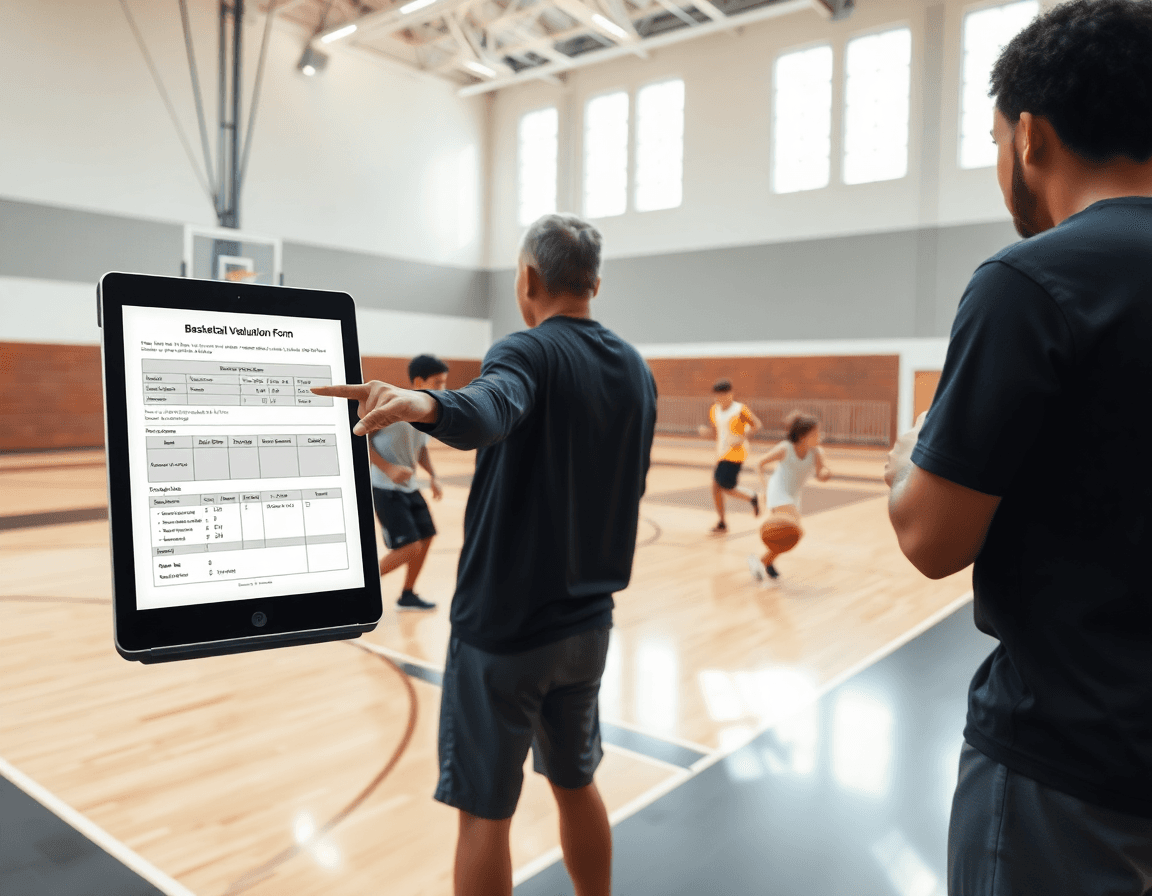
Core sections to include in a basketball evaluation form pdf
Within your coaching workspace, a basketball evaluation form pdf anchors weekly planning and feedback. It sits alongside the built-in plan libraries and video uploads, and it makes it easy to store, organize, and export evaluations as PDFs. Better yet, you can link results to drills and playbooks and keep scouting notes attached for context—without relying on AI analysis.
Core sections to include in a basketball evaluation form pdf are the key skills categories: shooting, dribbling, passing, rebounding, defense, ball handling, movement, and game awareness. Additionally, add an on/off-ball knowledge and intangibles area to capture decision-making and communication. Score on a 1-5 scale with space for coach notes.
Provide a final recommendation field and a signature/date line to close each evaluation. When you structure it this way, the data stays linked to the weekly plan: you pick specific drills from the playbook that target the flagged areas, you file the clip into the right playlist, and you export the PDF for staff review.
Keep the form concise and legible when exporting to PDFs, so each score and note is quick to digest on the sideline. A clean layout helps you compare players across weeks and tie performance to specific drills in the playbook, making feedback tangible for the next practice.
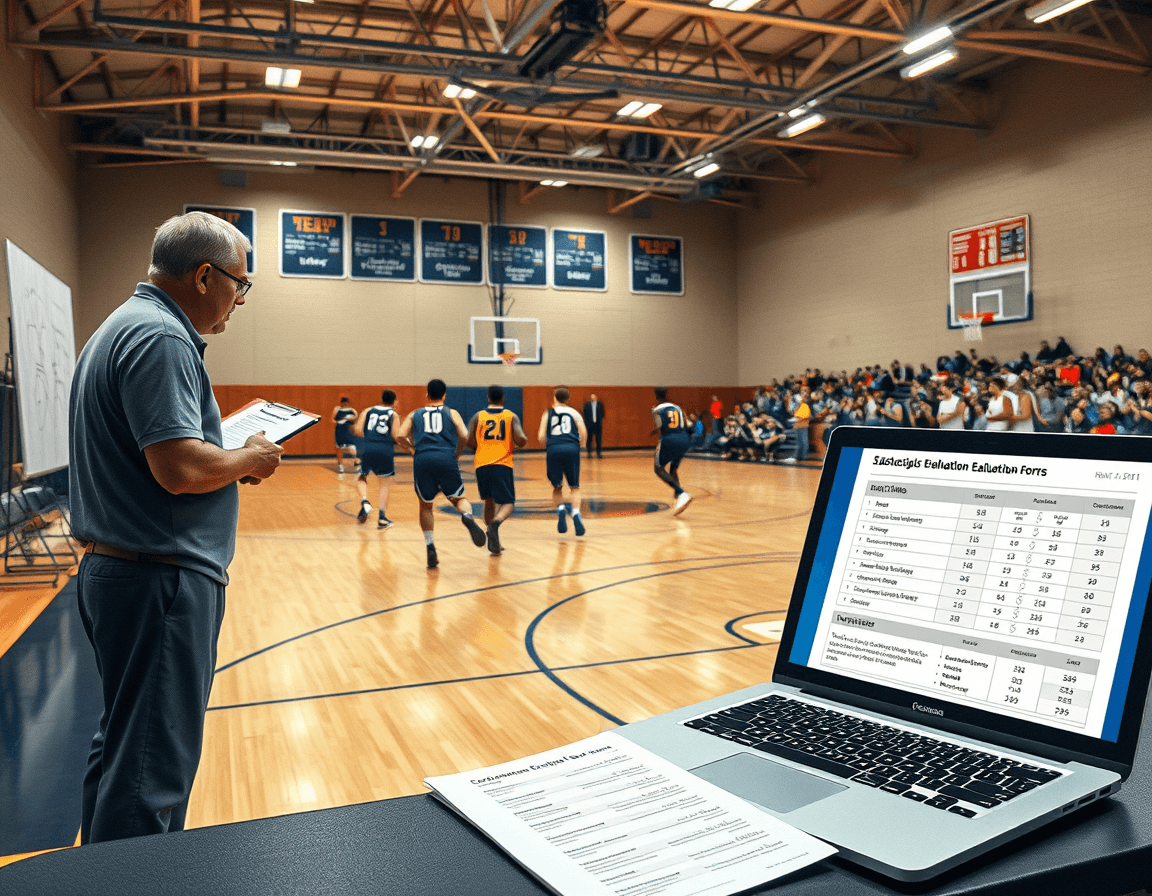
Practical scoring method for tryouts and weekly evals
To keep tryouts and weekly evaluations fair and actionable, use a clear 1-5 scale for every category on the basketball evaluation form pdf. Define the levels so every evaluator reads the same: 1 = Needs significant development; 2 = Needs improvement; 3 = Solid/average; 4 = Strong; 5 = Elite/ready for advanced responsibilities. Focus categories include shooting, dribbling, passing, rebounding, defense, ball handling, movement, and game awareness. In CourtSensei, this scoring scheme sits alongside your plan library and video uploads, so you can attach brief observations and tap a matching drill or play from the playbook. The score is a snapshot you can export as PDF and share with staff, without leaning on AI analysis.
For each category, include concise comments that justify the score and guide development. Comments should tie to observable actions, not opinions, and aim to steer improvement before the next evaluation. When you bind notes to the form inside the coaching workspace, you can link them to related drills in the plan library or to relevant video clips, keeping development direction clear and actionable.
When the session wraps, aggregate scores across categories for an overall rating. This can be a simple average or a weighted score that reflects your positional emphasis. Use the resulting number for decision-making about roles, practice focus, or next steps. And because all results live alongside PDFs, drills, and scouting notes, you can export a cohesive evaluation package without relying on automated analysis to drive decisions.
Finally, ensure consistency by calibrating with staff before sessions. A quick pre-session check on what constitutes a 3 in defense or a 4 in movement helps align expectations. Review a few clips together and agree on standard phrases for comments. This keeps weekly evals steady across evaluators and helps the basketball evaluation form pdf deliver comparable results.

Connecting evaluation data to practice and scouting
Your weekly workflow starts with attaching the basketball evaluation form pdf to each player's folder in the coaching workspace. This keeps data organized and easy to reference as you plan the week. The form tracks core areas—shooting, dribbling, passing, rebounding, defense, ball handling, movement, and game awareness—and you can pair each entry with a short video clip to illustrate the gap. Scouting notes stay alongside, giving concrete feedback for the whole staff.
From the evaluation, you link performance gaps to drills from the plan library. If shooting off movement or handling under pressure shows deficiencies, pull a series of drills and assemble them into a playlist. These playlists become the backbone of your plan and can be linked to the team playbook for quick access during drills. By tying the pdf results to specific drills, you create a direct path from assessment to action.
During workouts, you enrich feedback by incorporating video clips and scouting notes. A short clip demonstrating a faulty sequence can accompany the pdf entry, while scouting notes compare development to upcoming opponents in game prep. You can export an updated PDF with annotations to share with the player and staff, maintaining a single source of truth. This approach keeps the focus on concrete deficiencies—shooting, movement, defense, etc.—without relying on AI analysis.
Practical workflow: weekly cycle using a basketball evaluation form pdf
In the weekly workflow, the basketball evaluation form pdf sits as a core artifact inside the coaching workspace. Start by preparing a clean template that targets key performance areas: shooting, dribbling, passing, rebounding, defense, ball handling, movement, and game awareness. Share it with assistants so everyone uses the same scoring language. The template lives in the plan library and ties to scouting notes.
During practice, run the cycle with quick evaluations woven into drills. At each station, capture concise notes on shooting, dribbling, passing, and movement, plus defense and game awareness. The goal is a consistent, tempo-friendly cadence that translates into a reliable weekly feedback loop.
After practice, upload completed forms and attach video clips to the corresponding entries. The PDF stores scores and notes in one place, and linking results to drills and playbooks helps close the loop for plan adjustments without AI analysis.
Use the weekly data to review and summarize feedback for players. A short, readable recap highlights recurring strengths and growth areas, with concrete next-week targets tied to specific drills. This is where the assessment becomes actionable for the team, shaping the plan in your weekly session and on the court.
Finally, export a compiled PDF for staff or parent communications, if applicable. A clean, shareable document keeps everyone on the same page while maintaining the focus on fundamentals—shooting, ball handling, defense, and game awareness—driven by the structured weekly workflow rather than analytics.
Customization tips for different levels and programs
Within a coaching workspace, customization starts with selecting the evaluation categories and the rating scales that fit your level. For youth basketball, emphasize fundamentals and growth; for high school or semi-pro, push for more granular scoring. Map categories to your season, then tailor the rubric for shooting, dribbling, passing, defense, and movement. This approach keeps the form aligned with your plan libraries and scouting notes in your workflow. In youth basketball, you may prefer a lighter scale and broader categories; in senior programs, add sub-scores for game awareness or help defense. Keep the process practical and objective to maintain consistency across games and practices.
Decide between a printable pdf versus a digital workflow: if your staff collects data across gyms with paper sheets, a printable pdf keeps data collection fast. If you want rapid updates during the week, a digital workflow lets you jot notes and sync with plan libraries in minutes. Either path lets you export weekly evaluations as PDFs to attach to drills and playbooks inside your coaching workspace, without relying on AI analysis.
Start with templates as a launching point and tailor each category to your team’s level and style, especially the shooting, dribbling, passing, and defense scales. Add movement and game awareness where relevant to your program. This flexible starting point helps you build a consistent evaluation that fits programs across youth basketball, high school, or semi-pro levels.
Finally, test the flow in a real week: print a copy for the floor while linking the digital version to a quick scouting notes and a short video clip of a rep. When players show progress in shooting, ball handling, and movement, export the updated PDF and review week-to-week to shape the Tuesday/Thursday practice plan.
FAQ
What is a basketball evaluation form?
An evaluation form is a standardized, week-to-week data capture tool that tracks core basketball skills and in-game indicators. In CourtSensei, it sits in the coaching workspace alongside plan libraries, video uploads, and scouting notes. It creates a consistent data point across practices and scrimmages, and lets you export a basketball evaluation form pdf that ties results to drills and playbooks.
What should be included in a basketball tryout evaluation form?
Core sections should cover shooting, dribbling, passing, rebounding, defense, ball handling, movement, and game awareness, plus on/off-ball knowledge and intangibles. Include a final recommendation, signature, and date. In CourtSensei, you can attach notes to the week’s plan and link results to drills in the plan library or playbook for context.
How do you score basketball tryouts?
Use a clear 1-5 scale for every category (1 = Needs significant development, 5 = Elite). Categories typically include shooting, dribbling, passing, rebounding, defense, ball handling, movement, and game awareness. Scores live with your plan library and video uploads, so you can attach observations and map a matching drill or play from the playbook. Export the PDF for staff review.
Which skills are typically evaluated in basketball assessments?
Core skill categories include shooting, dribbling, passing, rebounding, defense, ball handling, movement, and game awareness. Also capture decision-making and communication (intangibles). Keep the form focused and legible for PDFs. In the weekly cycle, tie evaluation results to the plan library and pull relevant drills from the playbook to close gaps.
Are there free basketball evaluation form PDFs available?
Free PDFs exist, but in CourtSensei you generate and customize your own basketball evaluation form pdf within the coaching workspace. You can export, share via read-only links, and attach to scouting notes and playlists. Avoid relying on AI analysis; keep results tied to your weekly plan and drills.
Can I customize a basketball evaluation form for my team?
Yes. Within the coaching workspace, tailor sections, categories, and scoring to reflect your program’s priorities. Keep core categories, but adjust emphasis, add team-specific notes, and link results to drills in the plan library or to clips in playlists. This keeps evaluations aligned with weekly practice design and scouting notes.
