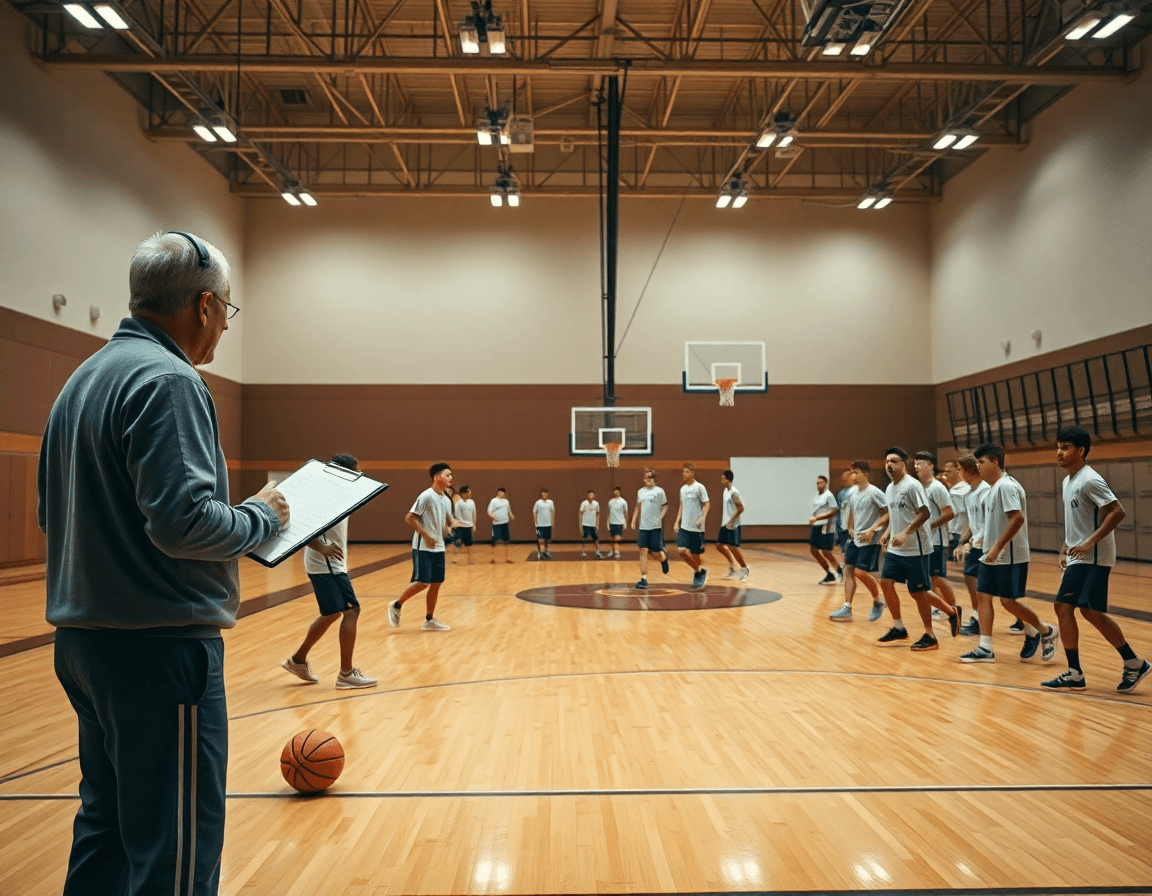
Top Basketball Plays: Weekly Coach Plan
Master weekly coaching with top basketball plays: study moments, break down sequences, and design drills that mirror clutch and assist patterns.

Key takeaways
- Identify 2–3 top basketball plays that drive your weekly plan and align with season goals.
- Build practice around decision-point reads that mirror game tempo and late-clock finishes.
- Create a play library with tagged clips; link to drills and scouting notes.
- Curating highlights guides weekly training blocks; export a printable playbook for assistants.
- Nudge teams toward a 2–3 top plays per week and keep a time-structured plan.
Why top basketball plays matter in a weekly plan
Top basketball plays shape a weekly plan. Clutch moments and big sequences—late-clock ball-screens, sideline inbounds, or a game-winning finish—signal which reads your players must master under pressure. When you know which plays repeatedly beat opponents, you shift reps toward the decision points that matter most. The result is a plan that focuses on game-ready reads, not just drills. With that focus, practice becomes a sequence of actions tied to real game leverage.
If you’re guiding a program toward a playoff push or a development arc, map each play to season goals and to a specific player role. Then a weekly plan gains clarity as a handful of top plays drive the bulk of reps, while substitutions and constraints ensure each player practices their responsibility—guarding the ball handler, setting the screen, finishing at the rim. That alignment yields concrete checkpoints in drills, film review, and scouting notes, so sessions feel purposeful rather than a grab-bag of sequences.
Game highlights become a teaching map. Identify a few basketball highlights that exposed a decision point—over-pressuring a ball-handler, a miscommunication on a screen, or a timing error on the pass. Review the clip for a teachable moment, then convert it into a short video clip, a drawn action on the board, and a focused drill. In a weekly cycle, those highlights feed your playbook and scouting notes, creating a linked coaching workspace where drills, plays, and scouting material live side by side.
Curating highlights for your team
Curating a bank of basketball highlights tailored to your program helps a coach stay disciplined through a busy week. Source safety matters: keep clips from reputable game footage and align them with your level—high school, club, or junior college—so you’re showing plays your players can study and emulate. Select sequences that match your current goals, whether it’s faster transition offense, better spacing in the half-court, or late-game decision making. Tag each clip with context (opponent style, personnel, situation) and save them into a private library you can pull from in the plan.
Use filters to pull out the exact flavor you want: filter by dunks or game-winners, or by more subtle plays like critical handles and smart passes (assists). This makes it easier to assemble a playlist that mirrors what your team saw on the floor. For each clip, drop a quick note in your scouting section—what to replicate, what to avoid—and link it to a drill in the coaching workspace.
Finally, build a playlist that cycles into drills for the week. A short video clip can drive a finishing drill, a sequence can feed a spacing drill, and you can export a PDF playbook from the linked workflow. The result is a weekly loop where highlights become training reps and scouting notes turn into concrete on-court actions.

From clips to drills: building a play library
As you assemble your weekly plan, convert basketball highlights into a robust play library. Start with clips of top basketball plays—dunks, assists, handles, and game-winners—and tag each by action type (dunk, pass, cross) so you can mix and match later. The goal is a searchable playbook you can rely on when game prep and practice converge, turning those highlights into ready-to-call options for your coaching staff.
Attach corresponding drills and progression to each clip. For every entry, map a step-by-step plan that builds the decision, timing, and execution—starting with a simple drill progression and advancing toward game-speed reps. This is where the library becomes practical: you move from a highlight reel to concrete, repeatable actions in your weekly plan. A dunk clip might lead to a finishing drill, while a quick-pass clip anchors a sequence of timing and space drills.
Store as a ready-to-run library for weekly use. With the library organized by action type and linked to a clear playbook, you can assign groups of clips for different practice phases—install, repetition, and situational work. Add a short video clip, a quick animation on the board, and a read-only link for assistants to review. This setup makes it easy to pull the exact sequence for a 'top plays' bundle—dunks, assists, and clutch plays—for any opponent scout.
Drawing and animating plays to teach concepts
You can use drawing plays to teach concepts. Use simple play diagrams to show spacing across the floor, how players read the defense, and where the ball should go. A clearly labeled diagram clarifies reads and timing without turning a drill into a schematic blitz. The idea is for the formation to speak first, so players see the concept at a glance.
Next, try animating plays to visualize movement and cuts. Short animations reveal timing and reads, making it easier to anticipate where the ball goes after a screen or a cut.
Create PDFs of plays for assistants. A clean PDF serves as a portable playbook page during scout prep or team meetings. You can include diagrams, a quick legend, and the intended reads so staff can review concepts before practice.
In your workflow, tie each diagram and its animation to a drill and a scouting note inside the coaching workspace. Pair it with a video clip of the action so players and assistants see the exact movement. When you prepare a weekly plan, this linkage makes it easy to deliver a cohesive concept—top plays, game-speed reads, and efficient practice blocks—without hunting for clips in other systems.

Practical workflow: weekly plan built around top plays
Begin with the week’s objective and select 2–3 top plays that fit how you want to attack. Identify what each action aims to achieve—quick scoring, ball movement, or a favorable matchup—and lock these into a time-structured plan from the library. A typical week might look like: Monday install the reads and spacing, Tuesday counters and option plays, Wednesday live reps, Thursday film review and tweaks, Friday a light walkthrough before shootaround. This gives you a clear workflow and a practical weekly plan that keeps practice planning tight and adaptable.
Map each core play to a set of drills that teach the reads, spacing, and counters. Tie in conditioning blocks that mirror the explosive actions of the play, like sprint work for transition sets or ball-handling reps for attacker reads. Attach a short video clip and a simple play drawing/animation to each action so the bench can see the sequence quickly. Add a linked scouting note for the opponent’s tendencies and how your plan counters them, keeping the playbook tight and ready for use at practice.
End the week with a quick review: what worked, what didn’t, and what to tweak. Use player feedback and observed on-court results from the live reps to make adjustments to the next week's core plays. Update the drills and the scouting notes so the plan stays responsive to personnel and opponent trends. The goal is a practical, repeatable cycle: select plays, map them to training blocks, review outcomes, and pivot as needed, all while your coaching workspace keeps the plan and the scouting material linked together for easy access during practice.
Incorporating scouting and game prep
Turning your top basketball plays into a weekly plan gives you a reliable rhythm from practice to game. Start by cataloging your plays, then slot them into a time-structured schedule: install the action, sketch the defense, and run it in short video clips before drilling live. Layer in scouting reports so you’re coaching against realities, not just ideas, and map those opponent actions to counter-moves within your play design. If a team likes to trap after ball reversals, assign a quick read and counter in the play’s progression, with a clip that shows the decision point. This approach keeps the playbook practical and repeatable across your weekly cycle, and sharpens game prep.
In your coaching workspace, you can create scouting notes and action links that tie directly to each play. Attach a note on the opponent’s tendencies, then link the corresponding drill and clip so players see the chain from read to action. Edge cases matter: late-game calls and special sets require rehearsed timing, so pre-draw the inbound or out-of-bounds setup and have a ready counter in the plan. When you pull these pieces together, your team has a clear path for game prep that blends plays, video, and scouting into one streamlined weekly workflow.
Export, share, and collaborate with the staff
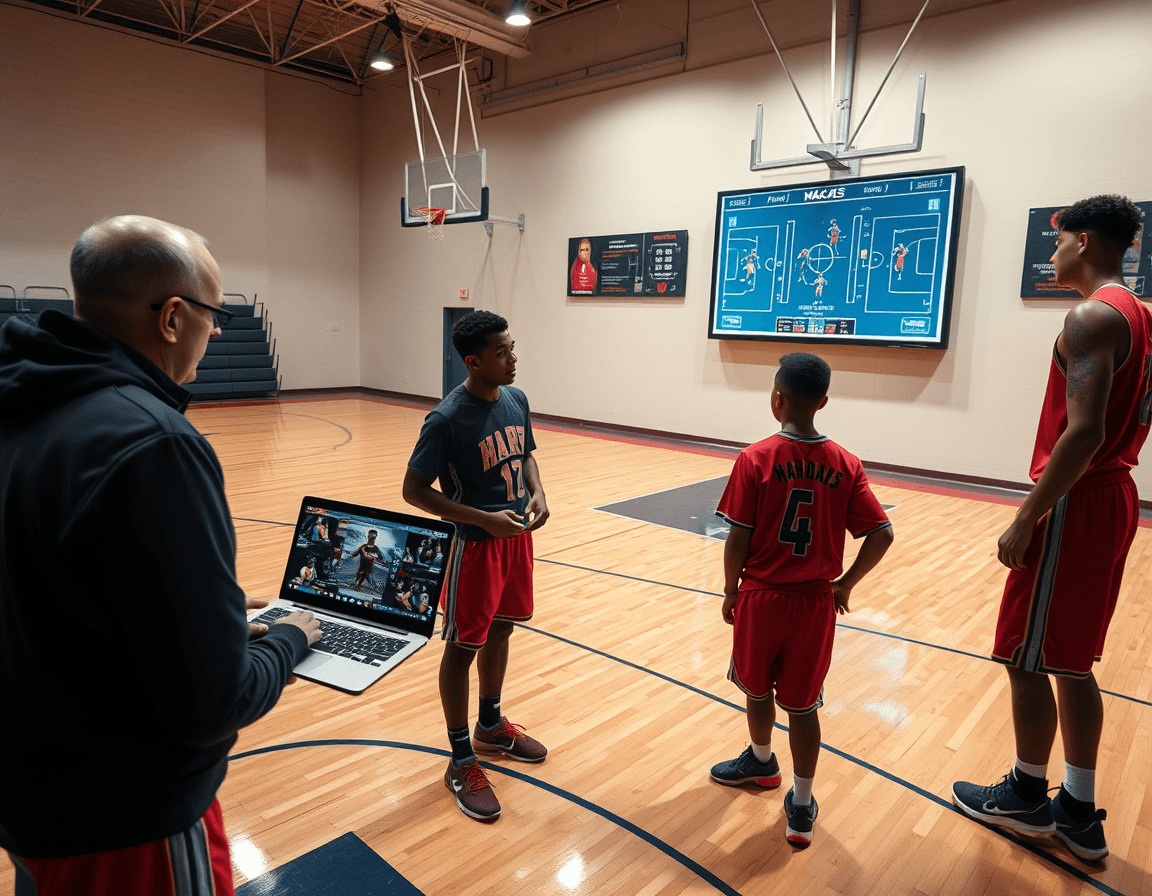
Use the PDF export to deliver print-ready playbooks for staff meetings. Your weekly plan centers on top basketball plays, and the time-structured library keeps each action clear—from pick-and-roll variations to clutch finishes—so the diagrams, arrows, and notes survive the flip of a page as you walk through the sequence on the whiteboard. It also makes it easy to annotate adjustments for a specific opponent and keep a single source of truth during a busy week.
Provide access via shareable links to read-only playlists and clips for assistants. That keeps collaboration simple and safe: assistants can study the highlights and breakdowns—whether it's a dunk, an assist, a handles sequence, or a game-winner scenario—without risking edits. Use this during film prep and scouting discussions to align the staff around the same clips. It also gives everyone a consistent reference point during staff meetings and in the gym.
Keep your coaching workspace organized and searchable so everything—from play diagrams to scouting notes—stays linked to the weekly plan. When you need a specific top play, a short video clip or a scouting remark can be located by a simple search, helping you assemble a cohesive practice or scouting week in minutes. This is where the workflow comes together: you can tag a drill to a play, pull the exact clip for a quick on-court demonstration, and have the scouting notes ready for the next meeting.
FAQ
How should I shape a weekly plan around top basketball plays?
Start by picking 2–3 top plays that fit your weekly objective. Define what each action aims to achieve—quick scoring, ball movement, or a favorable matchup—and lock them into a time-structured plan. Use your play library to map install, repetition, and situational blocks. Tie each play to a player role and link it to scouting notes, clips, and drills. In CourtSensei, organize this into the coaching workspace and export a concise PDF playbook for assistants.
How can I curate a play highlights bank for my team?
Curate a focused bank of basketball highlights tailored to your program by sourcing clips from reputable game footage and tagging them by action type (dunk, pass, cross) and situation. Save them in a private library and use filters to pull exactly what you need—game-winners, critical reads, or fast-break sequences. Attach a quick scouting note to each clip and link it to a drill. In CourtSensei, you can assemble playlists for weekly sessions and share read-only links with staff.
How do I convert top plays into practice drills and progression?
Attach each clip to a drill progression that builds decision and timing. Start with a simple, low-speed version, then escalate to game-speed reps and situation work. For every entry, map a step-by-step plan and a finishing drill that mirrors the action. Build a ready-to-run library so you can pull a complete sequence for install, repetition, or situational work. CourtSensei connects the clip, diagram, drill, and scouting note in one coaching workspace.
How can I draw and animate plays to teach concepts without overcomplicating it?
Use clean play diagrams to show spacing, reads, and timing. Annotations clarify reads without turning drills into schematics. Add short animations to visualize movement and reads, then pair each diagram with a linked drill and a quick scouting note. Export a PDF of the plays for team meetings. In CourtSensei, you keep the diagrams, animations, and clips connected to the coaching workspace for easy reference.
How do I decide which top plays to install in a given week?
Set the week's objective first, then choose 2–3 plays that attack that plan. Define what each action achieves—pace up, spacing, or a matchup edge—and lock them into your calendar. Align reps with player roles and substitute constraints so every player practices their responsibility. Review film and scouting notes midweek to adjust. With CourtSensei, your decisions translate into drills, clips, and a ready-to-run playbook.
What’s the best way to share a weekly top-plays plan with my staff?
Create a PDF playbook from your weekly plan and share read-only links to the clips and diagrams. Keep everything in the coaching workspace so assistants can review, annotate, and run drills without extra tools. This keeps your plan cohesive, on-brand, and accessible during meetings and practice.
