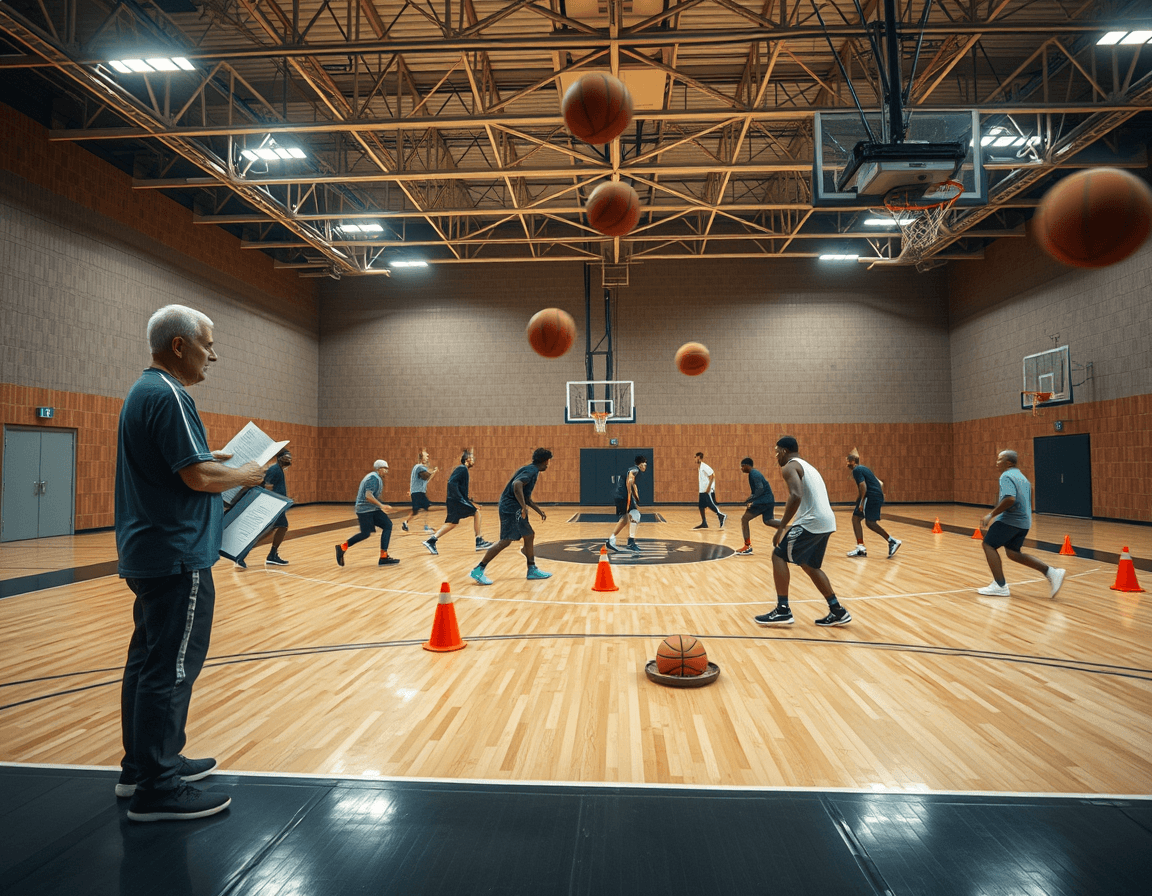
Basketball guard drills pdf: weekly plan
A coach's weekly guide to basketball guard drills pdf: structure drills, video clips, and scouting notes in a single coaching workspace.

Key takeaways
- Define guard-specific goals for the week: ball handling, decision-making, finishing, aligned to practice windows.
- Build a printable plan by selecting 8-12 drills covering ball handling, finishing, and decision-making.
- Create a time-structured flow with warm-up, mid-session finishing, and final decision-making sequence.
- Export a modular, printable PDF plan with guard blocks, checklists, and progression notes for assistants.
- Tie the PDF to video clips and scouting notes in a coaching workspace for context.
Define a guard-focused weekly plan
Think of a basketball guard drills pdf as your go-to weekly blueprint. CourtSensei lets you assemble a guard-focused weekly plan by weaving time-structured training plans with a drill library, then embed or export video clips and link scouting notes right in your coaching workspace. This makes it easy to print a PDF plan for reference in practice and keep your staff on the same page.
For coaches asking how to plan guard drills, start with guard-specific goals for the week—ball handling, decision-making, and finishing. Align drills with the team's schedule—practice days and game prep windows—so the workload feels balanced. Then define a progression path from starter drills to advanced reads to structure each day. Map those drills to a printable PDF plan for quick reference during drills. Throughout the week, use the workspace to note weekly adjustments and reminders.
Assemble your drill library into a printable PDF
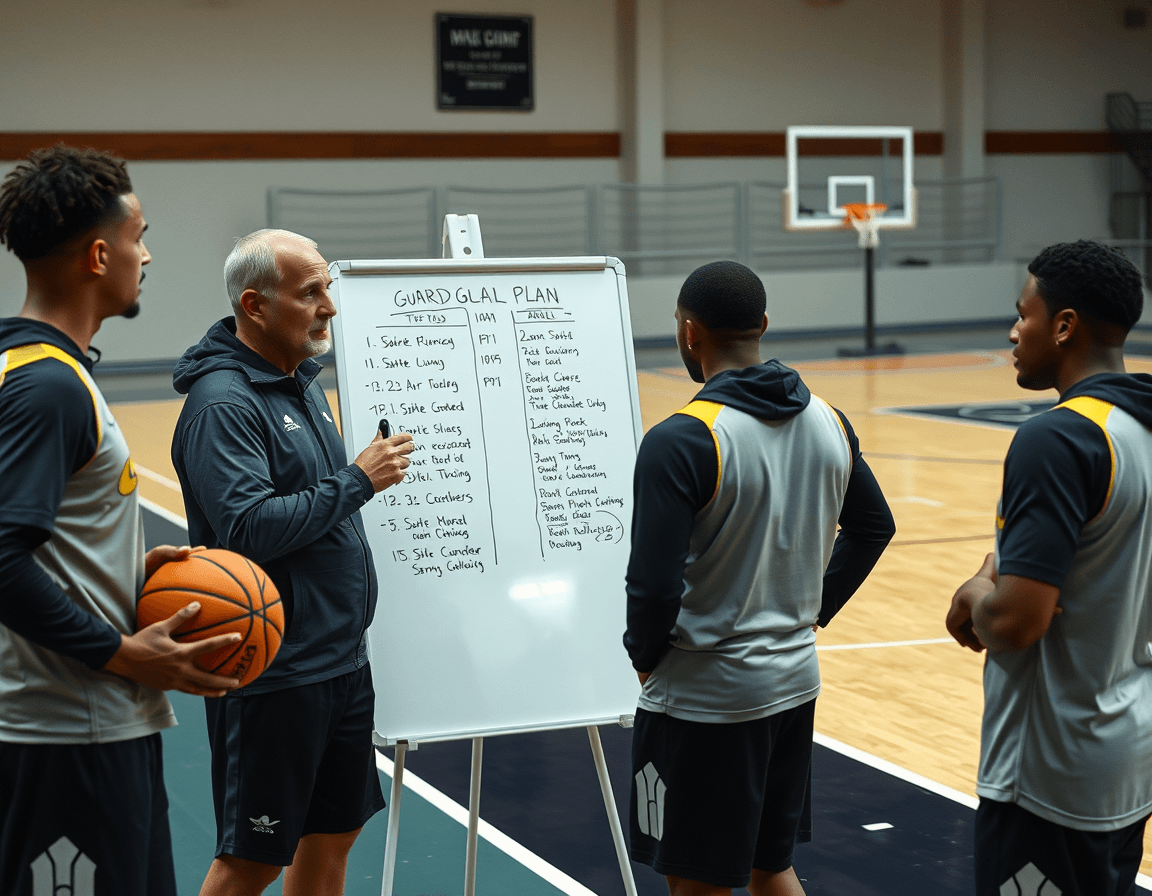
To build a guard-focused PDF for your weekly plan, start by selecting 8–12 drills that cover ball handling, finishing, and decision-making. With CourtSensei, you pull these from your drill library and lay them out in a time-structured flow, so you’re training with intent rather than random reps. Think of a typical guard session: warm-up ball handling, a mid-session finishing package, and a final sequence that challenges decision-making under pressure. This is where the idea of a printable guard drills pdf comes to life.
Group drills by category and intensity to create a logical progression: category blocks like ball handling, finishing, and decision-making; then sub-levels (low, medium, high) for pace. Keeping a consistent rhythm helps players lock into the sequence and makes the printable PDF easy to follow on-court. By organizing this way, you turn scattered reps into a cohesive plan that a guard can study in advance.
Export the structured plan as a printable PDF for on-court reference. Include a guard-specific checklist and progression notes for assistants so staff can cue reminders and track what comes next. The PDF should stay modular, so you can swap drills in and out without reworking the whole document — ideal when you’ve got new video or a scouting note you want to insert without losing the core structure.
Workflow-wise, tie the PDF to video clips and scouting notes within the coaching workspace. Short clips illustrating tricky sequences can be embedded or exported alongside the drills, and you can link scouting observations to specific guard drills. This keeps your on-paper plan aligned with what you’re teaching on the floor, reinforcing a practical, repeatable guard workflow. This is how to create a guard drills pdf that’s both actionable and adaptable.
Integrate video clips and playlists for context
To add context to a guard-focused PDF plan, upload representative guard drill reps and clip the moments that reveal technique—footwork, ball-handling tightness, and finishes at the rim. These clips become the backbone of your video-enabled guard drills and help you illustrate mechanics that static diagrams miss.
Create video playlists for Ball Handling, Finishing, and Spot Shooting to mirror the PDF sections. A guard-focused plan benefits from sequential storytelling: start with control and separation in Ball Handling, move to finish through contact, then work on spacing in Spot Shooting.
Attach video links to PDF pages or within the coaching workspace to preserve context as you move through the week. You can tie a clip to a page in your PDF plan that shows a crossover into a scoop finish, or keep a clip inside the workspace alongside its drill description. Use read-only links to share progress with assistants or staff.
Throughout your weekly plan, pair a short video clip with each guard drill description to illustrate tempo and technique. As you assemble block-by-block, add clips that show multiple angles and link scouting notes to the same PDF page or workspace item. This is your way to show how to use video for guard drills and to build guard drill video playlists that stay aligned with your scouting context.
Incorporate scouting notes for guard prep
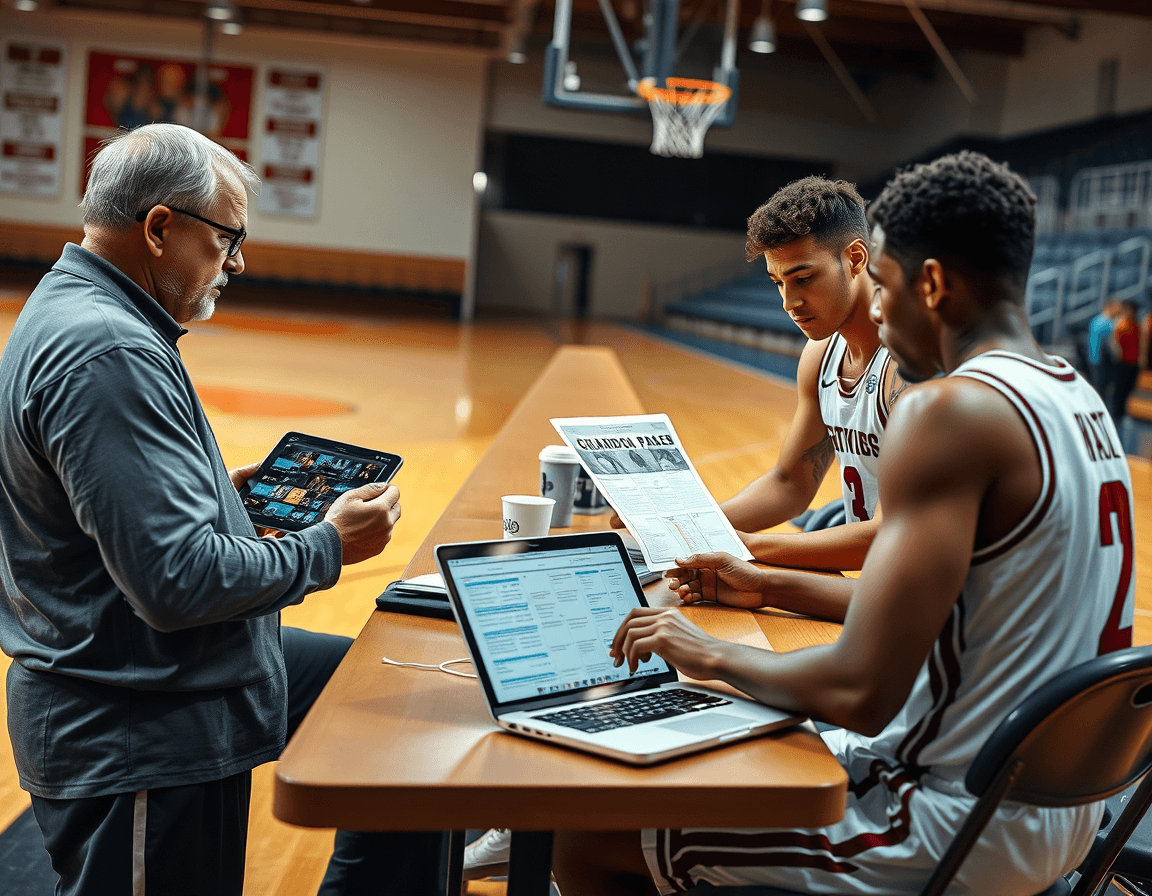
In your weekly plan focused on guards, incorporate scouting notes for guard prep to keep preparation concrete and opponent-specific. Document tendencies that impact guard play—how teams pressure ball handlers, where off-ball movement creates lanes, and which sets punish slow rotations. Treat these as living guard scouting notes you can reference when you compose the PDF plan, ensuring every drill block ties back to the opponent you’ll face.
Link relevant drills to counter specific defensive schemes. For example, when facing aggressive ball pressure, pull from ball handling drills and full court dribbling to build pace and composure, then attach quick decision-making reps that mirror game speed. Against deny-heavy or switch-heavy looks, pair guard drills with finishing work and spot shooting that unlocks timely scoring opportunities. If an opponent habitually traps near the elbow, connect that observation to a short video clip and a corresponding sequence in your drill library to practice options off the pass.
Include game prep notes aligned with your weekly PDF plan. Your guard game prep notes should highlight opponent pick-and-roll tendencies, pressure rotations, and gaps you want guards to exploit. Frame these notes as clear actions—when to attack gaps, where to leverage off-ball movement, and how to align your scouting decisions with your plan for reps in practice. This keeps tactical intent consistent with on-court drills.
Store scouting materials alongside drills in the same workspace for quick access. As you update the plan, you can embed or export video clips, assemble a guard-focused PDF, and link scouting notes directly to specific drill blocks. The result is a cohesive, week-by-week guard preparation workflow—how to prepare scouting for guards, guard scouting notes, and guard game prep notes all in one place.
Practical weekly workflow for guard drills
With CourtSensei, you can assemble a guard-focused PDF plan by combining time-structured training plans and a drill library, then embed or export video clips and link scouting notes right in your coaching workspace. On Monday, start by reviewing opponent tendencies and setting guard-specific goals for the week. Scan scouting notes to identify how their guards attack pressure and where rotations break down, then lock in targets like tighter closeouts, quick hands, and decision-making in the pick-and-roll. Keep these goals visible so the staff stays aligned.
On Tuesday, run 2–3 focused drills from the PDF and record clips for feedback. Let the drill library guide you through ball-handling, dribble drills, and guard-to-guard challenges, then capture two or three clips that show progress on pressure defense and push-off avoidance. After practice, drop the video into the workspace and tag clips with roles like “ball pressure” or “finishing at the rim” so you can return to them quickly.
Wednesday is for analysis. Review the clips, note what progression worked, and adjust the plan for Thursday. Focus on whether the players made better decisions under pressure, or improved shooting off the dribble after a drive. Update your scouting notes and align the progression with the updated guard drills in the PDF plan.
Thursday, re-run essential guard drills with emphasis on decision-making. Prioritize sequences that mimic in-game choices: when to pull up, when to drive, when to dish. Use short video clips in the workspace to brief the assistants on coaching cues, and tighten the tempo so guards learn to process reads faster while maintaining form.
Friday wraps the week. Finalize the PDF with updated notes, export a refreshed guard plan for next week, and share a clean checklist for the staff. This content doubles as your practical weekly guard drill plan checklist and a checklist for weekly guard practice, ready for use in practice, warmups, and drills that refine ball handling, dribble, and spot shooting.
Export, share, and iterate on your PDF guard plan
Export the guard plan as a PDF and title it for quick reference. The weekly plan blends time-structured training with the drill library, so you can capture drill blocks and their durations in one clean document. If you’ve embedded short video clips or linked scouting notes, the PDF export preserves those references for on-court use. PDF export and drill library sit at the center of a practical, coach-facing workflow.
Share read-only links with assistants or staff for feedback on the guard drills. This keeps your workflow collaborative without compromising the plan. Include notes on specific drill blocks—ball handling drills, dribble drills, finishing drills—and let colleagues add concise comments beside each section to guide adjustments without rewriting the plan.
Collect notes and iterate for the following week. Use the coaching workspace to log observations from practice, tweak drill emphasis, and adjust reps or timing. The aim is to refine the guard drill plan so it stays aligned with how players respond on the court, turning the plan into a living document that informs next week’s decisions.
Ensure the plan stays aligned with team goals and guard development priorities. Cross-check the PDF guard plan against season objectives and the point guard manual for guidance on responsibilities. A guard-focused plan can weave in guard drills, dribble drills, shooting drills, and full-court dribbling to keep all assets connected, from plan to practice to scouting notes.
FAQ
How can I build a guard-focused weekly plan in PDF format?
To craft a guard-focused weekly plan, start with time-structured training blocks and a drill library. Use CourtSensei to assemble drills into a week, embed or export video clips, and attach scouting notes right in your coaching workspace. The result is a printable PDF plan you can reference in practice and share with staff.
What should I include when selecting drills for a guard PDF plan?
Select 8–12 drills that cover ball handling, finishing, and decision-making. Group drills by category, create blocks at low/medium/high pace, and map them to a printable PDF. Keep the plan modular so you can swap in new drills without reworking the whole document, and add a guard-specific checklist for staff reference.
How can I tie video clips and scouting notes to a guard drills PDF?
Tie video clips and scouting notes to the PDF: upload representative guard drill reps, create video playlists for Ball Handling, Finishing, and Spot Shooting, and attach links to PDF pages. Share read-only links with staff. This keeps context on-paper and on-screen aligned with what you’re teaching.
How should I structure a weekly plan to balance workload for guards?
Balance workload by aligning weekly goals with practice days and game prep windows. Start with ball handling, progress to finishing and decision-making under pressure. Define a progression path from basics to advanced reads, and keep a modular PDF so you can swap drills without reworking the entire plan.
How can scouting notes inform guard drills in a PDF plan?
Use scouting notes to tailor the guard plan: document opponent tendencies, counter schemes, and how to exploit gaps. Link notes to specific drills and video clips, and keep game prep observations in the same workspace so the PDF stays contextual.
What makes a guard PDF plan printable and staff-friendly?
Make the guard PDF staff-friendly: include a guard-specific checklist and a modular design that lets you swap drills without reworking the whole plan. Export as a printable PDF and tie context to video and scouting so staff can cue reminders.
How do I connect the PDF plan to on-court performance with video?
Connect the PDF to on-court performance by pairing each guard drill with a short video clip showing tempo and technique. Build corresponding video playlists that mirror the PDF sections, and use read-only links to share progress with staff. Keep the plan synchronized with scouting context for consistency.
