
Basketball Offense PDF: Weekly Plan for Coaches
Discover how to leverage a basketball offense pdf in your weekly coaching workflow: plan sets, build playbooks, and organize drills, clips, and scouting.

Key takeaways
- Define weekly tempo and shot selection goals to guide every drill, rep, and clip.
- Select 4–6 plays (motion offense pdf, zone offense pdf) with clear spacing.
- Map a weekly install schedule: two plays, two more, refinements, adds, live drills.
- Create a one-page quick-reference PDF for mobile practice reminders that teams can glance during huddles and timeouts.
- Link diagrams, clips, and scouting notes in a living playbook within your centralized coaching workspace.
How to plan a basketball offense pdf for weekly practice
How to plan basketball offense pdf for weekly practice starts with a clear weekly game plan. If you’re wondering how to plan basketball offense pdf, begin with goals around tempo, shot selection. Lock these in as the compass for the week, so every drill, rep, and clip ties back to your weekly offense objective and sets the right pace for weekly offense planning.
Next, select 4–6 plays that fit your personnel and potential opponents. Include a mix: a motion offense pdf and a zone offense pdf to give you flexibility, plus a simple set plays pdf for quick-hitters. Each option should be sketched with spacing and reads so you can install it without overloading players, keeping the pdf practical and actionable.
Map plays to an install schedule across the week to aid retention. Plan Day 1 for two plays, Day 2 for two more, Day 3 for refinements, Day 4 for adds, and Day 5 for live drills. The install schedule helps players internalize concepts and increases recall when you skip to a game-day rhythm.
Incorporate spacing concepts, reads, and finishing options in the PDF. Define how spacing opens drives, where reads occur off screens, and the finishing options at the rim or from mid-range. This makes the PDF a usable guide during drills, situational reps, and timeouts.
Create a one-page quick-reference PDF for players and staff. A tight, mobile-friendly page works as a daily reminder before practice, in huddles, or during a timeout break.
Workflow tip: In CourtSensei, assemble the plays with diagrams, attach a short video clip for each option, and add scouting notes. Export the package as a basketball offense pdf and share as a read-only link. Turn the export into a living playbook within your centralized coaching workspace.
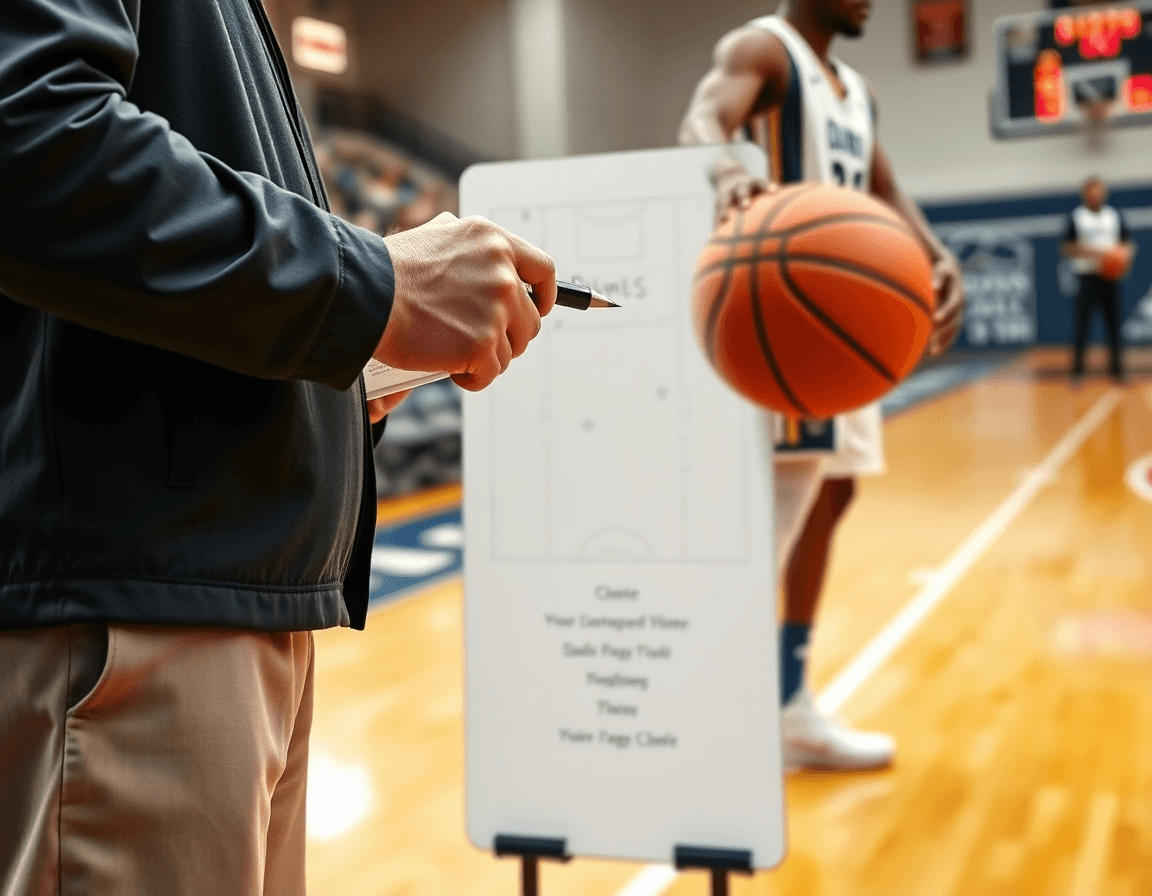
From PDF to playbook: organizing sets, spacing, and reads
To build your weekly offense plan, start with a categorized library. Separate plays by defense type—man-to-man, zone, half-court—and tag each entry by action: sets, spacing, reads. This makes it easy to assemble a "set plays pdf," "zone offense pdf," or "man-to-man offense pdf" for quick reference. For each play, you can add a simple label like “ball movement” or “screen action” to keep the library navigable.
Attach diagrams, coaching cues, and ball movement for each play. When you pull up a play in your PDF export, the diagrams give a crisp visual, cues keep players focused on the reads, and the ball movement tag ties the sequence together. For example, a motion offense pdf or a Princeton offense pdf can live in the same library, simply labeled and ready to slot into your weekly plan.
Link PDFs with videos and drills to form a living coaching workspace. A short video clip paired with a drill reinforces the action—you can build a video-for-play page that connects to the set plays pdf and the half-court offense pdf. Add scouting notes to highlight opponent tendencies and what to look for on drive-and-kicks or swing passes.
Ensure consistency between on-paper plays and on-court execution. Use the weekly plan to reference the same diagrams, cues, and reads in practice—so what you draw up in the PDF aligns with what players see at practice and on game-film. When you maintain this link, the living playbook stays relevant, scalable, and easy to update as you adjust to different opponents.
Using video to teach offense PDFs: clips, playlists, and annotations
If you’re wondering how to use video with offense pdf, this approach turns static diagrams into a living teaching tool. Attach a short clip to each play to show how reads unfold and where options emerge at different angles. For example, in a motion offense pdf, a clip can demonstrate spacing shifts when a cutter reads a help-and-recover. When the video sits alongside the diagram in the same workspace, reads and reactions become tangible rather than theoretical.
Build install and adjustment playlists for different phases of practice. Start with an install playlist that walks through each option in a set plays pdf, then add an adjustment playlist that emphasizes reads under pressure or against different defenses (zone offense pdf, man-to-man offense pdf). Short clips keep players from losing sight of positioning while you lock in the mechanics. Use these playlists to structure early-week emphasis and late-week refinements without recreating drills each time.
Share read-only links with assistants or players as needed. This lets a pitching-coach or your graduate assistant review a play and its options without altering the core pdf. It also keeps scouting notes and play sketches centralized, so everyone can reference the same material during walk-throughs or film sessions. When a staffer needs a quick refresher, a read-only link is enough to keep feedback consistent.
Align video teaching with the PDF’s diagrams for clarity. Use annotations to highlight routes, set distances, and timing cues that match what’s shown on the page. This creates a synchronized learning thread between the half-court offense pdf, Princeton offense pdf, or read-based offense pdf and the on-floor execution. Pair a tactical board discussion with a clip-and-diagram moment to reinforce why a read reads a certain way and how spacing drives the next option.

Practical weekly workflow: plan, practice, review the offense PDF
Your weekly workflow basketball offense starts with finalizing the basketball offense pdf. That document becomes the backbone of planning, practice, and review, so set it up on Monday as a living playbook: diagrams, short video clips, and scouting notes all linked to each action. Group plays by category—motion offense pdf, zone offense pdf, Princeton offense pdf, or half-court sets—so you can mix and match depending on the opponent. In the coaching workspace, attach drills and clips to each entry, keeping the entire offense accessible in one place for quick reference.
Tuesday–Thursday shift into install and rehearse mode. Translate the PDF into practice-ready reads on the floor and in the classroom. Use clear diagrams on the tactical table, pair them with concise video clips, and walk through each read-based offense pdf entry until the reads read aloud to your players. Assign roles and responsibilities, and keep scouting notes tied to each sequence so you can see how concepts translate to live action.
Friday is the purge-and-polish day. Review footage, compare it to the PDF, and adjust the PDF or plays as needed. A simple checklist helps you stay on track: finalize install, verify reads, confirm timing in transitions, and ensure consistency across groups. Rely on the coaching workspace to pull plays, drills, and clips in one place, so adjustments ripple through the whole week. This setup supports a practical weekly workflow by keeping your offense cohesive, adaptable, and easy to export as you build toward game-specific preparations.
Tips for teaching offense PDFs to players and assistants
To teach an offense PDF effectively, keep the PDFs readable. Use simple diagrams and concise cues, along with legible typography. One action per page helps avoid clutter, with arrows showing spacing and timing rather than long explanations. Include entry-level notes for players new to the system and quick reminders for veterans. In the weekly plan for coaches, the offense PDF anchors the playbook when linked with videos and scouting notes in the coaching workspace. Sections for motion, zone, man-to-man, and set plays can be navigated quickly, so players know where to look during drills.
Use color-coding and icons, plus consistent terminology to aid memory. Color-code by offense type (motion, zone, read-based), and use simple icons for actions like pass, screen, and cut. Keep vocabulary stable across PDFs so players remember terms—backdoor, flare, drift, and handoff read the same way every week. These offense pdf tips translate to faster on-court adjustment and easier coaching notes in the workspace, helping you answer the question of “how to teach offense pdf to players” with a clear system.
Have assistants run stations from the PDF to maintain ownership. Assign specific pages or sections to different assistants, so each station mirrors the play and teaching points in the document. Players rotate through these stations, while notes and observations flow back into the scouting notes within the coaching workspace. This setup supports a practical, repeatable cadence for teaching reads and reactions in the offense PDFs without breaking the flow of practice.
Provide printouts or tablet versions for on-court reference during drills. Laminated handouts at the sideline pair with a digital version in the coaching workspace, ensuring every player and coach can verify the action in real time. When a quick cue is needed, a slide or page from the PDF should be easily accessible during transitions, so the team stays aligned through the week’s work.
Common pitfalls and how to avoid them with offense PDFs
Common pitfalls in an offense PDF start with overloading with plays beyond personnel and practice time. A well-intentioned playbook can become a menu you never get through, leaving players overwhelmed and limiting reps. The result is a misalignment between the PDF diagrams and what your squad can actually execute in a single week.
Another pitfall is misalignment between PDF diagrams and on-court spacing or reads. A play may look sharp in static diagrams, but if the spacing and reads aren’t synced to your players’ strengths, the action collapses in live drills. Build a living basketball offense pdf in your coaching workspace: attach diagrams, add quick video clips, and link scouting notes to each action.
Failing to update PDFs after personnel or opponent shifts costs time and execution. A new starter or a scouting report can change options overnight. In the weekly plan, revisit the basketball offense pdf, trim to core options, and re-check reads. The workflow should keep the living playbook connected to diagrams, videos, and scouting notes.
Finally, neglecting print-ready formats hurts quick reference on the floor. Print-outs should be compact and legible, aligned to your on-court flow. Produce print-ready PDFs from your living playbook and keep a few ready for drills, timeouts, and bus rides. Whether it’s a half-court offense pdf, Princeton offense pdf, or read-based offense pdf, the aim remains the same: clear, actionable guidance.
FAQ
How do you plan a basketball offense PDF for weekly practice?
Start with a clear weekly game plan centered on tempo and shot selection. Pick 4–6 plays that fit your personnel, including a motion offense pdf and a zone offense pdf for flexibility. Sketch spacing and reads, and map an install schedule (two plays on Day 1, two more Day 2, refinements Day 3, adds Day 4, live drills Day 5). Create a one-page quick-reference PDF and export the package as a basketball offense pdf for a read-only link in your centralized coaching workspace.
What should a motion offense PDF include for a youth team?
For a youth-focused motion offense pdf, keep spacing simple and emphasize 2–3 core actions with clear reads off screens and a simple finishing option. Tag entries by ball movement and screen action to keep the library navigable. Attach a short video clip to each option and export as a motion offense pdf. Treat it as a living playbook in your centralized coaching workspace, updating as players master the reads.
How can I organize zone offense plays into a PDF for weekly install?
Organize zone offense plays by defense type (zone) and tag each entry by action: sets, spacing, reads. Build a categorized library to assemble a 'zone offense pdf' or 'set plays pdf' quickly. Attach diagrams, coaching cues, and ball movement notes. Link PDFs with videos to form a living coaching workspace. Export the package as a zone offense pdf and share as a read-only link.
How long does it take to implement a new offense from a PDF playbook?
Implementation time varies, but aim for a five-day install: two plays Day 1–2, two more Day 3, refinements Day 4, live drills Day 5. Expect gradual comfort as players internalize spacing and reads. Use the living playbook in your centralized coaching workspace to adjust as needed.
How can I use video with offense PDFs for teaching?
Attach a short clip to each play to show reads and options in action. Pair videos with diagrams to align timing and spacing. Build install and adjustment playlists and share read-only links with assistants or players. Annotations highlight routes and timing, creating a synchronized learning thread in the offense PDF and your coaching workspace.
What’s the difference between man-to-man and zone offense?
Man-to-man offense focuses on individual actions against man coverage, using ball movement and driver reads. Zone offense targets gaps in the defense, stressing spacing and finding the weak spot against zone looks. Both can live in a shared library, and you can export separate PDFs for quick installs.
How do I create a one-page quick-reference PDF for players?
Keep it tight: a single, mobile-friendly page with the main actions, cues, and reads. Use clear labels like ball movement and screen action for quick recall. In CourtSensei, assemble diagrams, clips, and scouting notes into a one-page quick-reference PDF and share as a read-only link.
