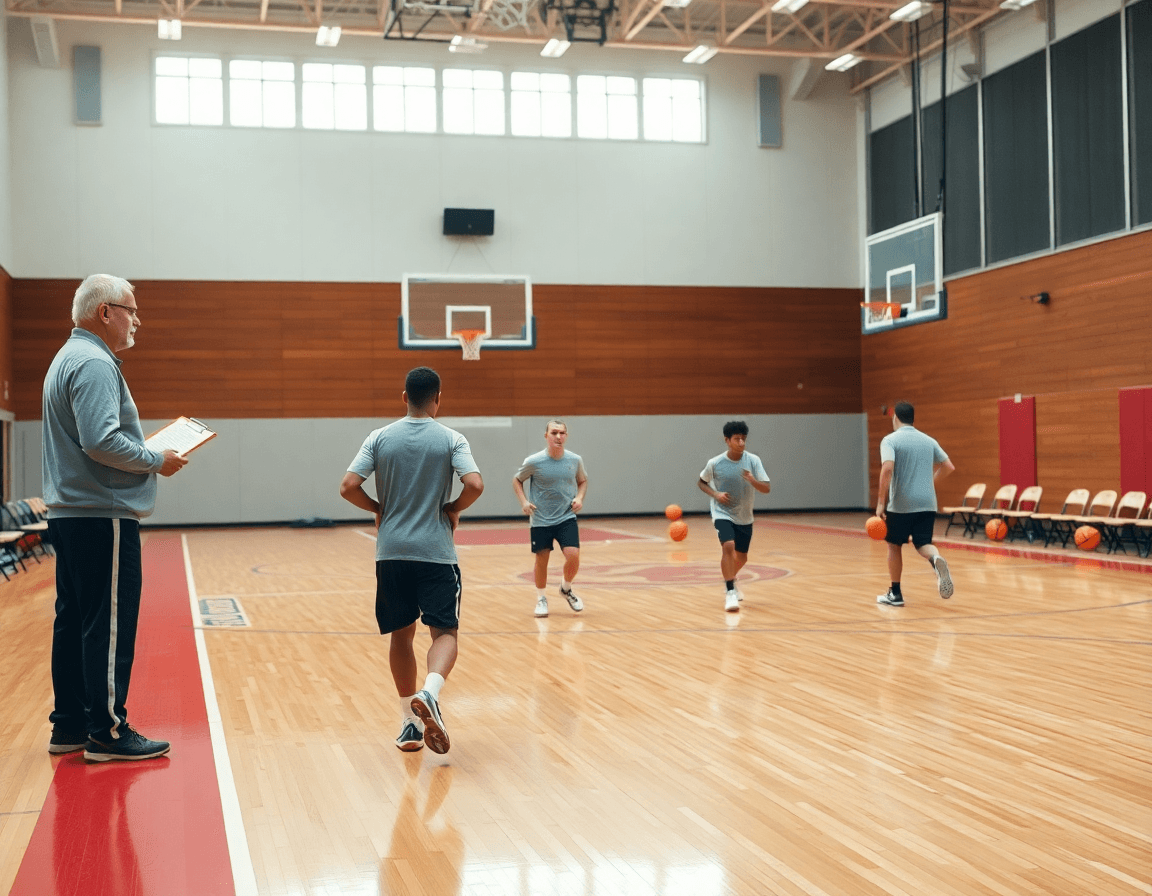
Basketball Sideline Boards: Coach's Guide
Basketball sideline boards: a coach-focused buying guide on two-sided, durable boards and branding, and how to sync them with playbooks and video.

Key takeaways
- Prioritize two-sided surfaces that show both full-court and half-court layouts for clear timeout messaging.
- Choose a durable build with a sturdy frame and a reliable built-in handle for easy transport, plus branding options.
- Consider branding with a clean logo and team colors, and ensure the surface accepts crisp, legible diagrams.
- Match the board to your space with flexible mounting options and mobility, so it fits every gym and practice.
- Tie the board to CourtSensei's coaching workspace: plan, diagram, export a PDF playbook, and video clips.
What to look for in basketball sideline boards
Basketball sideline boards are a solid on-court communication tool for timeouts and practice, but they shine brightest when they fit into a coach’s weekly workflow. When evaluating them, pay attention to two-sided surfaces that let you show both full court and half court layouts during timeouts and drills. This dual capability keeps your messaging clear without swapping boards mid-session.
A durable, portable option matters as much as the diagrams you draw. Look for a durable build with a sturdy frame and a reliable carry or built-in handle for easy transport between teams or gyms. Branding options (logo, team colors) can boost on-court professionalism and even recruiting appeal, so consider whether the surface accepts clean customization. And don’t overlook the size and surface quality—you want quick, legible diagrams during stoppages, not smudges or faint lines.
Finally, consider how the board fits your space. Favor flexible mounting options or portability features (wall-mounted, rolling boards) that adapt to different gyms or practice halls. If you’re coordinating drills with other materials, remember that CourtSensei offers a cohesive coaching workspace that complements these boards: you can pair on-court visuals with time-structured training plans, draw/play creation, PDF playbooks, and video imports, all linked in one place. This integration helps you maintain a consistent weekly workflow from planning to on-court teaching, without implying any automated analytics from the boards themselves.
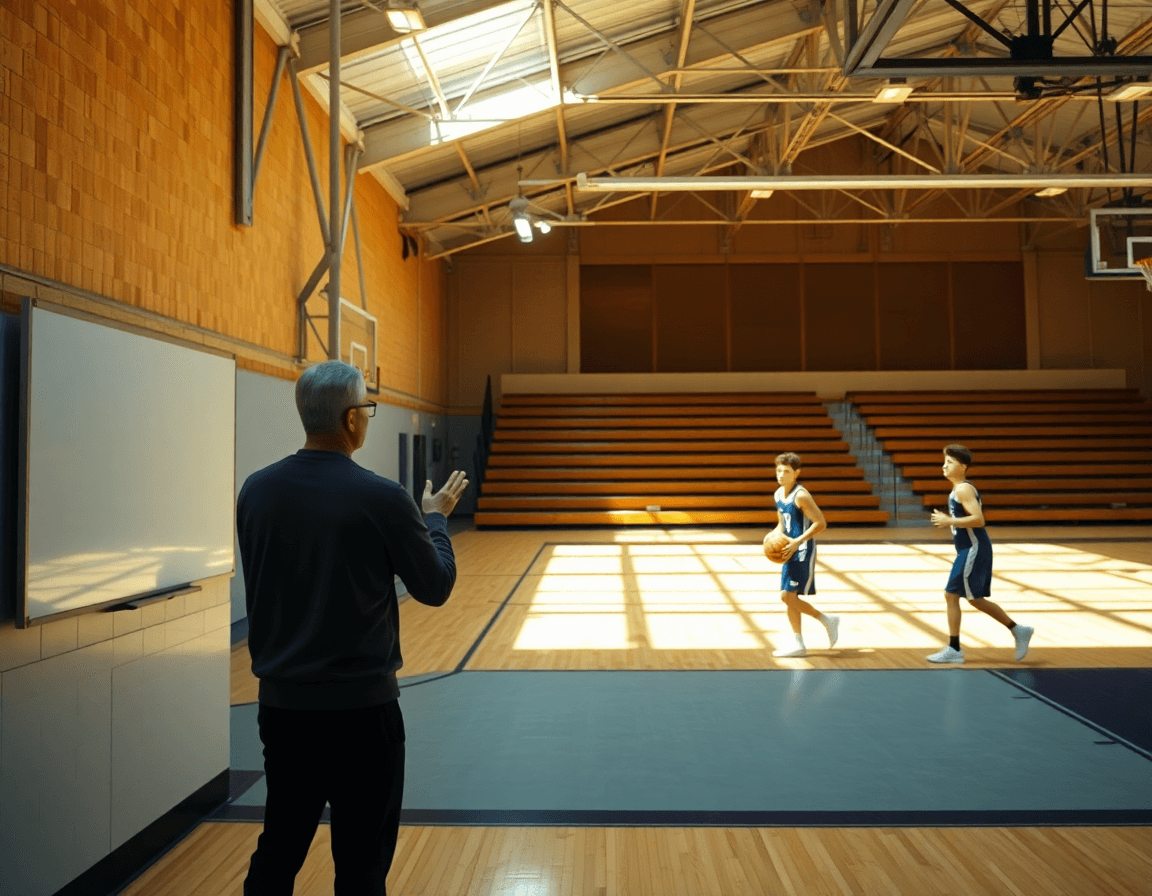
Stock vs custom boards: which fits your program
When weighing stock versus custom boards, think about the weekly rhythm of planning, practice, and on-court teaching. Stock boards offer immediate use and a lower upfront cost; custom boards enable branding and tailored layouts. A coach can rely on a clipboard during timeouts, sketch plays quickly, and still keep the broader plan organized in CourtSensei—time-structured training plans, draw/play creation, PDF playbooks, and scouting notes—so everything links back to a single coaching workspace. The choice sets the tone for how visuals align with the week’s teaching, without implying any automated analytics from the board itself.
Stock boards come in standard sizes, are typically dry erase, and built with a portable carry handle. They’re often two-sided, letting a coach flip between sets for a quick full court or half court sequence. Immediate availability and simple maintenance keep costs predictable, and lead times are minimal—perfect for programs that want to plug in a new drill or two without delaying practice. For the weekly cycle, a stock board provides the canvas; the real workflow lives in the session notes, the playbooks, and the video clips stored in CourtSensei.
Custom branding can align with team colors and logos, potentially aiding recruitment and sponsorship draw. A board that carries a distinctive logo and tailored layouts supports the visual language used during scouting notes and game prep. If the budget allows, a custom board can mirror the coaching boards used on the bench, but with a layout tailored to your plays and drills. Lead times vary; planning ahead is essential to sync with the start of the season. In practice, you might still sketch a plan on the board and then import it into CourtSensei to attach to a time-structured plan and a PDF playbook.
Regardless of stock or custom, the real advantage comes from tying the board to a cohesive workflow in the coaching workspace. Sketch the set on the board, snap a quick clip, and drop it into a time-structured training plan; export a PDF playbook; attach scouting notes for the next game. A well-organized flow keeps practice tight: from the dry erase lines to on-court teaching, everything links back to one system.
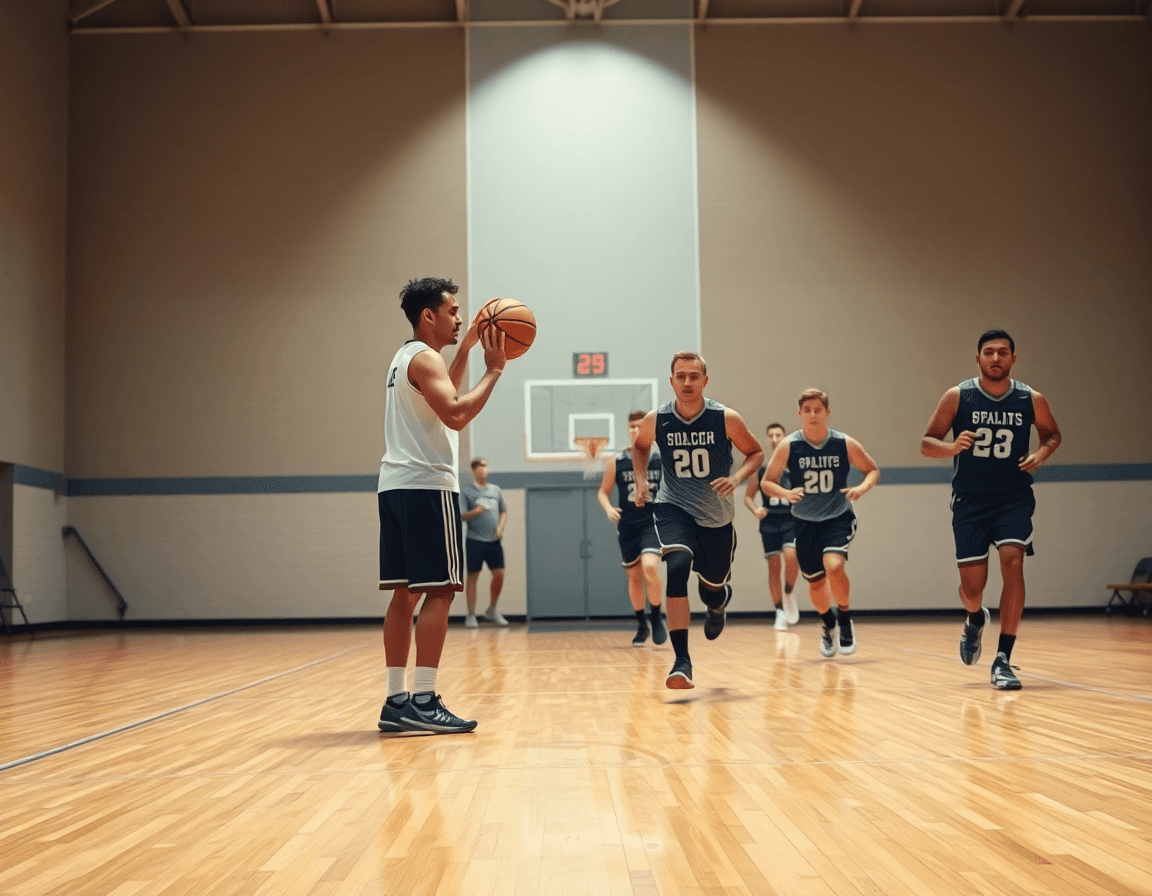
Practical workflow: step-by-step weekly plan
Basketball sideline boards help organize your week, but the real workflow happens when you connect them to a fabric of drills and plays. In CourtSensei, you preview the week by drafting plays and drills in your training plan, so on-court teaching aligns with what you intend to execute. Use the board’s dry erase surface to sketch evolving ideas, then save them into your coaching workspace. The two-sided design with a built-in carry handle makes it easy to move between bench and drill spots, whether you’re working full court tempo or half court breakdowns.
From there, convert sketches into actions with play diagrams on the boards, and connect them to your drills in CourtSensei—this is the playbook integration workflow. Create and store play diagrams on the boards, then link them to corresponding drills in your workspace, so every coaching moment has a mapped action. During the week, reuse variations and reference the linked plays during practice to keep the plan cohesive. This aligns practice scripts with the weekly plan, turning field notes into repeatable teaching moments.
During practice, capture clips and attach them to plays for quick review after sessions. The video workflow stays tight: import clips, organize them by play, and reference them on the clipboard during drills. If a sequence stalls, pull up the linked video in the coaching workspace and walk through the decision tree with your assistants. The result is a consistent weekly rhythm—plan, teach, review—without stepping outside the boards’ physical cues.
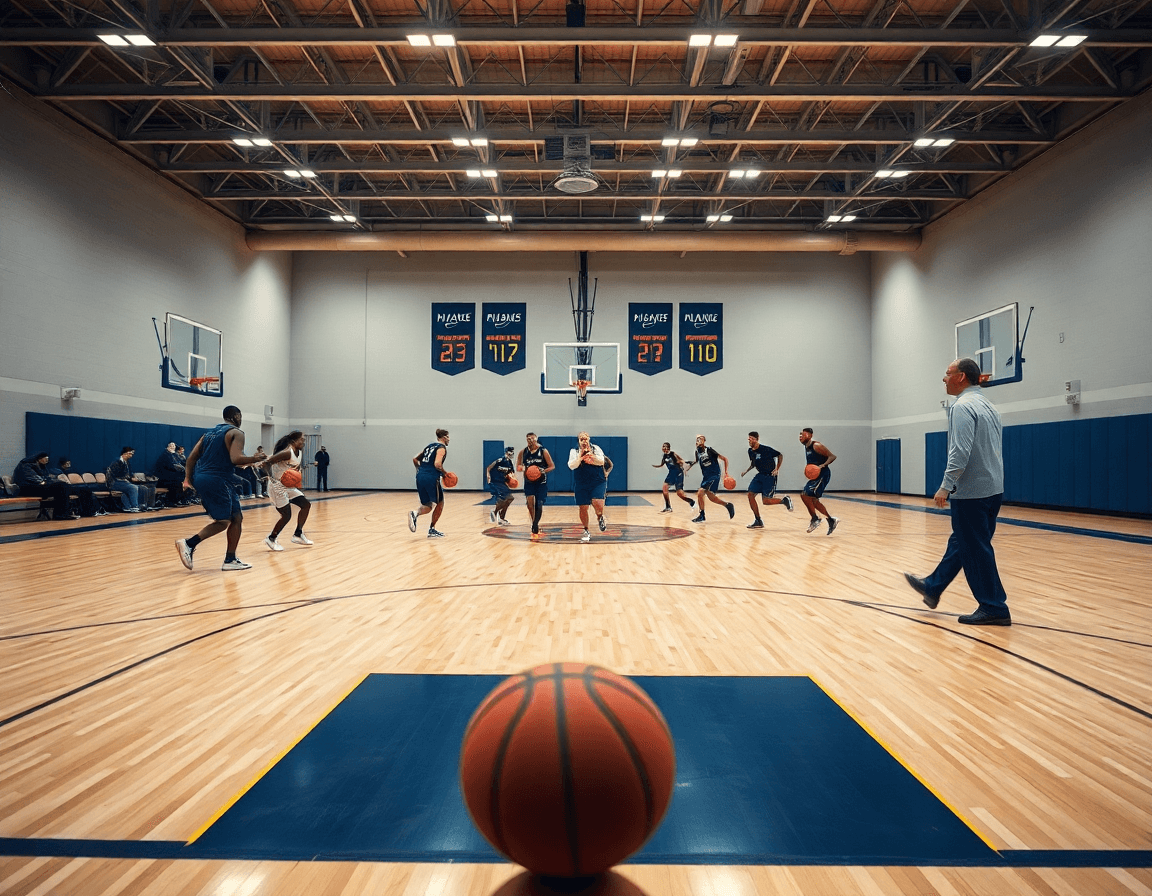
Budget, shipping, and setup: a buying checklist
Budget-wise, start with the base price of basketball sideline boards and add in branding options and mounting hardware. If you opt for a clipboard-style board, confirm whether the surface is dry erase and whether a built-in carry handle is included. Size matters too: a full court board can streamline communication from the bench, while a half court board may fit tighter sideline layouts. These choices affect cost and how cleanly the weekly plan translates into on-court teaching.
Before pulling the trigger, check typical shipping times and whether expedited options are available, especially if you're staging a mid-season update or a preseason install. Compare shipping cost to the board price and consider any import duties if sourcing from abroad. If a board ships in multiple parts, ask about handling fees and whether accessories are included.
Plan the setup around your gym space: assess space, mounting location, and maintenance needs to keep the board reliable across drills and scrimmages. Place the board where it’s visible to the bench and coaches on the floor, yet easy to wipe down during transitions. Ensure the surface resists marker stains and the hardware stands up to daily use. If portability is part of the plan, look for a built-in carry handle or a lightweight frame.
How CourtSensei amplifies sideline boards
Basketball sideline boards have long been the visual cue during timeouts and drills, especially when you’re juggling chalk marks with quick adjustments. CourtSensei complements that setup by giving you a cohesive coaching workspace that ties your board diagrams to a full digital toolkit. In your weekly plan, you can create time-structured training plans and attach plays to board diagrams, so the on-court message matches the chalkboard message. This isn’t about replacing the board; it’s about extending it—keeping your clocked reps aligned from timeout to transition.
Build and share PDFs of playbooks, then organize related video clips and scouting notes in one workspace. Your plays become living documents: attach a play to a diagram, export a PDF to hand to assistants, and keep the clip library handy for quick pre- or post-practice review. The scouting notes live alongside the drills, so adjustments are easy to track and communicate during game prep.
Link drills, clips, and scouting material to a centralized coaching dashboard—no separate app switching. As your group lines up on full court or half court, pull from the same source of truth, tying what you draw on the sideline to what you show on the screen. With this setup, coaching boards stay the cue, while your coaching workspace handles planning, game prep, and playback in one place. This integration reinforces a steady weekly workflow, from planning to on-court teaching, without muddying the line between physical boards and digital assets.
Sample weekly routine: from plan to on-court execution
Monday kicks off the weekly routine with planning. You lock in the weekly training plan in CourtSensei, aligning practice objectives with the cues you share on the court and the messages from your coaching boards. Export a printable playbook for staff so assistants have a clear reference for drills, sets, and adjustments. This is where the workflow from planning to on-court teaching starts, helping you stay consistent across sessions and sideline communication.
Tuesday–Wednesday: run the practice with your basketball sideline boards to visualize sets, then capture key moments as clips are uploaded and organized in CourtSensei. Clip moments, tag plays, and attach to the corresponding drills so every rep on the floor has a linked reference. The built-in video workflow lets you import clips and tie them to the playbook, making on-court teaching faster and more cohesive. Keep a two-sided dry erase board nearby for real-time adjustments while you walk through the sequences.
Thursday–Friday: review scouting notes and adjust forthcoming sessions; circulate updated playlists and PDFs to staff so everyone stays aligned. Use the scouting notes to refine defensive looks, counter-moves, and transition timing. Share updated PDFs and playlists to ensure drills map to game prep and the upcoming week’s plan. This closing phase keeps your cycle tight and ready for Monday’s re-entry to the court, closing the loop from planning to on-court execution.
FAQ
Can a basketball coaching board be customized with my logo?
Yes. Custom branding can align with team colors and logos, boosting on-court professionalism and recruitment appeal. Choose a surface that accepts clean customization and verify durability and surface quality. Lead times vary, so plan ahead to sync with season start. Even with branding, you can still connect sketches and plays to your CourtSensei coaching workspace—plans, playbooks, and scouting notes stay centralized.
What size coaching board should I buy for sideline timeouts?
For sideline use, most coaches consider full court and half court options. If space on the bench is limited, a half court board can fit better; for larger gyms, a full court board helps communicate plays clearly. Look for two-sided surfaces for switching layouts during timeouts. A built-in carry handle aids transport. CourtSensei's workflow links boards to training plans and PDFs for quick reference.
Are custom coaching boards worth it for high school programs?
Custom boards offer branding consistency and tailored layouts that align with weekly planning. They take longer to source than stock boards, so weigh upfront costs against faster deployment. If a program relies on clear, consistent visuals, custom boards can support on-court teaching while your weekly plan and PDFs live in CourtSensei’s coaching workspace. No analytics claims—only visuals that tie to your workflow.
Do coaches actually use magnetic boards on the sideline?
In many programs, coaches prefer dry erase boards for quick edits during stoppages. Magnetic boards are not a standard feature of CourtSensei sideline boards; compatibility depends on the model. The two-sided, dry erase surfaces with built-in handles suit fast rotations between full-court and half-court setups. Regardless, the key is linking boards to the centralized coaching workflow in CourtSensei.
How long does custom sideline equipment take to ship?
Lead times vary by vendor and customization level. Stock boards ship faster; custom branding and layouts add time. Plan ahead to match your season timeline, and coordinate with your procurement window. Even with longer lead times, you can keep your weekly rhythm by mapping board sketches to your CourtSensei training plans and playbooks.
What is the difference between a clipboard and a coaching board?
Clipboards are compact, portable, and great for on-the-spot notes. Coaching boards are larger, two-sided, dry erase surfaces with a built-in carry handle, designed for visible plays during timeouts and drills. The board complements the weekly workflow by supporting sketches that feed into the training plan, playbook diagrams, and video clips in CourtSensei.
How many coaching boards should a program have for its staff?
The right number depends on staff size, gym layout, and buffer for substitutions. A practical approach is one board per lead coach, plus an extra for assistants or scout duties. Tie all visuals to a single coaching workspace in CourtSensei—where sketches, plays, and videos are linked to weekly training plans, so the team stays aligned without duplicating effort.
