Basketball Skills Assessment Template
Coach-focused guide to using a basketball skills assessment template in weekly planning—link rubrics, video clips, and scouting notes to training plans.

Key takeaways
- Establish a consistent weekly rhythm for assessments, linking evaluation windows to drills and training outcomes.
- Standardize rubrics across Shooting, Dribbling, Passing, Defense, Rebounding, and IQ to guide decisions.
- Incorporate video attachments to ground judgments, linking clips to criteria for objective feedback.
- Build a progression-based drill library aligned to each skill to streamline weekly planning.
- Tie rubric criteria to drills and link notes for a cohesive, repeatable weekly cycle.
Establish a weekly rhythm for skill assessments
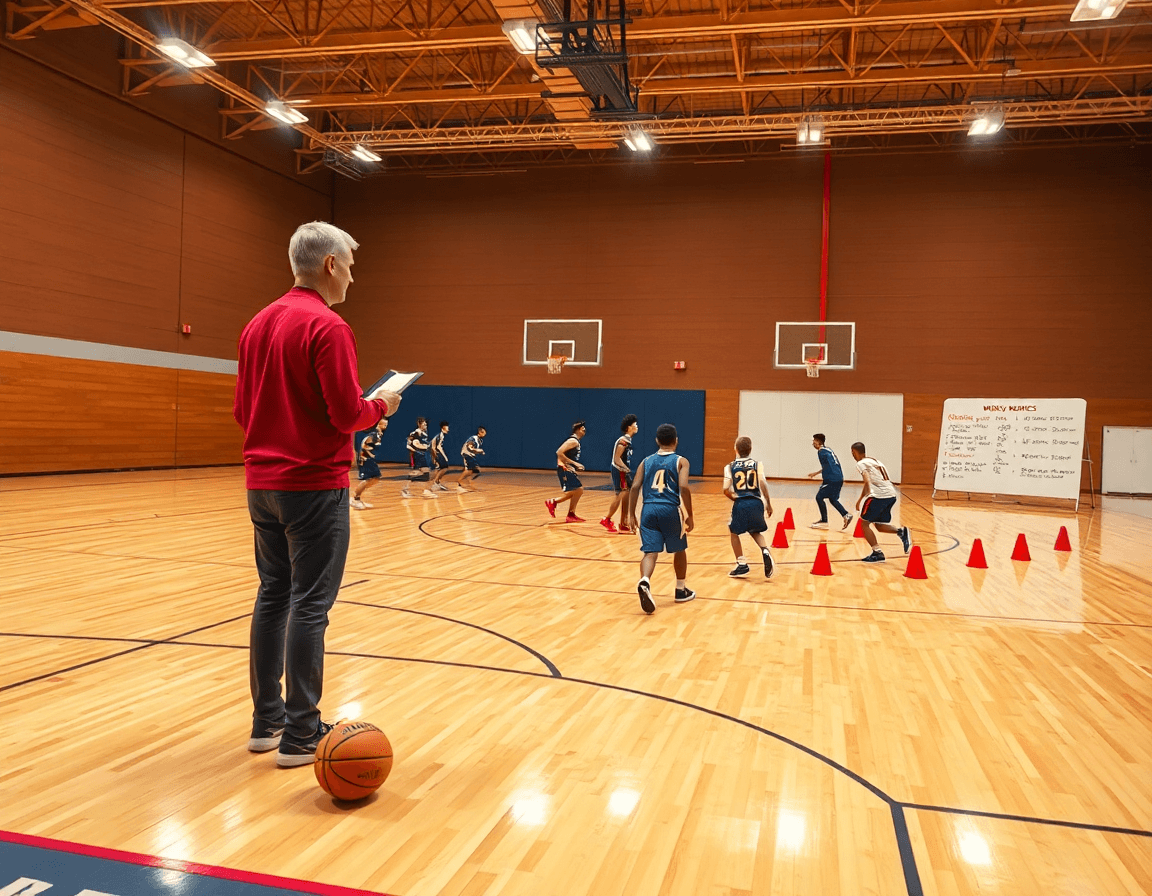
Establishing a weekly rhythm for skill assessments turns scattered drills into a coherent development plan. Start by defining evaluation windows—practice days, scrimmages, and tryouts—and apply a single rubric across sessions. This approach anchors your weekly planning and reinforces the basketball skills assessment template so every session speaks to the same measurable goals. As you map the week, tie each evaluation window to specific drills in your plan, ensuring what you test directly informs what you train.
Decide who records scores and how data is stored for easy retrieval. A designated coach or assistant can enter results into a standardized form, whether you’re using a basketball evaluation form for drills and scrimmages or the basketball tryout evaluation form for camps. In CourtSensei, you can attach that form to a player profile, link notes and video clips, and keep everything organized in the coaching workspace for quick reference during the week.
Tie outcomes to the weekly training plan so drills address concrete gaps. If the shooting rating exposes a gap, schedule a focused shooting block in the next cycle and capture progress with a short video clip to attach to the player’s profile. On the tactical board, sketch a couple of plays aimed at exploiting the new awareness, and add a scouting note that explains what defenders did to challenge the player. This keeps your coaches workflow cohesive—from plan to play to progress—without losing sight of weekly targets.
Standardize rubrics and map to drills
A basketball skills assessment template standardizes scoring across Shooting, Dribbling, Passing, Defense, Rebounding, and IQ on a consistent 1-5 or 1-10 scale. That consistency is a powerful weekly discipline: you can compare players, track improvement, and plan next steps without sifting through uneven rubrics. Each criterion becomes a clearly defined rubric, with notes on strengths and weaknesses. For every rating, attach a recommended drill or drill combo drawn from the drill library. In CourtSensei, this ties directly into the training plan, so you can preview a weekly schedule and ensure the practice design targets the exact gaps your players show in the evaluation.
With the standard rubric in place, your weekly workflow becomes straightforward: complete the basketball evaluation form for each player, recording the shooting rating, dribbling rating, defense rating, and rebounding rating, while noting strengths and weaknesses and linking to the recommended drills. Map each criterion to drills from the drill library and fold them into a cohesive training plan that fits your time slots. This approach keeps practice design efficient: a block for shooting with form-repetition; another for ball movement and decision-making tied to IQ. The scouting notes travel with the player profile, so when you export or share a read-only playlist or clip, coaches see a consistent picture. For tryouts, a basketball tryout evaluation form can reuse the same rubric to surface the most relevant drills for immediate week-one progression.
Incorporate video to support objective evaluation
When you build your weekly basketball skills assessment template, lean on video attachments to ground your judgments in observable action. Upload game or practice footage and clip key moments that illustrate each criterion in your basketball evaluation form. Tie these clips to the relevant sections of your evaluation forms so you can reference a precise moment when you rate a player’s shooting rating, dribbling rating, or defense rating. This approach keeps the process objective and trackable within your coaching workspace.
Use video clips to anchor feedback in real time. In your notes, point to a specific frame where a hand-off becomes a hesitation dribble, or where a defender closes out too late on a shot. Leverage on-screen annotation to mark the exact elements being discussed, then attach those annotated clips to the corresponding entry in the basketball player evaluation template. This makes every observation concrete and easy to revisit during future evaluations.
When you share findings with the staff, keep it streamlined with read-only links or embeds. A short playlist of clips attached to an evaluation entry lets assistants review the action without changing your notes. This approach supports a consistent loop: upload, clip, annotate, attach to the evaluation form, and share for teamwork. By organizing video attachments, video clips, and annotations around your basketball skills rubric, you create a repeatable workflow that informs adjustments to drills and the plan for the next week.

Build a drill library aligned to each skill
Build a drill library aligned to each skill. Start by tagging drills by skill area—shooting, ball handling, defense, rebounding, and decision-making—and design each drill with a clear progression: beginner, intermediate, advanced. In the CourtSensei coaching workspace, the result is a comprehensive, progression-based drill library you can pull from when planning the week, so you don’t recreate drills from scratch each time. This setup makes it easier to organize a season around core skill themes while keeping practice tight and purposeful.
Link drills to rubric criteria to streamline planning. Attach rubric criteria to every drill and map them to a basketball skills rubric, so every session has measurable targets. For example, a shooting drill ladder can connect to a shooting rating, while dribbling and defense drills align with their respective ratings. Pair each drill with skill-specific drills for a clean, rubric-driven workflow, and reference a basketball evaluation form or basketball player evaluation template during weekly reviews to track progress on each area.
Export practice guides as PDFs for staff meetings and film sessions. With the library in place, you can assemble weekly practice guides that combine participation plans, progression details, and rubric links, then export to PDF for quick sharing. Staff can review the drill sequence, duration, and expected outcomes before meetings, and coaches can attach relevant scouting notes and playlists to the same document. This keeps everyone aligned on the week’s plan and the criteria you’re tracking—without sacrificing clarity or tempo.
In the weekly plan, draw from the drill library to balance skill work with progression targets. Pair specific drills with shooting, dribbling, defense, and rebounding ratings, and build a coherent path that ladders players toward the next level of proficiency.
Use scouting notes to inform practice design
Use scouting notes to inform practice design. Record opponent tendencies and how players react to actions during games. Store these notes in the coaching workspace alongside rubrics and clips. With a time-structured plan in CourtSensei, you can pull the right scouting notes into weekly sessions and connect them to your drills library.
Translate scouting reports into focal drills (e.g., defending ball handlers) and surface game prep notes that guide the session. In your plan for training, tie the drills to specific rubric criteria and to a quick video clip that shows the action. By aligning data with action, you turn observations into repeatable practice design.
Build playlists around the new focal drills, then upload a short video clip that demonstrates the counter or technique. Store the clips in the workspace so assistants can view and critique, and reuse them in future weeks.
To close the loop, map scouting notes to a basketball evaluation form and a basketball player evaluation template. Attach these to the weekly game plan and link them with the scouting reports for easy reference. This setup keeps a coach focused on outcomes while maintaining an organized trail of actions, videos, and notes that drive ongoing practice design.
Deliver, review, and iterate: a practical workflow
Your weekly cycle starts with a basketball skills assessment template. After each session, export to PDF and share with staff via read-only links. This keeps a living document updated and accessible, so coaches can see progress and adjust plans without re-entering data. The rubrics—shooting, dribbling, defense, and rebounding—feed into your time-structured training plan, ensuring what’s flagged today becomes the focus of next week’s sessions.
Turn findings into action by creating playlists of drills and clips for film sessions and in-practice references. Attach a short clip to a note in the coaching workflow, and link that clip to the corresponding rubric. Use read-only links to distribute film without edits creeping in. This approach helps address specific areas—shooting rating, dribbling rating, defense rating, and rebounding rating—while tying practice to the library of drills in your plan.
Week-to-week, review outcomes and iterate. Regularly refine rubrics, drills, and notes for the next week’s plan. If you use a basketball evaluation form or basketball player evaluation template, keep data consistent across weeks and tie it back to the scouting notes from opponents. The cycle lives in the coaching workflow, aligned with the time-structured training plan and the drill library, so tweaks to a defender’s stance or a shooting drill enter the schedule quickly for the next week.
FAQ
What should be included in a basketball skills assessment template?
An effective basketball skills assessment template should cover the core skill areas and capture actionable notes. Create a standard rubric for Shooting, Dribbling, Passing, Defense, Rebounding, and IQ, using a 1-5 or 1-10 scale. Attach strengths, weaknesses, and recommended drills from your drill library. Tie every rating back to your weekly plan, and store everything in a player profile within CourtSensei for quick reference during practice.
How do you score basketball skills on an evaluation form?
Score basketball skills with one, clearly defined scale across Shooting, Dribbling, Passing, Defense, Rebounding, and IQ. A 1-5 or 1-10 system with concrete anchor descriptors (e.g., 'excellent', 'needs work') keeps judgments consistent across games. Capture brief notes on strengths and improvements, and keep the rubric linked to each player's profile in CourtSensei for season-to-week comparison.
Can you customize a basketball evaluation template for tryouts?
Yes. Build a template that surfaces immediate week-one needs, while still using one rubric across sessions. For tryouts, emphasize core indicators like efficiency, decision-making under pressure, and transition speed. Reuse the same rubric after tryouts to map progress, and attach tryout-specific video clips to the player's evaluation entry. In CourtSensei, apply the same evaluation form to a shared staff playlist and link read-only access.
What is a good scoring scale for basketball evaluations?
Choose a simple, consistent scoring scale (1-5 or 1-10) with clear anchor descriptors for each level. This keeps comparisons meaningful across drills, scrimmages, and tryouts. Map every rating to the corresponding drills in your library and log outcomes in the player's profile. The result is a transparent, repeatable process you can trust week to week within CourtSensei.
How can I track player progress over a season with an evaluation form?
Track progress by storing weekly scores in a single player profile, linking each score to the relevant drills and notes. Tie evaluation windows to practice days, scrimmages, and games, and review trends during weekly planning. Attach short video clips to demonstrate progress, and export PDFs of practice guides or scouting notes for staff meetings—all within your coaching workspace.
How can you attach videos to player evaluations?
Upload game or practice footage, clip key moments, and attach those video attachments to the corresponding evaluation entries. Use on-screen annotation to highlight specifics, then share read-only playlists with staff to keep notes intact. This creates an observable, actionable record for the next training block.
