
Best basketball play designer: weekly workflow
Learn how to evaluate the best basketball play designer for a coach's weekly workflow—diagram plays, integrate video, build playlists, and share playbooks with staff.

Key takeaways
- Commit to a dedicated play designer to establish an intentional weekly rhythm and prep.
- Leverage a consolidated workspace to keep plans, play diagramming and clips in one place.
- Share plans via PDF export and readable playlists with read-only access for staff.
- Tie scouting notes to diagrams and clips, enabling targeted adjustments before drills.
- Keep expectations clear: it’s human-driven, diagram-first, and does not rely on AI analyses.
Why you need a dedicated play designer for weekly planning
Your weekly rhythm as a coach hinges on planning, play design, and game prep. A dedicated play designer makes that week feel intentional instead of reactive. If you’re seeking the best basketball play designer to structure your week, CourtSensei fits. CourtSensei centralizes weekly coaching workflow by combining planning, drawing/diagramming plays, manual video clips, playlists, and scouting into a single coaching workspace. With a diagram-first play design mindset, you can sketch a sequence in minutes and adjust on the fly as the week moves forward.
Instead of juggling separate tools, you get a consolidated workspace that keeps practice plans, play diagramming workflows, and video clips in one place. That minimizes tool-switching and lets you keep a consistent thread from drills to game situations.
With PDF export options and shareable playlists that offer read-only access, you can distribute the plan without overloading emails. Your coaching staff and players see the same diagrams and clip sequences, so walkthroughs in practice stay crisp.
Scouting notes connect directly to the plays you run, so adjustments based on opponent tendencies are easy to implement. In your weekly plan, you can reference a scouting note and tie it to specific diagrams and clips.
Remember what the tool does—and doesn’t do. CourtSensei does not rely on AI video analyses or auto-tagging, and it does not generate automated progress reports. The strength is the human-driven, diagram-first process that coaches rely on to plan, practice, and prep.
Diagram-first vs video-backed workflows: choosing your approach
Diagram-first workflows revolve around quick, reusable play diagrams and timing cues. If you want a clean, printable library for weekly planning, diagram-first play design shines in your planning sessions. With a focus on simple diagrams and spacing, play diagramming lets you sketch options fast, share them with assistants, and reuse sets across drills and games.
Video-backed workflows tie diagrams to moments within clips for context. You can attach a diagram to a clip segment to illustrate how a movement unfolds, then pause to review spacing or timing with the team. This approach trades speed for context, so you’ll spend more time curating clips and labeling the moments that matter—without relying on AI or automated analysis. In practice, you can curate a few game-like sequences and pull them into practice to anchor decisions with real movement.
Your choice should reflect how your staff consumes and reviews plays during practice and games. If diagrams are king for quick install and printouts, lean diagram-first. If your staff benefits from seeing the action in motion, lean video-backed. CourtSensei centralizes weekly coaching workflow by combining planning, drawing/diagramming plays, manual video clips, playlists, and scouting into a single coaching workspace. It supports diagram-first play design, PDF export, shareable playlists with read-only access, and integrated scouting materials, helping coaches plan, practice, and prep—without relying on AI video analyses or separate tools.

Building a reusable play library: from drills to game-ready playlists
Build a reusable repository of offensive and defensive plays, drills, and situational sets. A robust drill library supports you from warmups to late-game resets, while a diagram-first play design approach ensures plays are sketched clearly on the board before practice starts. You can tag by concept—spacing, timing, decision-making—and reuse sequences across teams, saving planning time and keeping your weekly workflow aligned for the entire staff.
Organize plays into playbooks and export PDF export for printed or offline use. Break down scenarios into themed playbooks—fast-breaks, half-court sets, late-game calls—and generate polished PDFs your staff can annotate in the gym or share with partners. A PDF export preserves diagrams, notes, and progression so the plan travels with you to film rooms, clinics, or the next game-day meeting.
Assemble game-ready playlists that staff can access on any device. From a short clip list to a full breakdown of a single play, these playlists flow from plan to practice to prep. With cloud-based playbooks and access, the whole staff can pull up the same material—diagrams, drills, and clips—on a tablet in the huddle or a laptop in the film room. This setup makes it easier to execute the game plan across practices and scouting sessions.
Practical workflow step: plan, diagram, clip, share in 90 minutes
Step 1: Define weekly objectives and opponent tendencies to target with plays. In the planning phase, a coach sets objective indicators for the week—what you want the offense to accomplish—while profiling common opponent tendencies to attack. CourtSensei centralizes this into the planning pane, so your practice planning and timed play actions align with a coherent game plan, not disparate notes.
Step 2: Diagram 4–6 key actions (sets, counters, and actions) with timing cues. Sketch the action flow on the diagram-first interface: 4–6 core actions that cover sets, counters, and actions; assign timing cues like, 0:00 ball screen, 0:12 slip, 0:28 flare, etc. This keeps the play design tangible and coachable, with a focus on a clear sequence that can be taught on the board and in transition.
Step 3: Attach or link video moments to each play for context; clip relevant possessions. For each play, attach or link video moments so the sequence has real-game context. Use clip-based tagging to highlight the possessions that illustrate the action, and keep clips organized within the play's page. This is where the coaching workspace shines: you can quickly reference video without leaving the diagram.
Step 4: Compile into playlists and export/share PDFs or read-only links with staff. Assemble those plays into playlists, export a PDF with diagrams and notes, or share a read-only link with assistants and scouts. The workflow supports real-time collaboration and centralized scouting materials so staff can prep and practice in synchrony.
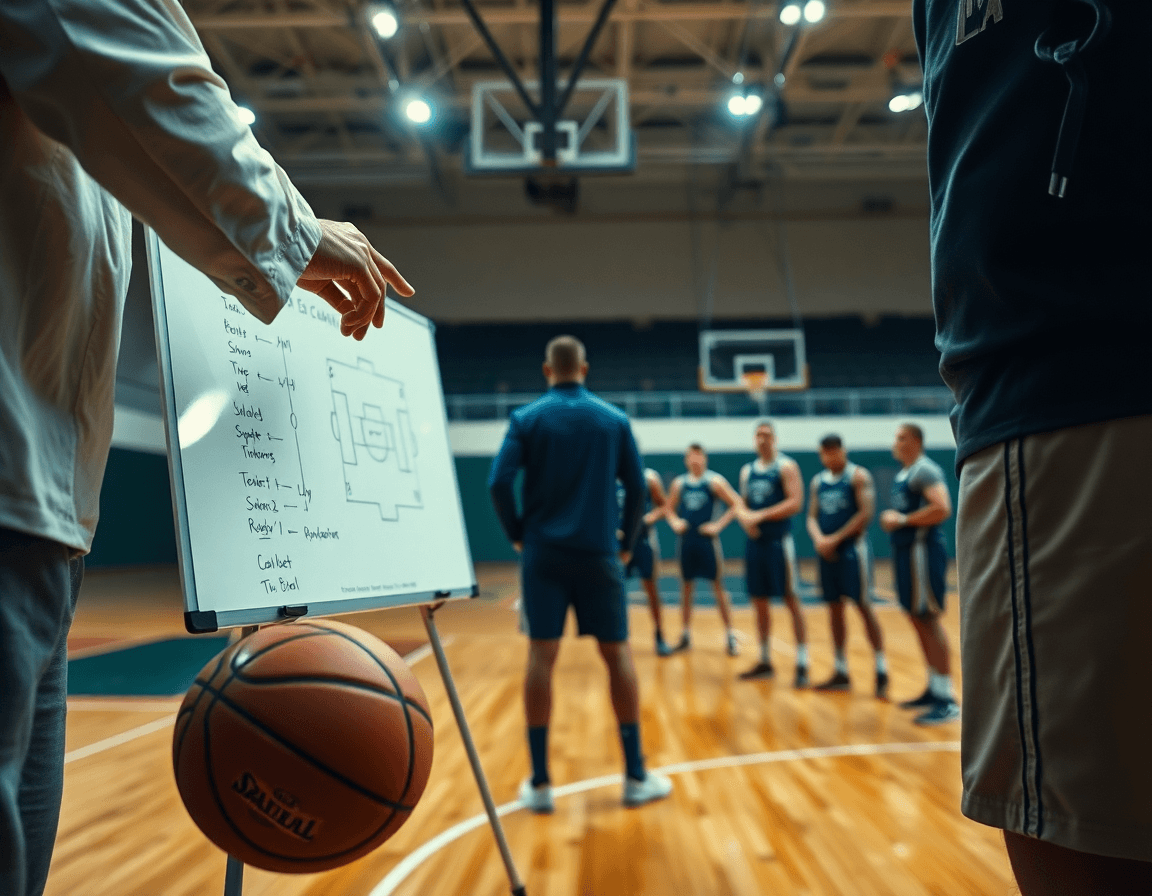
Scouting and game prep: tying plays to opponent tendencies
Scouting notes belong in the same coaching workspace as your plays. When a scouting report highlights opponent tendencies—like how they blitz ball screens or hedge on drives—you tie those insights to specific plays in your library. With a diagram-first play design approach, you sketch counters right beside the notes, and use clip-based tagging to link a take-away from a game clip to a particular read. The result is a compact, single-source hub for scouting reports and play design within your coaching apps.
Link plays to opponent actions and game scenarios for prep sessions. As you walk through prep, assign an action such as "opponent over-helps on the weak side" to a counter sequence. Attach it to the corresponding play diagram, and build a quick video playlist for review with the staff. This makes the playbook designer a tool for game prep, not just a diagram book, keeping diagrams and clips in tight alignment with the scout report and the listed game scenarios you expect to face.
Use the integrated workflow to adjust plans as scouting updates arrive. When a new scouting update shifts an opponent tendency, swap in a counter, reorder your playlist, or export updated PDFs for the next walkthrough. Keeping everything in one place means the coach can react to scouting updates without juggling multiple tools, while maintaining a clear link between those updates and the upcoming practice or shootaround.
Exporting, sharing, and collaborating with your coaching staff
After you lock in a week’s plan, exporting and distributing your work should be quick and controlled. Publish plays as PDFs or shareable playlists with read-only access for staff and players. The PDF export gives you a clean, printable version for film sessions and chalk talks, while read-only access keeps your original work intact as athletes review clips and diagrams on their own schedule.
Keep everyone on the same page with cloud-based playbooks that power team sharing and automatically reflect updates. When you tweak a diagram or add a scouting note, the latest version is the one everyone uses, whether it’s on a tablet in the gym or a laptop in the locker room. Administrators can set permissions, ensuring only authorized staff view sensitive scouting notes.
Enable real-time collaboration to gather input from assistants without chaos. In practice, assistants can add quick annotations on diagrams, swap clips in a playlist, and drop scouting notes, all while you retain control over final versions. This workflow—diagram-first play design with clip-based tagging—lets you assemble a coherent playbook for the staff. With this approach, the entire staff benefits from a transparent team sharing mindset.

Checklist: features to look for in a top play designer
In the weekly workflow, the best basketball play designer keeps planning, scouting, and practice in one place. Look for a diagram-first approach that lets you sketch and iterate plays fast, then export or share what you design without a messy handoff to other tools. A solid option should feel like part of your coaching apps stack, not a patchwork of standalone features.
Diagramming accuracy and ease of use for quick weekly updates. You want a clean, reliable diagramming tool that you can trust at the end of Tuesday film sessions and still update on Friday before practice. The interface should make it simple to draw routes, set screen angles, and adjust spacing on the fly, so your play ideas stay fresh without slowing you down. This is the core of pro-level play design.
Video integration and clip-based tagging to tie plays to moments. A top design tool should let you attach short clips to specific actions or sets and tag them by moment, defender actions, or ball-handler reads. Clip-based tagging helps you build a library where each play links to concrete examples, not just diagrams. It’s a bridge between strategy and execution.
Export options (PDF, playbooks) and seamless sharing features. When you’re ready to distribute, you need reliable PDFs or print-ready playbooks and shareable playlists with read-only access. These export and sharing capabilities keep your staff aligned, from practice reps to scouting notes, without exposing your board to misinterpretation.
Centralized workflow that supports planning, scouting, and practice planning. Beyond the board, you want a workspace that ties in scouting notes, opponent tendencies, and week-to-week practice plans. A centralized system reduces back-and-forth and helps you plan holistically—without leaning on AI analyses or juggling separate tools. This is the kind of cohesive environment that elevates a program’s diagram-first play design.
FAQ
Which is the best basketball play designer for weekly planning?
If you're aiming for the best basketball play designer for weekly planning, CourtSensei fits. A dedicated play designer helps you move from reactive to intentional weeks. CourtSensei centralizes planning, diagramming, manual video clips, playlists, and scouting in one coaching workspace. With a diagram-first design approach, you can sketch sequences in minutes and adjust as the week shifts. PDFs export and read-only playlists keep everyone aligned.
Can coaches share video playlists?
Yes. Playlists built in CourtSensei are accessible on any device and can be shared with staff and players via read-only links. This makes it easy to move from plan to practice without email clutter. You can assemble short clips into thematic video playlists and control who can view them, keeping the workflow transparent and self-contained.
Should a program replace its current video platform?
Consider consolidation first. CourtSensei can centralize planning, play design, video clips, and scouting in one workspace, which often reduces tool-switching. You can attach or link video moments to plays and organize clips within the play pages. If your current video platform handles long-form footage well, you can keep using it while gaining a unified workflow for diagrams, drills, and scouting.
Which tool works best for quickly building and reusing standard offensive and defensive play diagrams?
Diagram-first play design is your fastest path to consistency. Build a library of core actions and sets, tag them by concept (spacing, timing, decision-making), and reuse sequences across drills and games. CourtSensei supports a fast diagramming workflow, a true playbook library, and PDF export for printing—so your weekly plan stays lean, coachable, and ready to share.
Which software is strongest when basketball play design needs to be tied to specific video moments?
When context matters, tie diagrams to video moments by attaching or linking clips to each play and tagging key possessions. You’ll review spacing and timing with the team while keeping clips organized within the play page. This hands-on approach relies on manual clipping and avoids automated tagging or AI analysis, ensuring you coach with intent.
Should I use an integrated workspace or a specialist stack for play design?
Start with an integrated workspace. An all-in-one platform reduces tool-switching across planning, diagramming, video, and scouting. A specialist stack can work, but it adds setup and friction. CourtSensei delivers an integrated solution that covers diagrams, clips, and scouting, while you can still reference external assets if needed, keeping the weekly workflow streamlined.
What features should I look for in basketball play design software?
Look for a strong diagram-first design mindset, a fast planning canvas, and a reusable play library. Seek timing cues, PDF export, and shareable playlists with read-only access, plus integrated scouting notes. The ability to attach or link video moments to plays, and a cloud-based workspace that's accessible on any device, rounds out a practical coaching toolkit.
