How to Break Down Basketball Game Film
Discover a repeatable approach to how to break down basketball game film: set objectives, tag plays, spot patterns, and turn insights into coaching actions.

Key takeaways
- Set a fixed weekly session time for consistency and a tight objectives list to sharpen film work.
- Build structured playlists and consistent tagging to transform observations into actionable practice notes.
- Link clips to drills and progression to create a compact playbook for practice.
- Tie observations to scouting notes and opponent tendencies to drive weekly practice plans.
- Export or share playlists for team study and keep focus on weekly priorities.
Practical workflow: a weekly film breakdown routine
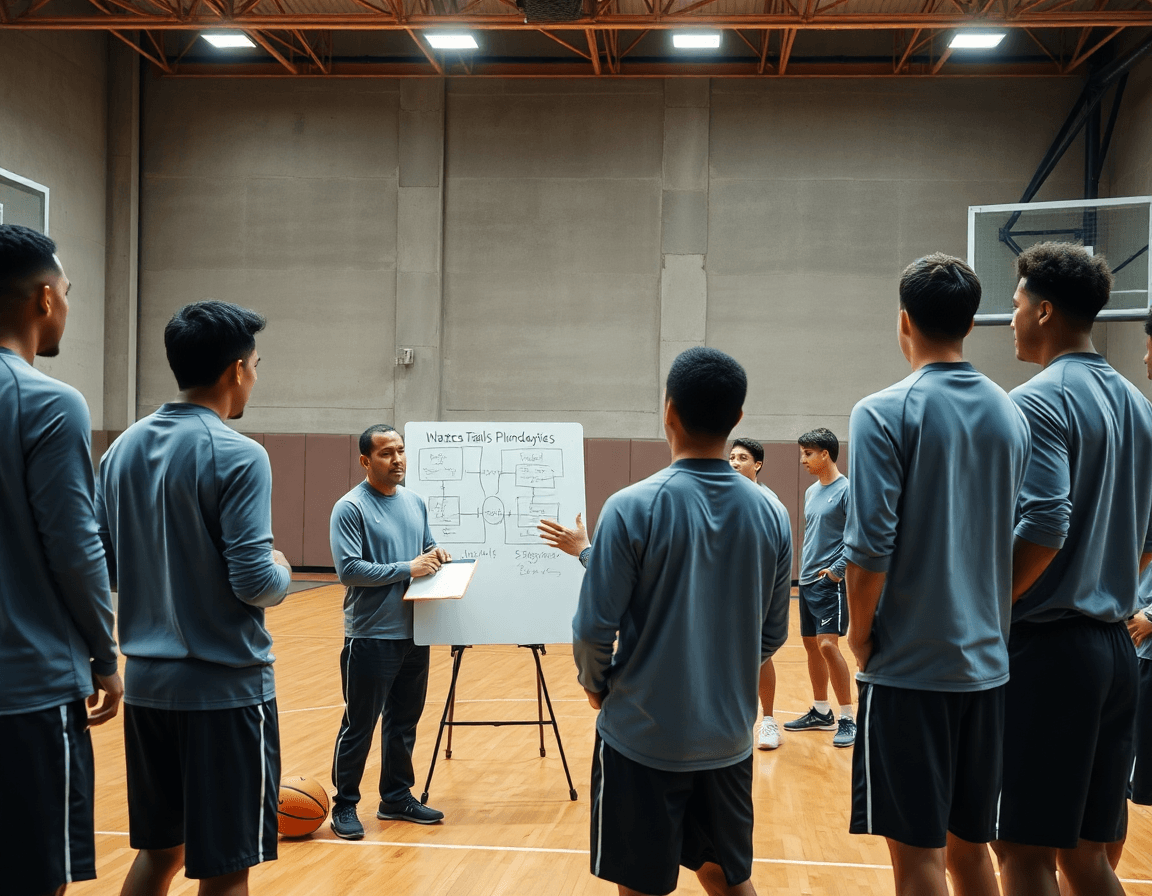
To make weekly film review a habit, set a fixed day and time for your session. That consistency builds momentum and keeps you sharp on the details that slip by in practice. Use CourtSensei to structure a growing video library, so your film review flows into planning rather than into scattered files.
Start with a tight objectives list: what are you trying to see this week? Targets like defensive rotations, ball movement, or a specific offensive set. This phase is the core of game film analysis. Keep the objectives narrow to turn observations into actionable notes you can translate to practice.
Plan your clipping, tagging, and organization so you can reuse clips in practice. Use a consistent tagging scheme to label actions—clip and tag actions—as you go: ball-screen action analysis, off-ball spacing analysis, drive-and-kick analysis. Build structured playlists that group clips by theme. This is where the repeatable film breakdown process turns into real prep time saved later.
Translate observations into a simple practice agenda and a starter playbook for the week. Link discoveries to scouting notes for the opponent and tie them into your practice plan. By the end of the week, you should have a ready-to-use practice outline and a focused starter playbook that align with your weekly scouting picture.
Tagging and organizing clips for fast coaching access
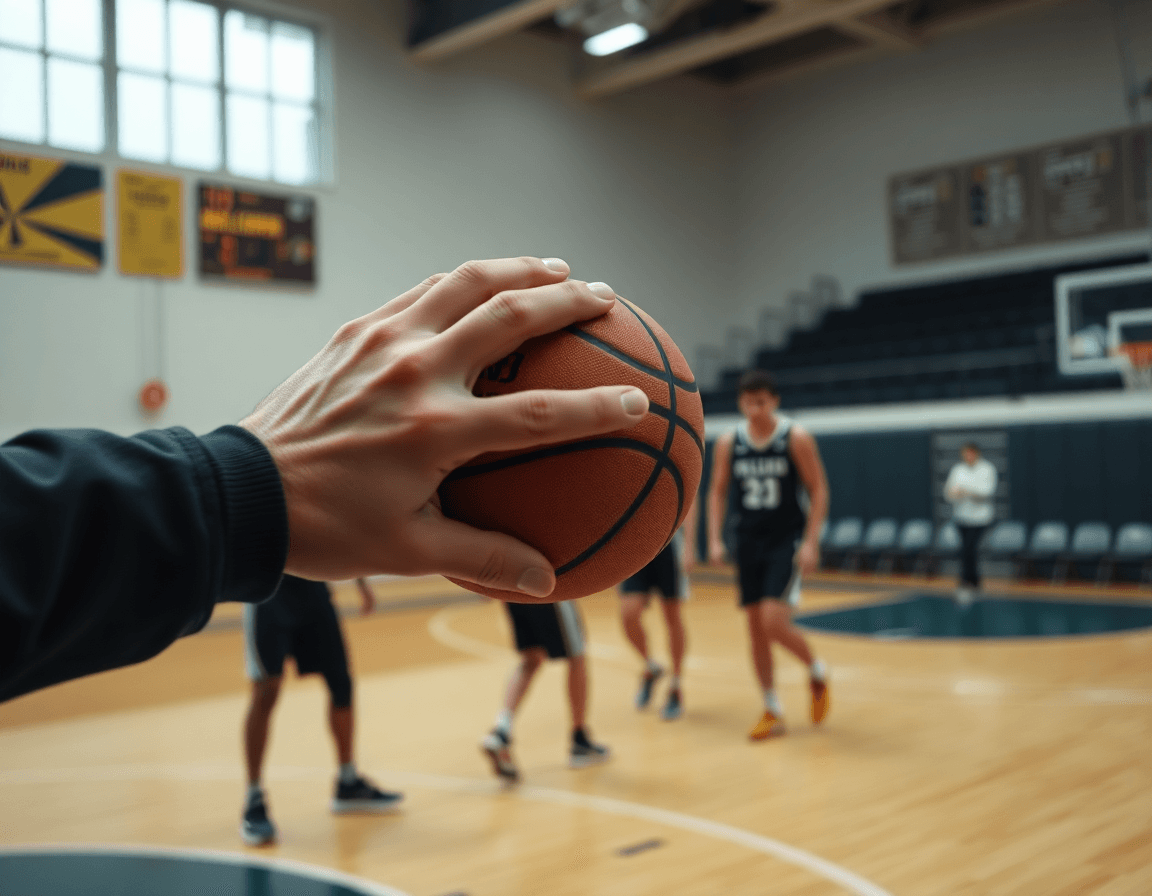
To make game film truly actionable, start with a consistent tagging taxonomy (offense/defense, ball screens, off-ball movement, transitions) to structure your video libraries. Tag clips as you label them so you can search by topic rather than scrub for hours—this happens inside CourtSensei's video tagging software. Add situational tags (late clock, press, lineup mismatch) to keep the library navigable. With this approach, a ball-screen sequence that ends in a kick-out sits in seconds and can be dropped into a dedicated clip package for review.
Group clips into action-based playlists so you can pull topics for practice in minutes. For example, assemble a ball-screen action playlist, a transition defense playlist, and a drive-and-kick playlist. When prepping for a session, open the relevant playlist and map out a quick drill progression or scouting scenario—ready to go without hunting through hours of footage.
Keep clip packages focused on coaching points you can teach in the next session. Each package should target a concrete teaching objective—spacing on off-ball reads, how to chase ball handlers after a screen, or where to sprint after a ball-screen. Attach a scouting notes and a practice plan to the package so observations translate into drills and reps. The workflow connects observations in film to scouting notes and practice planning, ensuring a direct line from film to on-court reps.
From film to practice: turning observations into drills and plays
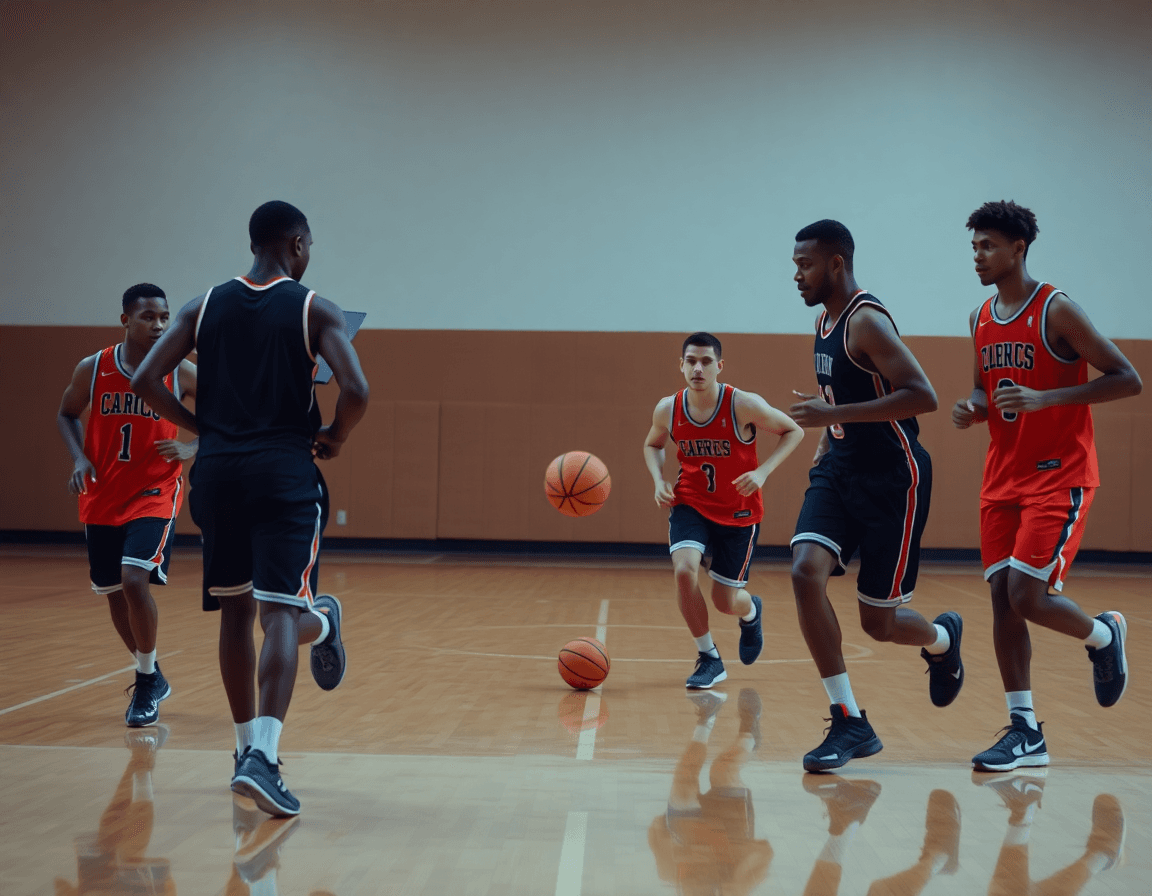
To turn game film into actionable practice material, you may ask how to break down basketball game film — and the answer starts with organizing a structured workflow in your coaching workspace. CourtSensei lets you build clean, navigable video libraries organized by opponent, game, and quarter, then create tagging basketball game film tags for what you see on the floor—ball-screen reads, off-ball spacing, and ball movement sequences. This setup keeps a coach focused on patterns rather than scattered clips. When you mark a sequence, you’re building a reference you can reuse in scouting notes or in planning the next practice. It’s the backbone of a real, hands-on film breakdown workflow.
From those observations, you connect clips to drills and progression in your library. Link each tagged clip to a drills from film progression that targets what you observed: ball-screen reads, spacing, drive-and-kick reads, or decision-making in late-clock scenarios. With a well-structured library, you can assemble a compact playbook creation that translates game sequences into practice tasks: a quick drill, a progression, and a repetition pattern. Build a short video clip as a teaching moment, then embed it into a playlist for later review.
Finally, export or share these playlists so the team can study before or after a session, keeping the focus tight on the week’s priorities. Tie each observation back to a concrete practice plan—scouting notes that highlight opponent tendencies feed into your drill sequences and play calls. This approach avoids claims of automated analytics, staying squarely in a coach-driven workflow: you watch, you tag, you plan, you practice.
Building scouting notes and game-prep reports
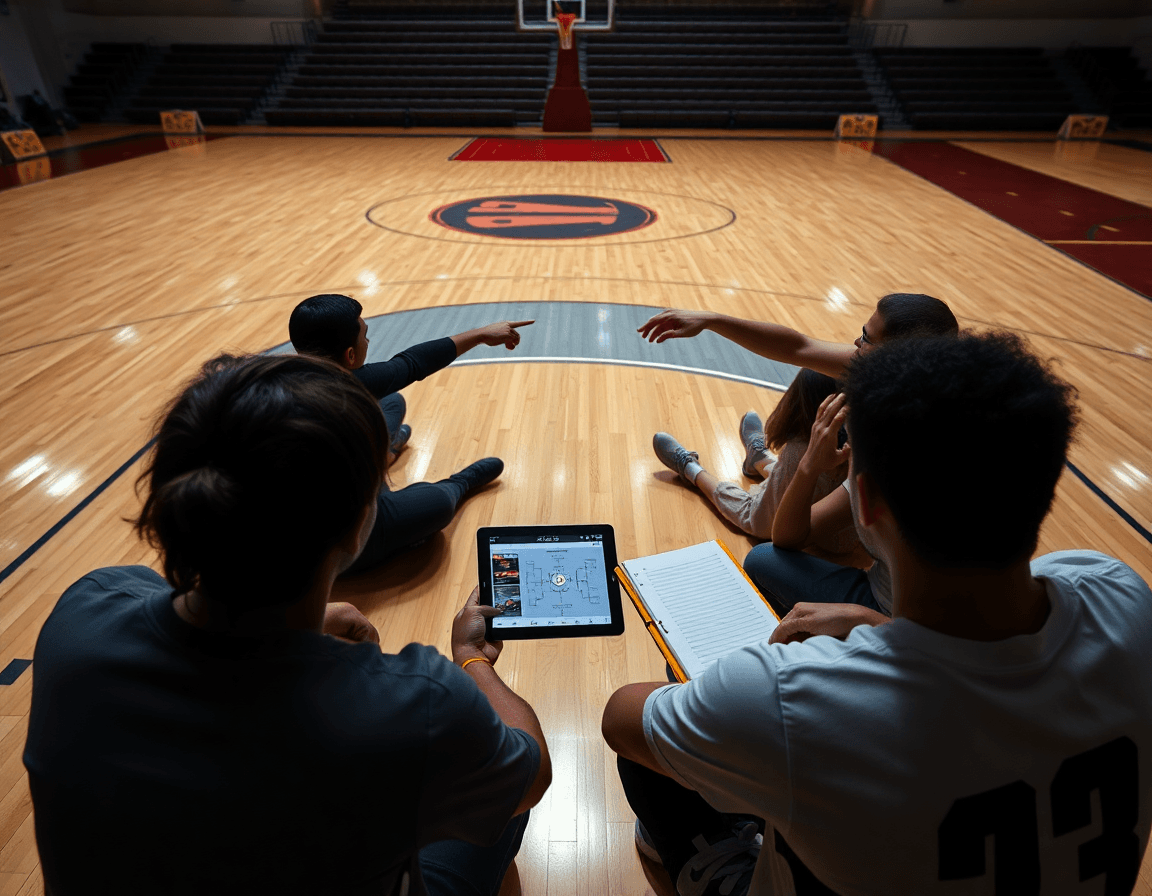
After a game, convert chaos into clarity with a clean set of scouting reports. Start by summarizing opponent tendencies and your own execution in concise notes. In CourtSensei’s coaching workspace, structure the video library so you can quickly pull the miss, transition, and half-court sets that mattered, then attach those observations to a single scouting entry. This approach keeps your post-game reflections organized and ready to translate into practice planning and game-prep notes.
Attach clips to scouting entries to illustrate points for players and staff. A sequence showing a counter to a ball-screen or an off-ball spacing issue becomes a teaching moment when paired with the note. Use tagging across basketball game film to tag actions like drive-and-kick, ball-screen action, or defensive rotations, so you can build a lean library of game film analysis that supports the scout’s narrative and makes your feedback actionable.
Finally, adopt a consistent template for post-game prep to keep week-after-week planning efficient. A standard layout helps you funnel observations into scouting notes, attach the right clips, and outline practice objectives that address both opponent tendencies and your team’s development. When the template is in place, you’ll find it easier to generate scouting reports, link them to specific drills, and keep your playbook and playlists ready for the next week’s game.
Create and share player- and team-ready playlists and playbooks
Think of your film workflow as a bookshelf for game film. Inside CourtSensei, you structure a library of clips, tag actions, and build a connected playbook that directly informs planning. It’s a coach-friendly pipeline where every action, from ball-screen reads to off-ball spacing, has a home. When you plan the week, you pull a clean sequence of clips into a single playlists view for quick reference and reuse.
For player development, compile action-focused clips into player-specific playlists. These compact clip collections are ideal for quick reviews during film sessions or pre-practice warmups. Use clip packages to group similar actions—drives from the ball, decisions out of a ball-screen, or timing on off-ball cuts—so you can walk through the same sequence with different players using the same playlists and clip packages.
Organize a team playbook with connected clips, plays, and PDFs for practice planning. Each entry links to the exact clip, the coaching cue, and the PDF export of the drill schematic, so staff can print or keep a digital copy and stay aligned during scouting and game prep. This structure helps translate observations into actionable practice topics, from transition reads to late-game set plays, all in one cohesive playbook.
Sharing is simple: generate read-only links or print-ready PDFs to staff and players as needed. That lightweight distribution keeps post-game film review within your workflow and ensures everyone sees the same clips and notes—whether you’re stressing offensive reads on film, ball-screen action analysis, or drive-and-kick patterns. The result is a clean bridge from scouting notes to practice planning, anchored in your playlists and print-ready PDFs.
Common pitfalls and how to stay consistent
Even with a clear plan, coaches stumble when tags drift and clips pile up. This is a common film analysis pitfall. To stay sharp, lock a single taxonomy for tagging within your structured video libraries. In CourtSensei, you can structure video libraries, clip and tag actions, build playbooks and playlists, and connect observations to scouting notes and practice planning—without claiming automatic insights. Keep tags meaningful and reusable, anchored to actions like ball-screen action, offensive reads on film, and off-ball spacing.
Another trap is drift in objectives from week to week. Approach this with a repeatable process: set clear weekly objectives, align your tagging and clip choices to those goals, and judge whether your clips support those aims. In any game film analysis, tag with intent and keep your playlists focused on the priorities—ball-screen action, drive-and-kick, or off-ball spacing—so your scouting notes and practice planning stay cohesive.
Close the loop. A common issue is failing to act on what you learn. Schedule time for reflection and a quick follow-up on action items from the prior film—this is your post-game film review discipline. Without it, insights fade. When you link observations to scouting notes and practice planning, you turn insights into drills and walkthroughs—the exact steps a coach uses to prep for the next game.
Practical fixes that fit into a weekly rhythm: carve out a 60-minute window after each game to tag key sequences—ball-screen action, drive-and-kick, and off-ball spacing—and just highlight the most impactful clips. Use short clips to illustrate trends and place them into playbooks and playlists for quick reference. Keep your library tidy and your objectives in sight so your workflow remains workflow consistency across the season.
FAQ
How do you break down basketball game film on a weekly schedule?
Set a fixed day and time for the session. Define a tight objectives list—defensive rotations, ball movement, or a specific offensive set. Keep the objectives narrow so observations translate into actionable notes. Use CourtSensei to structure a growing video library, and build action-based playlists and a consistent tagging taxonomy that streamlines review.
How long does a basketball game film breakdown take?
A focused session length typically runs 45-75 minutes, depending on game length and scope. Start with the objectives, then clip and tag in batches to maximize efficiency. If time is tight, prioritize high-impact sequences and revisit the rest later. A repeatable process reduces waste and keeps prep consistent.
What’s the best way to present film findings to players?
Lead with a few clear coaching points and show 2-3 clips per point. Use themed playlists and a simple practice agenda to keep it digestible. Attach scouting notes to clips to connect film to drills, and keep feedback concrete so players know the exact adjustments for the week.
What software should I use to break down basketball film?
Choose a coaching workspace that supports a clean video library, tagging, playlists, and attachments to scouting notes. CourtSensei emphasizes a coach-driven workflow: structure, tag, and group clips by theme. Avoid tools with auto analytics or irrelevant features. Use a clear tagging and playlists approach to stay organized.
What’s included in a basketball post-game report?
Summarize opponent tendencies and your execution in a concise notes set. Attach clips to scouting entries that illustrate key points. Build a lean library around miss/transition sequences and use a consistent template to funnel observations into practice objectives and game-prep notes, making every report actionable.
How should I tag film clips for coaching?
Use a consistent tagging taxonomy (offense/defense, ball screens, off-ball movement, transitions) and situational tags (late clock, press, lineup mismatch). Tag as you label and group clips into playlists so drill planning is fast. Each tag should map to a coaching point.
Should players be involved in tagging or reviewing film?
Players can watch for learning, but tagging should be handled by the coaching staff. Involve players in targeted clips that reinforce decisions, not the full tagging process. Use player-friendly views of scouting notes and short, specific drills to translate film into reps.
