How to Scout a Basketball Team: Weekly Guide
A coach-focused workflow for how to scout a basketball team, from film study to game plan. Learn to build scouting reports and prep practice weekly.

Key takeaways
- Clarify weekly scouting objectives and 2–3 priority opponent tendencies; use a simple checklist to align staff.
- Define a concise scouting report criteria; keep notes focused, and link outputs to film in CourtSensei.
- Turn findings into practice plans and playbooks; design drills countering key ball-screen configurations with linked video.
- Build a quick-reference video library: capture clips, label clearly, and assemble targeted playlists for offense, defense, matchups.
- Analyze tendencies, map matchups to practice, and draft a short defensive plan; attach game video and ready-made matchups.
Define weekly scouting objectives
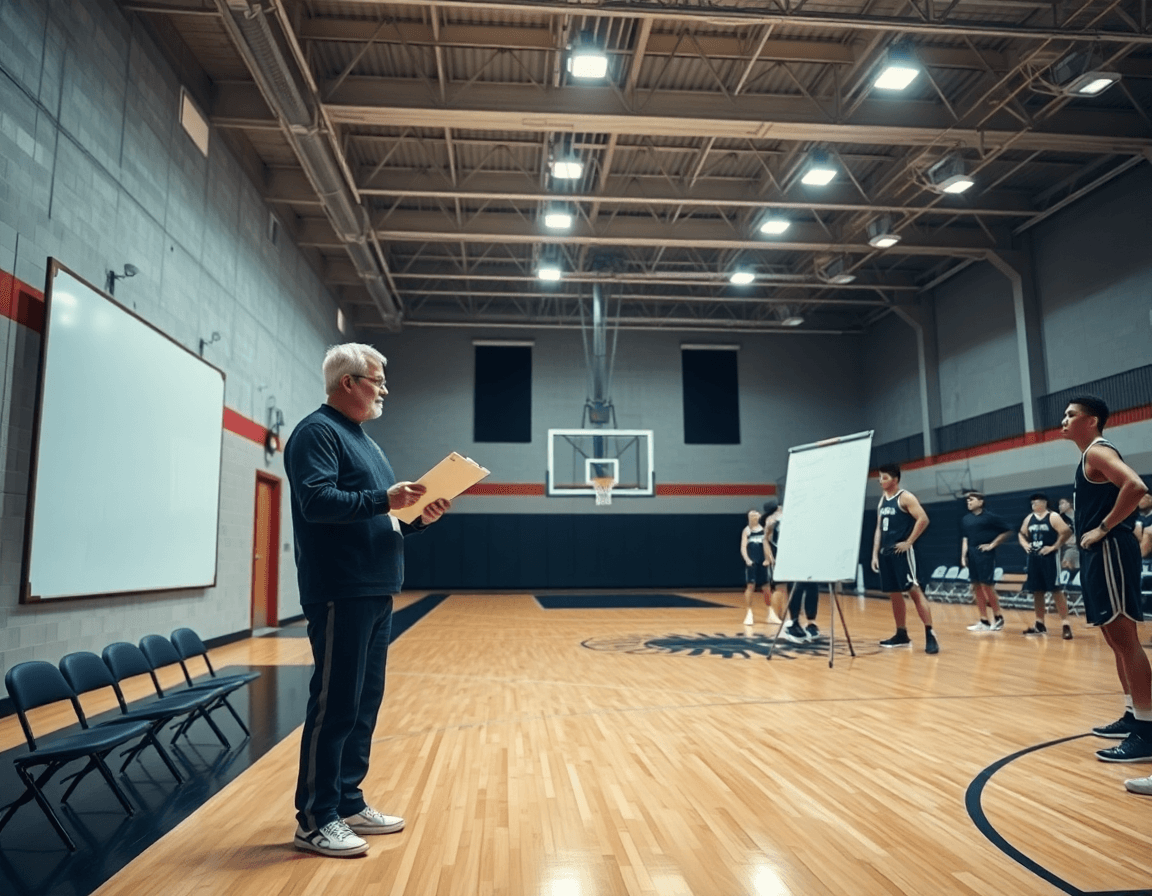
At the start of the week, you define your scouting objectives—these are the questions your staff needs answered by Sunday. A focused set of goals keeps film study efficient and makes practice planning concrete. In this weekly loop, set 2–3 priority opponent tendencies to study for the week, such as how they guard ball screens, how their bigs defend in transition, or which matchups tend to yield easy baskets. Use a simple scouting checklist to keep notes consistent across scouts, so the team can compare observations quickly. This alignment across collectors is crucial when you later link findings to the plan on the board or in CourtSensei. This is a practical way to structure a weekly workflow for how to scout a basketball team.
Decide what a successful scouting report should answer for your staff. A concise standard might be: what are their primary actions in the half-court, where are their weak rotations, and which matchups create the best looks for them or against them. This keeps notes focused and actionable. In CourtSensei, the scouting report becomes a living document you attach to film clips and defense notes, so coaches can pull relevant sequences into practice or the playbook. The template should be simple enough that new scouts can contribute without rethinking the format.
These findings should feed into your practice plans and playbooks. If scouting highlights a reliance on certain ball-screen alignments, design a drill and a related action from the playbook to counter it. Build a short video playlist that demonstrates the action and link it to the relevant drill so the team sees how scouting translates to execution. The weekly rhythm keeps surface observations from drifting into guesswork; notes become cues on the board, video clips become coaching points, and decisions in games are guided by what the opponent showed during the week.

Practical workflow: from film study to game plan
Every week starts with a clean foundation: collect game film for the upcoming opponent and for self-scouting. This material becomes the backbone of your film study workflow, giving you concrete angles to attack in practice. Upload clips into CourtSensei, label them by opponent and date, and build a searchable library you can navigate in minutes. With solid film study, you map formation trends, tempo shifts, and timing patterns you’ll see on game night.
During the study, make structured notes on formation and tempo, capturing where the opponent spaces the floor, their go-to actions, and how they pace possessions. Keep bullets tight: typical sets, entry passes, and transition cues. Those notes form the backbone of a scouting checklist you can pull into practice to anticipate what you'll face, and can align with any live evaluation notes from earlier games.
Produce a concise scouting report and attach key clips that illustrate the points. The report should cover opponent tendencies, likely sets, and the defensive schemes you expect to encounter, plus a few ready-made matchups for your players. Attach 2–3 clips to the report to show the actions you reference, so the staff can review quickly before practice.
Export or share the report with the staff for feedback, then weave those insights into the weekly plan. In CourtSensei, link the scouting notes to your practice plan and playbook so adjustments are visible on the court—like a targeted defensive look or a quick offensive set. This keeps game prep tight: a clear path from film study to practice to game plan.
Capture and organize video for quick reference
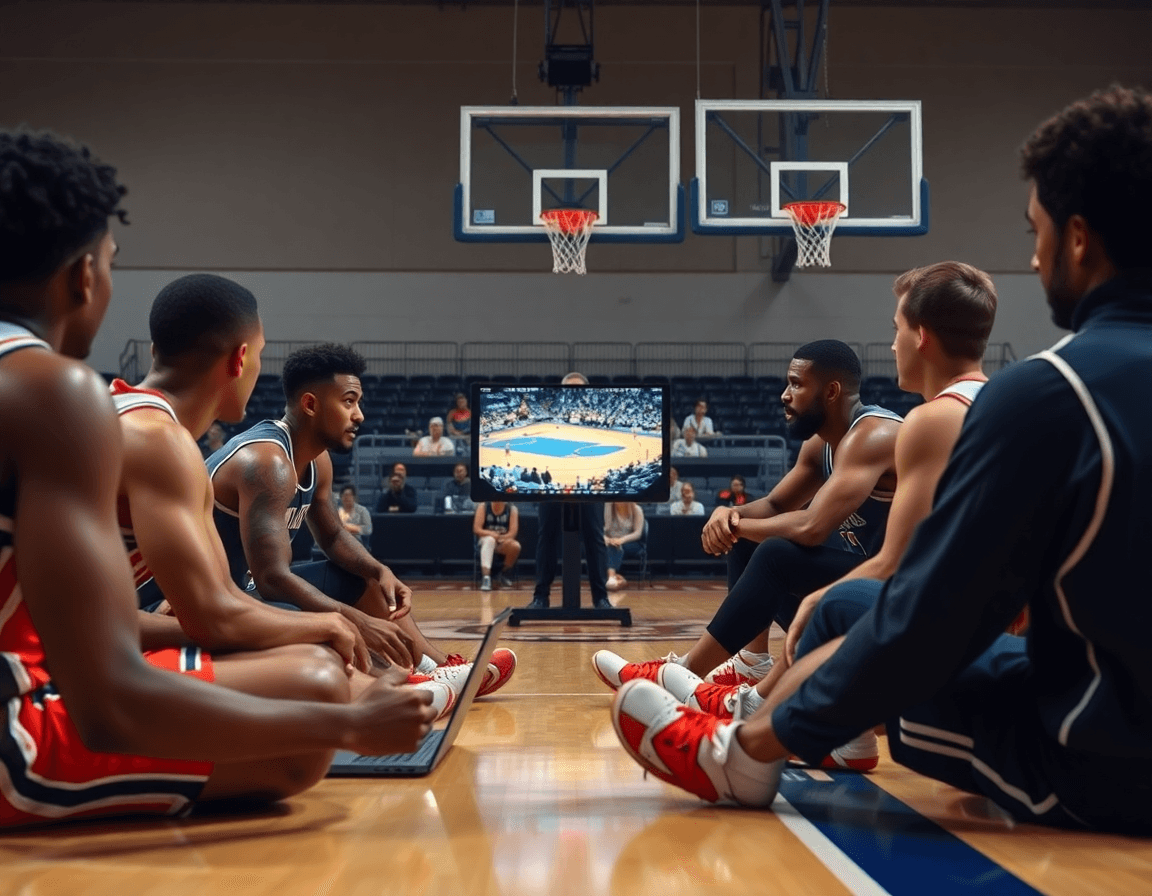
Think of video as the study guide for your weekly game plan. If you're wondering how to scout a basketball team, the first step is capturing and organizing video for quick reference. In your scouting workflow, upload clips from the latest games or scrimmages, trim to the critical sequences, and label them clearly so a coach can find specific actions in seconds. A well-curated collection of video clips becomes your quick reference library, ready for a sideline or film session. This library keeps film study tight, letting you focus on what matters on defense and in transition.
Next, assemble playlists for different teaching points: one for offensive sets, one for defensive schemes, and another for key matchups. A playlist can center on the primary ball-screen action, or how their wing attacks in early offense. This targeted organization lets you flip to the exact clips you need during a walkthrough or quick huddle.
Attach clips to the scouting report so players and staff can access them during practice. When you’re outlining a game plan, a quick clip reinforces the adjustment you’re calling—no scrolling through folders, just a click away from the action. Pair these clips with notes on opponent tendencies to make the film actionable in drill work and scouting checklist reviews.
Finally, share results with the coaching staff via read-only links to assistants or partners. This keeps your workflow secure while enabling collaboration—coaches can review clips and playlists before meetings, without altering the originals. By linking video to the game plan and playbook, you keep film study integrated with your weekly scouting routine.

Analyze tendencies and map matchups to practice
After you identify what the opponent does, you translate those insights into action on the court. Focus on opponent tendencies: what offensive sets they favor, their pace, and where they bring pressure. Then map those tendencies to your players’ matchups on the floor. In CourtSensei, capture this in a structured scouting report and attach the relevant game video. Tie those opponent insights to your defensive schemes and game plan so the staff can review together.
Next, develop a short defensive plan or adjustment strategy based on findings. Highlight favorable and unfavorable matchups for your players, so you know where to lean and where to be cautious. For example, if the opponent relies on quick ball movement to arrive in late-shot-clock situations, design adjustments for help angles and recovery. Tie insights to drills and defensive reps in practice, ensuring each rep reinforces the plan rather than just discussing it.
To make the process practical, build playlists of clips that illustrate key tendencies and map them to practice work. Use these clips in film study sessions and attach them to the scouting report so players can see the exact reads you’re targeting. Link opponent insights to your practice plans and playbooks, so the team rehearses the counter-moves in controlled settings. After the game, update the scouting report with live evaluation notes and fold those findings into your next game plan, ensuring your weekly scouting informs every defensive rep.
Turn scouting into weekly practice and game plan
Turn scouting results into your weekly practice and game plan. Start by linking scouting results to the weekly plan in your coaching workspace: attach the scouting report, opponent tendencies, matchups, and defensive schemes to the days you run practice and film sessions. This keeps notes from the last game alive in your workflow and makes it easy to pull decisions when you design Tuesday’s reps or Friday’s situational work. The goal is to have a living blueprint that informs every session.
Map findings to drills, plays, and playlists. For each key takeaway, map it to a concrete drill that trains the specific skill or decision, build plays that counter a matchup, and assemble a playlist of clips that illustrate the tendencies you expect to see. In CourtSensei, you can connect each item to the relevant page in your playbook and share a read-only clip collection with assistants for quick scout review before practice. This keeps the emphasis on actionable items that translate to on-cyper decisions during the week.
Create a printable or PDF scouting summary for quick reference. From the scouting section, generate a concise PDF export that can sit on the clipboard or locker room wall. A clean, one-page format helps the bench know what to watch for and what to emphasize in the next session without digging through files.
Review and adjust the plan after games and scouting feedback. After a game, revisit notes and decide what needs to shift in the weekly plan. Update drills, plays, and playlists accordingly, and re-link to the scouting observations in your coaching workspace. The result is a tighter, more responsive game plan that stays aligned with opponent tendencies.
Share, review, and iterate with the staff
This is part of how to scout a basketball team—and turn weekly findings into a coaching workflow you can actually execute. After you finish the scouting report, share it with the staff so everyone is aligned. Distribute reports using read-only links or a shared folder, and attach a short video snippet to illustrate the points. Keep the core notes tight and translate observations into a clear game plan: opponent tendencies, primary matchups, and defensive schemes.
Next, invite feedback to refine the process. Use a simple feedback loop: gather thoughts on what to add or tweak, implement changes in the template, and publish the revised version. Version-control your scouting notes to track changes over time, so you can compare teams across weeks and see how ideas evolve.
Keep it focused by prioritizing a few actionable keys. A solid scouting checklist might center on 3–5 items—for example, how the opponent attacks in transition, their pick-and-roll tendencies, and preferred lineups. Turn these keys into a concise checklist that becomes the backbone of your plan, rather than a flood of data.
Finally, weave the outputs into the coaching workflow. Link the scouting insights to the plan for practice and the playbook, and assemble playlists of clips that illustrate the patterns you’ve noted. Export a clean PDF for staff meetings if needed, and ensure the cycle stays tight: share, review, refine, repeat. This approach keeps the focus on the most impactful elements—without information overload.
FAQ
How should weekly scouting objectives be defined for a basketball team?
Outline the week by defining your scouting objectives—these are the questions your staff needs answered by Sunday. Set 2–3 priority opponent tendencies to study. Use a simple checklist to keep notes consistent. Then connect findings to the plan on the board or in CourtSensei so the team sees how film study translates into practice.
What should be included in a basketball scouting report?
A solid scouting report focuses on primary half-court actions, weak rotations, and likely matchups. Note defensive schemes, formation tendencies, and tempo shifts. Keep it concise so it’s actionable. In CourtSensei, attach the report to film clips and defense notes so coaches can pull sequences into practice or the playbook.
What is the difference between a scouting report and a scouting checklist?
A scouting report is narrative, with conclusions and implications. A checklist is an actionable, itemized record of observed actions. Use both: the checklist guides your data collection, the report summarizes implications and feeds practice planning. In CourtSensei, link notes to clips and the playbook.
How many games should you watch per opponent when scouting?
Watch enough games to spot patterns and tendencies across the opponent. Prioritize key players and matchups, and balance breadth with depth in your study. Use film study to identify formation trends, tempo, and transition cues. In CourtSensei, attach notes to clips and build playlists to reinforce what you saw.
What is an advance scout in basketball?
An advance scout is a staff member who studies an upcoming opponent, focusing on opponent tendencies, sets, and matchups to inform game prep. In CourtSensei, you can build a library of opponent tendencies, attach clips, and format a game plan that reflects what you learned.
Can analytics replace traditional scouting in basketball?
No. Analytics are a supplementary input; CourtSensei does not provide AI video analysis or predictive analytics. Traditional scouting—film study, notes, and validated observations—remains essential. Use CourtSensei to organize film, notes, and playbooks that translate scouting into practice.
Why is scouting important in basketball?
Scouting informs scouting—it shapes practice plans and the playbook, helps you anticipate opponent actions, and guides matchup decisions. A structured weekly scouting routine—film study, notes, and linked clips—keeps coaching points concrete and easily accessible in CourtSensei for quick reference during film sessions and drills.
