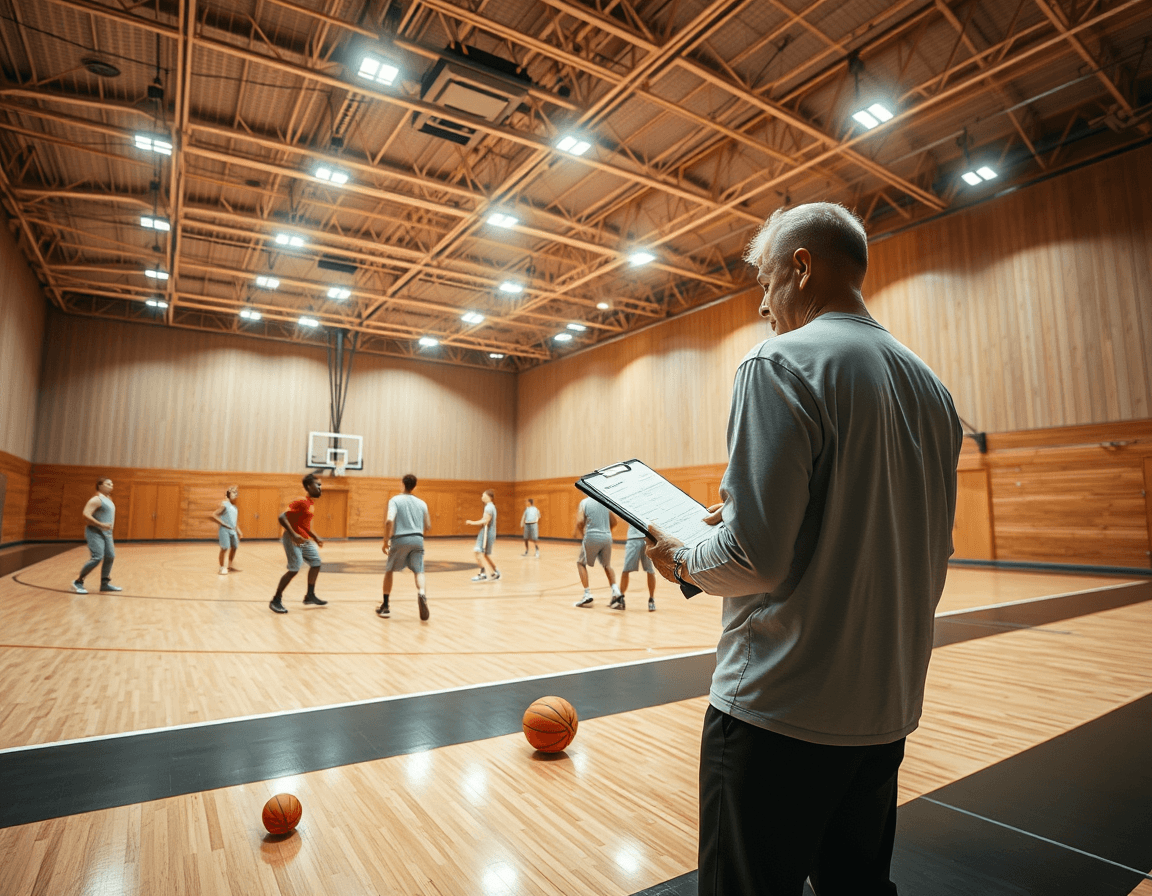
Basketball Game Strategies: A Weekly Coach Plan
A coach-focused framework to implement basketball game strategies in a weekly workflow—plan offense, defense, scouting, and video with playbooks

Key takeaways
- Define weekly goals for offense and defense, and establish tempo and spacing as guiding principles.
- Structure practice blocks with time-structured plans, emphasizing motion offense concepts and consistent ball movement.
- Build a simple counter-punch plan per opponent, outlining 2-3 actions and when to use them.
- Link scouting notes to drills and plays in a shared workspace, keeping plans coherent week-to-week.
- Use video playlists to teach reads and decisions, focusing on read-and-react concepts during motion offense.
Weekly game strategy framework
Start your week by defining goals: what you want to accomplish on offense and defense, considering your personnel and likely opponent tendencies. Outline how tempo will guide pace and how spacing will shape reads. In this framework, you’re aiming for consistent ball movement and disciplined rotations, with room to adapt mid-week as conditions change.
Plan practice blocks around your framework. Use time-structured plans to segment drills for offense, defense, and reads. Your drill library should contain progressive sequences—driving, spacing, and decision-making—so players can execute the same concepts across reps. The goal is to teach a reliable tempo for actions, support consistent spacing, and reinforce read-and-react flows when options unfold.
During sessions, build the offense around a motion offense concept, with motion offense and ball movement as core ideas. Use the library to pull drills that reinforce screening actions, ball reversals, and reads at the point of attack. On defense, run shell work and game-speed reps to mirror in-game decisions under pressure, alternating between man and zone looks as your scouting notes suggest.
Capture decisions as you go: draw and animate actions, compile playbooks, and export PDFs for the week. Link clips and scouting notes into the personal coaching workspace so the weekly plan stays coherent from film room to gym floor. This workflow helps you adjust tempo, spacing, and reads on the fly, keeping the framework intact while you shift toward the opponent’s tendencies.

From scouting notes to on-court actions
You start by turning scouting notes into concrete on-court actions. Convert opponent tendencies into counters for practice and game plans. In CourtSensei, you create a living link from scouting notes to drills and plays. Tag notes with opponent tendencies and situational cues, so the weekly plan reflects real matchups. The workflow ties spacing, ball movement, screening actions, tempo, and read-and-react concepts into a coherent plan, with quick diagrams or short video clips illustrating the action. This is the core of your game prep for the week, turning basketball game strategies into practice-ready steps.
Create a dedicated scouting section in the coaching workspace and attach relevant drills and plays. Attach each scouting note to the plan and link to drills and plays that reinforce the counters. Use the library of drills to reinforce spacing, ball movement, and screening actions, with reads built around tempo and read‑and‑react principles. When tempo shifts against a zone defense or a motion offense arises, pull the corresponding plays to drop into the plan and share with assistants via PDF export.
Create a simple, repeatable counter-punch plan for each matchup to reduce weeks of indecision. Outline 2-3 actions per opponent, define when to use them—against different spacings, ball movement, and screening actions—and outline a quick practice arc that targets those moments. Clip and annotate video, draw the actions on a whiteboard, and export a PDF playbook that outlines the sequences for your staff. Keeping all assets—scouting notes, drills, plays—in one personal coaching workspace speeds up game prep and ensures consistency across games.
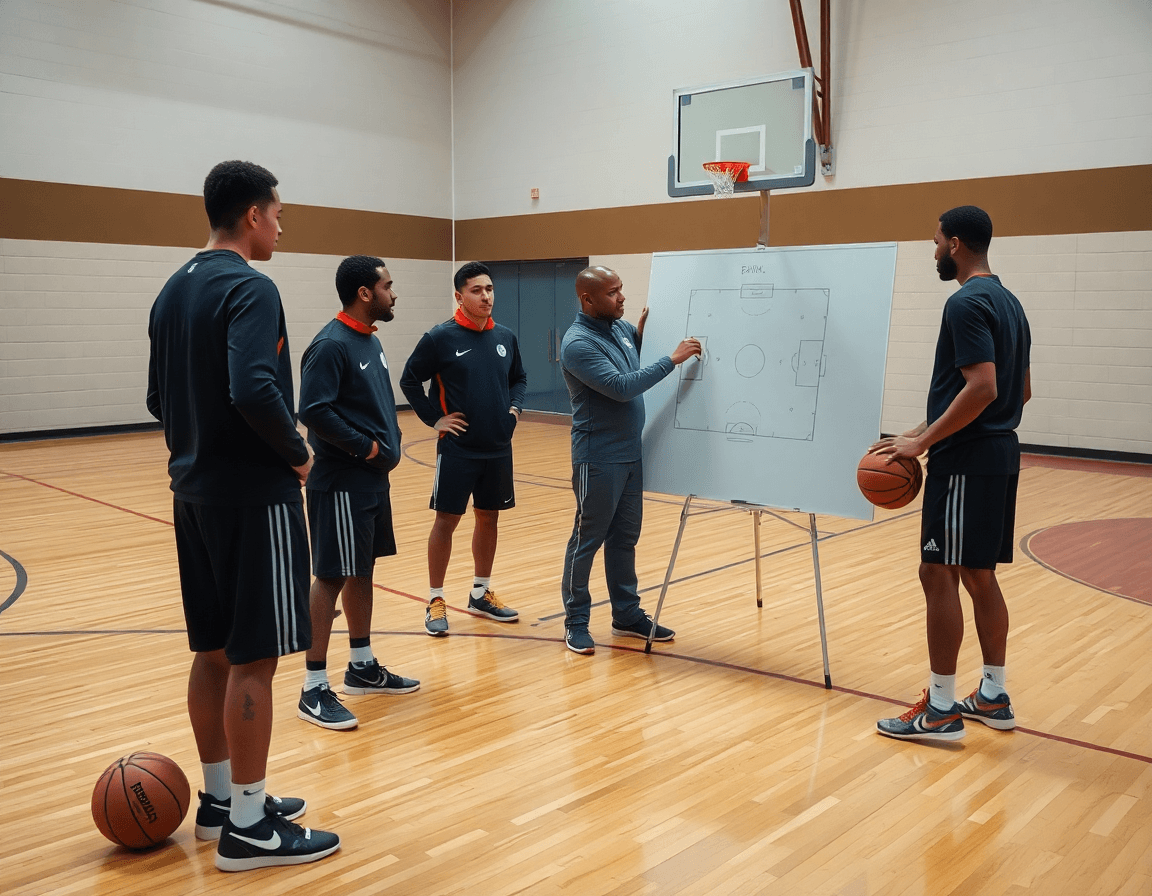
Build a living playbook with diagrams
Build a living playbook by turning drawings into action. Use CourtSensei's drawing tools to diagram plays and actions, building a library of repeatable concepts. Label spacing, ball movement, and screening actions so a single diagram can travel with the team across situations—read-and-react reads, a motion offense sequence, or a zone defense adjustment. Add a short video clip next to each diagram to lock in timing and spacing. Over weeks, this collection becomes a visual language you can reference on the sideline and in film sessions.
Organize plays into playlists and export as PDFs for staff and player reference. Group related actions into sets—fast breaks, half-court offense, late-game actions—and tag them by tempo and spacing. The PDF export preserves diagrams, notes, and links to relevant clips, so your staff can study a possession without logging into the workspace. This makes it easy to distribute a saved playbook to assistants, managers, and players ahead of a game or practice.
Keep the playbook linked to drills and scouting materials to preserve context and relevance. In the weekly plan, attach each diagram to a drill and a scouting note—see how a chosen screening action fits a ball-movement sequence against a specific opponent. With this approach, your living playbook stays current: update diagrams after a film session, add a new clip, and refresh the arrowed re-sets. The result is a connected coaching workspace that streamlines game prep without losing the nuance of Xs and Os.

Video workflow: teaching reads and decisions
Your weekly video workflow begins with uploading game footage into your coaching workspace, then clipping key reads—spacing and ball movement—that illustrate how players read the defense and react. You annotate the decisions you want players to study, turning raw footage into teachable moments. This stage keeps the focus on the reads and decisions, not just the end result. By framing clips around a specific concept like read-and-react in motion offense, you set a clear teaching target for the week.
Next, assemble the clips into focused playlists that target the week’s installation. Group clips by theme—spacing drills, ball movement sequences, screening actions—and keep them organized for quick reference. Share read-only links with players and staff, facilitating alignment without altering the footage. This keeps everyone on the same page during film sessions, allowing you to reference a short video clip while drawing on a PDF playbook or scouting note.
Use video to illustrate real-time reads and decision-making without leaning on analytics alone. A short clip showing how spacing shifts against a zone defense or how ball movement triggers a cut demonstrates the read-and-react flow in action. Pair it with a quick caption on what the decision buys your offense, and you’ve got a repeatable teaching cue. The goal is to make reads tangible on the floor, so players can translate clips into actions during games.
Practical weekly workflow step
Adopt a clear, repeatable weekly sequence: plan, scout, install plays, practice, film, and clip. This cadence is your backbone for basketball game strategies. By locking in a predictable flow, you reduce guesswork and free up mental energy for in-game adjustments. In CourtSensei, you can map each step to time-structured training plans, a living playbook, and a video library, so everything stays aligned in your coaching workspace. The goal is for every Monday to set the weekly target, every midweek session to reinforce it, and every Friday to finalize game-ready tweaks.
During planning, define your weekly objectives around key areas like spacing, ball movement, and tempo. Decide which actions you want to emphasize—screening actions, read-and-react principles, or motion offense concepts—without overloading one session. Link these targets to your playbook actions and drill sequencing, so the practice plan naturally feeds into what you’ll install on the floor and what you’ll film later. Use the planning stage to sketch initial plays and notes that will become PDFs and storyboard animations for quick reference.
In scout, collect opponent tendencies and note how your upcoming game strategy might adapt to zone defenses or man-to-man schemes. Use your annotations to tailor install plays and decision-making cues for your players. The key is to have a tight loop: install with a short video clip or animation, practice the sequence, then tag and save clips for later review. Each step should feed directly into your playbook, video library, and scouting notes.
One-page checklist for assistants (to keep everyone aligned):
- Confirm weekly practice plan and target areas (spacing, ball movement, tempo)
- Share updated scouting notes and opponent tendencies
- Upload and tag game clips, and assign clips to specific plays
- Finalize playbook pages and PDFs for print or shareable links
- Verify drill sequencing matches the planned escalation
- Prepare short video clips for install sessions
- Update read-and-react prompts in the playbook
- Validate that all assets are linked in the personal coaching workspace
Remember, this workflow anchors your workflow, planning, and video planning into a cohesive system that supports your playbook and scouting notes.
Adapting the system to personnel and level
Adapting the framework to personnel and level means starting with the basics your team can handle this week, then building complexity as they grow. The coach tailors the plan to the specific level (HS, JC, semi-pro) and to individual roles on the roster. You’ll adjust the core concepts of spacing and role responsibilities for each position so the system fits your players, not the other way around. The weekly game plan should read as a living document inside your coaching workspace, where you map out drills, plays, and PDFs that reflect the current level. Keeping the structure intact while changing the personnel footprint helps you stay organized under pressure.
Begin with a baseline layout that aligns with the squad’s personnel: define spacing to create driving lanes and avoid clutter. Then set rotations so minutes and roles align with each player's development path. In this tiered setup, the read-and-react expectations adapt—a younger group might emphasize pre-determined actions; a more advanced squad can handle quick ball movement and tempo shifts. Use screening actions and motion offense principles to stress decision-making without chaos. The playbook grows with the team, with diagrams and animations that you can revise in minutes and export as PDFs when needed. All assets—drills, clips, and scouting notes—link back to the same coaching workspace so tactical decisions stay cohesive.
Through the season, the framework scales without dissolving discipline. In the weekly plan, tag each drill to a position and a level, and gradually introduce more challenging reads and zone defenses as the personnel improves. Your workflow in the workspace lets you bump up complexity while preserving tempo and structure: if you add a read-and-react sequence, you can still tether it to a motion offense backbone and a clear tempo. This approach keeps the team aligned—spacing stays purposeful, rotations stay clear, and every action links to a larger game plan.
FAQ
What are basketball game strategies and how should I structure them in a weekly plan?
Basketball game strategies start with a clear weekly plan. Define goals for offense and defense based on your personnel and likely opponent tendencies. Decide how tempo will guide pace and how spacing will shape reads. The aim is consistent ball movement and disciplined rotations, with room to adapt mid‑week. Build practice around time‑structured plans and a growing drill library, and turn decisions into actions using PDFs, a playbook, and linked scouting notes.
How do tactics differ from basketball plays and what should you emphasize in a weekly framework?
Tactics describe how you attack defenses, while plays are specific sequences you run in sets. In a weekly framework, teach concepts that let players read defenses and make quick decisions rather than memorize plays. Emphasize the core ideas of a motion offense and ball movement, then connect them to counters, screening actions, and a consistent pace. Use a playbook and scouting notes to tailor drills and keep spacing tight.
How can motion offense and read-and-react concepts guide your week?
Structure the offense around a motion offense concept, with emphasis on ball reversals, screening actions, and reads at the point of attack. Use the drill library to reinforce timing and spacing so the same concepts carry across reps. On defense, mirror in shell work and game-speed reads, switching between man and zone as your scouting notes suggest. Capture decisions, draw diagrams, and connect them to the weekly plan.
How do scouting notes drive on-court actions and a weekly plan?
Turn scouting notes into concrete on-court actions by linking opponent tendencies to drills and plays. In CourtSensei, create a living link from scouting notes to drills and plays, tag notes with tendencies, and reflect those counters in the plan. Tie spacing, ball movement, and screening actions to tempo and read‑and‑react principles. Attach notes to the plan and export PDFs so assistants can study the counters ahead of games.
How do you build a living playbook with diagrams and video?
Build a living playbook by diagramming plays with drawing tools and labeling spacing, ball movement, and screening actions. A diagram should travel with the team across situations, with short video clips to lock timing. Organize plays into playlists and export PDFs for staff and player reference. Keep the playbook linked to drills and scouting materials so it stays current when you add new clips or adjust diagrams.
What is the video workflow for teaching reads and decisions?
Your weekly video workflow starts with uploading game footage, then clipping key reads—spacing and ball movement—that show how players read the defense. Annotate decisions you want studied to create teachable moments. Build focused playlists, share read-only links for alignment, and connect clips to your weekly plan, PDF playbooks, and scouting notes so film sessions reinforce reads and decisions.
