
Basketball Player Evaluation Rubric: Weekly Plan
Coaches can apply a basketball player evaluation rubric to weekly workflows; structure criteria, capture feedback, and link results to drills and video.

Key takeaways
- Design a practical weekly rubric with clear core categories: ball handling, passing, shooting, defense.
- Attach video evidence and playlists for each criterion to accelerate feedback and consistency.
- Rubrics should be living: update after games, recalibrate criteria, adjust weights, refine clips.
- Link rubrics to scouting reports and opponent prep to align feedback with game plans.
- Use a simple 1-5 scale and a comments field for trend insights.
Build a Practical Evaluation Rubric for Weekly Use
A practical weekly basketball player evaluation rubric keeps training focused and decisions transparent. In your CourtSensei coaching workspace, you can design rubric templates, attach video clips and playlists for targeted drills, and centralize scouting notes and playbooks so the plan stays cohesive from practice to game night.
Build around core categories: ball handling under pressure, passing accuracy and timing, shooting mechanics, game awareness, defensive habits, and coachability. Each area should map to observable actions in drills and game clips, so you can log concrete progress across sessions.
Use a simple 1-5 rating scale plus a comments field to capture nuances. This structure makes it easier to compare players week to week and to see where a player is trending. For example, you might note how ball handling under pressure translates to decision-making in late-clock situations, or how basketball IQ shows up in transition reads.
Create a shareable template and a PDF export for tryouts and roster decisions. A standardized file makes it easy to distribute feedback to staff and compare candidates consistently across weeks, practices, and scrimmages.
Use consistent evaluator language to reduce bias and improve comparability. Define descriptors in advance (e.g., developing, solid, strong) and keep scoring language stable across scorers.
Weekly workflow: in the plan for the week, attach clips that illustrate each core category, link your scouting notes to the rubric, and run the playbook's drills in a targeted playlist. At week’s end, review the results, and set the focus for the next cycle.

Integrate Rubrics with Your Weekly Plan
Integrate rubrics with your weekly plan by building templates that reflect your team’s aims for the week. In CourtSensei, you can design rubric templates that evaluate core areas like ball handling under pressure, passing accuracy and timing, and shooting mechanics, all using clear rating scales. Map these rubric criteria to your weekly practice blocks and scouting goals so every drill, review, and decision ties back to a concrete measure of progress—especially focusing on game awareness, basketball IQ, and coachability. Attach relevant video clips that demonstrate ideal technique or common errors to each criterion, and organize them into playlists for targeted drills you’ll run in the plan.
Attach rubric to practice plans and playlists so feedback informs drill selection. As you cycle through warm-ups, skill stations, and controlled scrimmages, you’ll see which drills move the rubric scores in the right direction. A short video clip per criterion helps players visualize the standard, reinforcing language around game awareness and basketball IQ. This approach keeps your weekly tempo steady while sharpening consistency across tasks like ball handling under pressure and defensive habits.
Update rubric after each game, scrimmage, or evaluation session. Treat it as a living guide, not a checkbox. Recalibrate criteria, adjust weighting, and refresh the video examples to reflect what’s actually happening on the court. Ensure clear ownership and timing for when rubric results are reviewed—assign who looks at the data and when during the week, so feedback informs the next cycle without delay.
Capture and Organize Video Evidence for Each Criterion
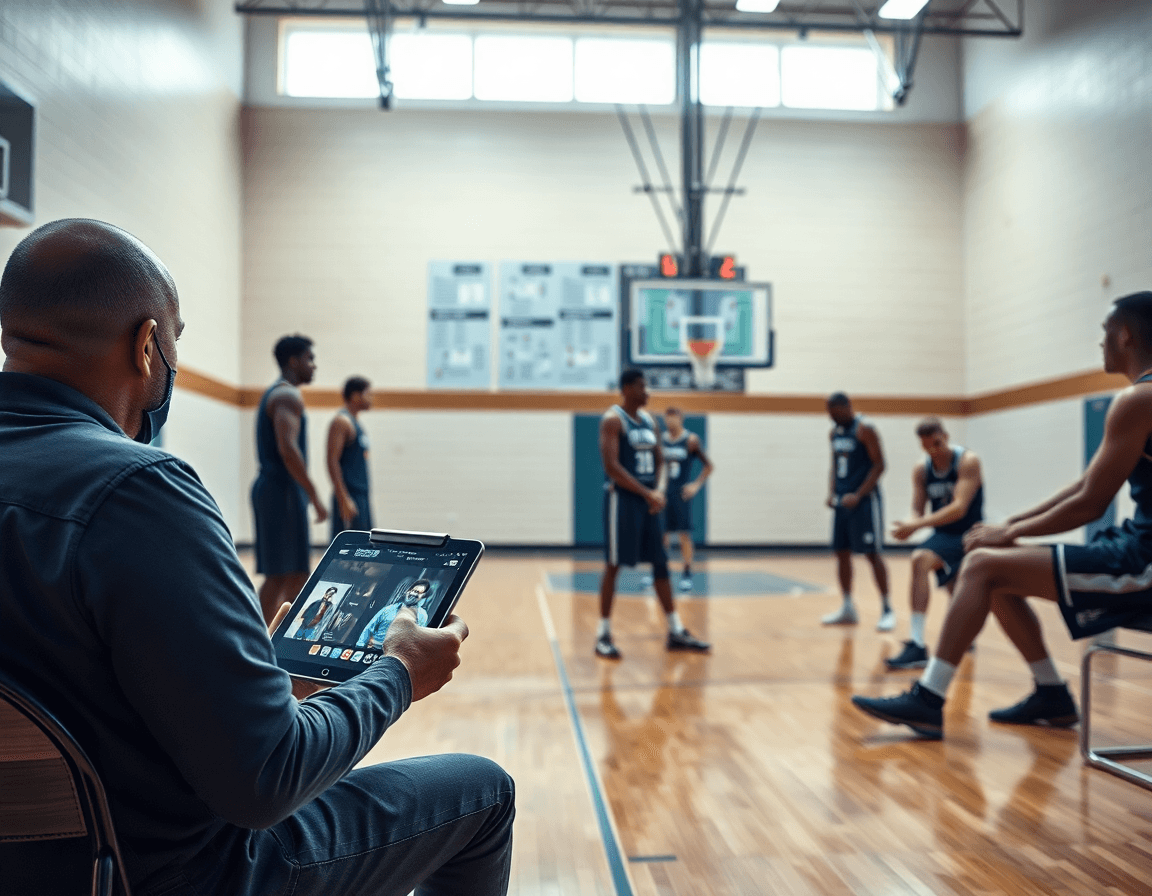
As you outline your basketball player evaluation rubric, pair each rubric criterion with clear video evidence. In CourtSensei, set up criteria such as shooting mechanics, ball handling under pressure, and game awareness, and attach clips that illustrate each point for quick reference during feedback.
Next, build playlists tied to each criterion so you can pull relevant clips instantly during a session. A shooting mechanics playlist might include form-drill reps and finishing sequences; a ball handling under pressure playlist can feature on-ball avoidance and decision-making clips; game awareness captures reads without noise.
Clip key moments that demonstrate strengths or needed improvements. Keep clips brief and label them by the criterion they support so a coach can reference a specific issue—like a catch-and-shoot sequence or a contested finish, highlighting how the result aligns with the rubric criterion.
Annotate videos with timestamps and notes to zoom in on mechanics and decisions. A clip at 0:15 might show footwork on the release, while 0:42 highlights defensive stance; add concise notes on adjustments. These annotations fuel focused feedback in development sessions.
Store videos alongside rubrics to support feedback during development. In CourtSensei, link clips to scouting notes and playbooks so every evaluation entry sits with context. The workflow becomes a centralized, coach-friendly hub for revisiting evidence as players progress.
Link Rubrics to Scouting Reports and Opponent Prep
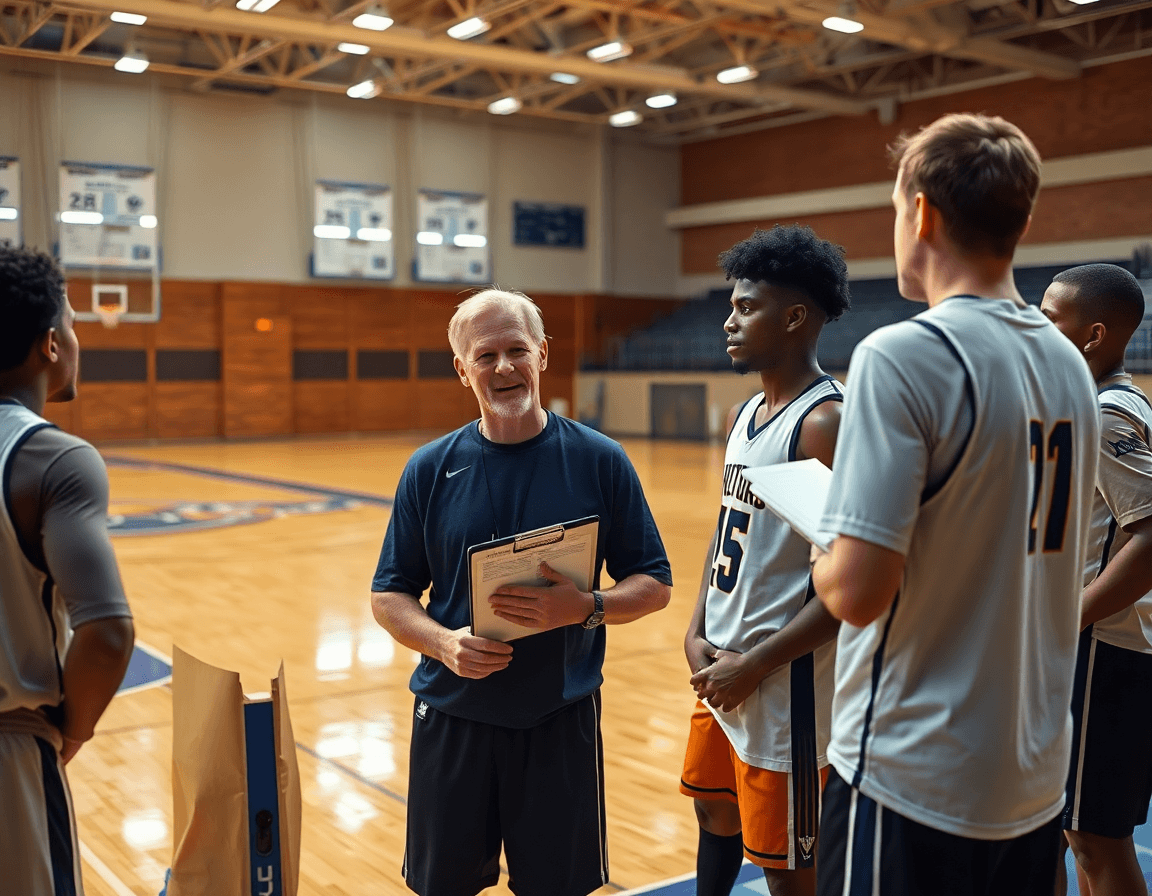
Link rubrics to scouting reports to create a tight loop between assessment and game prep. When you finalize a weekly basketball player evaluation rubric, you can use the CourtSensei coaching workspace to design rubric templates and centralize playbooks, then attach the outcomes to the scouting notes and let them drive what you emphasize in practice. In the plan, rubric results shape adjustments on the defensive shell, the pick-and-roll coverages, and the sequence of targeted drills to boost game awareness and basketball IQ.
Use standardized language to describe opponents' strengths and weaknesses. With clear, consistent terms enabled by rating scales, you can label opponent strengths and vulnerabilities objectively—think how their ball handling under pressure or decision-making tends to unfold in late-clock situations. The goal is to keep scouting and game prep aligned, so your coaching staff speaks a common language when building game plans and preparing for each matchup.
Archive reports with linked videos and development plans. Every scouting report can carry tied video clips and playlists, giving you a visual reference for each note. Attach a development plan that targets the opponent’s exploitable tendencies and show how the team plans to respond in practice and in-game adjustments. This makes the transition from scouting to action smooth and trackable, with everything stored in one centralized location for easy review.
Weekly workflow: create rubric templates at the start of the cycle, attach results to each scouting note, and pull the opponent prep sheet into your practice plan. In the plan, reference the linked video clips and targeted drills to rehearse counter-moves. When finalizing game prep, review the rubric outcomes alongside the opponent’s tendencies to sharpen adjustments and protect core concepts like game awareness, passing timing, and defensive habits, all linked through the Playlists.
Deliver Clear Feedback at Tryouts or Milestones
At tryouts or milestone checks, feedback must be quick and actionable. Build a basketball player evaluation rubric in the CourtSensei coaching workspace. Design rubric templates with time-structured checkpoints and integrated rating scales, allowing you to assess coachability, basketball IQ, ball handling under pressure, passing timing, shooting mechanics, defensive habits, and game awareness. Centralizing these categories keeps evaluators on the same page. Attach a short video clip or a targeted playlist to each criterion for on-floor reference.
During evaluations, scores come with concise comments and actionable next steps. A numeric rating per category paired with a sentence of observation helps staff and families track development. Use the workspace to attach a clip that shows the behavior and a drill from the targeted playlist. If a player shows solid game awareness but needs work on ball handling under pressure, link a clip and outline the next drill. The aim is a clear path from feedback to the next practice block within the development plan.
Export a rubric PDF for staff meetings, families, or tryouts. The PDF serves as a shareable record of the session, with scouting notes and playbooks staying tied to the rubric for context.
Tie feedback to a development plan with assigned drills and video references. Each milestone gets a drill, a video reference, and a check-in date to monitor growth. This keeps attention on progress and aligns on-floor actions with the centralized playbooks inside CourtSensei.
Practical Workflow: From Evaluation to Development Plan
Start with a clean observation during practice: note decisions, footwork, and rhythm across 3-on-3 and 5-on-5 drills. Capture core attributes with a living basketball player evaluation rubric, tagging actions by ball handling under pressure and game awareness. In CourtSensei, drop quick notes on spacing, reading defenders, and tempo, then attach a clip for context.
Next, translate those notes into a complete rubric template. Structure each category around shooting mechanics, passing accuracy and timing, defensive habits, coachability, and basketball IQ, using consistent rating scales. The rubric becomes the backbone of your weekly plan, letting you quantify progress in 3-on-3 / 5-on-5 evaluation scenarios.
With the rubric in place, assign targeted drills and clips. In CourtSensei, attach video clips and playlists that align to each score, so a player flagged for ball handling under pressure can work through a focused drill sequence. Link the drills to the exact rubric line items for easy reference.
Develop a development playlist and schedule follow-up reviews. Put the drills into a time-bound cycle: a week of focused work, then a quick read of progress. Use the playbook and scouting notes to refine targets, ensuring each session feeds directly into the next cycle.
Finally, review progress with assistants and update the coaching workspace accordingly. Use this weekly loop to keep scouting notes current, adjust playbooks, and maintain a centralized repository of evaluation data. The workflow closes the loop: observation → complete rubric → targeted drills and clips → progress review.
FAQ
What is a basketball evaluation rubric?
A basketball evaluation rubric is a structured framework you use to assess players on a weekly basis. It links observable actions to measurable criteria, so coaching decisions stay transparent. In CourtSensei, you can create rubric templates, attach video clips and targeted playlists, and export consistent PDFs for tryouts or rosters. Use a simple 1-5 rating scale plus a comments field to capture nuance and track progress over time.
How do you evaluate basketball players?
Start with your core categories—ball handling under pressure, passing accuracy and timing, shooting mechanics, game awareness, defensive habits, and coachability. Use observable drills and game clips to judge each area. Log progress weekly with a 1-5 rubric and a concise comments field, then compare week-to-week to see trends. Attach clear video evidence for training decisions and feedback.
What categories should be included in a basketball evaluation form?
Structure your form around a few core categories to keep it focused: ball handling under pressure and passing accuracy and timing, plus shooting mechanics, game awareness, defensive habits, and coachability. Each category should map to a drill or clip so you can log observable actions and progress consistently across sessions.
How is basketball IQ evaluated on a rubric?
Basketball IQ on a rubric centers on decision-making and game awareness—reading plays, spacing, and timing. Assess through drills and game-like sequences, then back it up with video clips that show reads in transition and late-clock decisions. Use consistent language and link each example to a criterion so feedback stays focused on growth.
What is coachability in basketball evaluation?
Coachability measures how a player accepts feedback, adapts, and works through adjustments in drills. Score responsiveness, effort, and willingness to apply corrections in subsequent reps. Use a consistent descriptor language (developing, solid, strong) and tie it to a specific set of cues so your evaluators stay aligned.
How do you score a basketball tryout rubric?
During tryouts, score each criterion on a 1-5 scale, capture brief notes, and attach video evidence to support judgments. Generate a PDF export of the rubric for rosters and staff review. Use standardized language and assign clear ownership (who reviews what data and when) so feedback informs the next practice cycle without delays.
