Basketball Training Program: Weekly Plan
A coach-focused guide to building a basketball training program for weekly planning, with structured plans, plays, and scouting prep for staff.

Key takeaways
- Establish a weekly cadence that ties technique blocks to application and game-like scenarios.
- Link each drill to a related play diagram and a short review clip.
- Bundle scouting notes into a single page for easy weekly reference and adjustments.
- Prioritize rest and recovery to keep technique work sharp and live drills effective.
- Layer in strength and power sessions 2 to 3 times weekly on lighter skill days.
Weekly structure for a basketball training program
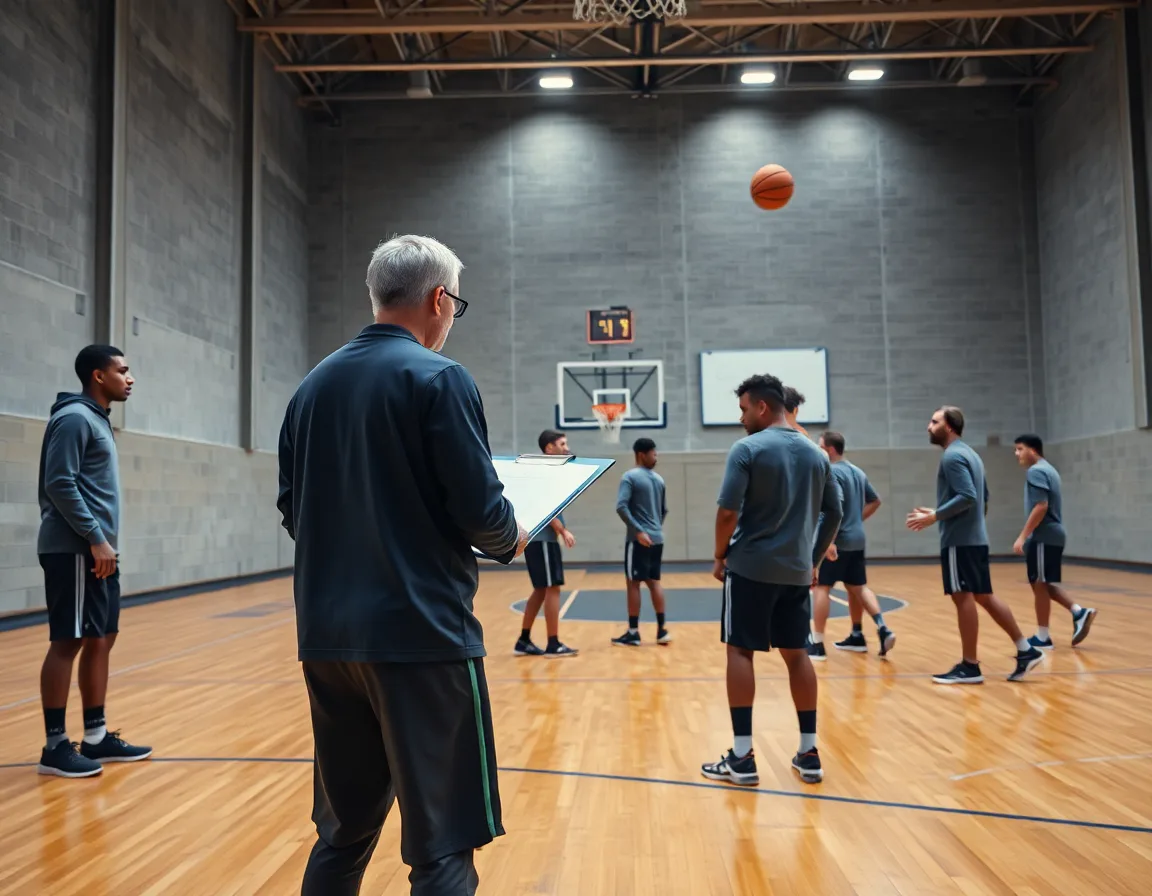
A recurring weekly cadence keeps a basketball training program focused on skill, conditioning, and rest. With CourtSensei, the planning phase lives in one place, so drills, play diagrams, video clips, and scouting notes stay in the same coaching workspace. The result is a clear, repeatable rhythm staff can follow each week without hunting for files or reminders.
Structure the week by starting with technique blocks, then layering in application and situational play. Each drill should connect to a game situation to maximize transfer, and scouting notes help you adjust emphasis across the week. This aligns with the idea that organized basketball includes both practice and structured training under coach direction. "Organized basketball includes game competition as well as practice time and structured training in which an athlete works in a focused way to improve his or her game." Youth Basketball Guidelines
Workflow simplicity: in a weekly plan you tag each drill with a related play diagram, attach a short video clip for quick review, and bundle scouting notes into a single page. This makes it easy for assistants to follow the same rhythm and for a program to export a compact PDF playbook when needed. The central workspace keeps everything linked and searchable, from warmups to late-game adjustments.
Finally, leave room for rest and recovery within the week. The guidelines emphasize rest as part of the youth development pathway and to avoid overuse. A well balanced plan keeps players fresh for technique work and for applying skills in live drills to close the week.

Foundational drills to build skill and conditioning
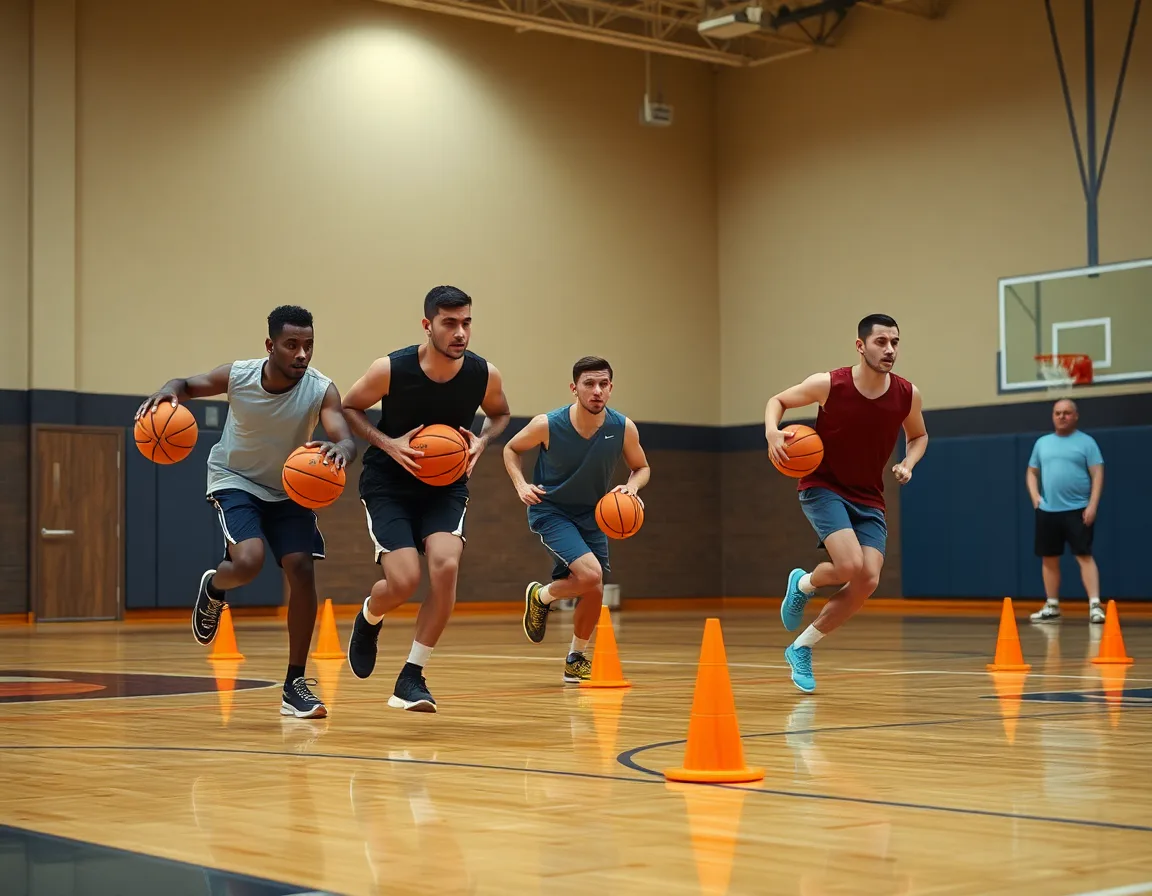
Foundational drills center on ball-handling, finishing, and shooting in clearly defined skill blocks, with conditioning built in. You start with controlled dribble moves, then transition to finishes at the rim using a variety of finishes. Pair each drill with a tempo or pressure variation to keep the heart rate up without sacrificing technique. After each block, a short video clip helps you see clean technique and pace, linking the drill to movement quality.
Layer in strength and power sessions 2-3 times per week, separated from heavy skill loads. These sessions should emphasize movements that transfer to the court, like squats, split squats, plyometrics, and core work. Place them on days when skill blocks are lighter so players can handle both quality reps and lifts without excessive fatigue. End each session with a quick on court sequence that translates gains into game-like movement.
Pair drills with progressions to track improvement over time. For each drill, start with the fundamentals, add constraints, then monitor reps, tempo, and finish variety. Use short video clips to review and adjust the plan weekly. This approach aligns with USA Basketball Youth Development Guidebook and its emphasis on long term growth and Basketball for Life.
"The experiences that make up the pathway should be designed to promote Basketball for Life." USA Basketball Youth Development Guidebook
Designing a playbook: drawing actions for the team
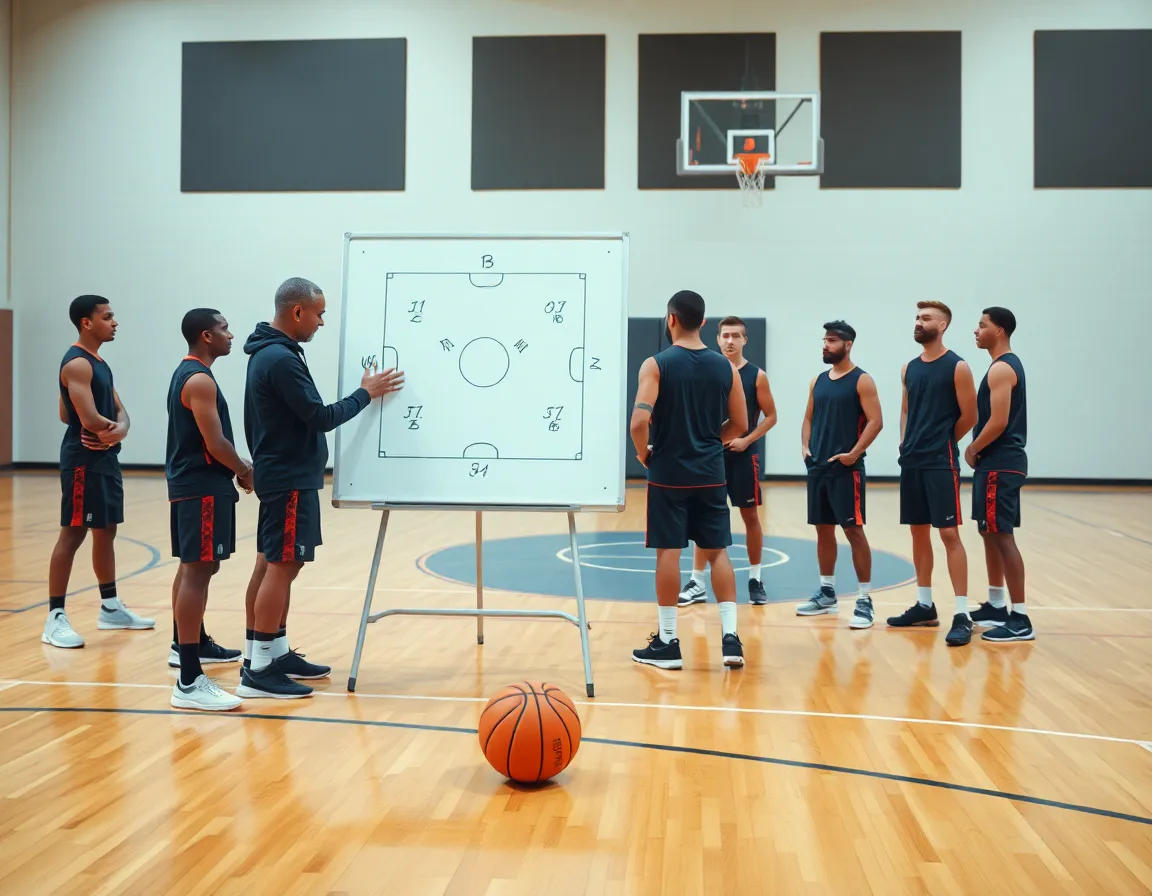
Designing a playbook anchors your weekly plan. Start by outlining each action for your team and sketching the sequence that ties to a set of drills. The result is a centralized playbook that travels with your coaching workspace and staff through every practice. When you connect actions to drills, decisions at the sideline become faster and clearer.
Draw and annotate plays to connect actions with drills. In the diagram phase, place the ball movement, screen actions, and spacing, then attach cues, roles, and timing notes. The annotations turn a schematic into a coaching tool you can reference during practice and video sessions. This is drawing plays and annotations in action.
Create a library of plays linked to drills and video clips for quick access. Each diagram links to the drills that teach the underlying actions, and to short video clips that illustrate proper timing. The library is searchable by play name, action type, and sprint routes. Coaches can flip between diagrams, drills, and clips in a few clicks.
Export a PDF of play diagrams for staff worksheets and scouting notes. A shareable PDF keeps every diagram consistent across staff rooms and scouting reports. You can export a single diagram or a pack of plays with linked drills and clips, then annotate on paper during scouting meetings. This is the quick, print-ready companion you need for game prep.
Scouting and game prep within the program
During the weekly plan, start with scouting notes from recent games and turn them into a practical game plan. In CourtSensei you can drop these notes into an opponent profile and tie them to observable tendencies. That keeps your prep focused: you pull a few key tendencies, link a couple of video clips, and sketch a defensive or offensive plan in the same workspace. The result is a clear map for the week, one that connects scouting to practice design and play diagrams.
Organize actions, drills, and clips by opponent tendencies to drive preparation. For example, if the next opponent relies on push transitions or ball screens, group related drills in a playlist and attach the relevant clips and diagrams. Assign a counter action in your playbook and annotate the decision points. Everything lives in a centralized workspace, so you can reference the clips or diagrams during film sessions or a quick pregame walkthrough.
During game prep, open the opponent profile in the centralized workspace. Pull a concise scouting list, confirm rotations, and run a pregame warmup that targets the opponent's known strengths. Keeping these scouting materials in one place makes quick reference during the run of the week possible, ensuring the plan stays tight and your approach stays adaptable.
A practical weekly workflow for planning
Think of the week as a clean arc rather than a jumble of sessions. A practical weekly workflow starts with installing new concepts early in the week with a focus on technique and pace. In CourtSensei you plan these concepts once and link them to the drills and progressions in your coaching workspace. The goal is a consistent practice structure that carries through the days and supports a development pathway. For example, you kick off with footwork and ball handling drills that feed into a simple early-week play diagram you can reference during walkthroughs. Align this with youth basketball guidelines to keep the pace appropriate for your team.
Mid-week you raise the tempo and move to game-like drills that emphasize decision making and spacing. This is where you turn plans into execution, using CourtSensei to tie together drills with play diagrams and short video clips. The workflow keeps everything connected in a single workspace, so you can adjust routes on the fly if you see a read in a scouting note.
End the week with situational reps and a concise review. Run through end-of-game scenarios, late-game decisions, and out-of-bounds sets. Use video clips and annotated plays to reinforce learning before the next session. Bring in scouting notes for the upcoming opponent to adjust the plan for the following week.
Exporting, sharing, and collaborating with staff
Export PDFs of drills and playbooks for staff handouts. In the weekly plan, you can generate printable PDFs that lay out drill sequences and action diagrams so assistants and volunteers walk into practice with the same expectations. The export preserves formatting, keeping diagrams legible on whiteboards or printed sheets. That consistency matters when you rotate juniors through stations or bring in part-time staff who aren't at every session, and it makes pre practice scouting notes easier to share.
Create playlists of drills and clips to support practice focus. Build a targeted sequence for the week and group related drills with video clips so players see the purpose behind each task. Playlists help you control tempo and prevent drift between sessions, while cutting down setup time for the coach on the floor. When the focus shifts to a new concept mid season, a well organized playlist keeps everyone aligned and ready to execute.
Share read-only links to keep everyone aligned without data drift. External staff can view the current plan, rotation notes, and scouting observations without the risk of editing mistakes. That is how a clean coaching workflow stays intact across practice blocks. It also supports a well defined development plan, aligning the team with a player development curriculum and youth basketball guidelines. Read-only access ensures the right people see the right material at the right time.
FAQ
How long should a youth basketball practice be?
A youth practice should balance warmups, skill blocks, and live play with appropriate rest. Keep a predictable weekly rhythm so players move from technique to application without downtime. Use CourtSensei to keep drills, play diagrams, and scouting notes in one workspace, so everything flows smoothly and players stay engaged rather than standing around.
How much of practice should be drills versus scrimmage?
Structure should emphasize technique blocks followed by game-like application. Connect drills to a game scenario, then finish with controlled scrimmage that mirrors game tempo. Use scouting notes to adjust emphasis across the week. This keeps players moving and ensures transfer from skill work to on-court decision making.
What should the first practice of the season cover?
Set the tone by outlining the weekly rhythm and safety expectations. Start with a light warmup, then basic skill blocks to evaluate players, introduce core plays, and establish roles in units. Use scouting notes to flag tendencies and map the first week around those insights. Keep it simple, with clear cues and a buddy system.
How do I keep young players from standing in line?
Use small groups and rotation: stations for ball handling, finishing, shooting, and conditioning. Each station has a short task and a timer so players rotate frequently. Tie each drill to a nearby play diagram and video cue to keep focus. A centralized workspace helps assistants run the same rhythm.
How many drills should one practice have?
Aim for quality over quantity. Pick a few core drills per block, each linked to a game action, with simple progressions and clear metrics. Pair each drill with a relevant play diagram and a quick review video so players understand the purpose and can adjust.
What does a coach use to plan practice?
A coaching workspace that holds time-structured plans, play diagrams, video clips, and scouting notes. This setup keeps drills, actions, and clips connected, so decisions on the sideline are faster and clearer. Rest and recovery should be built into the plan to support long-term development.
